

Your Browsing History
- $79.99
- Free 30-day Returns

Meet Your Seller


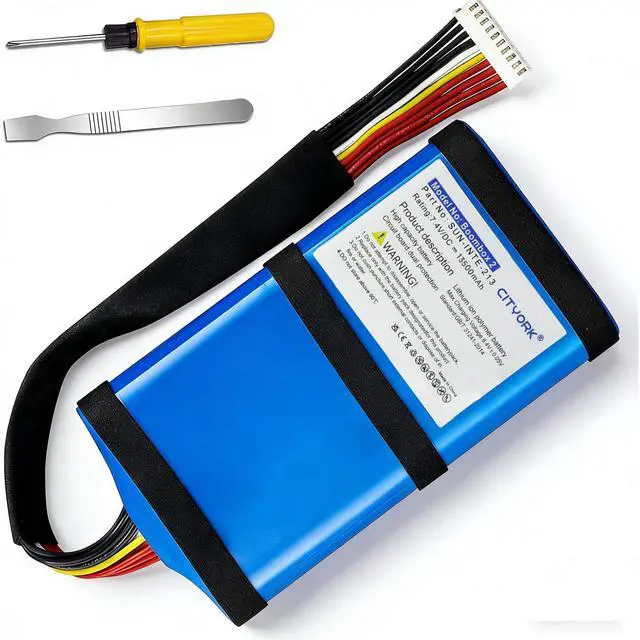
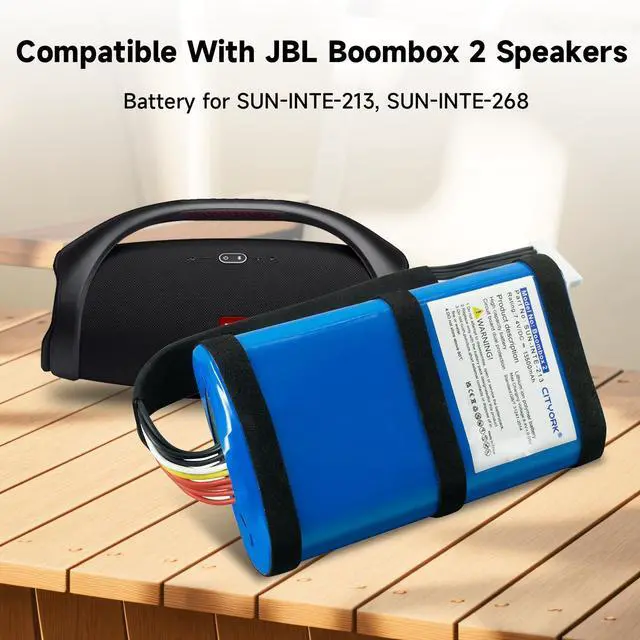


Replacement Battery for Boombox 2 Boombox 3 Speaker with Tools Battery Part NO Boombox2, 13500mAh Li-ion SUN-INTE-213 (NOT Boombox 1)
Limited time offer, ends 09/18 By Yihe Global Store
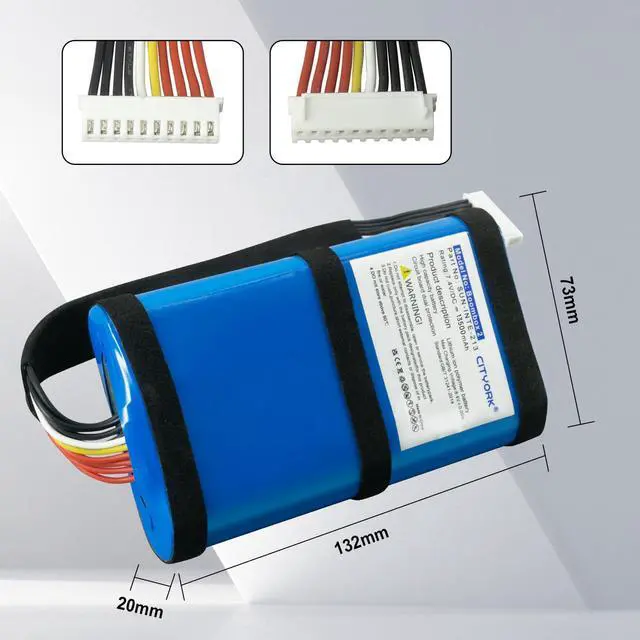
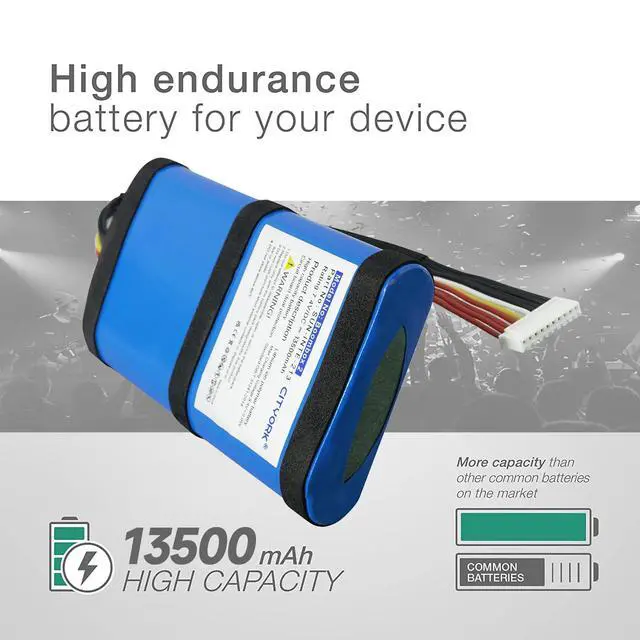
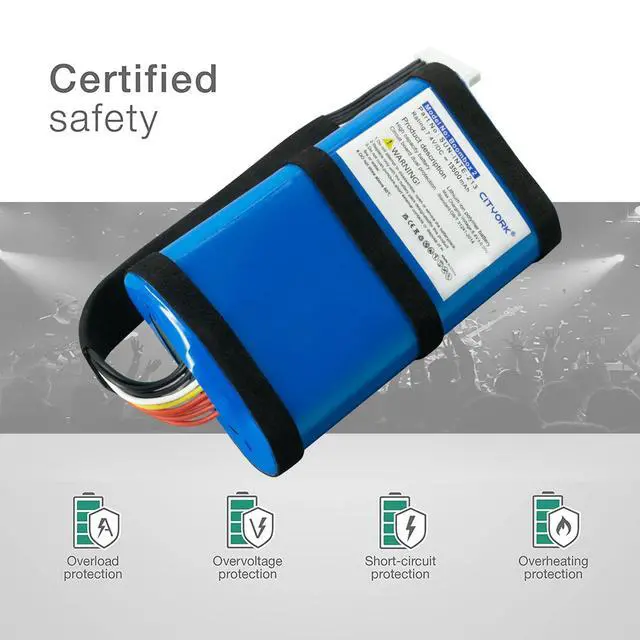
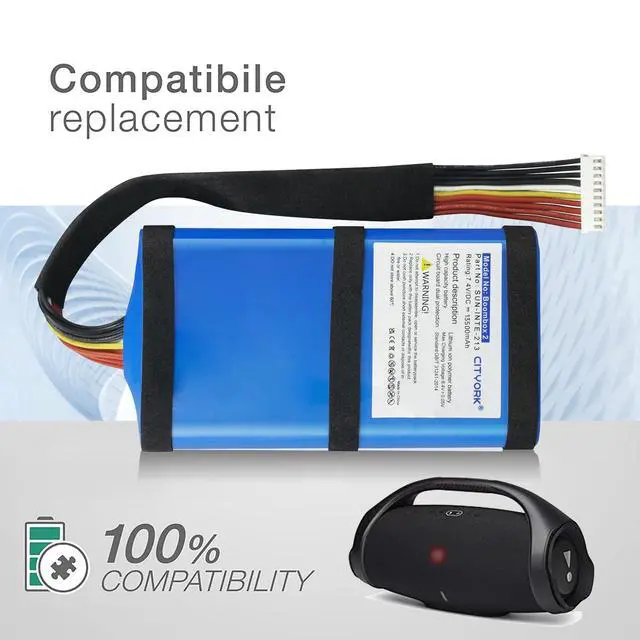
- Compatible Models: Replacement battery for Boombox 2, Boombox 3 SUN-INTE-213 and SUN-INTE-268. 100% match your original batteries. Battery Parameters Voltage: 7.4V, Capacity: 13500mAh, Type: Li-ion. Size: 132.00 x 73.00 x 20mm Four Protection: Over-charge, over-discharge, over-heat, over-current & short-circuit protection. Every battery is with strict spec detection and use testing. Quality Certification: The Boombox 2 battery has no memory effect, over-charge, over-discharge, over-heat, over-current and short-circuit protection. Precaution: When you replace your old Boombox 2 battery, please carefully and gently disconnect your old battery's cable then connect your new battery to the mainboard. If the device cannot be powered on with the new battery, you may need to install it again and be sure to check if the cable has been properly connected. Charging: Using up all the power of the battery for the first three times before charging, and then take a full charge, thus the battery can reach the optimum effect of use. Please remember that its full performance is only achieved after 3 to 5 complete charge and discharge cycles
+
+
Overview
Specs
Reviews

Any questions? Our AI mode will help you find out quickly.
Try me now
Compatible Models: Replacement battery for Boombox 2, Boombox 3 SUN-INTE-213 and SUN-INTE-268. 100% match your original batteries. Battery Parameters Voltage: 7.4V, Capacity: 13500mAh, Type: Li-ion. Size: 132.00 x 73.00 x 20mm Four Protection: Over-charge, over-discharge, over-heat, over-current & short-circuit protection. Every battery is with strict spec detection and use testing. Quality Certification: The Boombox 2 battery has no memory effect, over-charge, over-discharge, over-heat, over-current and short-circuit protection. Precaution: When you replace your old Boombox 2 battery, please carefully and gently disconnect your old battery's cable then connect your new battery to the mainboard. If the device cannot be powered on with the new battery, you may need to install it again and be sure to check if the cable has been properly connected. Charging: Using up all the power of the battery for the first three times before charging, and then take a full charge, thus the battery can reach the optimum effect of use. Please remember that its full performance is only achieved after 3 to 5 complete charge and discharge cycles
Warranty & Returns
Warranty, Returns, And Additional Information
Warranty
- Please contact the Seller directly for warranty information. Warranty information may also be found on the Manufacturer's website.
- CONTACT
Return Policies
- Return for refund within: 30 days
- Return for replacement within: 30 days
- This item is covered by Yihe Global Store Return Policy
Manufacturer Contact Info
- For a directory of all our manufacturers, please click below.
- Manufacturers Directory
LOADING...