• $23.99
  • Free 30-day Returns
  • Ships from China.
    Price alert
    Sold by EnYZME
    Top Rated
    3.8 (13 seller ratings)

    Shipped by EnYZME

    Shop it at NeweggBusiness.

    Meet Your Seller

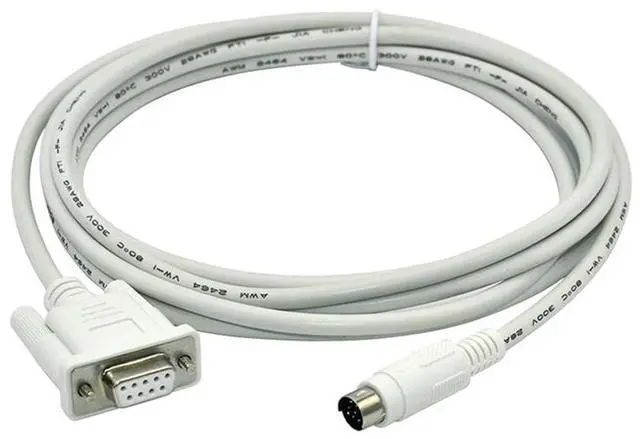
    GT01-C30R2-6P Mitsubishi GT11/15 Touch panel HMI Connect Mitsubishi Q Series PLC Communication Cable - white

    • 2m
    • 3m
    • 5m
    • GT01-C30R2-6P
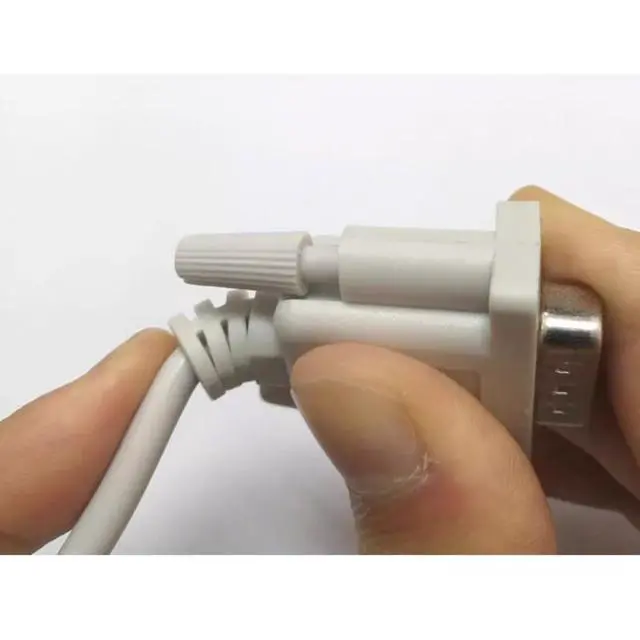
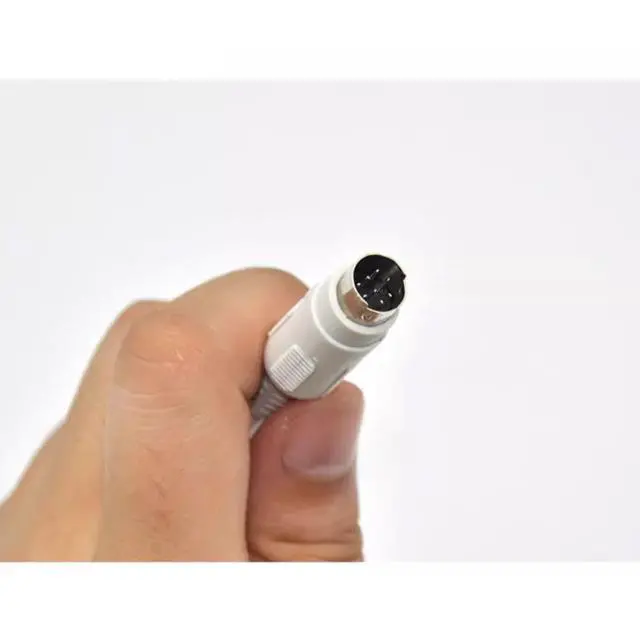
    • Interface: DB9Pin-MD6Pin Male
    • Cable Length: 2.5m
    • Purpose: Suitable Mitsubishi GT11/15 Touch panel HMI Connect Mitsubishi Q Series PLC Programming cable
    • To connect a Mitsubishi GT01-C30R2-6P HMI (human-machine interface) touch panel to a Mitsubishi Q Series PLC (programmable logic controller), you will need to use a programming cable. This cable will typically have a connector on one end that plugs into the HMI, and a connector on the other end that plugs into the PLC. The type of connector required will depend on the specific models of the HMI and PLC that you are using.
    • Once the programming cable is connected, you will need to configure the HMI and PLC to communicate with each other. This can typically be done through the HMIs configuration software, or through the PLCs programming software. You may need to enter the PLCs communication settings, such as its IP address and communication protocol, into the HMI in order to establish a connection.
    • Once the HMI and PLC are connected and configured, you can use the HMI to monitor and control the operation of the PLC and any connected devices.
    +
    +
    Overview
    Specs
    Reviews
    avatar

    Any questions? Our AI beta will help you find out quickly.

    GT01-C30R2-6P

    Interface: DB9Pin-MD6Pin Male

    Cable Length: 2.5m

    Purpose: Suitable Mitsubishi GT11/15 Touch panel HMI Connect Mitsubishi Q Series PLC Programming cable

    To connect a Mitsubishi GT01-C30R2-6P HMI (human-machine interface) touch panel to a Mitsubishi Q Series PLC (programmable logic controller), you will need to use a programming cable. This cable will typically have a connector on one end that plugs into the HMI, and a connector on the other end that plugs into the PLC. The type of connector required will depend on the specific models of the HMI and PLC that you are using.

    Once the programming cable is connected, you will need to configure the HMI and PLC to communicate with each other. This can typically be done through the HMIs configuration software, or through the PLCs programming software. You may need to enter the PLCs communication settings, such as its IP address and communication protocol, into the HMI in order to establish a connection.

    Once the HMI and PLC are connected and configured, you can use the HMI to monitor and control the operation of the PLC and any connected devices.


    Warranty & Returns

    Warranty, Returns, And Additional Information

    Warranty

    • Please contact the Seller directly for warranty information. Warranty information may also be found on the Manufacturer's website.
    • CONTACT

    Return Policies

    • Return for refund within: 30 days
    • Return for replacement within: 30 days
    • This item is covered by EnYZME Return Policy

    Manufacturer Contact Info

    LOADING...