




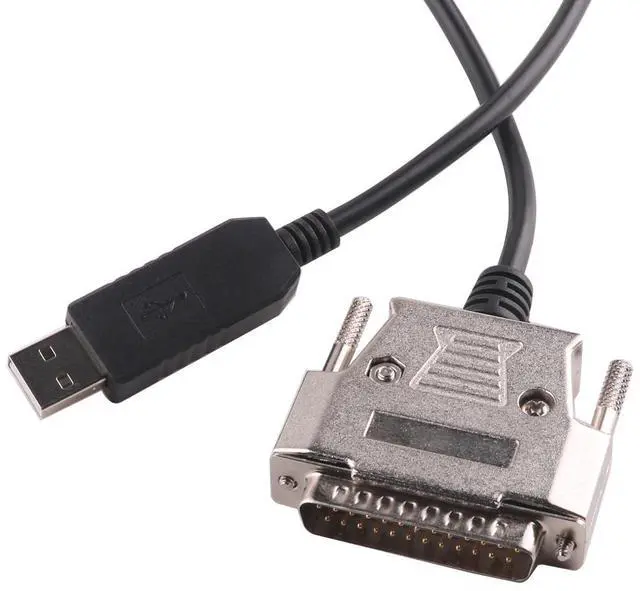
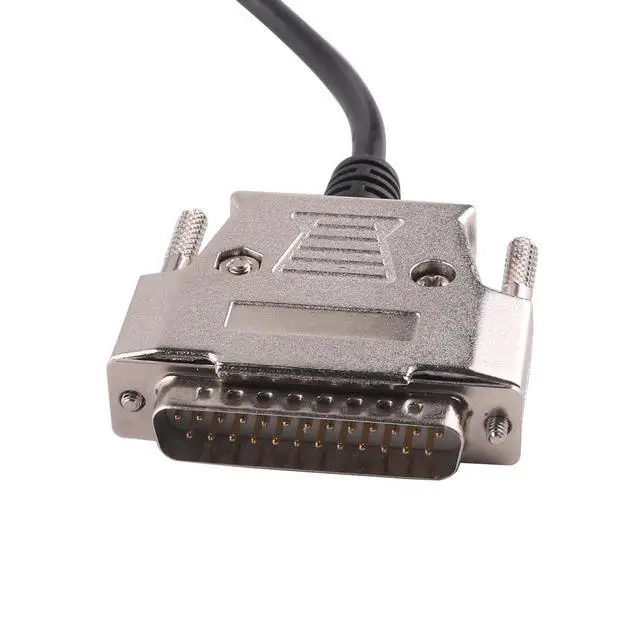
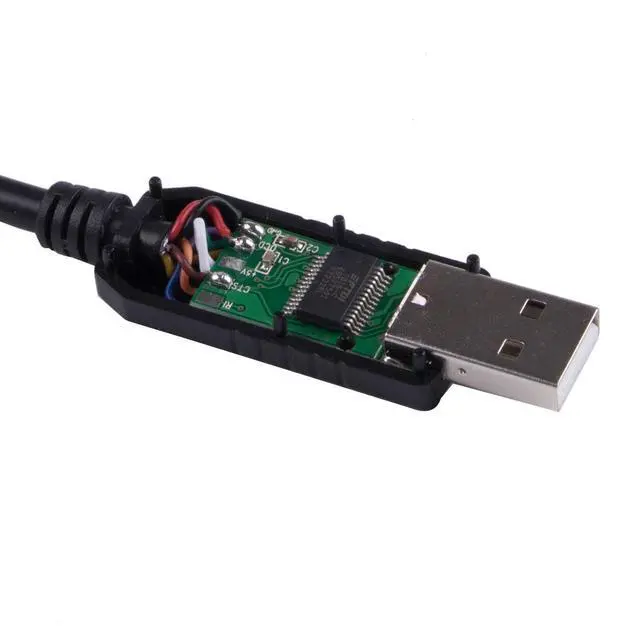
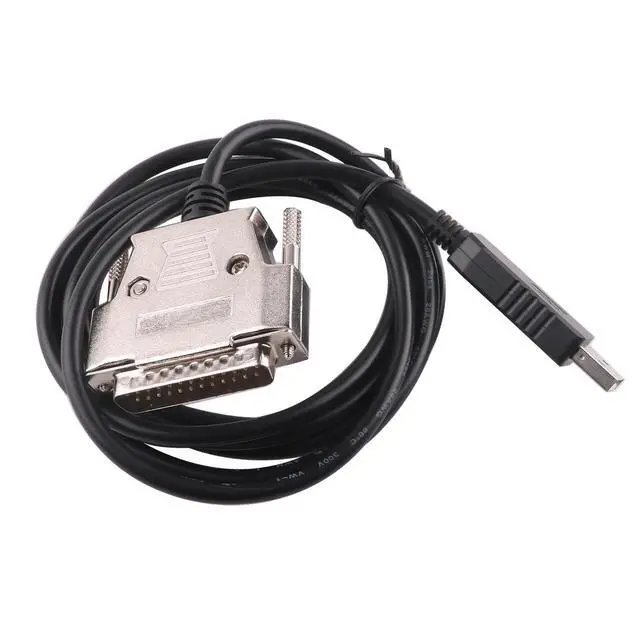
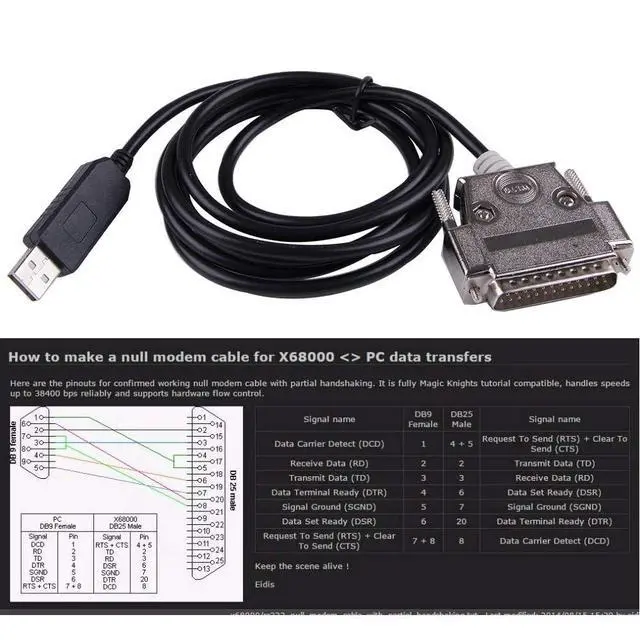






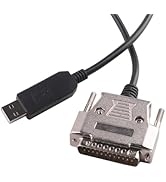
Operating systems with which existing drivers enable FTDI devices to work

The operating system must turn on automatic updates and connect to the Internet network to automatically install the driver.
WIN7, WIN8, WIN10, MAC will automatically install the driver under the network.
For operating systems below WIN7, please download the appropriate driver.
Can the serial port be modified?
If a port error occurs, please modify it under USB-SERIAL-PORT in the device manager. When modifying, please select the port in use.
What should I do if the product does not work properly?
Step 1: Re-insert the USB port, or change another USB port;
Step 2: Check whether the driver is installed successfully, or automatically find the driver;
Step 3: Restart the computer and insert the USB plug into the computer's USB port twice.
If the driver is not automatically downloaded and installed
Please go to the official website to download the driver for your operating system.
Operating systems with which existing drivers enable FTDI devices to work

The operating system must turn on automatic updates and connect to the Internet network to automatically install the driver.
WIN7, WIN8, WIN10, MAC will automatically install the driver under the network.
For operating systems below WIN7, please download the appropriate driver.
Can the serial port be modified?
If a port error occurs, please modify it under USB-SERIAL-PORT in the device manager. When modifying, please select the port in use.
What should I do if the product does not work properly?
Step 1: Re-insert the USB port, or change another USB port;
Step 2: Check whether the driver is installed successfully, or automatically find the driver;
Step 3: Restart the computer and insert the USB plug into the computer's USB port twice.
If the driver is not automatically downloaded and installed
Please go to the official website to download the driver for your operating system.
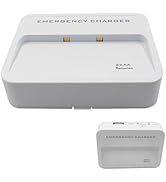
aa battery power bank
Recent Products
LZDICITARU