




 here!
here!
I’m your shopping assistant for PC builds, upgrades, and everything tech.
Got questions? Ask away!
Start a conversation
here!
I’m your shopping assistant for PC builds, upgrades, and everything tech.
Got questions? Ask away!
Start a conversation



Any questions? Ask CelesteSM will help you find out quickly.

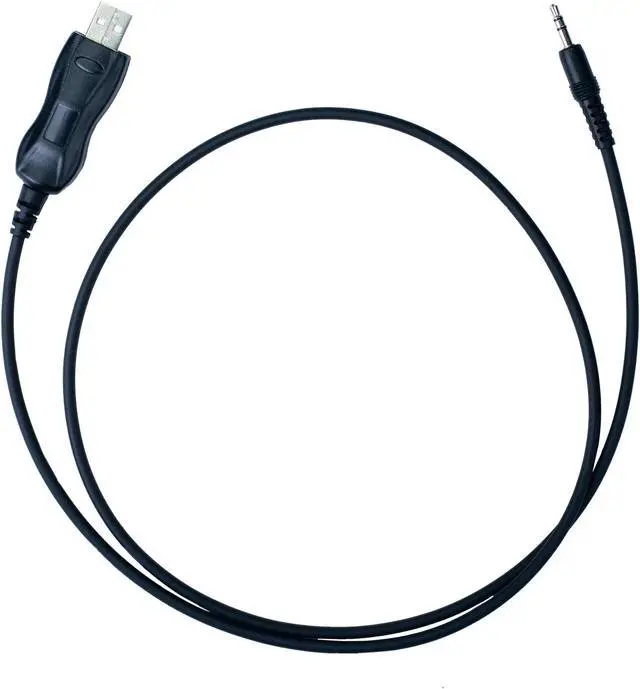
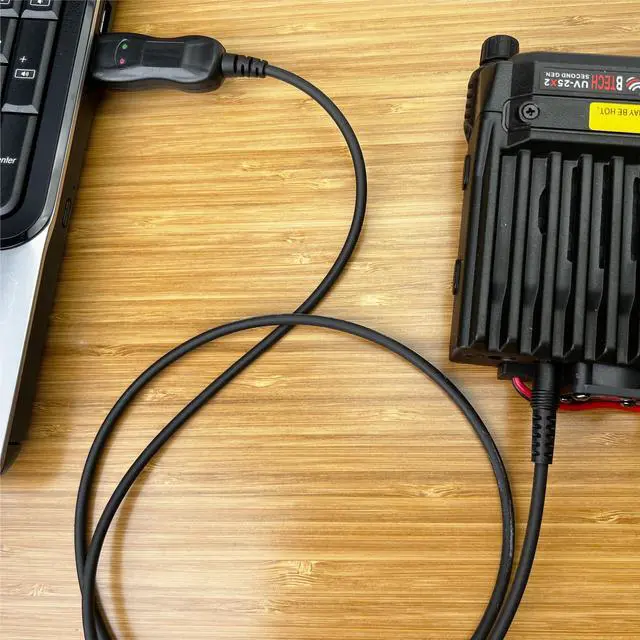
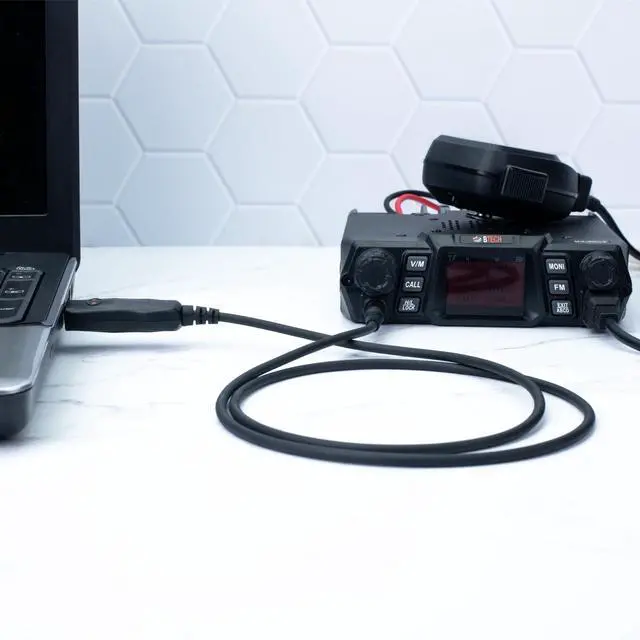
The BTECH PC04 cable is designed to program BTECH Mobile Radios, including UV-50X2, UV-25X2, UV-25X4, GMRS-50V2, and GMRS-20V2 models. With a single pin 3.5mm connection, it's a simple and reliable tool for programming your BTECH mobile units.
CHIRP Compatible:
CHIRP is a free open-source two-way radio programming software that's widely used across various radio brands. This cable fully supports CHIRP, providing an easy and efficient method to program your BTECH Mobile Radios. Whether you're a seasoned professional or just getting started, the PC04 cable offers a user-friendly solution for your programming needs.

For BTECH Mobile Radios: UV-50X2, UV-25X2, UV-25X4, GMRS-50V2, GMRS-20V2
For QYT Radios: KT-8900, KT-8900R, KT-8900D, KT-7900D, KT-5800, KT-780 Plus, KT-980 Plus
For Juentai Radios: JI-6188
For ZASTONE Radios: MP-300
And several other Models using the 3.5MM PC04 Standard

Unlike common "clone" USB programming cables available on , these cables just work! No need to backdate drivers or deal with frustrating procedures required for other programming cables.
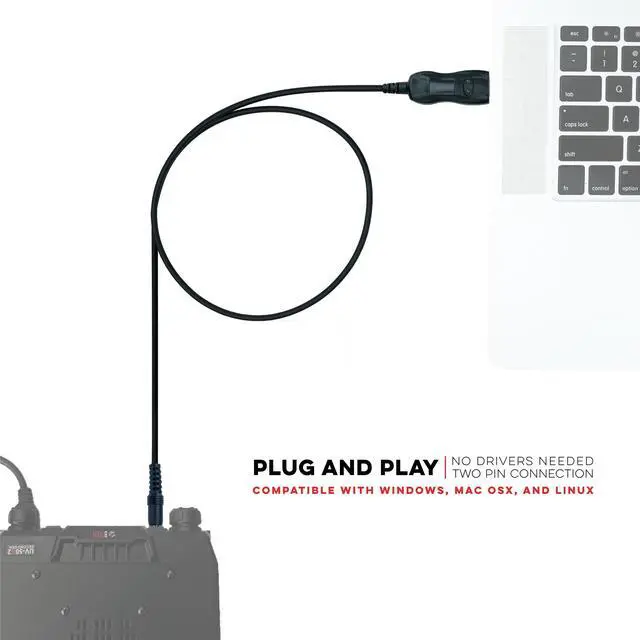
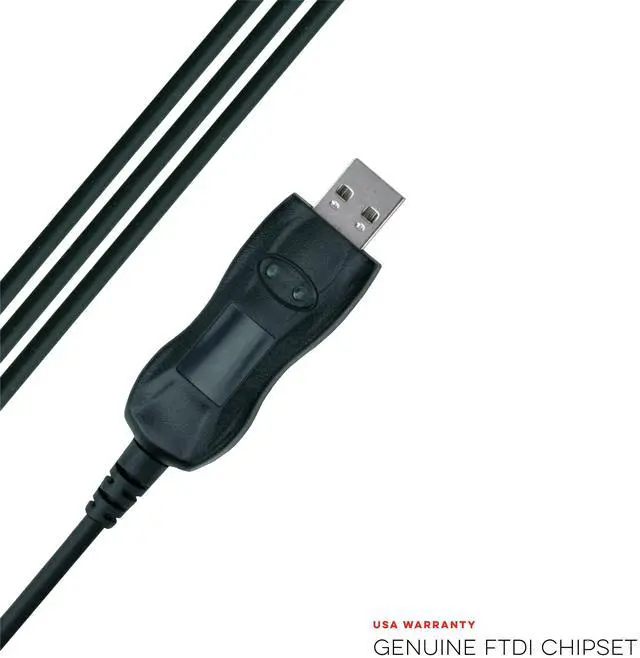
Compatible with the latest FTDI VCP (Virtual COM Port) Drivers that either automatically download to your computer or are available directly from FTDI.

Works with Mac OS X, Windows, Linux, Ubuntu
Most computers install the FTDI drivers automatically unless automatic driver updates are disabled. In the event that your computer does not install the driver you can also manually install the latest VCP drivers direct from FTDI.

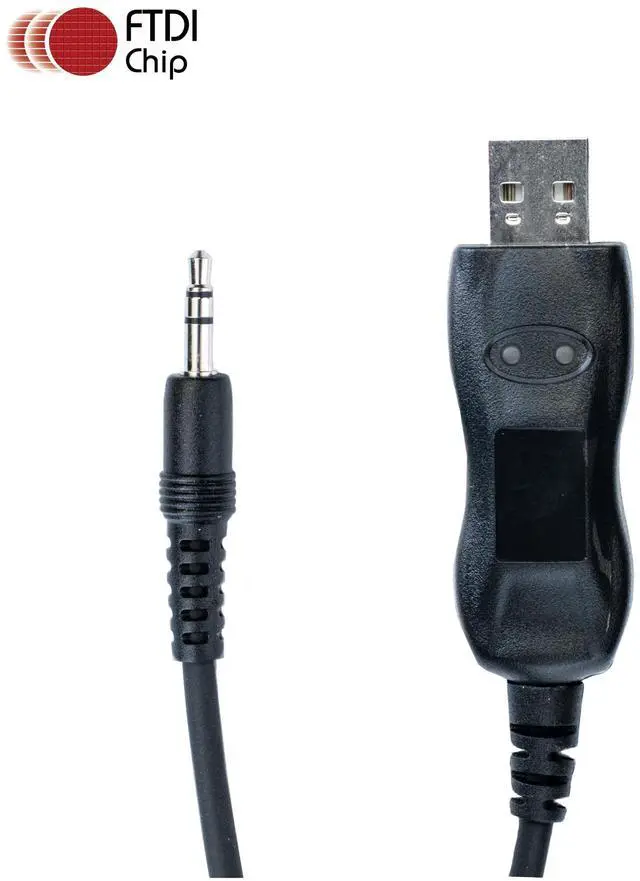
BTECH PC04 FTDI USB Programming Cable

BTECH radios are designed and supported right here in the USA. A BTECH label means you are getting a radio with real US based support, and development! If you ever have an issue, our team will be prompt, knowledgeable, and supportive to ensure your radio operates exactly as it should.
Important Note: The drivers should automatically work with your computer, but you still need to download and use the appropriate programming software for your radio.
The BTECH PC04 cable is designed to program BTECH Mobile Radios, including UV-50X2, UV-25X2, UV-25X4, GMRS-50V2, and GMRS-20V2 models. With a single pin 3.5mm connection, it's a simple and reliable tool for programming your BTECH mobile units.
CHIRP Compatible:
CHIRP is a free open-source two-way radio programming software that's widely used across various radio brands. This cable fully supports CHIRP, providing an easy and efficient method to program your BTECH Mobile Radios. Whether you're a seasoned professional or just getting started, the PC04 cable offers a user-friendly solution for your programming needs.
For BTECH Mobile Radios: UV-50X2, UV-25X2, UV-25X4, GMRS-50V2, GMRS-20V2
For QYT Radios: KT-8900, KT-8900R, KT-8900D, KT-7900D, KT-5800, KT-780 Plus, KT-980 Plus
For Juentai Radios: JI-6188
For ZASTONE Radios: MP-300
And several other Models using the 3.5MM PC04 Standard
Unlike common "clone" USB programming cables available on , these cables just work! No need to backdate drivers or deal with frustrating procedures required for other programming cables.
Compatible with the latest FTDI VCP (Virtual COM Port) Drivers that either automatically download to your computer or are available directly from FTDI.
Works with Mac OS X, Windows, Linux, Ubuntu
Most computers install the FTDI drivers automatically unless automatic driver updates are disabled. In the event that your computer does not install the driver you can also manually install the latest VCP drivers direct from FTDI.
BTECH radios are designed and supported right here in the USA. A BTECH label means you are getting a radio with real US based support, and development! If you ever have an issue, our team will be prompt, knowledgeable, and supportive to ensure your radio operates exactly as it should.
BTECH PC04 FTDI USB Programming Cable
Important Note: The drivers should automatically work with your computer, but you still need to download and use the appropriate programming software for your radio.


