• $29.99
  • Free 30-day Returns
  • Ships from China.
    Price alert
    Shop it at NeweggBusiness.

    Meet Your Seller

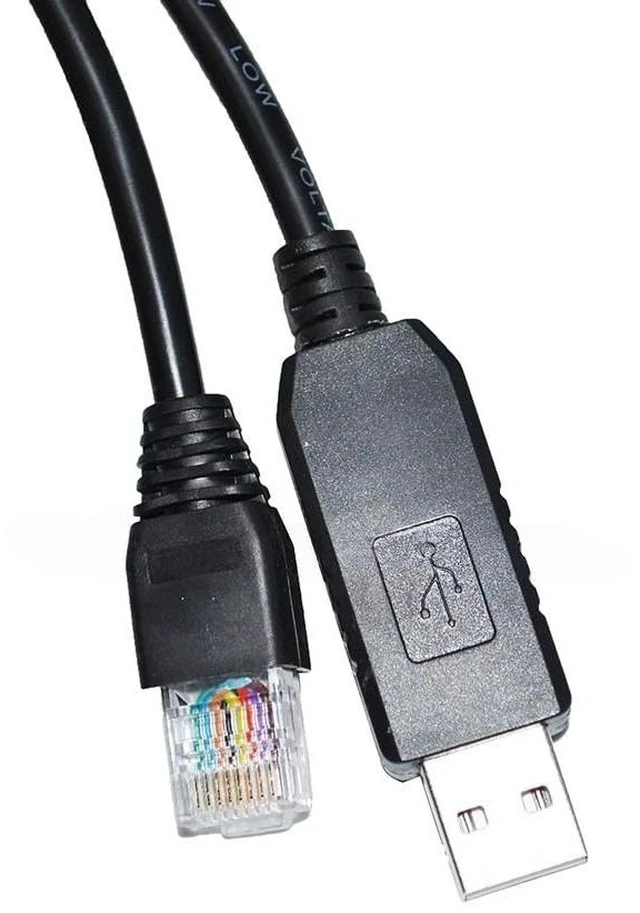
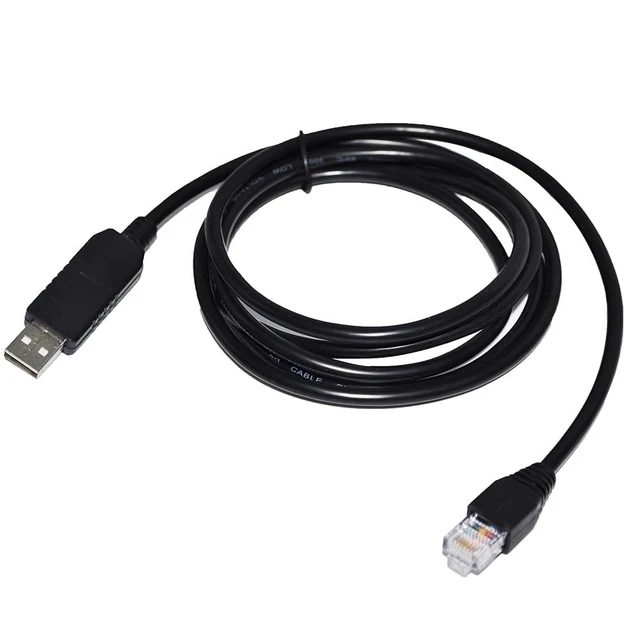
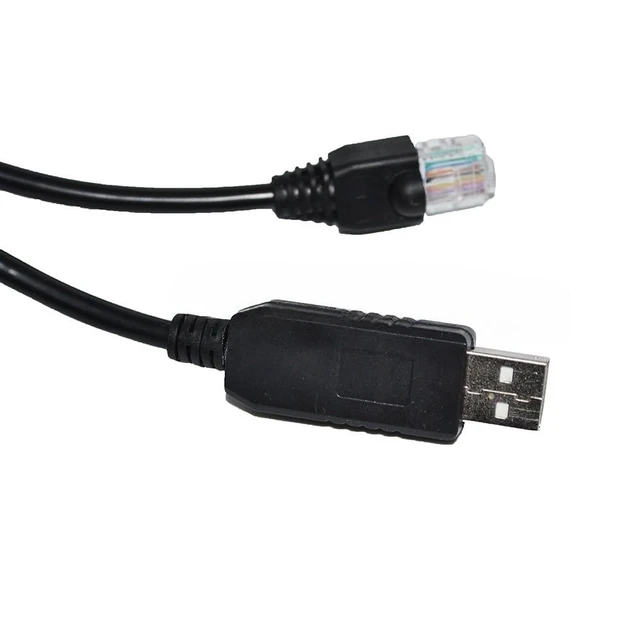
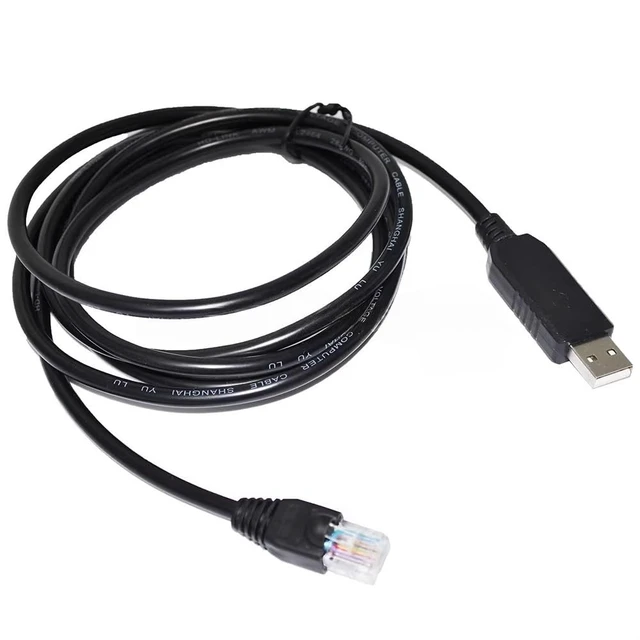
    USB to RJ45 Cable for Allen-Bradley 1769-SM2 PLC Module, 1.8m Modbus RS485 Communication Cable

    • Dedicated Interface for Allen-Bradley 1769-SM2 PLC Module: This USB to RJ45 cable is specifically designed to establish a direct communication link between a standard computer and the Allen-Bradley (Rockwell Automation) 1769-SM2 (or compatible) MODBUS serial interface module. It enables reliable configuration, monitoring, and data exchange with the connected MODBUS devices through the CompactLogix/Compact GuardLogix PLC platform.; MODBUS RTU Protocol over RS485 Industrial Standard: Utilizing the robust RS485 (EIA-485) physical layer, this cable supports the MODBUS RTU serial communication protocol. This combination is ideal for interfacing with a wide range of industrial MODBUS RTU slave devices (e.g., drives, sensors, meters) that are networked via the 1769-SM2 module, ensuring stable and noise-resistant data transmission.; Plug-and-Play USB-A to RJ45 Modular Interface: Featuring a standard USB Type-A connector and an 8P8C (RJ45) modular plug, this cable provides a straightforward physical connection from your computer to the RJ45 port on the 1769-SM2 module. This design simplifies the setup for commissioning and servicing the MODBUS network without requiring complex adapters.; Enables Configuration and Monitoring via PC Softw: This cable allows for direct communication with the 1769-SM2 module for use with Rockwell Automation configuration tools (like RSLogix 5000/Studio 5000) and MODBUS utility software. It enables users to configure the module's parameters, monitor ...
    +
    +
    Overview
    Specs
    Reviews

    Any questions? Ask CelesteSM will help you find out quickly.

    Package includes: 1pcs
    Kindly reminder: 1. Before placing an order, please ensure the device model matches the product title. If unsure, contact us. While these serial cables carry identical signals, their pinout sequences differ across devices and are not universally compatible. 2. Upon use, immediately check your computer's Device Manager to verify if the port requires driver installation. A yellow exclamation mark indicates driver installation is needed.
    Note: Windows 10 and later systems include drivers that install automatically upon USB insertion. If automatic installation fails, contact us for a driver link.

    Warranty & Returns

    Warranty, Returns, And Additional Information

    Warranty

    • Please contact the Seller directly for warranty information. Warranty information may also be found on the Manufacturer's website.
    • CONTACT

    Return Policies

    • Return for refund within: 30 days
    • Return for replacement within: 30 days
    • This item is covered by SlotNeat Return Policy

    Manufacturer Contact Info

    LOADING...