• $16.99
  • Free 30-day Returns
  • Ships from China.
    Price alert
    Shop it at NeweggBusiness.

    Meet Your Seller

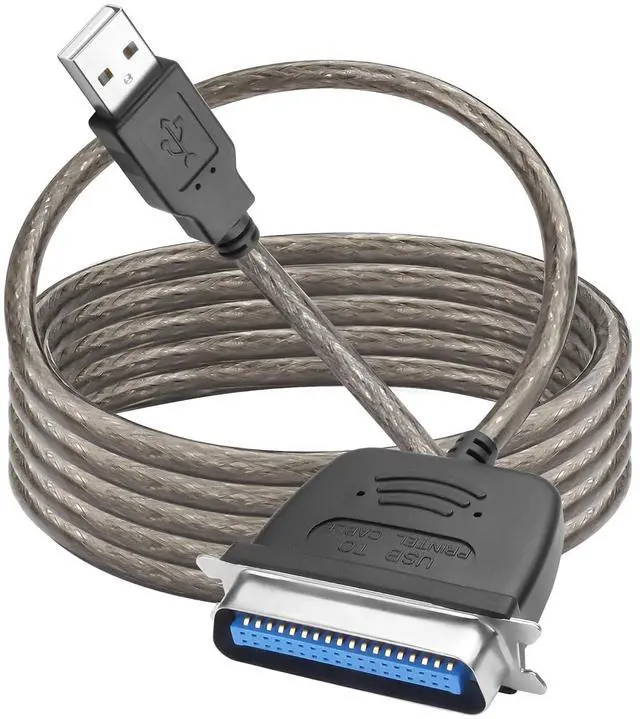
    1.5M USB 2.0 to Parallel IEEE 1284 CN36 Printer Adapter Cable for Old Printers, Centronics Parallel Converter

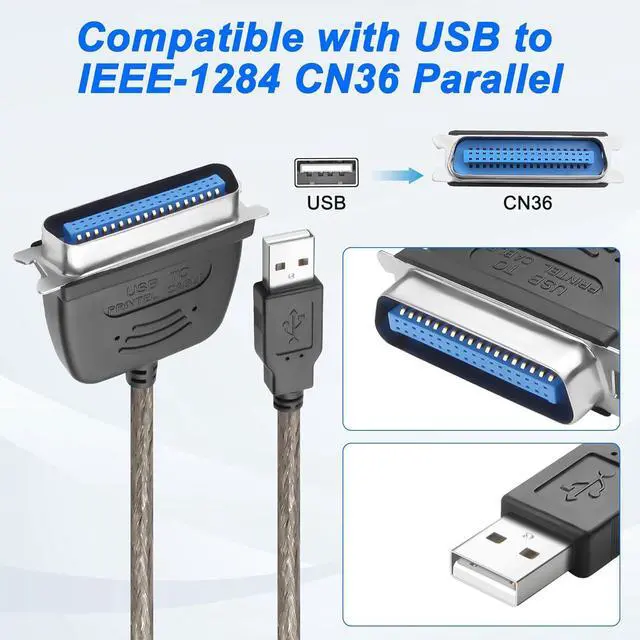
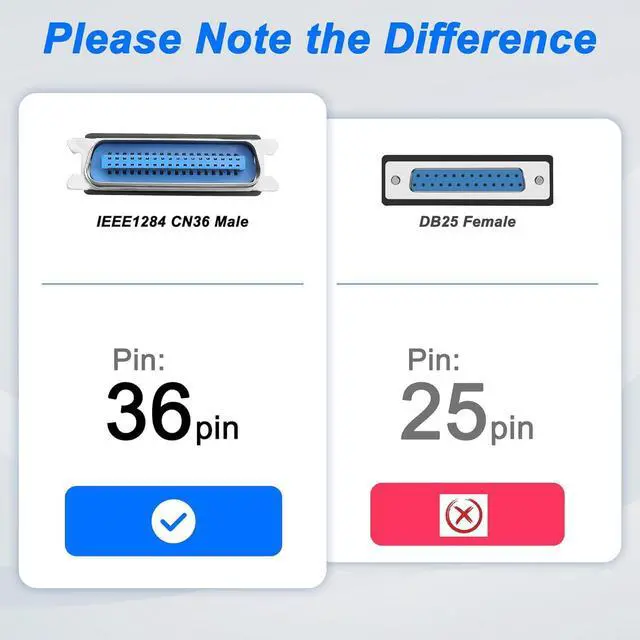
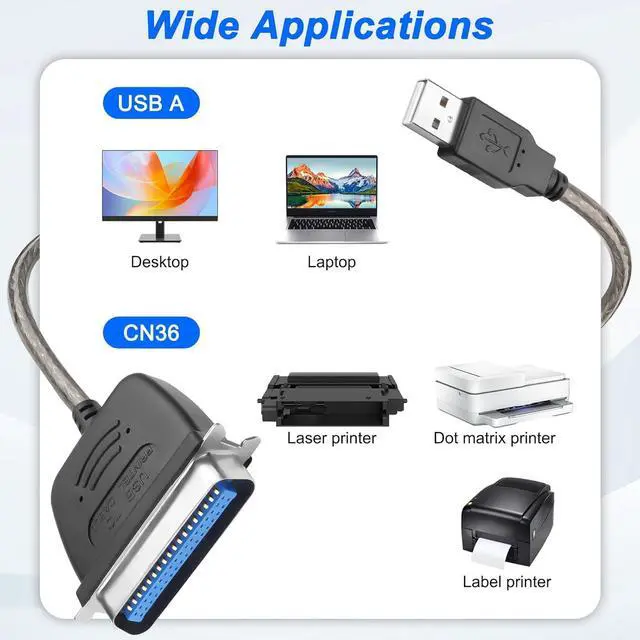
    • USB to cn36 parallel printer cable reconnect to an older printer with the USB 2.0 to Parallel Printer Adapter Cable. This USB to 36-Pin Parallel Printer Adapter Cable connects older printers to computers, laptops and other USB-enabled devices. Designed to work with printers that feature a CN36 connector.
    • USB 2.0 to Parallel IEEE 1284 CN36 Printer Adapter with Fully automatic high-speed bi-directional parallel communication port; Supports easy connection between USB and scanner, printer; Support bidirectional parallel interface printing standards; No driver required, supports hot plugging and unplugging.
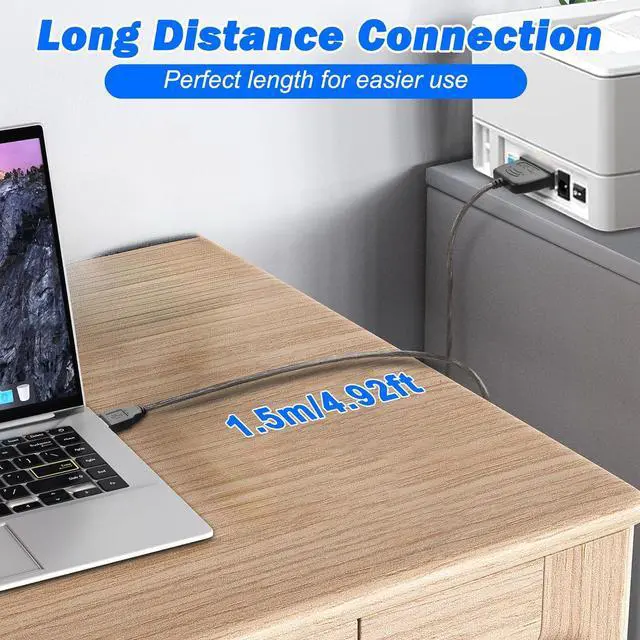
    • MEIRIYFA USB2.0 to Parallel IEEE 1284 cn36 printer cable is 1.5m. Long enough cable length provides ample reach between devices for versatile home and office setups. Gain a solid connection with the usb 2.0 to parallel printer adapter cable.
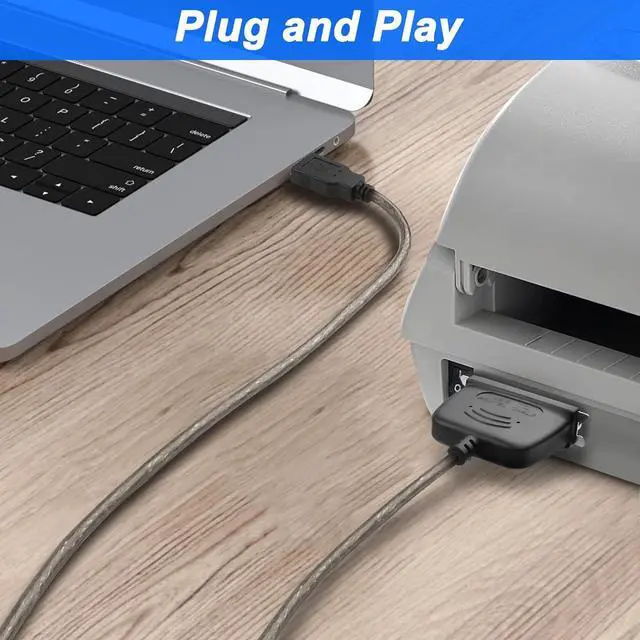
    • Easy to use, the adapter installs in seconds. Plug and play for no driver installation needed. USB to Parallel Adapter Cable allows you to connect a Parallel Printer to your USB Port. Transmission speed up to 12Mbps.
    • The USB to Parallel Port Adapter USB to IEEE1284 CN36 Parallel Printer Cable, adopts standard IEEE1284 cable, multi-layer shielding, plug and play, high-speed data transmission. Long service life, durable.
    +
    +
    Overview
    Specs
    Reviews
    avatar

    Any questions? Our AI beta will help you find out quickly.

    1

    MEIRIYFA USB to IEEE 1284 CN36 Parallel Printer Adapter Cable for Fast Data Transfer.

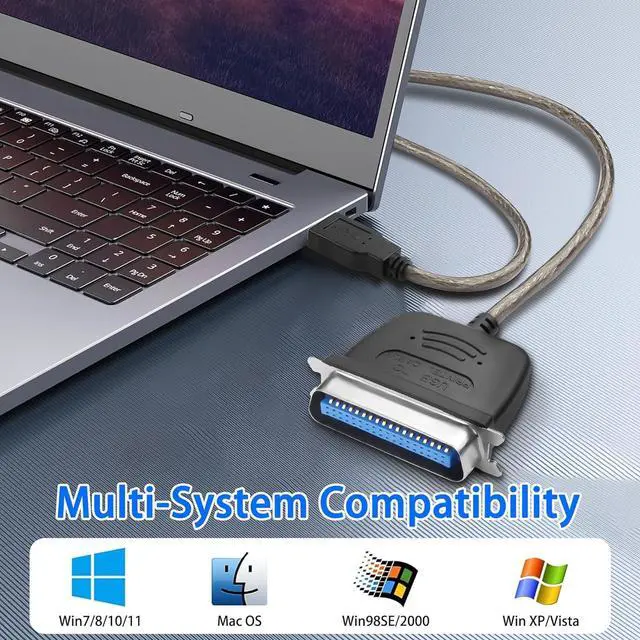
    Wide Compatibility: Works with Windows, and Linux Systems. Compatible with Windows 95, 98,98SE,ME,2000 and Mac OS 8.6 or later. Supports standard or IEEE 1284 parallel printer.

    Plug and Play: Connect a printer to the computer without the need for driver software, IEEE 1284 (Bi-Directional Parallel Interface).

    1
    Features:

     Sends print jobs to parallel printers through USB port.

    Fully compliant with USB 2.0/1.1 and IEEE 1284 specifications.

     Bi-directional data transfer over parallel port for high speed.

     Transmission Speed: Up to 12Mbps. Supports most printers.

     Lowe power consumption, no external power adapter needed.

    Plug & Play for effortless installation.

    Please Note:

    Not all printers may work with this cable in Windows or Mac OS. Check with your printer manufacturer to confirm whether the printer itself supports a USB to Parallel conversion.

    1
    1
    1
    1
    1. USB to cn36 parallel printer cable reconnect to an older printer with the USB 2.0 to Parallel Printer Adapter Cable. This USB to 36-Pin Parallel Printer Adapter Cable connects older printers to computers, laptops and other USB-enabled devices. Designed to work with printers that feature a CN36 connector.
    2. USB 2.0 to Parallel IEEE 1284 CN36 Printer Adapter with Fully automatic high-speed bi-directional parallel communication port; Supports easy connection between USB and scanner, printer; Support bidirectional parallel interface printing standards; No driver required, supports hot plugging and unplugging.
    3. MEIRIYFA USB2.0 to Parallel IEEE 1284 cn36 printer cable is 1.5m. Long enough cable length provides ample reach between devices for versatile home and office setups. Gain a solid connection with the usb 2.0 to parallel printer adapter cable.
    4. Easy to use, the adapter installs in seconds. Plug and play for no driver installation needed. USB to Parallel Adapter Cable allows you to connect a Parallel Printer to your USB Port. Transmission speed up to 12Mbps.
    5. The USB to Parallel Port Adapter USB to IEEE1284 CN36 Parallel Printer Cable, adopts standard IEEE1284 cable, multi-layer shielding, plug and play, high-speed data transmission. Long service life, durable.


    Warranty & Returns

    Warranty, Returns, And Additional Information

    Warranty

    • Please contact the Seller directly for warranty information. Warranty information may also be found on the Manufacturer's website.
    • CONTACT

    Return Policies

    Manufacturer Contact Info

    LOADING...