• $79.99
  • Free 30-day Returns
  • Price alert
    Shop it at NeweggBusiness.

    Meet Your Seller

    Thermaltake SWAFAN UNIFY 360 ARGB Sync Black CL-F249-PL12SW-A

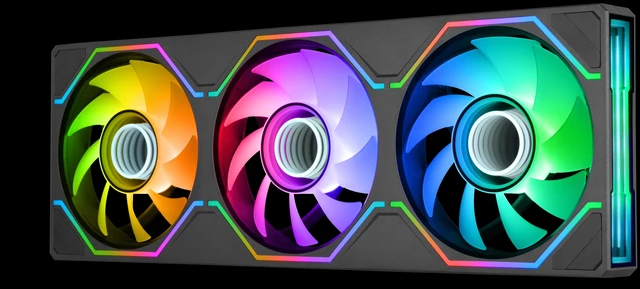
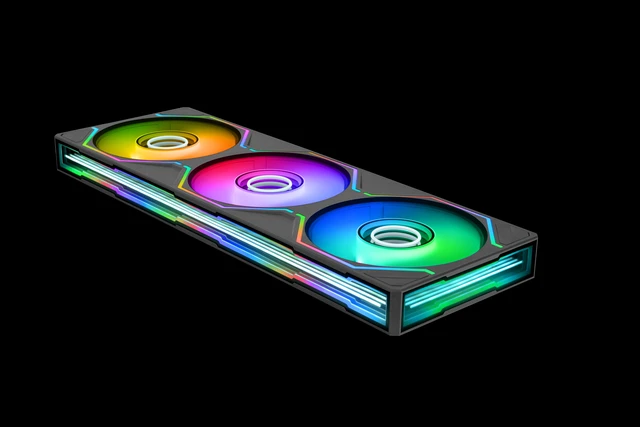
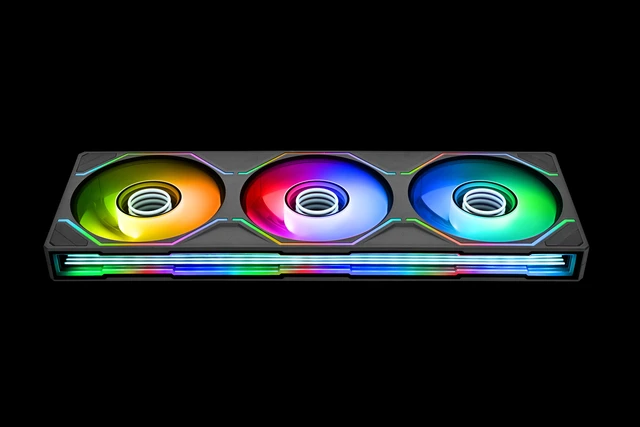
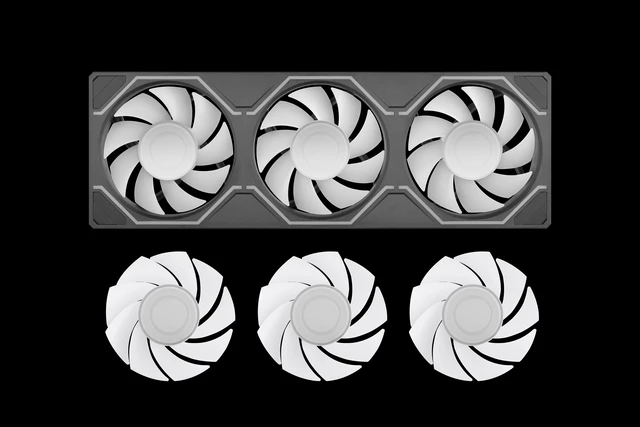
    • Infinite StyleTurn heads with a stand out appearance, the SWAFAN UNIFY features a dual ring inifinity hub to provide some extra depth and two side mounted inifity mirrors along with dedicated 5v ARGB lighting to get the perfect color for your build all in single frame housing with swappable blades.
    • Single PackageUtilizing 2 fans packed in a 364x124x28mm single housing for easier installation and maintenance since only 4 screws are needed rather than the standard 12, as well as clean aesthetics with unbroken housing lines.
    • Airflow in StyleBeneath the dual ring infinity hub you will find a hydraulic bearing motor capable of 500~2000 RPMs and supported by a 28mm housing allows the SWAFAN UNIFY to move up to 56.15/58.13 CFM of airflow and 2.23/2.67mm-H2O Static Pressure.
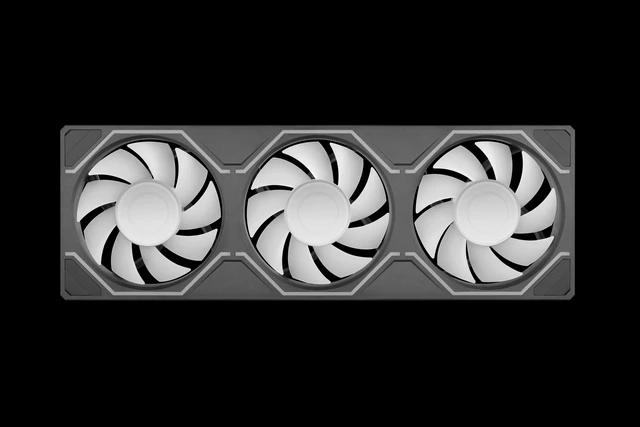
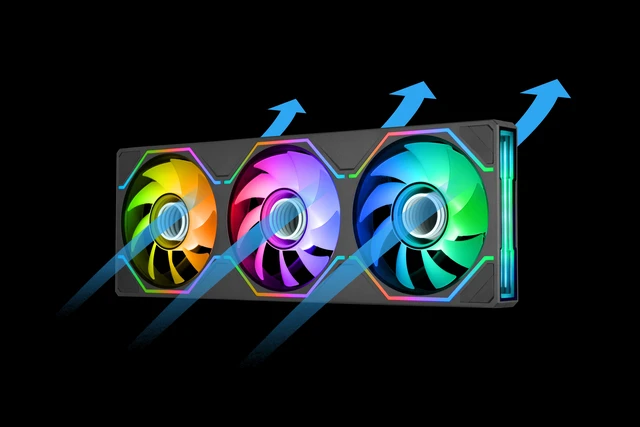
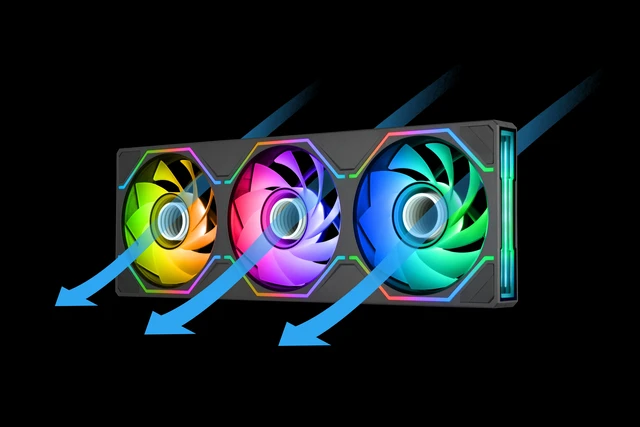
    • Swappable BladesEnsure your presentation is always on point no matter the orientation thanks to the included swappable blades, with standard blades preinstalled a quick swap out will reverse the airflow direction while keeping the LEDs and infinity mirrors where you want to see them.
    • Hidden ScrewsKeep unwanted screws out of sight with thanks to the redesigned frame that supports removable corner bumpers and recessed screw mounts.
    +
    +
    Overview
    Specs
    Reviews

    Any questions? Ask CelesteSM will help you find out quickly.

    The SWAFAN UNIFY 360 ARGB fan combines aesthetics with simplicity thanks to the single frame design. Packed with a dual ring infinity hub and infinity mirrors mounted on both sides of the single frame as well to create an eye-catching display thats always shown. To keep air moving and in the desired direction we included a standard (58.13 CFM 2.67mm-H2O) and reverse (56.15 CFM 2.23mm-H2O) set of blades. Installation requiring only 4 screws keeps things simple and hidden with the corner covers.

    Warranty & Returns

    Warranty, Returns, And Additional Information

    Warranty

    • Please contact the Seller directly for warranty information. Warranty information may also be found on the Manufacturer's website.
    • Read full details
    • CONTACT

    Return Policies

    • Return for refund within: 30 days
    • Return for replacement within: non-replaceable
    • This item is covered by Thermaltake Return Policy

    Manufacturer Contact Info

    LOADING...

    The Thermaltake SWAFAN UNIFY 360 ARGB Sync Black is a dual-fan case-fan assembly for PC builders who want customizable airflow, 5V ARGB lighting, and infinity-mirror effects in one streamlined frame.

    Recommended For

    • Showcase-PC builders filling a standard 360 mm fan or radiator position who want a continuous frame, fewer mounting points, and less cable clutter than installing separate fans.
    • Builders who want the same illuminated fan face visible for either intake or exhaust, and are willing to swap blades to set the airflow direction.
    • RGB-focused builders who want infinity-mirror lighting on the fan hubs and frame, with lighting controlled through a compatible 5 V motherboard ARGB connection.
    • PC owners who value easier access for fan cleaning; Thermaltake says the removable blades can be rinsed and reinstalled after thorough drying.

    Real-World Use Scenarios

    • When setting up case intake and exhaust, builders can swap the blades to change airflow direction without turning the whole fan assembly around, keeping the same side visible while arranging airflow for the case layout.
    • During a build or fan upgrade, the shared frame lets users mount the three-fan assembly with four corner screws and fewer separate cables, making installation and cable routing more straightforward than handling three individual fans.
    • In a glass-sided PC build, the dual infinity-mirror lighting and covered mounting screws keep the fan assembly visually consistent and make its lighting a visible part of the build.
    • When adjusting airflow for gaming or other sustained PC workloads, users can connect the fans to PWM control and tune their speed; the resulting cooling and noise depend on the case, fan placement, and chosen speed.
    • When dust builds up during routine maintenance, users can remove the fan blades for cleaning and reinstall them, without needing to take the full frame apart.