




 here!
I’m your shopping assistant for PC builds, upgrades, and everything tech.
Got questions? Ask away!
Start a conversation
here!
I’m your shopping assistant for PC builds, upgrades, and everything tech.
Got questions? Ask away!
Start a conversation





Any questions? Ask CelesteSM will help you find out quickly.


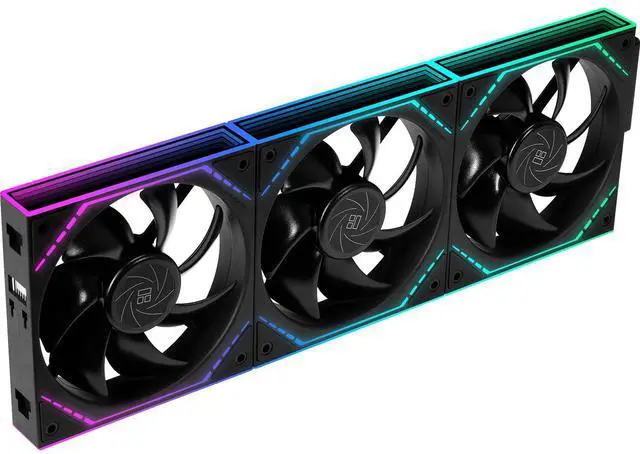
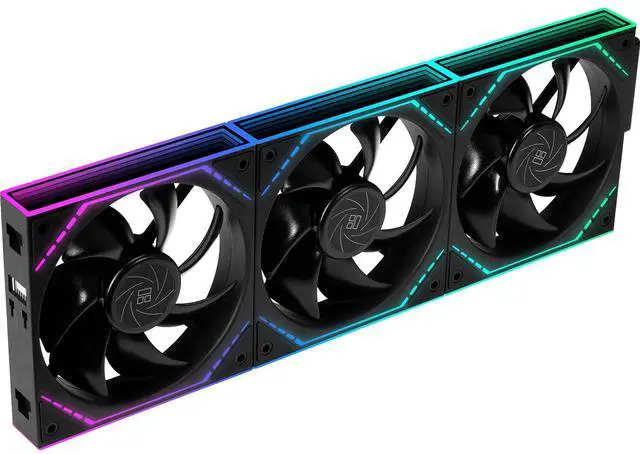
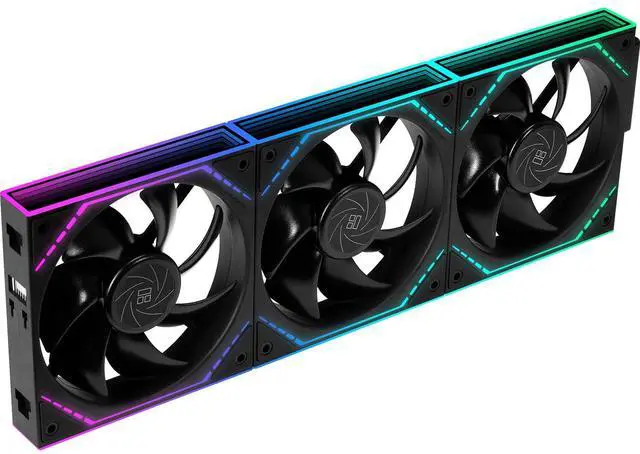
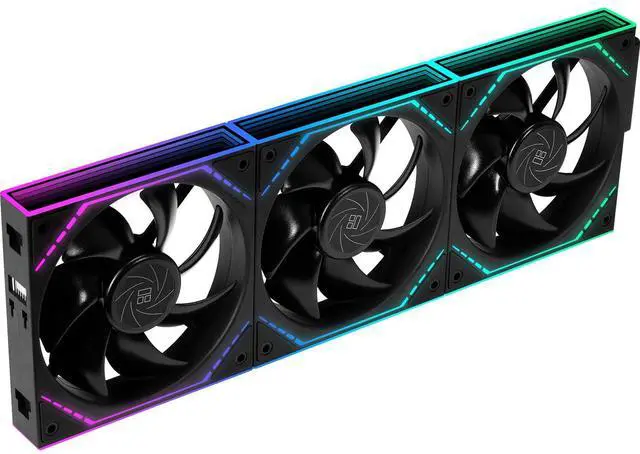
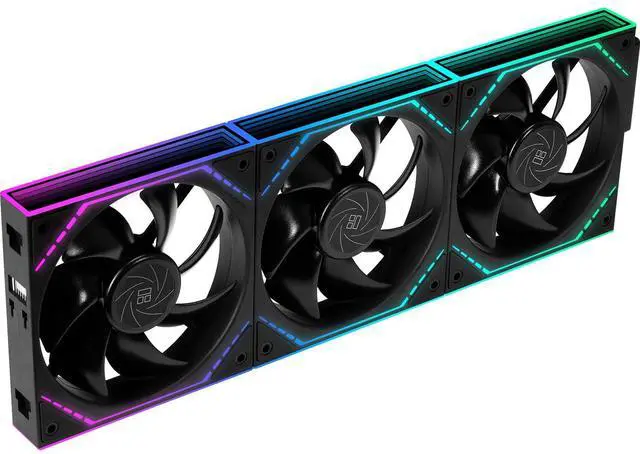
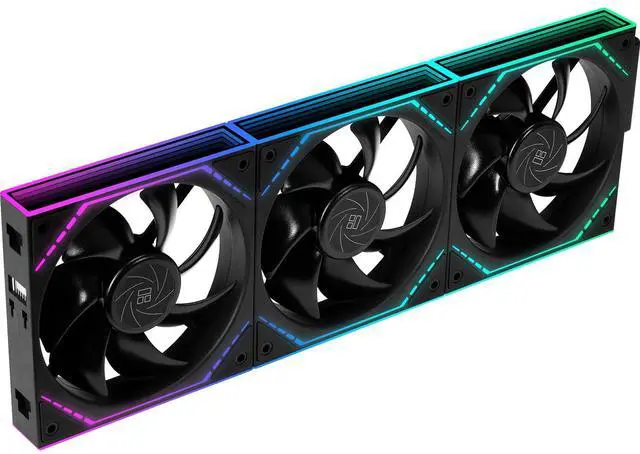
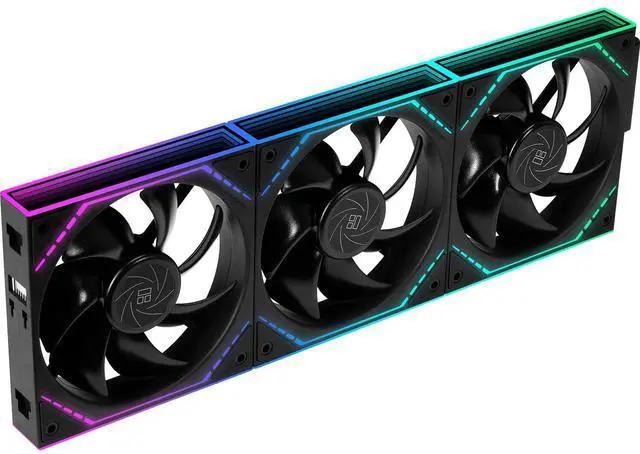
The Thermalright TL-M12Q X3 is a 3-pack of 120mm ARGB PC case fans with 2000 RPM speed, up to 68.9 CFM airflow, and daisy-chain cable management. It suits gaming PC builders who want strong case cooling with synchronized dual-infinity-mirror lighting and fewer cables.
| Attribute | Value |
|---|---|
| Best For | Desktop PC case airflow, including builds using CPU air coolers or liquid coolers, with a three-fan standard-airflow setup |
| Airflow And Acoustics | Moves up to 68.9 CFM at up to 2.21 mm H2O static pressure, with maximum noise of 28.2 dBA |
| Speed And Bearing | PWM-controlled case fan operation up to 2000 RPM ±10% using S-FDB bearings |
| Power And Connectivity | Uses a 4-pin PWM power connector at 12 volts and 2.4 watts |
| Physical Specifications | Black plastic fan measuring 124 x 120 x 25 mm, with a 0.18 kg fan weight and 0.56 kg package weight |
| Configuration And Compatibility | Three-fan case cooling set with one included component type and one package |
| Model Identifiers | Thermalright TL-M12Q series case fan, part number TL-M12Q and model TL-M12QX3 |
Q: Is the Thermalright TL-M12Q X3 better than the Arctic P12 Pro for a gaming PC case?
A: Choose the TL-M12Q X3 when ARGB lighting, dual infinity-mirror styling, and daisy-chain installation are priorities. Choose the Arctic P12 Pro when cooling performance through restrictive areas such as radiators, dust filters, or heatsinks matters more: the P12 Pro is rated for 77 CFM and 6.9 mmH2O, compared with 68.9 CFM and 2.21 mmH2O for the TL-M12Q. The Arctic model does not provide the TL-M12Q X3’s integrated ARGB mirror design. ([thermalright.com](https://www.thermalright.com/product/tl-m12q/?utm_source=openai))
Q: Should I buy the Thermalright TL-M12Q X3 or the cheaper TL-C12C X3?
A: The TL-M12Q X3 is the better choice when you want higher fan speed, stronger rated air pressure, ARGB infinity-mirror lighting, and cleaner multi-fan cable management. The TL-C12C X3 is suitable for a lower-cost case-airflow build because it still provides 66.17 CFM, but it is limited to 1550 RPM, 1.53 mmH2O, and 25.6 dBA, compared with 2000 RPM, 2.21 mmH2O, and 28.2 dBA for the TL-M12Q. Choose the TL-C12C X3 when basic airflow and lower operating noise are more important than lighting and installation features. ([thermalright.com](https://www.thermalright.com/product/tl-m12q/?utm_source=openai))
Q: Is the Thermalright TL-M12Q X3 a good alternative to Lian Li UNI FAN SL120 V2?
A: The TL-M12Q X3 is the better fit when you want a 25 mm-thick fan that uses standard 4-pin PWM and 5V 3-pin ARGB motherboard connections while still offering daisy-chain installation. The Lian Li SL120 V2 is more suitable when you want a dedicated controller, L-Connect software, magnetic interlocking hardware, and a thicker 28 mm frame. Their rated top speeds are similar at 2000 RPM, while Lian Li lists 64.5 CFM, 2.59 mmH2O, and 29.2 dBA for the SL120 V2. The choice mainly depends on ecosystem and installation convenience rather than speed alone. ([thermalright.com](https://www.thermalright.com/product/tl-m12q/?utm_source=openai))
Q: Should I get the TL-M12Q X3 or the reverse-blade TL-M12QR X3 for bottom intake fans?
A: Choose the TL-M12QR X3 for bottom or side intake positions when you want the fan’s attractive side and lighting layout to face into the case while maintaining the intended intake direction. Choose the standard TL-M12Q X3 for conventional front intake or rear and top exhaust positions when airflow capacity is the priority. Available specifications and community comparisons list the reverse-blade TL-M12QR X3 at about 1500 RPM, 47.6 CFM, and 1.31 mmH2O, so the standard TL-M12Q X3 is the performance-oriented option when reverse-blade presentation is not needed. ([detail.zol.com.cn](https://detail.zol.com.cn/2130/2129950/param.shtml?utm_source=openai))
Q: Will these fans work with my motherboard and ARGB setup?
A: The fans use a standard 4-pin PWM connection for automatic speed control. Before buying, confirm that your motherboard or fan hub supports the product's ARGB connection; the provided specifications do not identify the ARGB connector type. A compatible 5V ARGB header is commonly required for motherboard lighting synchronization.
Q: Does the three-pack reduce cable clutter?
A: Yes. The fans support daisy-chain installation, so multiple fans can be linked into a cluster instead of routing every fan cable separately to the motherboard. The exact number of motherboard headers and any required adapter or hub depends on the included cables and your motherboard.
Q: Are these fans suitable for both case airflow and CPU cooling?
A: They are designed for case ventilation and can also be used with CPU air coolers or liquid-cooling radiators. Their 68.9 CFM maximum airflow and 2.21 mm H2O maximum static pressure provide a balance between general airflow and pushing air through moderate restrictions, such as mesh panels or cooling fins.
Q: Will these fans be quiet enough for everyday use?
A: The rated maximum noise level is 28.2 dBA at up to 2,000 RPM. Because the fans use 4-pin PWM control, the motherboard can reduce their speed when temperatures are low, which can make them quieter during normal desktop use. Running them near maximum speed will produce more noise than operating them at reduced PWM levels.
Q: What should I check before installing these 120 mm fans?
A: Confirm that your case has three available 120 mm fan mounts and enough clearance for standard 25 mm-thick fans. Also check airflow direction, motherboard fan-header capacity, ARGB-header compatibility, and whether your case or radiator requires a specific fan orientation or connector arrangement.
Q: Are the Thermalright TL-M12Q X3 fans a good lower-cost alternative to Lian Li-style infinity-mirror fans?
A: They are suitable for buyers who want infinity-mirror ARGB styling, daisy-chain installation, and high rated airflow without paying premium-brand pricing. The trade-off is that community discussions describe them mainly as a budget alternative, so buyers should verify controller and software compatibility for their specific setup.
Q: Does the TL-M12Q X3 meaningfully reduce cable clutter?
A: Yes. The fans are designed to connect in a daisy chain, allowing one PWM and ARGB connection per fan group rather than separate motherboard connections for every fan. This simplifies installation, but the exact wiring and controller behavior can vary by motherboard hub or RGB controller.
Q: Are these fans suitable for a radiator or CPU cooler, or only for case airflow?
A: They can be used for case ventilation, CPU air coolers, and compatible radiators. Their rated specifications are 68.9 CFM maximum airflow and 2.21 mm H2O maximum static pressure, making them more versatile than fans intended only for unrestricted case airflow.
Q: Are the TL-M12Q X3 fans quiet enough for a typical gaming PC?
A: They are rated at up to 28.2 dBA, but that is the maximum specification at up to 2000 RPM. Noise will increase as fan speed rises, so they are better suited to users who will use motherboard PWM control rather than run them continuously at maximum speed.
Q: What should buyers check before installing the TL-M12Q X3 fans?
A: Check that the motherboard or fan hub has compatible 4-pin PWM and 5V ARGB connections, and confirm that the controller supports the fan chain correctly. Community reports show that daisy-chained groups may be recognized as one device or may require additional configuration for individual lighting control.


