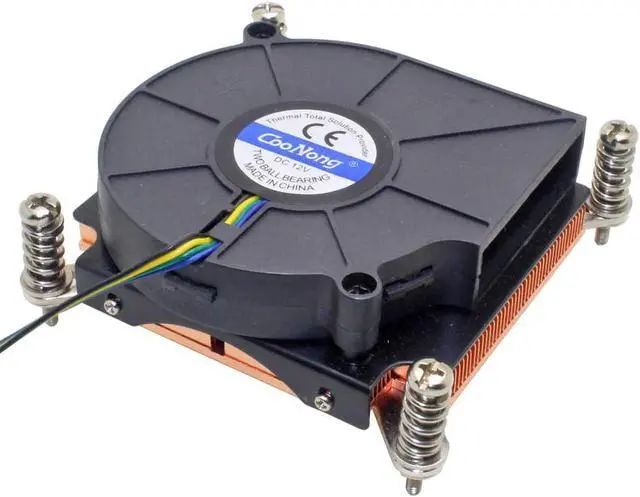
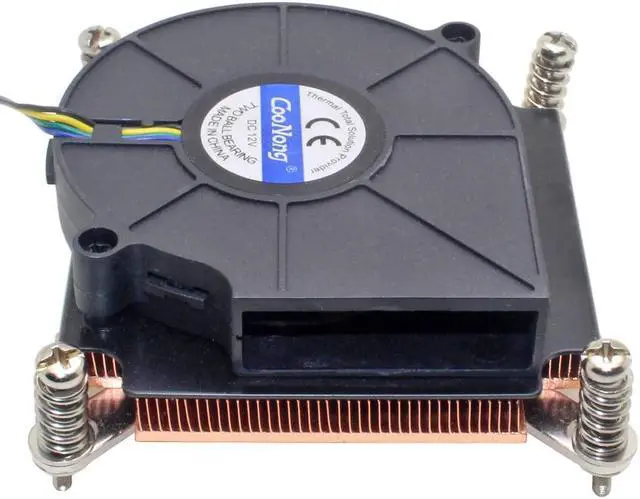
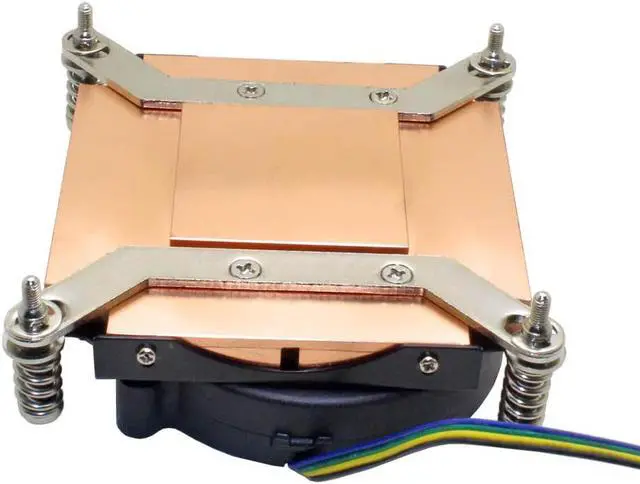
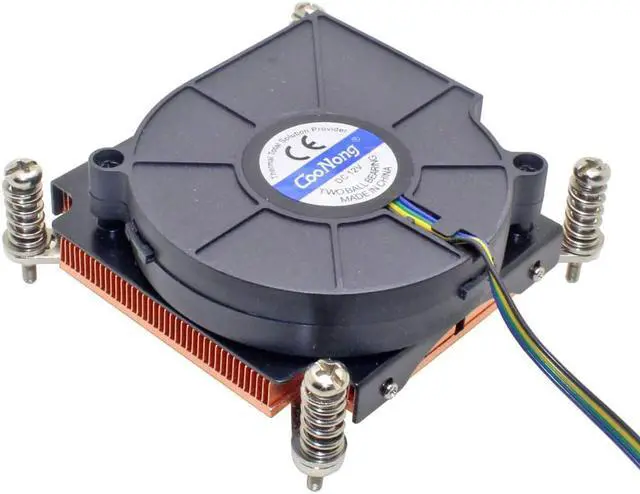
1U server Industrial computer Active cooling CPU cooler
CPU Socket: Intel LGA 1366 /1356
Application platform:Intel Xeon X5500 Series and X5600 Series
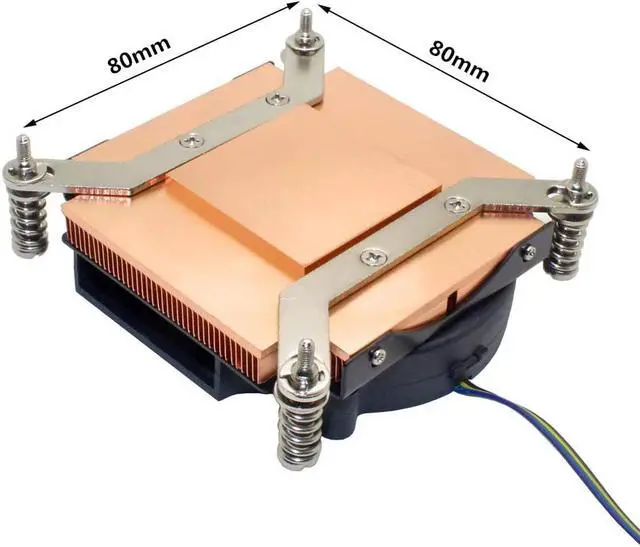
Mounting hole distance:80mm x 80mm
Heatsink Material:Copper
Heatsink processing technology:skiving fin
Full Size :89x89x28mm
Bottom Size:40x40x3mm
Net Weight:357g
Cooling fan Specifications:
Dimension:75mm x 75mm x 15mm (7515 blower fan)
Bearing Type:Dual Ball Bearing
Rated Voltage:12V
Speed Reference:5000RPM
Air flow:10.75CFM
Noise:55dBA
Life:70000h
Connection:4pin with PWM
Packing list:
1.CPU COOLER * 1
2.Thermal Grease * 1
NOTE:
1.Pls be sure that this Cooler can fit to your CPU model, if can't sure, pls contact us.
2.This Cooler is prefer to Server and Industrial Personal Computer, big noise, we don't recommand to use it on personal computer.
3.The fan is 4pin with PWM and can condition the speed according to the CPU temperature automatically.The default fan speed model is different in per motherboard. (mute,standard,full-speed mode) , if you want mute mode, pls revise the fan speed model in BIOS, don't think that it has only one speed mode.
4.When you mounting radiator, pls don't turn the singal screw tightly at once, should fix the four sets screw on it then turn them tight one by one slowly. (make sure the CPU can contact the radiator totally and keep it balance don't make it crushed)





 here!
here!