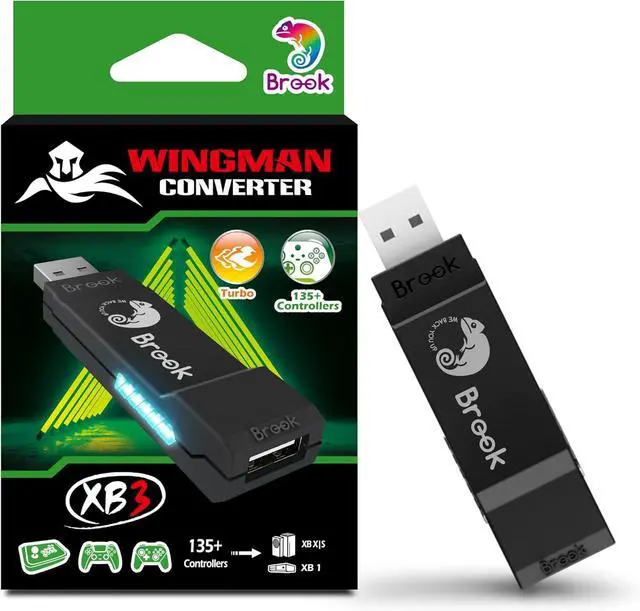
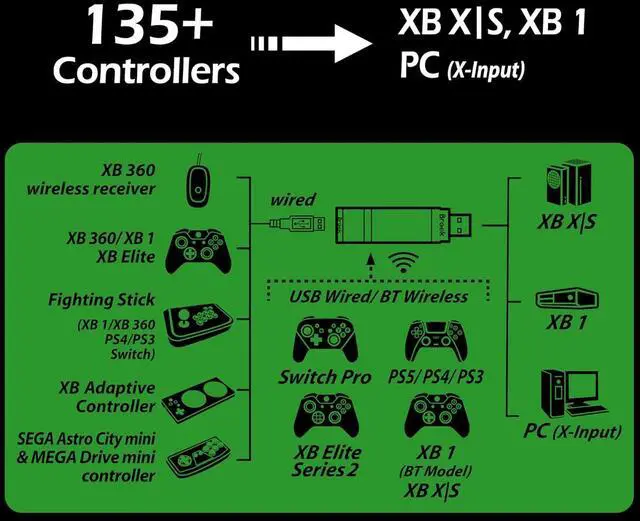
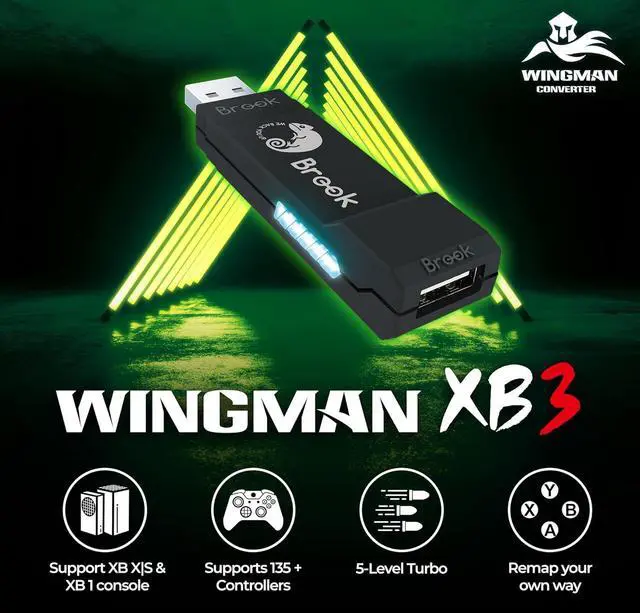
Next page How do I know if the converter is compatible with my controller/joystick?
Check the compatibility list on the product introduction page of the Brook official website to see if your controller/joystick is listed. If it's not listed in the table, you can contact Brook for assistance or advice.
My controller/joystick is compatible in the compatibility list, but there is no response when I use it.
Please try updating the firmware first. If it's not helping let brook know
How do I update the firmware?
First, go to the Brook official website, click "Downloads" to enter the product download page, or search for "Brook gaming + Downloads."
What are the differences between Wingman XB 2 and Wingman XB 3?
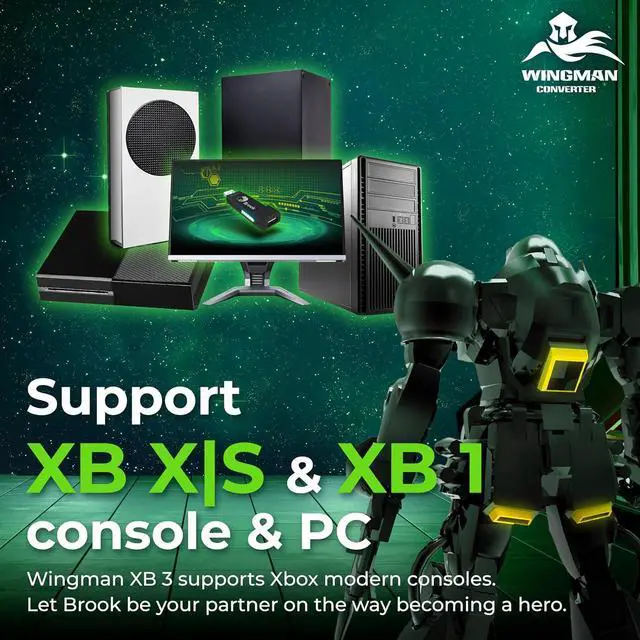
Wingman XB 2 is compatible with XB 360 and XB Original consoles; Wingman XB 3 is compatible with XB One and XB X|S consoles
This ItemBrook Wingman XB 3 Converter - Unleash The Power of Cross-Platform Gaming, Wireless Controller Adapter for New XB Series X/S, XB One Consoles and PC(X-Input), Supports Remap and Adjustable TurboRecommendationsBrook Wingman XE 2 Converter - Two in One Wireless Controller Adapter for PS, Switch Consoles, and PC, Supports Remap and Adjustable Turbo Sehawei Brook Wingman XB 3 Converter, Wireless Controller Adapter for New XB Series X/S, One Consoles and PC(X-Input), Supports Remap and Turbo [Exclusive Version] Mcbazel PC Female USB to Xbox Converter Adapter Cable Cord for Original Gen. 1 Xbox Console





 here!
here!
 Top Rated