Important instructions for installing fiber optic HDMI cables
Please read the installation instructions for fiber optic HDMI cables. And after installing the fiber optic HDMI cable, please follow the following 6 points to eliminate the problem of HDMI cable installation errors.
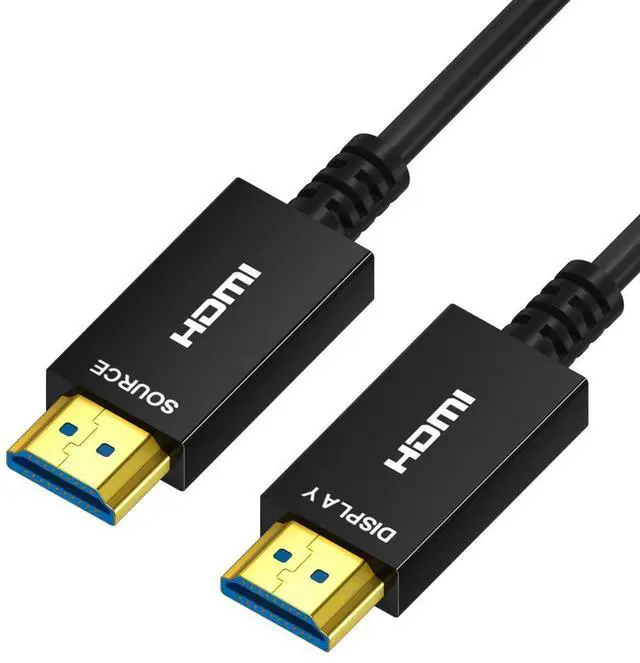
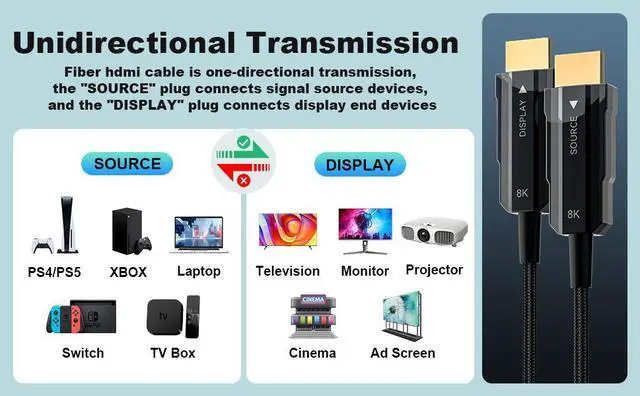
- Directional HDMI Cable: The directional HDMI meaning that the source end of HDMI is required to connect to sources, must plug this end to HDMI output from source like DVD, computer, and another end is display to your monitor, TV, projector.
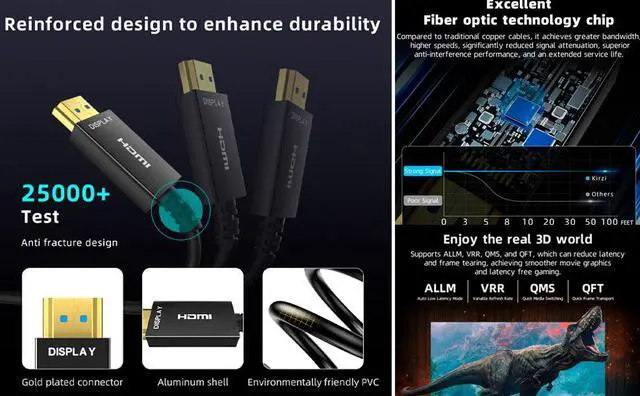
- Active HDMI Cable: The HDMI fiber optic cable is an active HDMI cable, and active HDMI cable meaning that require stable power to work, it needs enough power to work properly.
- Use the HDMI USB Cable: It comes with in the HDMI box; Why need use this HDMI USB cable; Since some HDMI slots, such as on CAMERA, on HUB, on SWITCH or on Splitter, cannot provide enough power for the fiber optic HDMI cable.
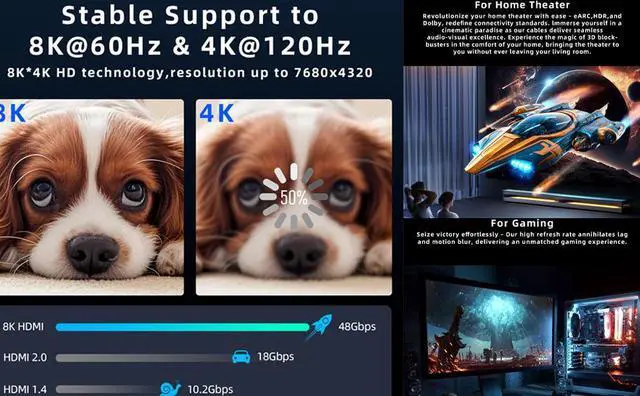
- Change TV settings: Most 4K TVs do not have all the features of HDMI 2.0 enabled; After installing the HDMI cable, you need to enable all HDMI 2.0 features in the TV settings by yourself; Your 4K TV will support full 4K 60Hz HDR.
- Updating the app version or replacing the app, some TV box apps have screen flickering issues.
- No signal or unstable signal, please connect the HDMI USB cable to the other end of the fiber optic HDMI cable. Be sure to connect the HDMI USB cable to any 5V USB port or any 5V USB charger, except for the USB port on the HUB or on the USB adapter.





 here!
here!