Your Browsing History
Meet Your Seller
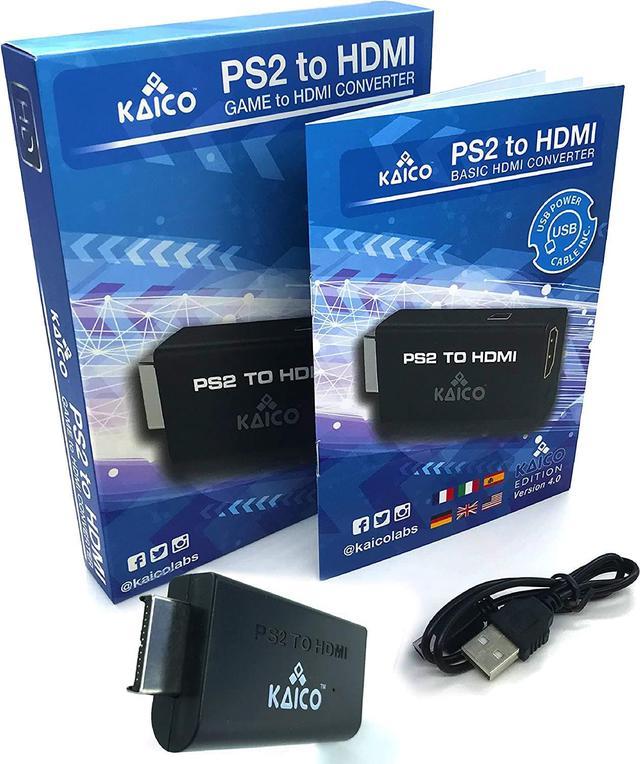
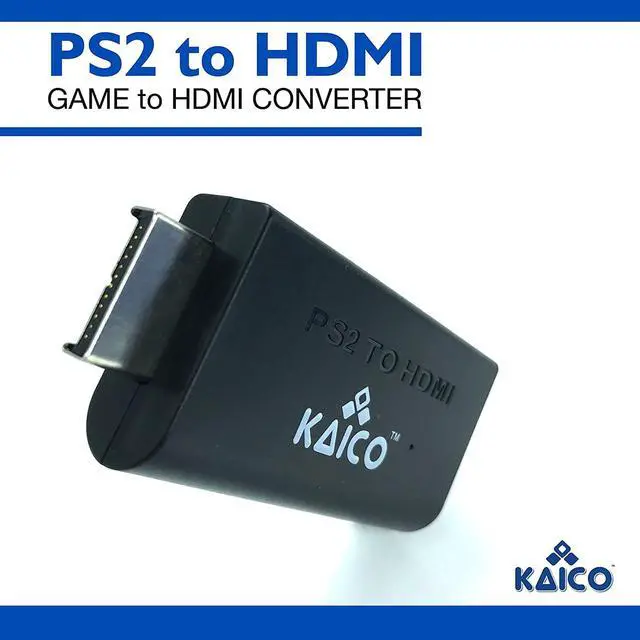
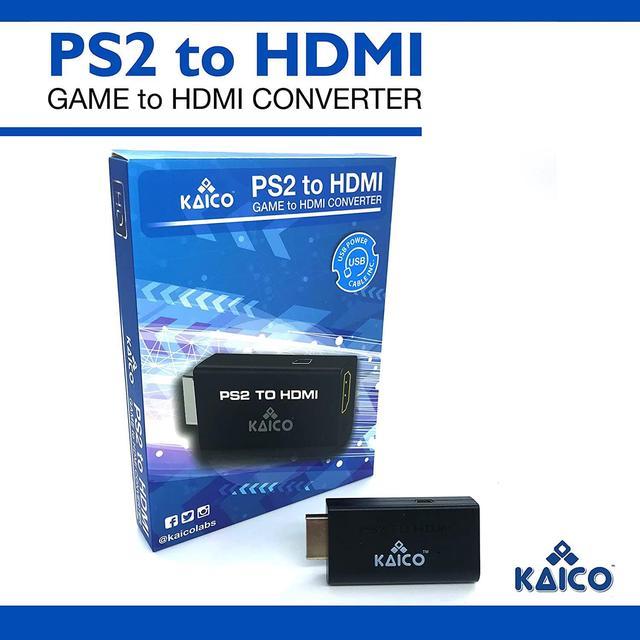
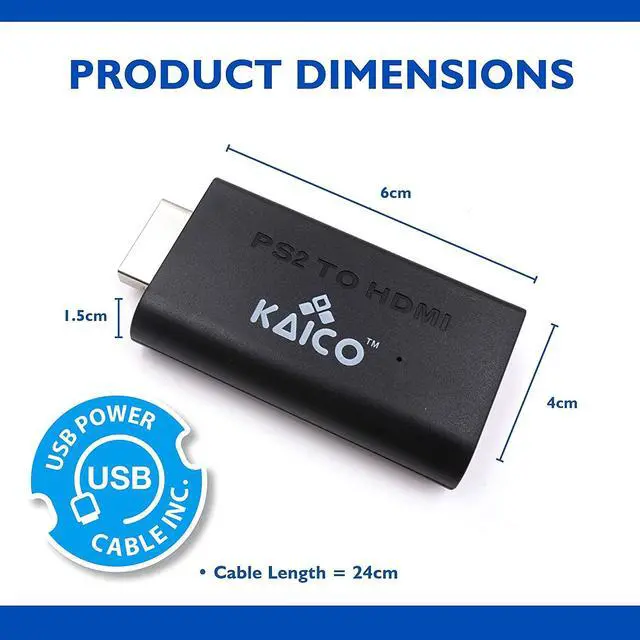
Kaico PS2 to HDMI Adapter for PlayStation 2, Plug & Play HDMI Converter | Supports 480i, 480p, 576i, 576p and 1080i output, with built-in audio, Micro USB power cable, clear video and audio
- IMPORTANT SETUP CHANGE PS2 VIDEO OUTPUT TO Y Cb/Pb/Pr (COMPONENT) - Before first use, set your PlayStation 2 display output to Y Cb/Pb/Pr (component video) in the PS2 system settings. If the console is set to RGB, you may see no image on your TV.
- PS2 GAMES ONLY NOT A PS1 HDMI ADAPTER - This PS2 HDMI adapter uses the PS2s component signal (YPbPr). It is designed for PS2 games only and does not support PS1 games. Please check compatibility before purchase.
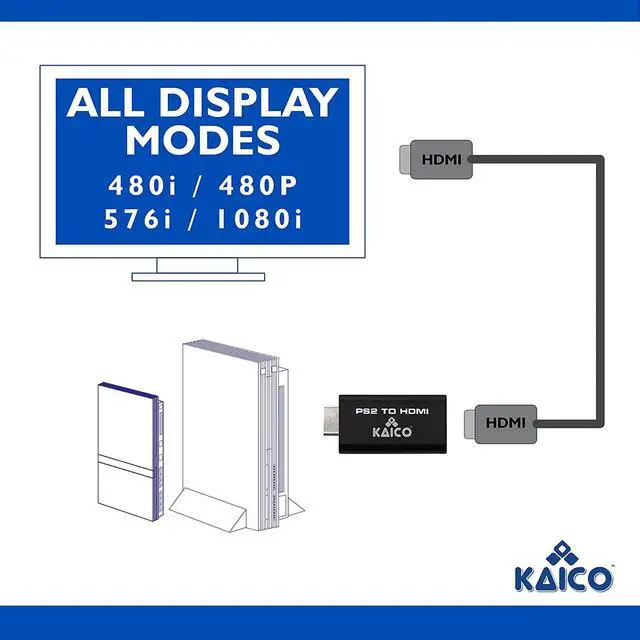
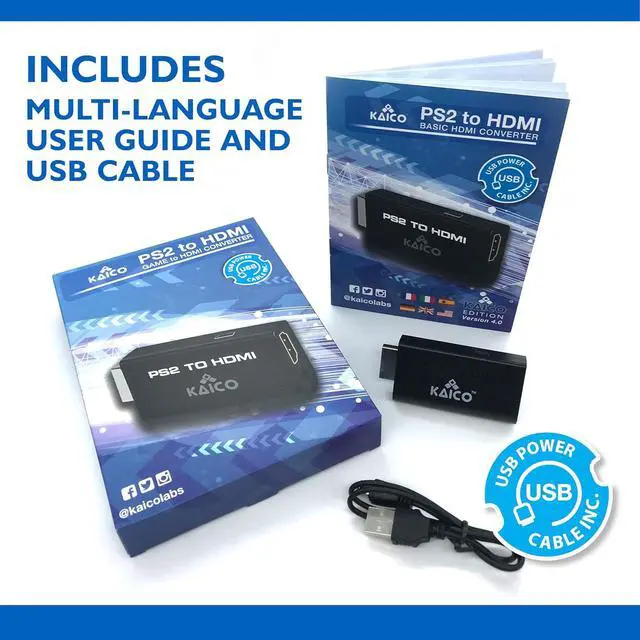
- TRUE PLUG & PLAY PS2 TO HDMI ADAPTER - Connect the PS2 to HDMI adapter directly to the PS2 AV port, connect a standard HDMI cable to your TV, then power the adapter using the included Micro USB cable (via PS2 USB port or USB power source
- SUPPORTED PS2 RESOLUTIONS - Supports common PS2 output resolutions including 480i, 480p, 576i, 576p, and 1080i, making this a simple PlayStation 2 to HDMI solution for most PS2 titles and setups.
- KAICO SUPPORT & WARRANTY - Backed by Kaico with 12-month support (repair or replacement warr
+
+
Overview
Reviews
Any questions? Our AI beta will help you find out quickly.
Try me now
IMPORTANT SETUP CHANGE PS2 VIDEO OUTPUT TO Y Cb/Pb/Pr (COMPONENT) - Before first use, set your PlayStation 2 display output to Y Cb/Pb/Pr (component video) in the PS2 system settings. If the console is set to RGB, you may see no image on your TV.
PS2 GAMES ONLY NOT A PS1 HDMI ADAPTER - This PS2 HDMI adapter uses the PS2s component signal (YPbPr). It is designed for PS2 games only and does not support PS1 games. Please check compatibility before purchase.
TRUE PLUG & PLAY PS2 TO HDMI ADAPTER - Connect the PS2 to HDMI adapter directly to the PS2 AV port, connect a standard HDMI cable to your TV, then power the adapter using the included Micro USB cable (via PS2 USB port or USB power source
SUPPORTED PS2 RESOLUTIONS - Supports common PS2 output resolutions including 480i, 480p, 576i, 576p, and 1080i, making this a simple PlayStation 2 to HDMI solution for most PS2 titles and setups.
KAICO SUPPORT & WARRANTY - Backed by Kaico with 12-month support (repair or replacement warranty). If you have any setup or compatibility questions, contact us and well help.

PS2 GAMES ONLY NOT A PS1 HDMI ADAPTER - This PS2 HDMI adapter uses the PS2s component signal (YPbPr). It is designed for PS2 games only and does not support PS1 games. Please check compatibility before purchase.
TRUE PLUG & PLAY PS2 TO HDMI ADAPTER - Connect the PS2 to HDMI adapter directly to the PS2 AV port, connect a standard HDMI cable to your TV, then power the adapter using the included Micro USB cable (via PS2 USB port or USB power source
SUPPORTED PS2 RESOLUTIONS - Supports common PS2 output resolutions including 480i, 480p, 576i, 576p, and 1080i, making this a simple PlayStation 2 to HDMI solution for most PS2 titles and setups.
KAICO SUPPORT & WARRANTY - Backed by Kaico with 12-month support (repair or replacement warranty). If you have any setup or compatibility questions, contact us and well help.
Warranty & Returns
Warranty, Returns, And Additional Information
Warranty
- Please contact the Seller directly for warranty information. Warranty information may also be found on the Manufacturer's website.
- CONTACT
Return Policies
- Return for refund within: 30 days
- Return for replacement within: 30 days
- This item is covered by Leeken Return Policy
Manufacturer Contact Info
- For a directory of all our manufacturers, please click below.
- Manufacturers Directory
LOADING...