Your Browsing History
- Free 30-day Returns
$56.49
Ships from China.
Meet Your Seller
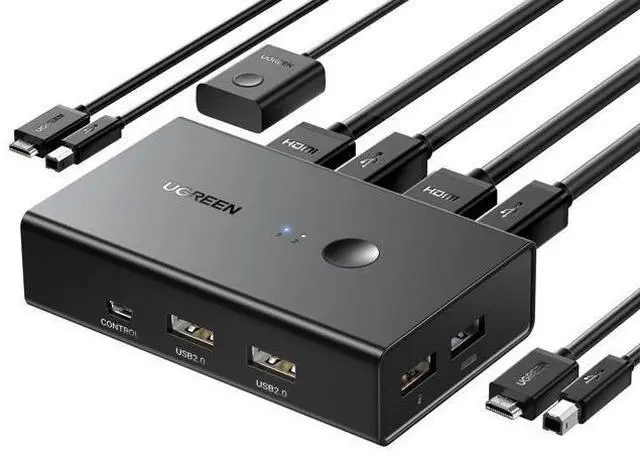
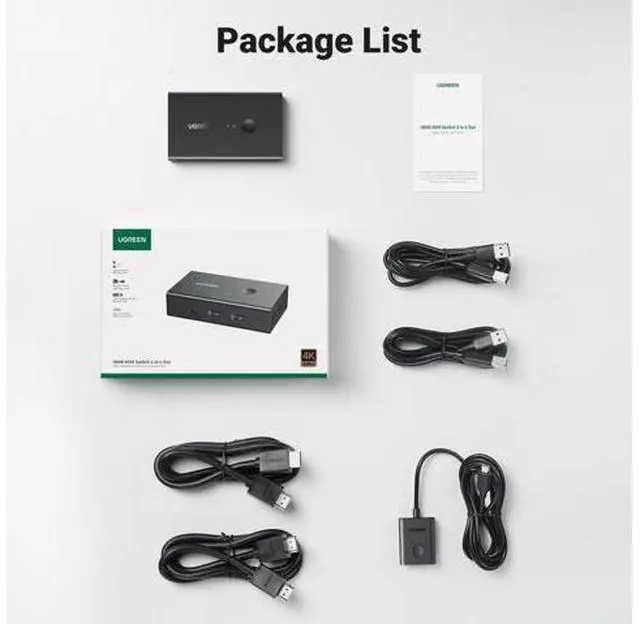
HDMI KVM Switch 1 Monitor 2 Computers, with 4 USB Ports 4K@60Hz KVM Switches for Sharing One Monitor Keyboard Mouse Printer with 2 HDMI Cables, 2 USB Cables, Desktop Controller
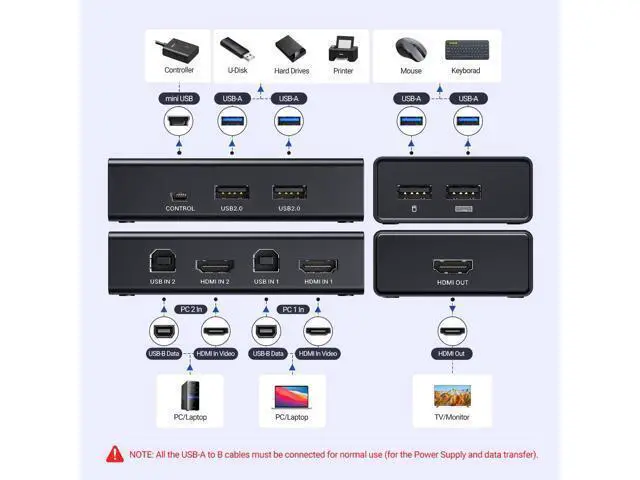
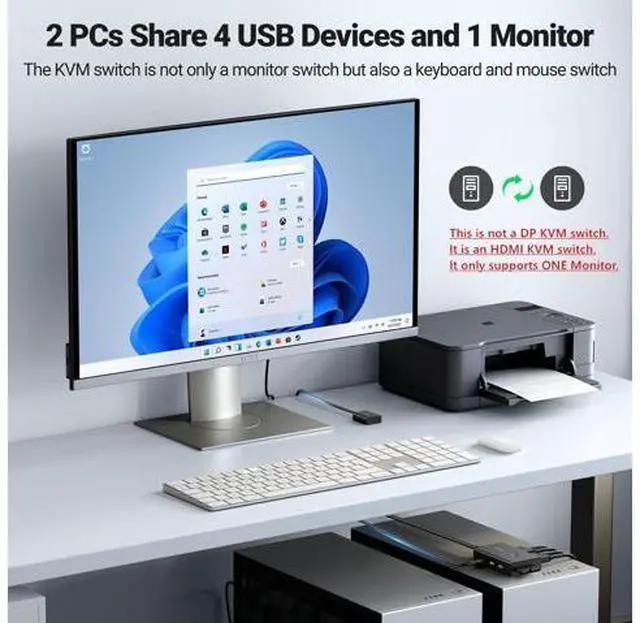
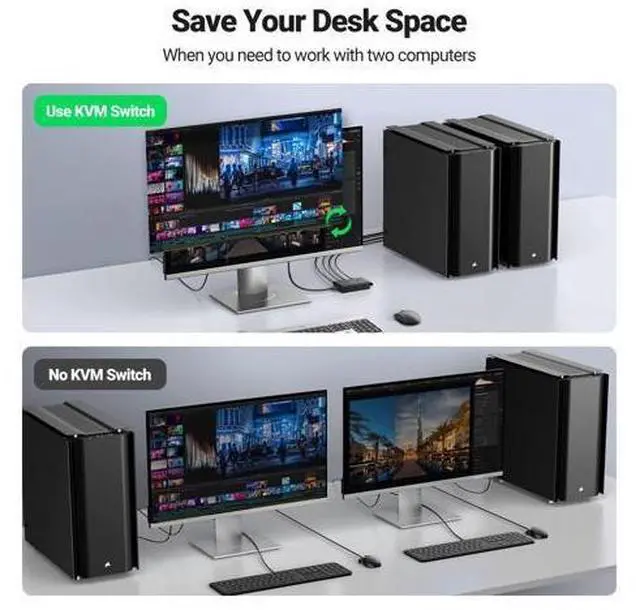
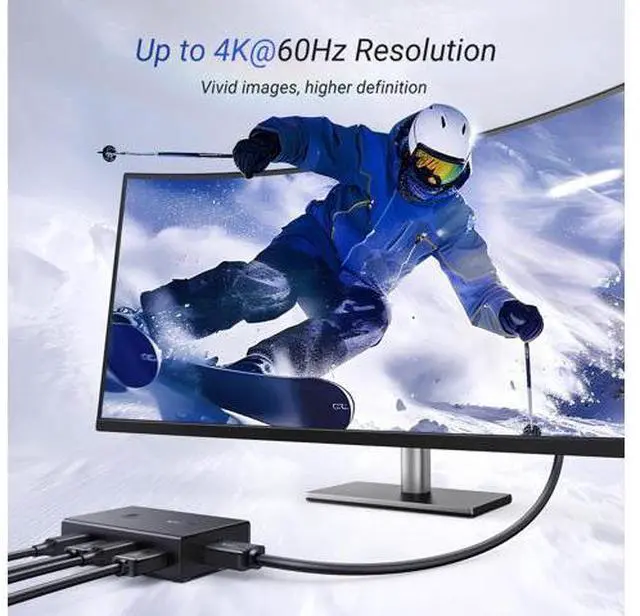
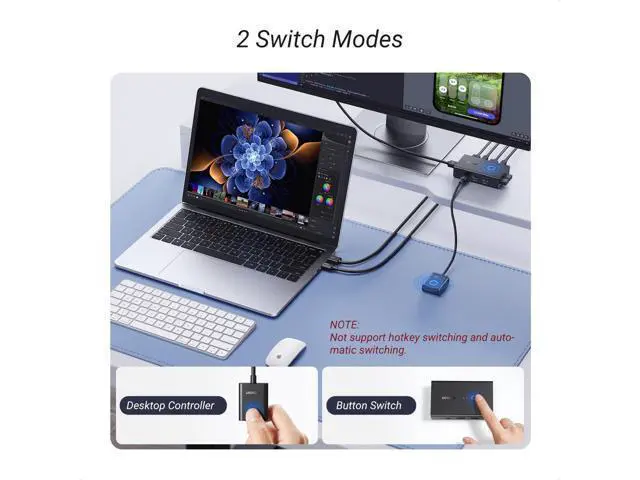
- KVM Switch 1 Monitor 2 Computers: This HDMI KVM Switch with 4 USB ports, and allows you to control 2 computers with only one set of USB devices such as a set of keyboard, mouse and printer on one monitor. You can easily switch between two computers, which keeps your workspace tidy. NOTE: MUST Connect both two USB A to B cables for the Power Supply and data transfer, so that the keyboard and mouse can be used normally; Support Up to Ultra HD 4K@60Hz: UGREEN KVM switches support resolution up to 4K@60Hz, also support 4K@30Hz, 2560*1440@120Hz or lower resolution. This HDMI KVM switch also supports HDMI 2.0, HDCP2.2/1.4, USB 2.0, 3D and HDR, which makes image display more exquisite and realistic, color is more bright and moving, really giving a feast for your eyes. NOTE: Please ensure that the resolution of the two devices at the input and the device at the output is consistent; Two Switching Modes: By One-Botton switch or desktop controller, freely switch between 2 computers, saving space on your desk and sharing your display, keyboard and mouse between both computers, increasing your productivity in the office or at home. When the KVM switch is not placed on the desktop, the desktop controller will be a good helper for you to switch quickly. (NOTE: It does Not support EDID Emulation and Hotkey Switching)
+
+
Overview
Specs
Reviews
Any questions? Our AI mode will help you find out quickly.
Try me now
Video Player is loading. Play Video Play Skip Backward Skip Forward Mute Current Time 0:00 /
Duration 0:38 Loaded: 7.55 % 0:00 Stream Type LIVE Seek to live, currently behind live LIVE Remaining Time - 0:38 1x Playback Rate Chapters Chapters Descriptions descriptions off, selected Captions captions settings, opens captions settings dialog captions off, selected Audio Track Fullscreen This is a modal window. Beginning of dialog window. Escape will cancel and close the window. Text Color White Black Red Green Blue Yellow Magenta Cyan Opacity Opaque Semi-Transparent Text Background Color Black White Red Green Blue Yellow Magenta Cyan Opacity Opaque Semi-Transparent Transparent Caption Area Background Color Black White Red Green Blue Yellow Magenta Cyan Opacity Transparent Semi-Transparent Opaque Font Size 50% 75% 100% 125% 150% 175% 200% 300% 400% Text Edge Style None Raised Depressed Uniform Drop shadow Font Family Proportional Sans-Serif Monospace Sans-Serif Proportional Serif Monospace Serif Casual Script Small Caps Reset restore all settings to the default values Done Close Modal Dialog End of dialog window. HDMI KVM Switch 1 monitor 2 computer Merchant Video Previous page Next page 1 High Resolution 2 Support HDR 3 Package Contents 4 Two Switching Ways Previous page Next page 1 Correct Connection 2 Usage Scenario 3 Function 4 Ports Detailed Display 5 Wire Gauge Previous page Next page 1 Points Need Attention 2 Connect with USB-C Laptop What can I do if there is no hdmi

Warranty & Returns
Warranty, Returns, And Additional Information
Warranty
- Please contact the Seller directly for warranty information. Warranty information may also be found on the Manufacturer's website.
- CONTACT
Return Policies
- Return for refund within: 30 days
- Return for replacement within: 30 days
- This item is covered by BRIGHTOR Return Policy
Manufacturer Contact Info
- For a directory of all our manufacturers, please click below.
- Manufacturers Directory
LOADING...