here!
I’m your shopping assistant for PC builds, upgrades, and everything tech.
Got questions? Ask away!
Start a conversation
here!
I’m your shopping assistant for PC builds, upgrades, and everything tech.
Got questions? Ask away!
Start a conversation



Any questions? Ask CelesteSM will help you find out quickly.
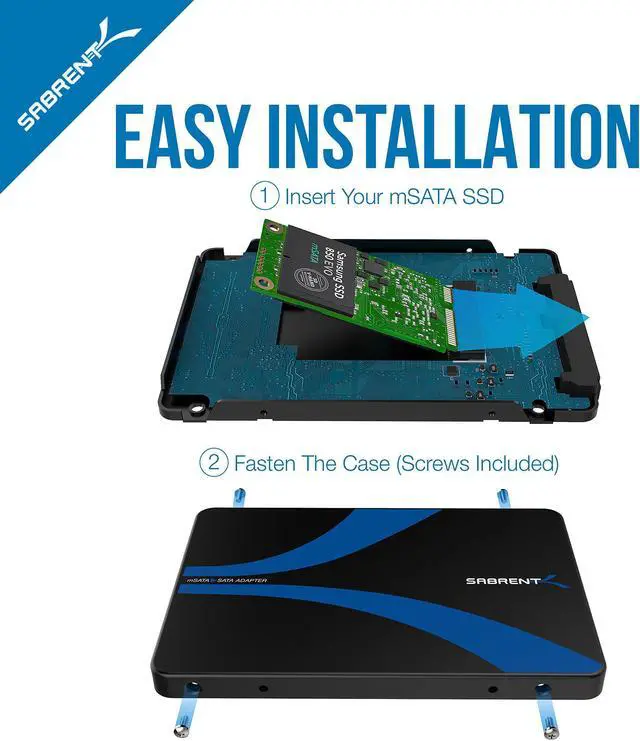
EASY INSTALLATION
1 - Insert And Fasten Your M.2 SSD / 2 - Fasten The Case (Screws Included)
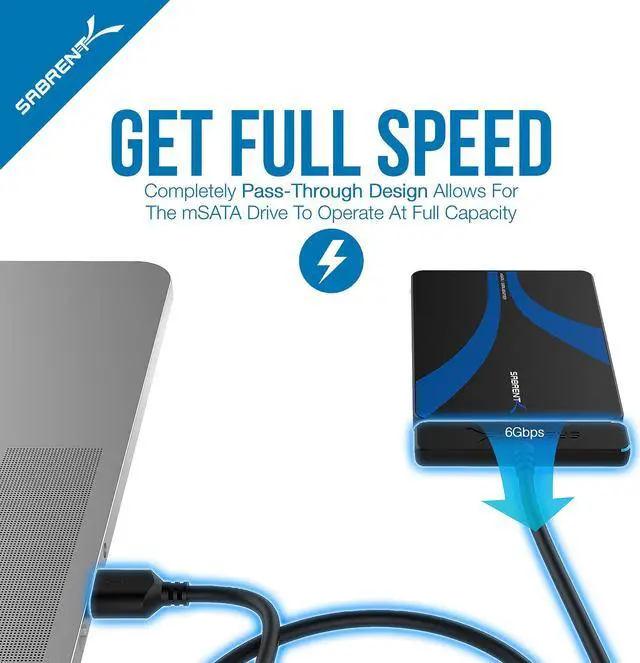
GET FULL SPEED
Pass-Through Design Allows For The M.2 Drive To Operate At Full Capacity
MAXIMUM PROTECTION
Aluminum Enclosure Provides Added Protection
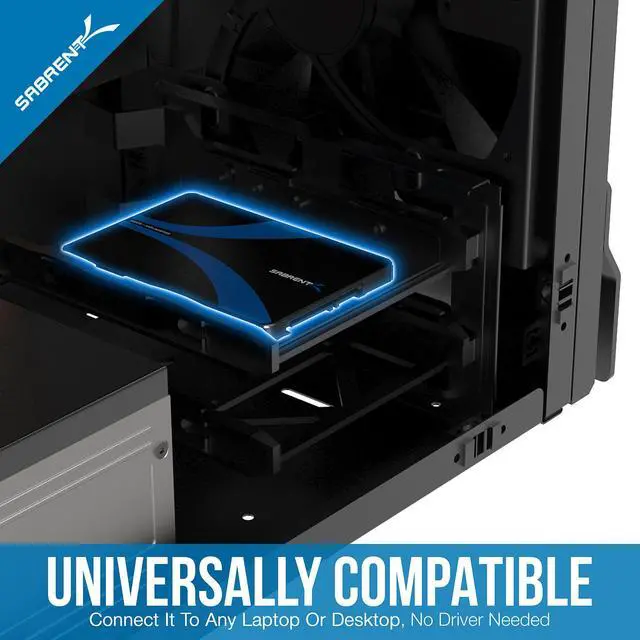
UNIVERSALLY COMPATIBLE
Connect It To Any Laptop Or Desktop, No Driver Needed
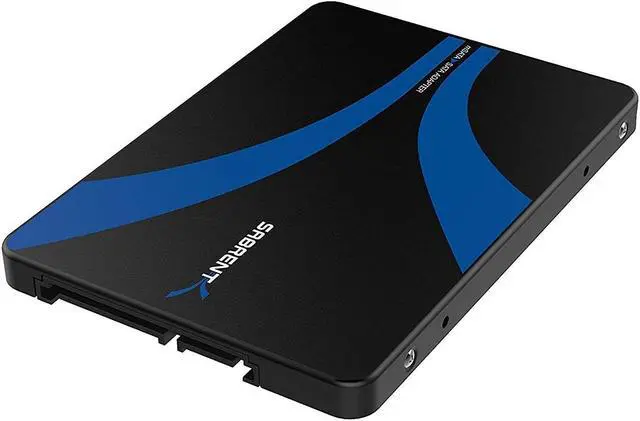
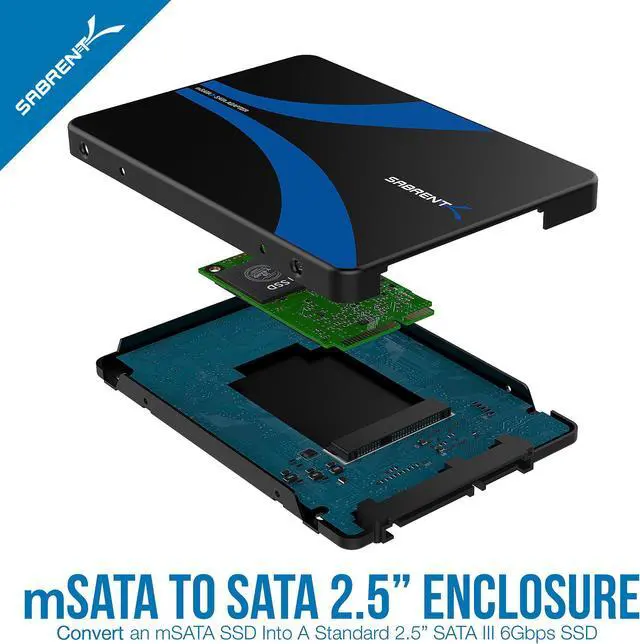
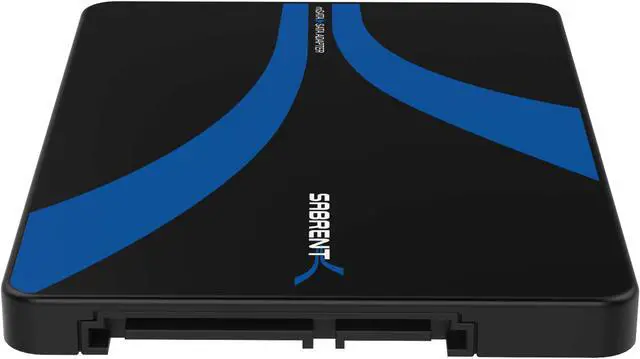
The SABRENT EC-MSSA is an enclosed adapter that converts a compatible 25mm or 50mm mSATA SSD into a standard 2.5-inch SATA III drive, suited to users reusing an mSATA SSD in a system with a 2.5-inch SATA bay. It is for mSATA drives, not M.2 NVMe SSDs.
| Attribute | Value |
|---|---|
| Best For | Converting a single mSATA drive into a 2.5-inch SATA enclosure for use with a laptop |
| Interface And Data Transfer | mSATA-to-SATA connectivity with a SATA 3.0 Gb/s hardware interface and a listed data transfer rate of 5000 megabytes per second |
| Enclosure And Capacity | Single-bay aluminum enclosure for one 2.5-inch drive, finished in black |
| Compatibility | Compatible with laptops and listed for Windows, Mac, and Linux |
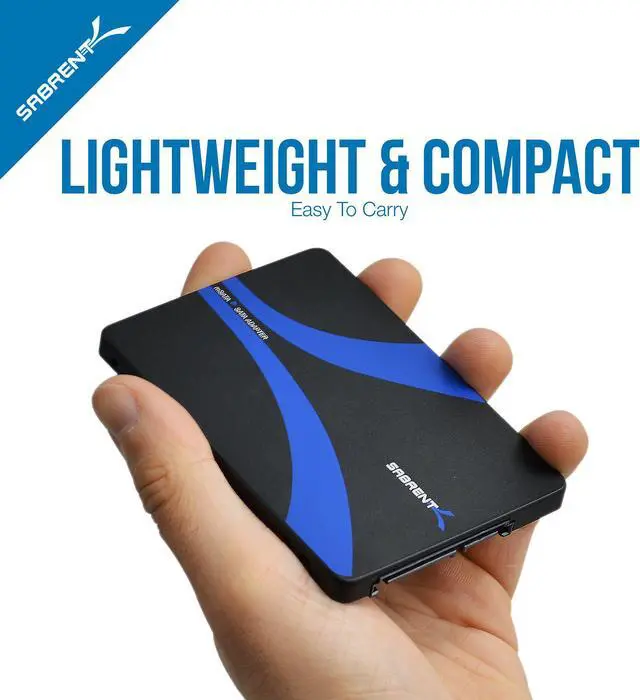
| Physical Specifications | 3.93 × 2.76 × 0.27 inches; weighs 40 grams |
| Model Identifiers | SABRENT EC-MSSA |
Q: Sabrent EC-MSSA vs. EC-MSMU: which should I choose for an mSATA SSD?
A: Choose the EC-MSSA to convert an mSATA SSD into a 2.5-inch SATA drive for a SATA bay. Choose the EC-MSMU if you also want USB connectivity for accessing the drive externally.
Q: EC-MSSA vs. EC-M2SA: which adapter matches my SSD?
A: Choose the EC-MSSA for an mSATA module. Choose the EC-M2SA for an M.2 SATA NGFF module. The right choice depends on the SSD’s form factor and interface.
Q: Does the Sabrent EC-MSSA work with both 25mm and 50mm mSATA drives?
A: Yes. The EC-MSSA supports both 25mm and 50mm mSATA drives, so choose it based on the length of the mSATA module you want to install.
Q: Will this adapter work with an M.2 NVMe SSD?
A: No. This adapter is for mSATA drives and does not support M.2 NVMe PCIe SSDs. Check that your drive is mSATA before buying.
Q: What size mSATA drives does it support?
A: It supports 25 mm and 50 mm mSATA drives. Confirm your drive’s form factor and length before ordering.
Q: Can I use it in a laptop or desktop with a 2.5-inch SATA drive bay?
A: Yes, if the computer has a standard 2.5-inch SATA drive connection. The enclosure adapts a supported mSATA SSD to a 2.5-inch SATA form factor.
Q: Can I connect it directly to a computer by USB?
A: No. The adapter’s external interface is SATA, not USB. For USB use, you would need a separate SATA-to-USB adapter or dock.
Q: Can I reuse an mSATA laptop SSD in a desktop with a standard SATA port?
A: Yes, if the drive is an mSATA SSD. This enclosure adapts it to a standard 2.5-inch SATA connection; it does not convert other drive types.
Q: Is an mSATA-to-SATA adapter a practical option if my desktop motherboard has no mSATA slot?
A: It can be, if the desktop has an available SATA connection and the SSD is mSATA. The adapter lets the drive connect as a 2.5-inch SATA device without needing a motherboard mSATA slot.
Q: Will this adapter work with an M.2 NVMe SSD?
A: No. It is for mSATA drives, not M.2 NVMe SSDs. Check the drive’s interface and form factor before buying; the product information specifically excludes NVMe.