



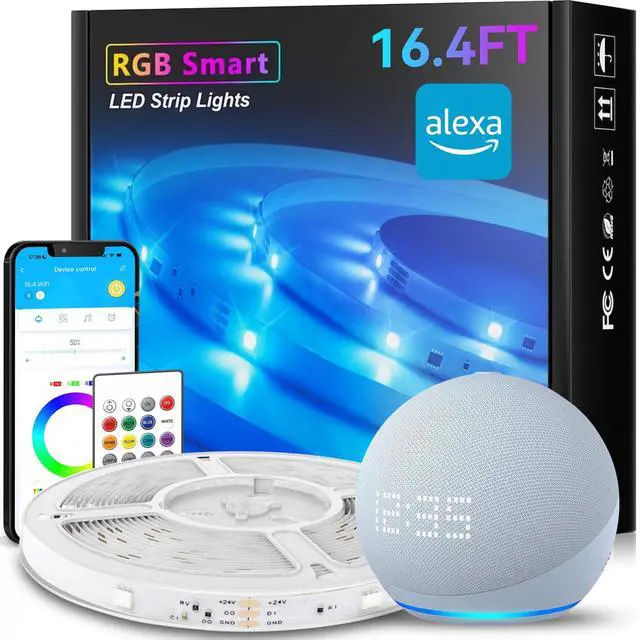
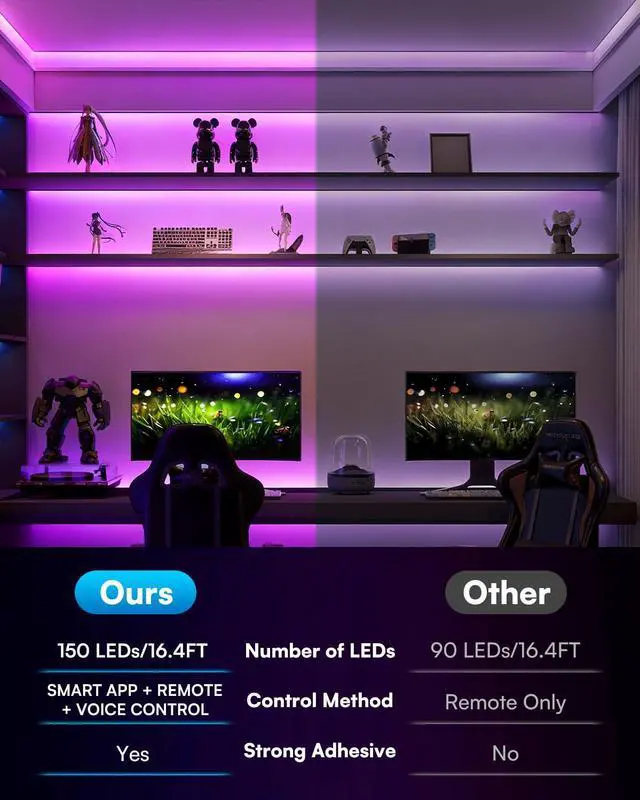
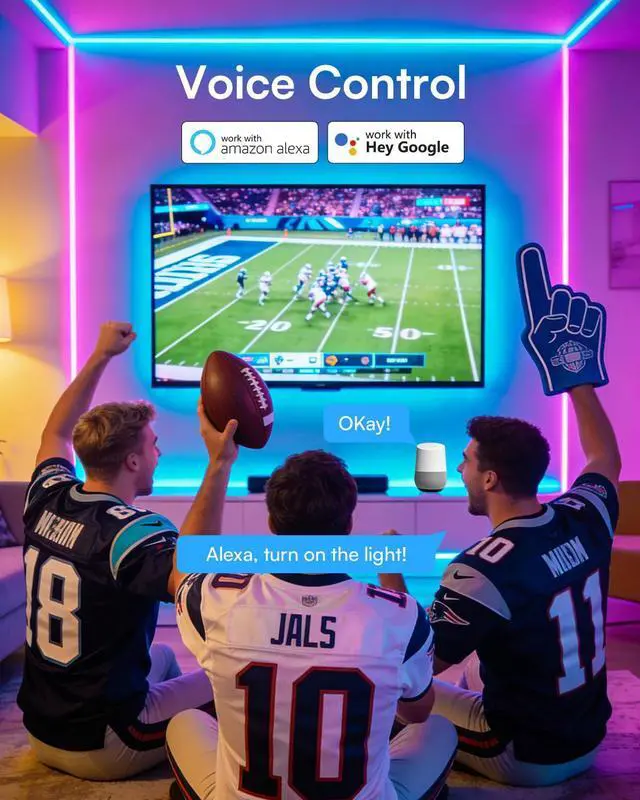
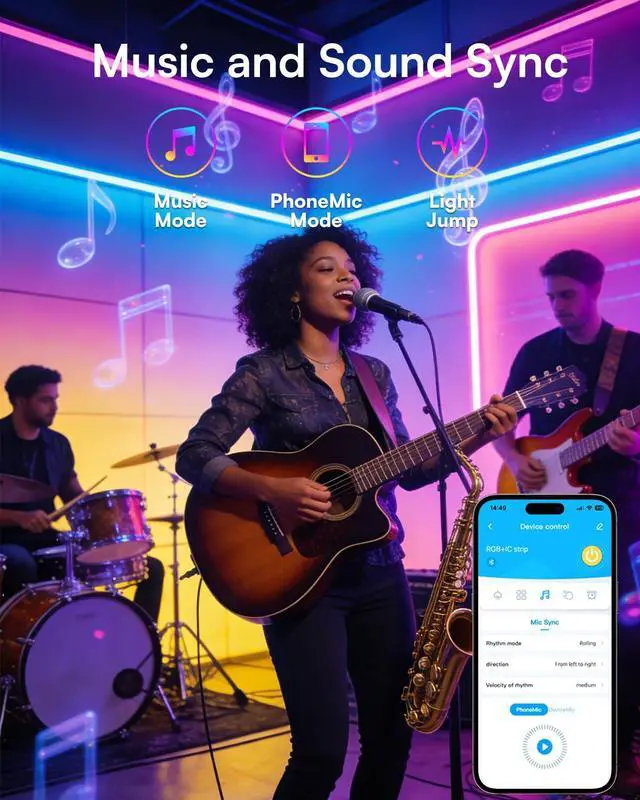


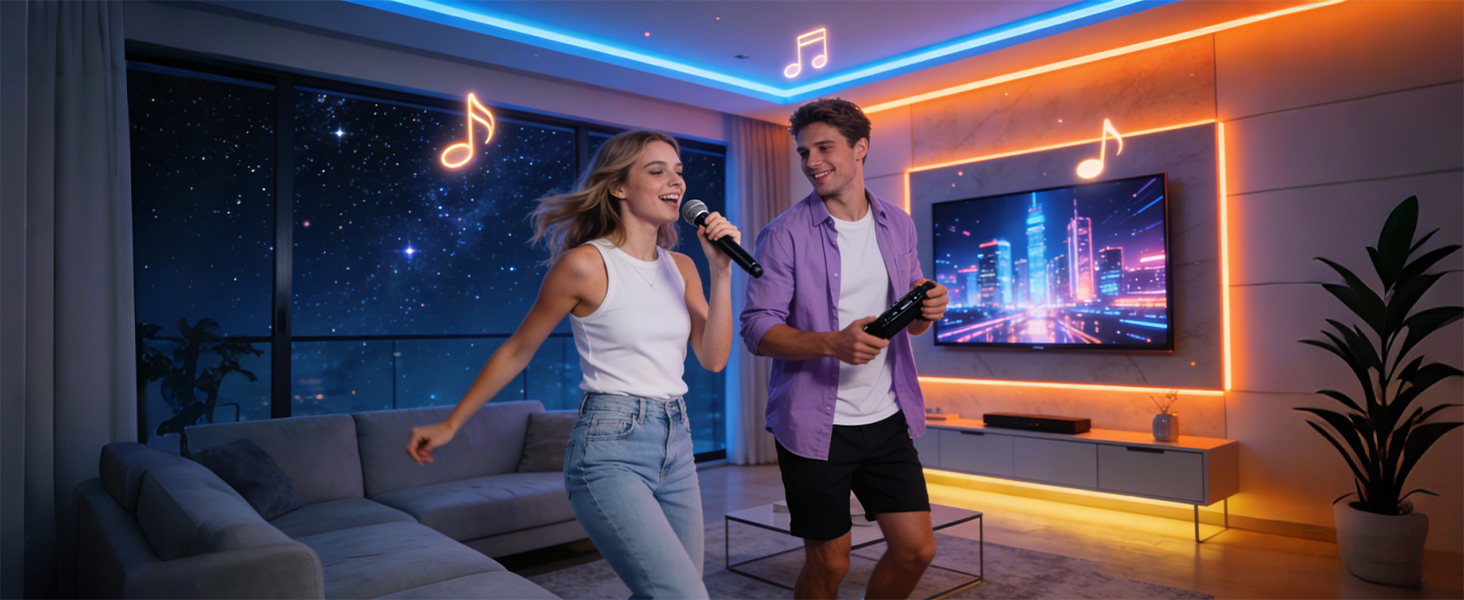
Music Sync – The lights pulse, change, and react in real time to the rhythm of your favorite music.
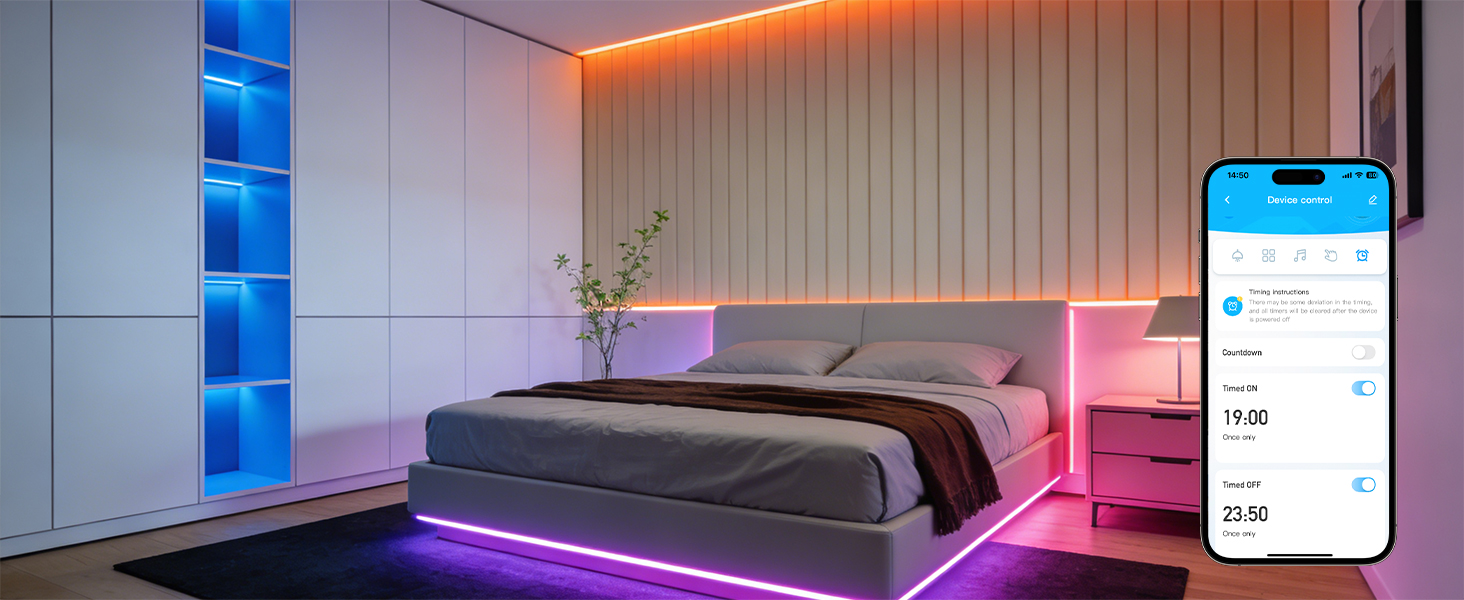
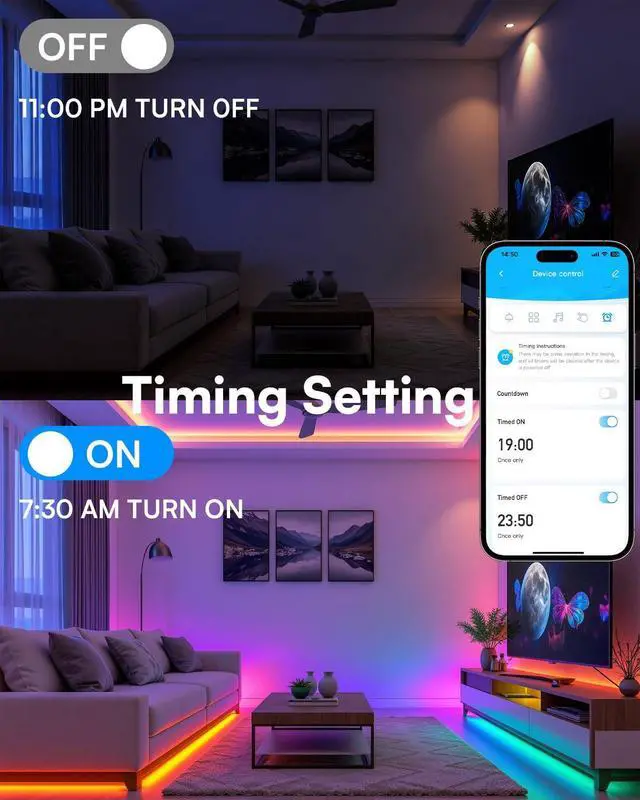
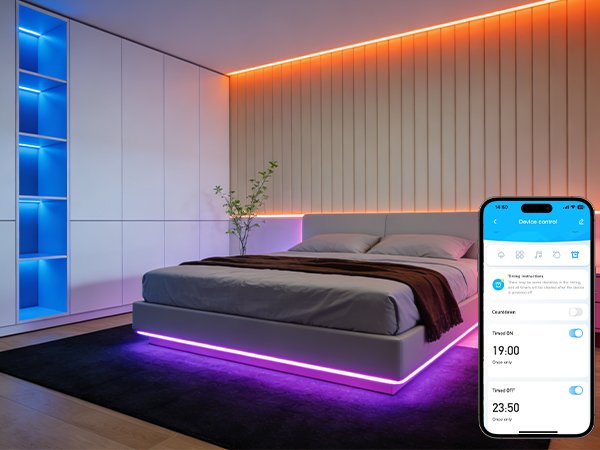
Scheduling – Set a timer to turn the lights on or off automatically according to your daily routine.
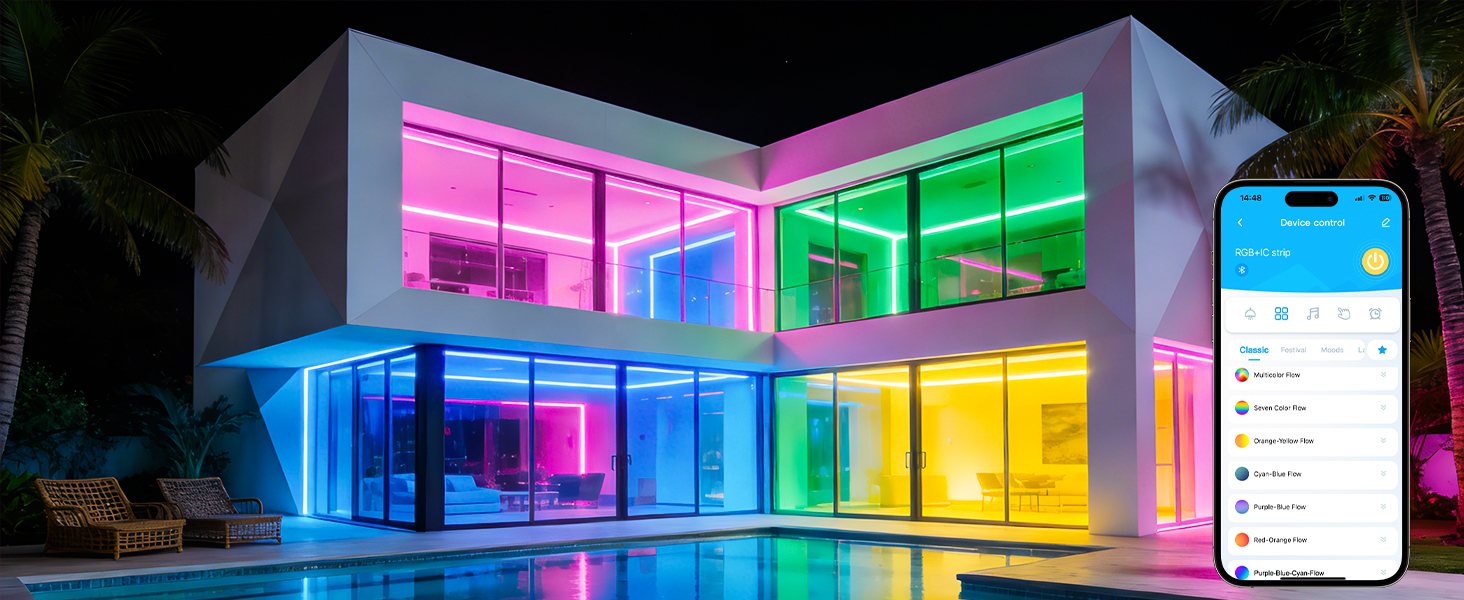
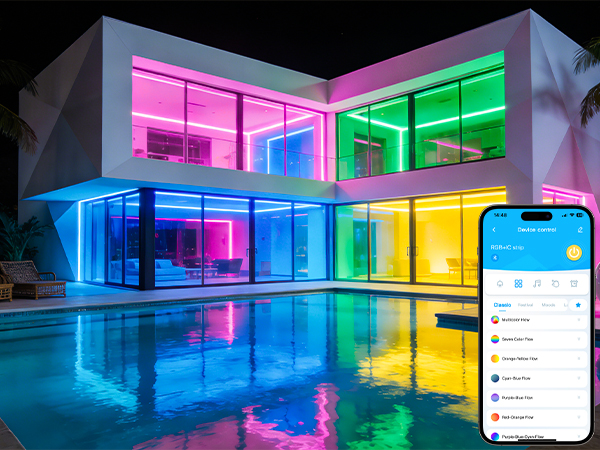
Scene Modes – Choose from over 30 different lighting scene modes to instantly set the perfect mood for any occasion.
How do I connect the LED strip to the app?
Turn on Wi-Fi and make sure your phone is connected to a 2.4GHz Wi-Fi network. Plug the LED strip in and then unplug it; repeat three times until the strip enters flashing mode. Open the app and wait for the connection to complete, then tap “Finish”.
What should I pay attention to during installation?
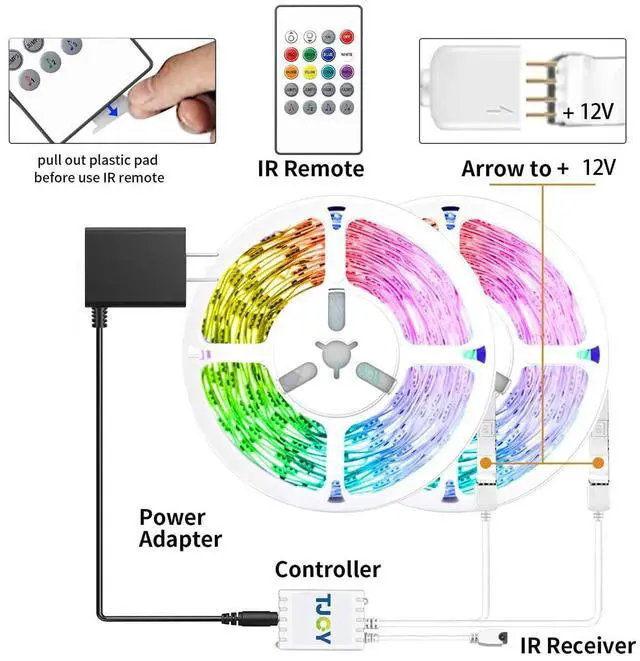
When installing, align the arrow on the controller with the marking on the strip; Don't leave the LED strip coiled while testing for too long – this may cause overheating.
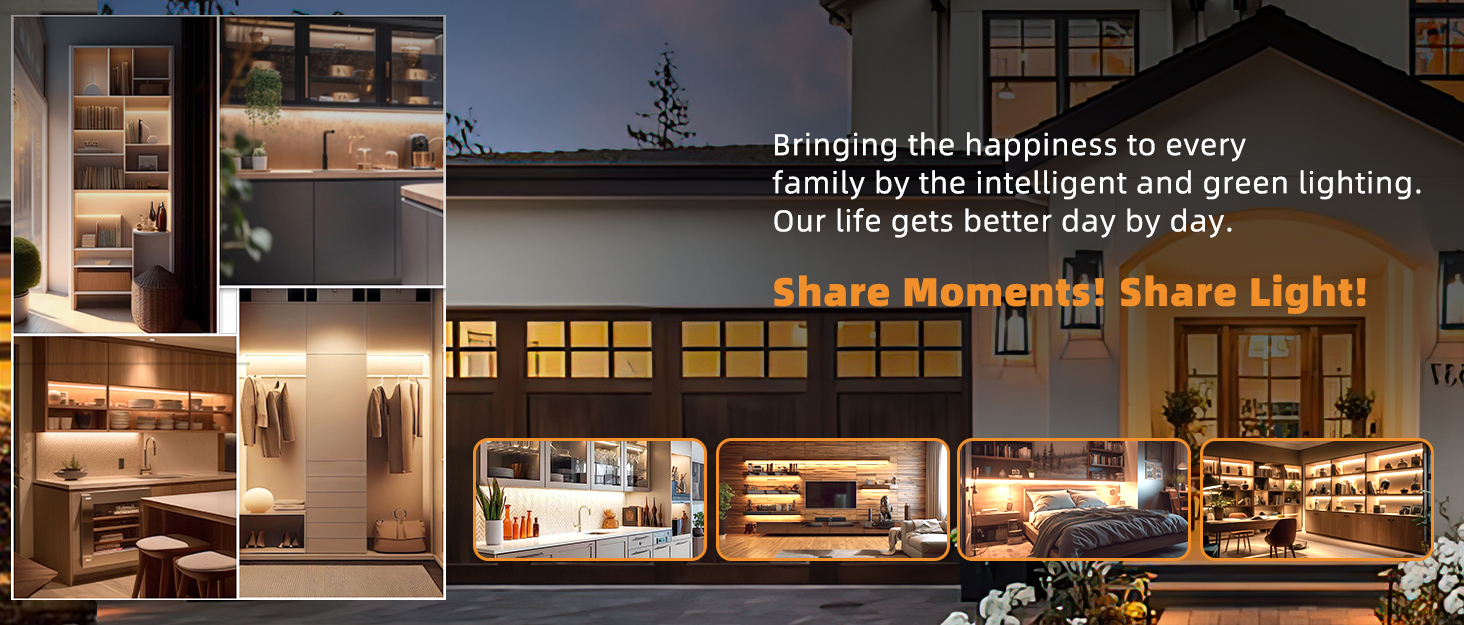
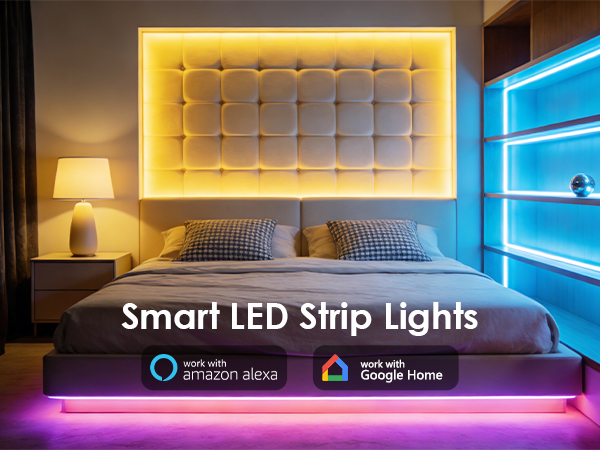
Smart Led Strip Lights

TJOY
Light should feel effortless. So should your home.
At TJOY, we design smart LED lighting that fits your life — whether you need warm light for cooking, color for gaming, or motion-sensing convenience for your closet.
Simple to install. Easy to control. And made to bring a little more joy to your everyday.
TJOY. Light for life.
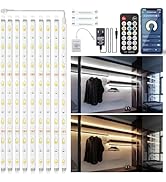
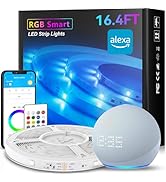
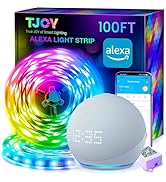
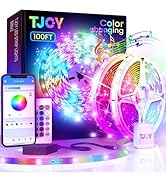
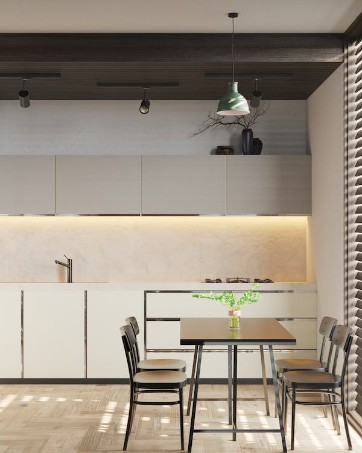
TJOY Under Cabinet Lights
Home Lights


Music Sync – The lights pulse, change, and react in real time to the rhythm of your favorite music.
Scheduling – Set a timer to turn the lights on or off automatically according to your daily routine.
Scene Modes – Choose from over 30 different lighting scene modes to instantly set the perfect mood for any occasion.
How do I connect the LED strip to the app?
Turn on Wi-Fi and make sure your phone is connected to a 2.4GHz Wi-Fi network. Plug the LED strip in and then unplug it; repeat three times until the strip enters flashing mode. Open the app and wait for the connection to complete, then tap “Finish”.
What should I pay attention to during installation?
When installing, align the arrow on the controller with the marking on the strip; Don't leave the LED strip coiled while testing for too long – this may cause overheating.
Smart Led Strip Lights
TJOY
Light should feel effortless. So should your home.
At TJOY, we design smart LED lighting that fits your life — whether you need warm light for cooking, color for gaming, or motion-sensing convenience for your closet.
Simple to install. Easy to control. And made to bring a little more joy to your everyday.
TJOY. Light for life.
TJOY Under Cabinet Lights
Home Lights