




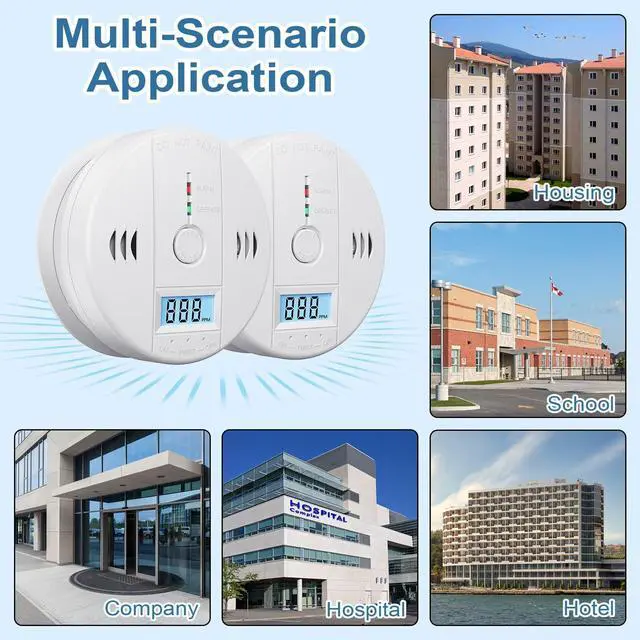




Deller is a young and dynamic brand that offers a range of alarms, carbon monoxide detector as well as household products. A very good alarms has just emerged, which can handle danger in a timely manner. Bring the product to your home, car, garage, or camping site to protect your property and life.
Guarding Property and Safety!
Keep you and your family safe!
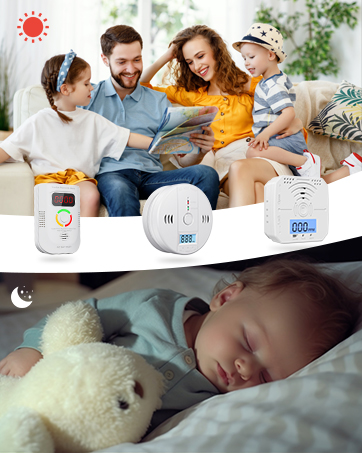

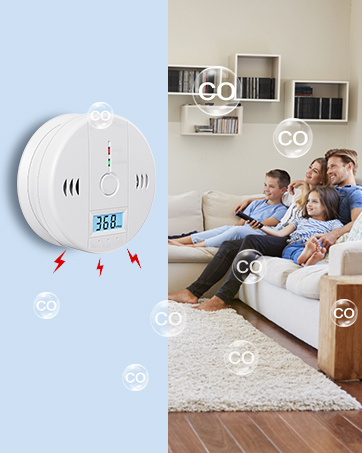
Deller Carbon Monoxide Detectors

NOTE: This product is a CO alarm, not a smoke alarm
Why You Need a Carbon Monoxide Detector
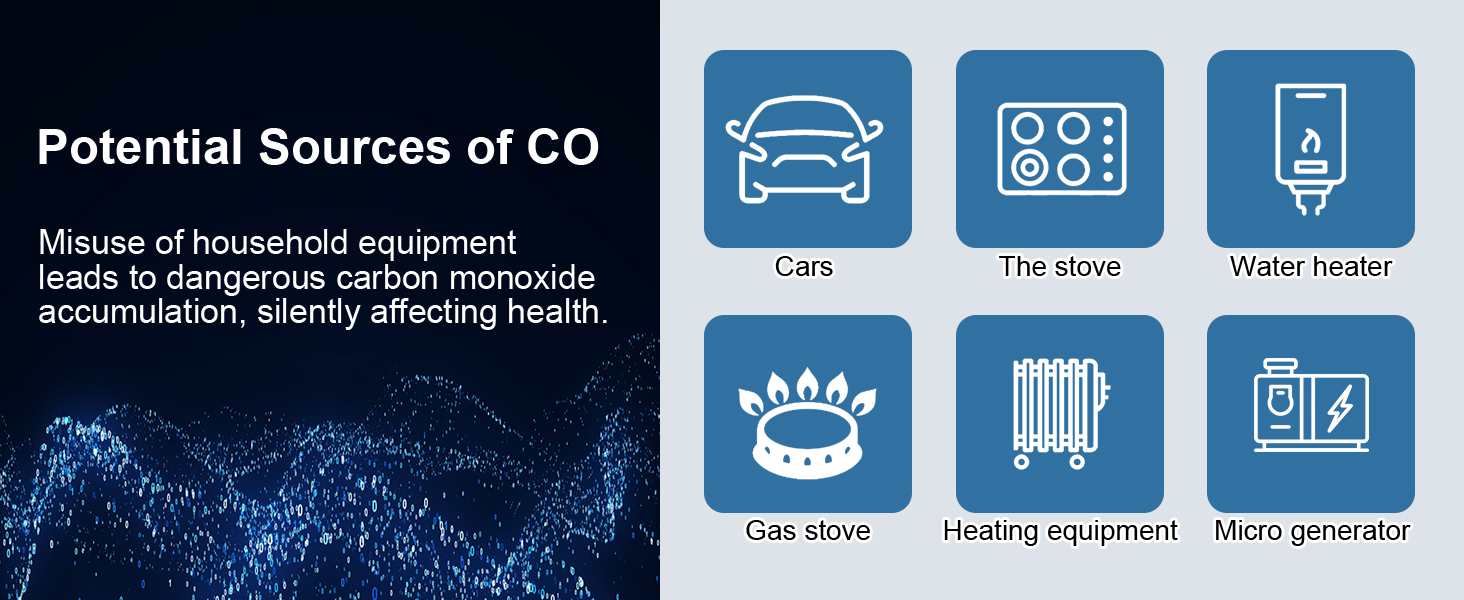
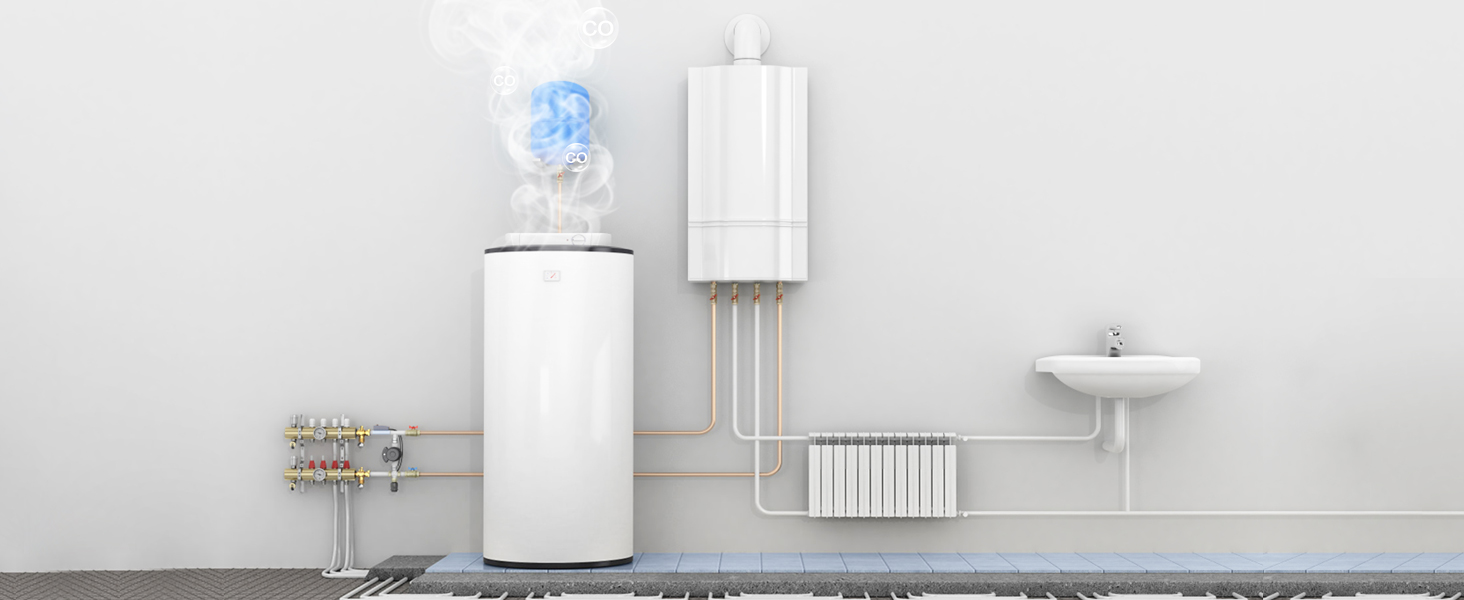
What are the sources of CO?
Various sources within the home can emit carbon monoxide.

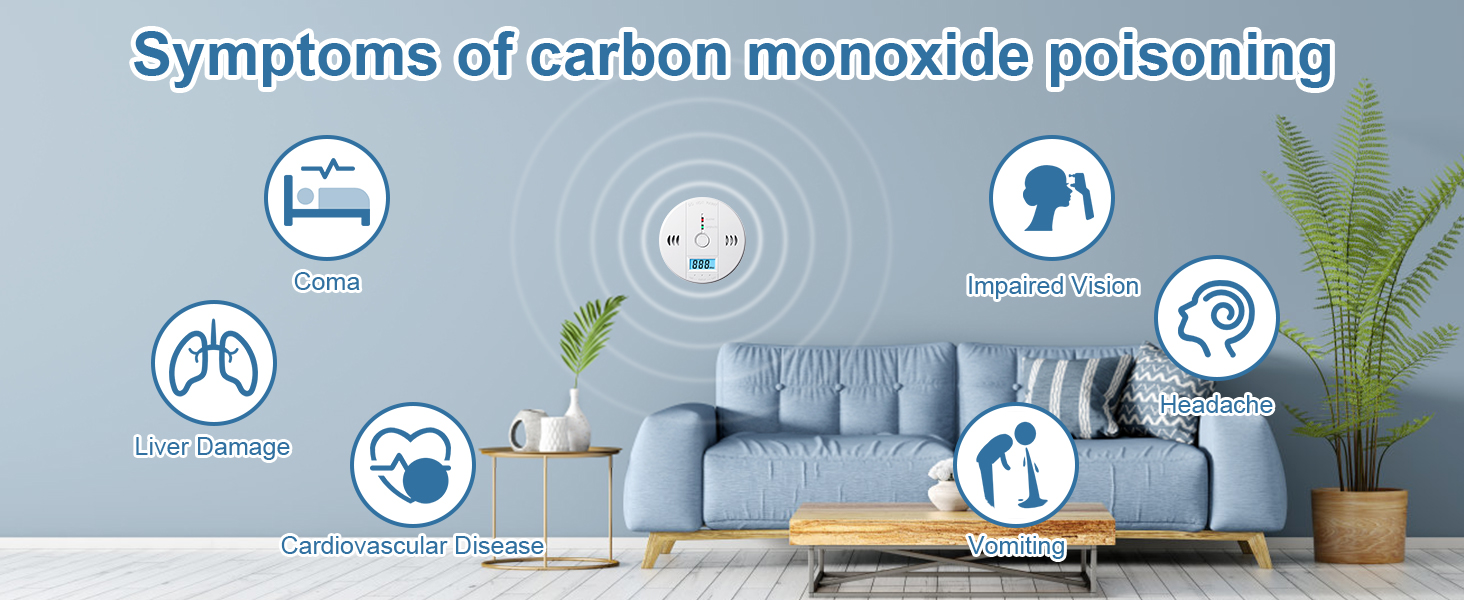
What are the hazards of CO?
CO poses many hazards, especially deadly to pets. Most pet owners are unable to recognize the symptoms of CO poisoning as they are often non-specific.
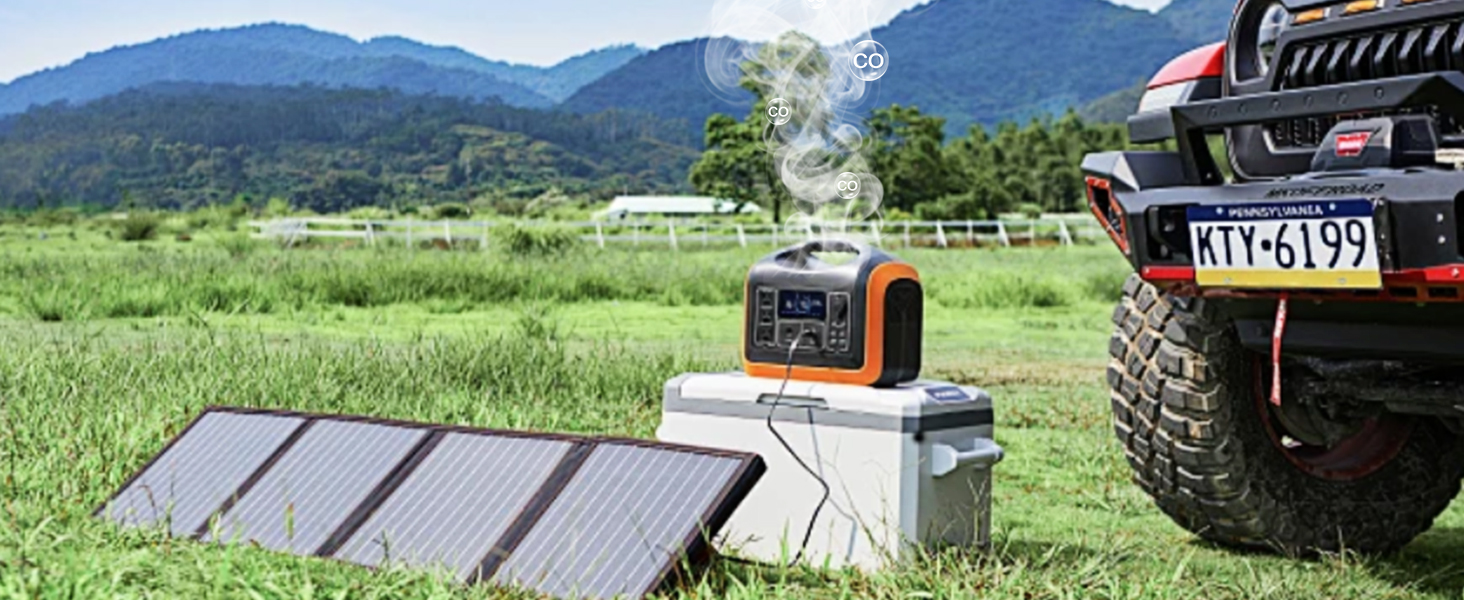
Why use a CO alarm?
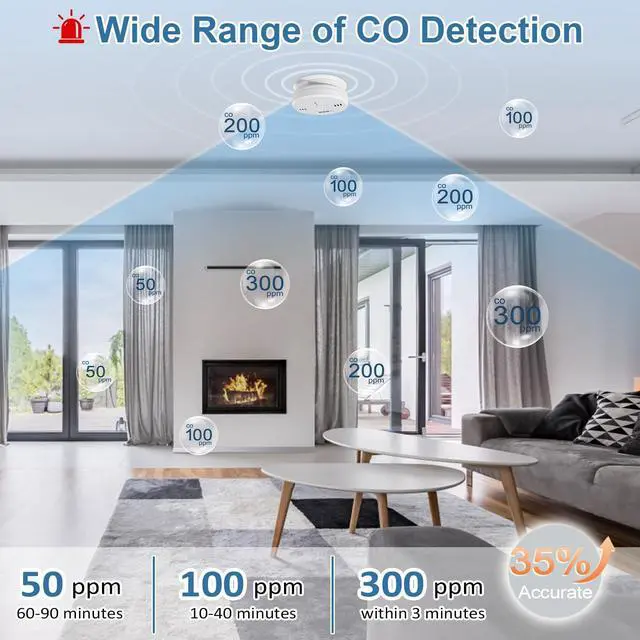
The use of CO alarms can effectively prevent the occurrence of major injuries, accurately detect concentrations, and protect your safety.

About Deller
Deller is a young and dynamic brand that offers a range of alarms, detectors for smoke, carbon monoxide, as well as household products like fire extinguishers and fire blankets.
What is Carbon Monoxide?
Carbon Monoxide (CO) is a deadly gas that is colorless, odorless, and tasteless when inhaled.
Operation Instructions

Installation Guide:
1. Remove the back cover: Rotate the alarm unit to detach its back cover.
2. Mounting location: Choose a suitable location for your CO Alarm. Drill two 5mm holes vertically into the ceiling or wall, spaced 60mm apart.
3. Install components: Install the components in the following order: plastic plugs, back cover (ensure the arrow points downwards), then screws. Finally, secure the carbon monoxide alarm body to the bracket.
4. Attach the alarm: Align the arrow on the back of the alarm body with the arrow on the installed back cover. Rotate the alarm unit to snap it securely onto the bracket.
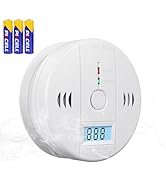
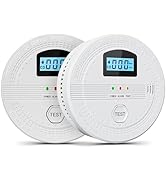
5.Test the alarm: Press the test button. The LCD will display "000 ", the red LED will blink, and the unit will emit three "chirp" sounds for several seconds. Afterwards, the green LED blinking once every 30 seconds indicates normal operation.
Note: Please remember to replace the battery of carbon monoxide alarm after a period of time.The co detector needs to be tested once a week!


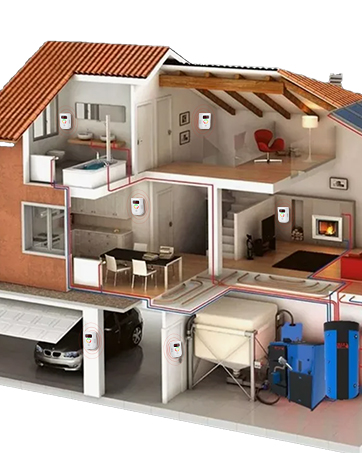
Home Safety Product Placement Guide

What happens during the self-test after pressing the button on the installed alarm?
Post-installation, press test button for self-test: LCD shows "000"; red LED flashes with 4 beeps (twice). Display then darkens; green LED flashes every 30 seconds confirming normal operation.
How to perform the self-test on the alarm?
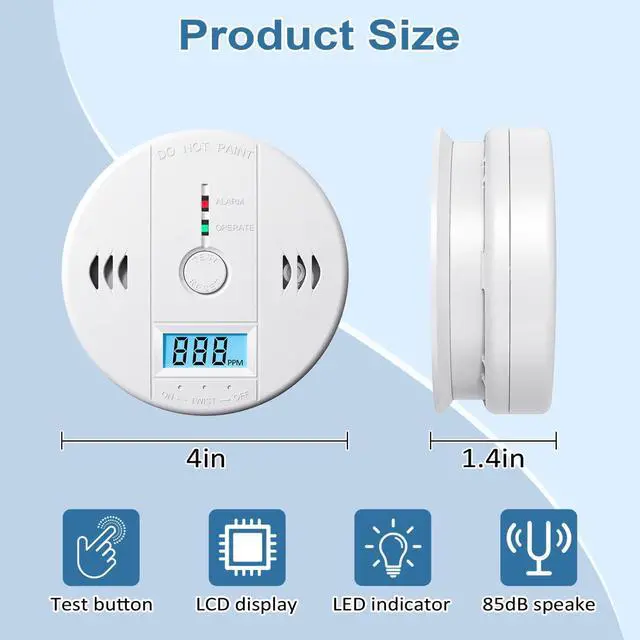
Generate test smoke via smoldering newspaper (extinguish flames) or lit cigarette.Hold 2 inches below detector.Observe rising numbers when gas detected.Functional units sound 85dB alarm within 1-2 minutes.Clear smoke and press reset to complete test.
What does "Err" on the alarm screen indicate?
Indicates a carbon monoxide alarm display malfunction. Please contact after-sales support.
What do the different colored flashing lights indicate?
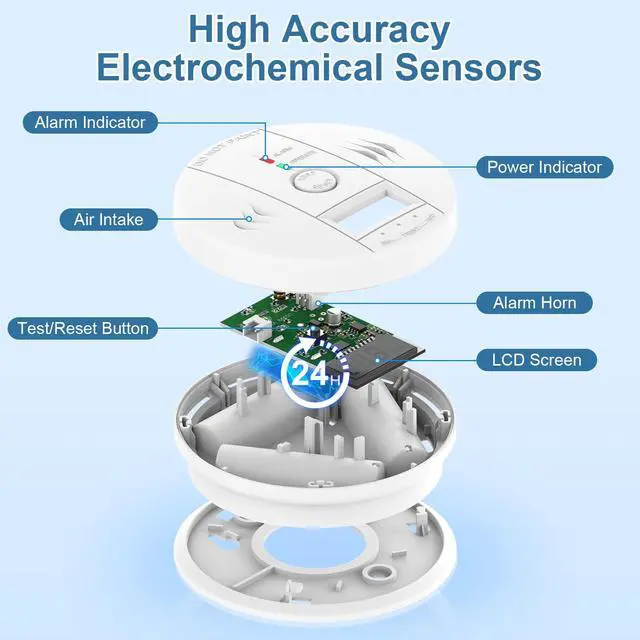
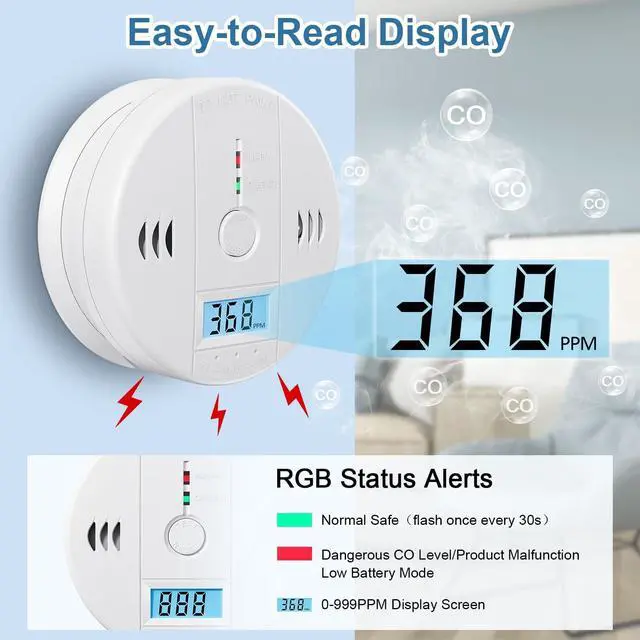
Green LED flashes every 30 sec (normal operation). Red LED flashes with alarm when dangerous CO levels detected.
What's included in the product package?
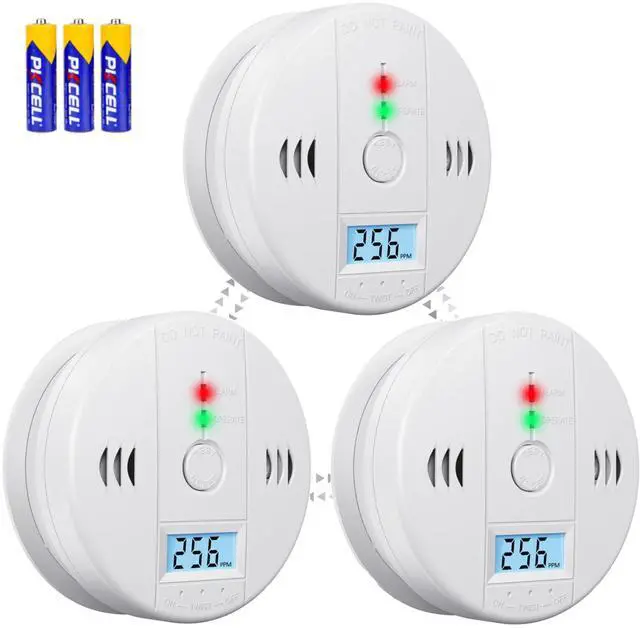
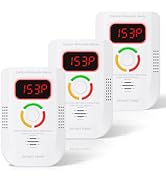
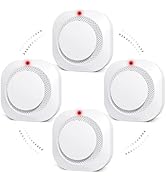
1 Pack includes: 1 * Carbon Monoxide Detectors, 2* Expansion Screws, 2*Anchor Plugs,1*User Manual, 3* AA 1 .5V batteries(Batteries are added in increments according to the number of products)
Deller is a young and dynamic brand that offers a range of alarms, carbon monoxide detector as well as household products. A very good alarms has just emerged, which can handle danger in a timely manner. Bring the product to your home, car, garage, or camping site to protect your property and life.
Guarding Property and Safety!
Keep you and your family safe!
Deller Carbon Monoxide Detectors

NOTE: This product is a CO alarm, not a smoke alarm
Why You Need a Carbon Monoxide Detector
What are the sources of CO?
What are the hazards of CO?
Why use a CO alarm?
About Deller
What is Carbon Monoxide?


Various sources within the home can emit carbon monoxide.
CO poses many hazards, especially deadly to pets. Most pet owners are unable to recognize the symptoms of CO poisoning as they are often non-specific.
The use of CO alarms can effectively prevent the occurrence of major injuries, accurately detect concentrations, and protect your safety.
Deller is a young and dynamic brand that offers a range of alarms, detectors for smoke, carbon monoxide, as well as household products like fire extinguishers and fire blankets.
Carbon Monoxide (CO) is a deadly gas that is colorless, odorless, and tasteless when inhaled.
Operation Instructions

Installation Guide:
1. Remove the back cover: Rotate the alarm unit to detach its back cover.
2. Mounting location: Choose a suitable location for your CO Alarm. Drill two 5mm holes vertically into the ceiling or wall, spaced 60mm apart.
3. Install components: Install the components in the following order: plastic plugs, back cover (ensure the arrow points downwards), then screws. Finally, secure the carbon monoxide alarm body to the bracket.
4. Attach the alarm: Align the arrow on the back of the alarm body with the arrow on the installed back cover. Rotate the alarm unit to snap it securely onto the bracket.
5.Test the alarm: Press the test button. The LCD will display "000 ", the red LED will blink, and the unit will emit three "chirp" sounds for several seconds. Afterwards, the green LED blinking once every 30 seconds indicates normal operation.
Note: Please remember to replace the battery of carbon monoxide alarm after a period of time.The co detector needs to be tested once a week!


Home Safety Product Placement Guide

What happens during the self-test after pressing the button on the installed alarm?
Post-installation, press test button for self-test: LCD shows "000"; red LED flashes with 4 beeps (twice). Display then darkens; green LED flashes every 30 seconds confirming normal operation.
How to perform the self-test on the alarm?
Generate test smoke via smoldering newspaper (extinguish flames) or lit cigarette.Hold 2 inches below detector.Observe rising numbers when gas detected.Functional units sound 85dB alarm within 1-2 minutes.Clear smoke and press reset to complete test.
What does "Err" on the alarm screen indicate?
Indicates a carbon monoxide alarm display malfunction. Please contact after-sales support.
What do the different colored flashing lights indicate?
Green LED flashes every 30 sec (normal operation). Red LED flashes with alarm when dangerous CO levels detected.
What's included in the product package?
1 Pack includes: 1 * Carbon Monoxide Detectors, 2* Expansion Screws, 2*Anchor Plugs,1*User Manual, 3* AA 1 .5V batteries(Batteries are added in increments according to the number of products)