• $22.99
  • Free 30-day Returns
  • Sold by Mikiomie Dire
    Top Rated

    Shipped by Mikiomie Dire

    Price alert
    Shop it at NeweggBusiness.

    Meet Your Seller

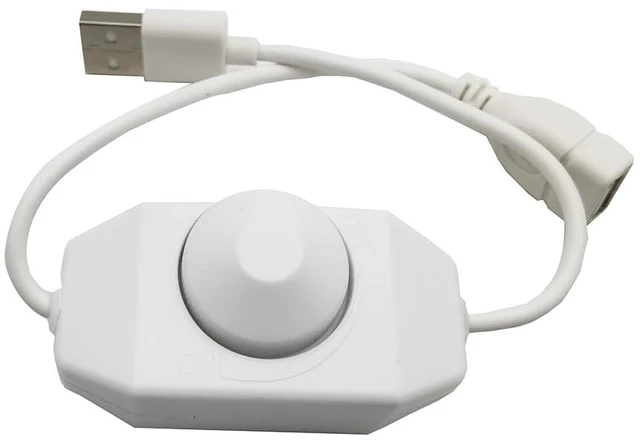
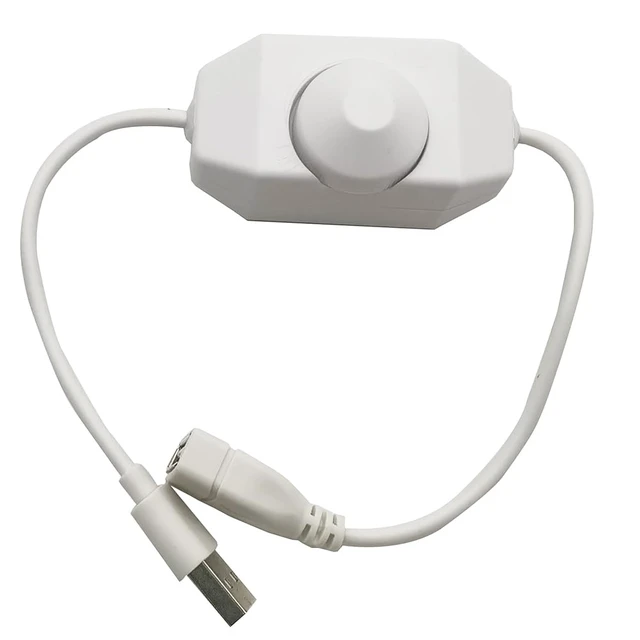
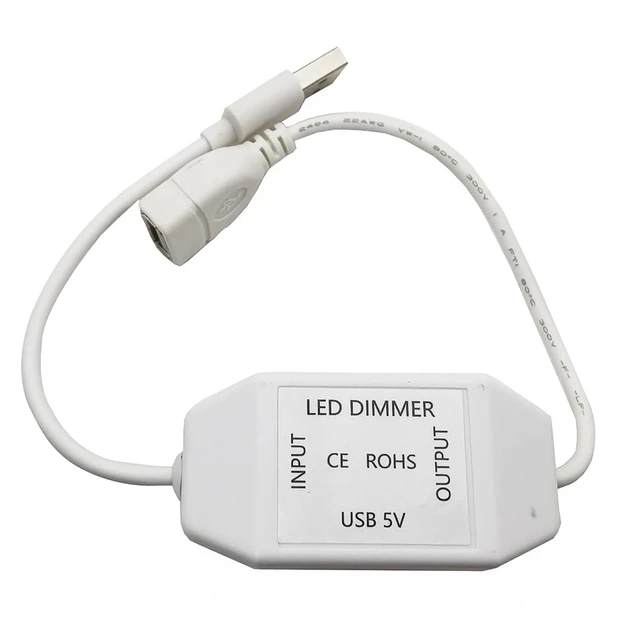
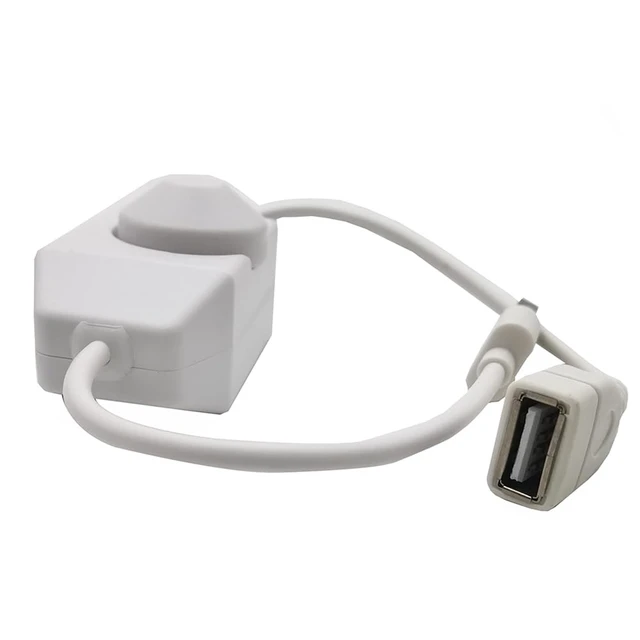
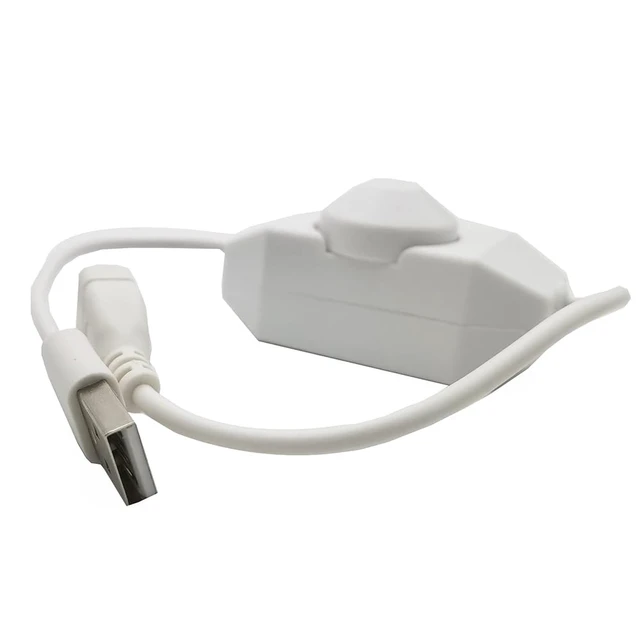
    USB LED Button Dimmer DC 5V Band Brightness Adjust Switch Controller Plug for 5050 3528 2835 5 Volt Strip Lights (White)

    • The LED strip dimmer switch is a controller control. Simply turn the knob to adjust the brightness or simply turn the light on/off.
    • LED dimming controls are widely used in LED strips, LED lights, LED rope lights, mirror lights, small fans, desk lamps, bedside lamps
    • The LED dimmer is designed with ABS plastic, which is durable and insulating.
    • Button operation controls 0.100% dimming, no flicker at low brightness, no quick changes, avoids visual impact on eyes by immediate changes in brightness.
    • Package contents:1 x LED rotary dimmer
    +
    +
    Overview
    Specs
    Reviews

    Any questions? Ask CelesteSM will help you find out quickly.

    LED rotary dimmer

    . Plug type: USB socket to plug

    . Color: Black/White

    . Material: plastic

    . Maximum current: 3A

    . Operating voltage: DC 5V

    . Maximum power applicable: 15W

    . Size: 66x33x34 mm/2.6x1.3x1.34 inch (L*W*H)

    . Total length (including cable): 30cm/11.81 inch

    Package contents:

    1 x LED rotary dimmer

    How to use it?

    1. Connect the load line first, then the power line (please make sure that there is no short circuit

    between the connecting lines before powering on);

    2.Turn the knob to the right, the brightness gradually becomes brighter, and turn to the far right,

    The brightness is the highest. Operate the other way around, when it turns to the far left, the light goes out.

    Warranty & Returns

    Warranty, Returns, And Additional Information

    Warranty

    • Please contact the Seller directly for warranty information. Warranty information may also be found on the Manufacturer's website.
    • CONTACT

    Return Policies

    Manufacturer Contact Info

    LOADING...