Your Browsing History
- Free 30-day Returns
$6.00
Meet Your Seller
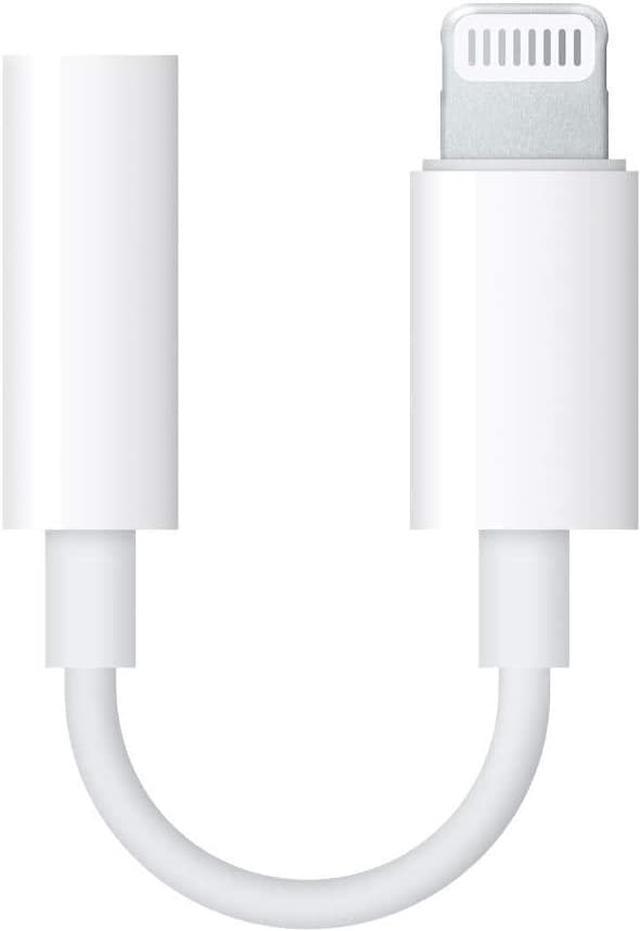
iPhone 3.5 mm Headphone Jack Adapter, 1 Pack iPhone 3.5mm Headphones/Earphones Jack Aux Audio Dongle Adapter Compatible for iPhone 14 13 12 11 XS XR X 8 7, Support All iOS
- About this item
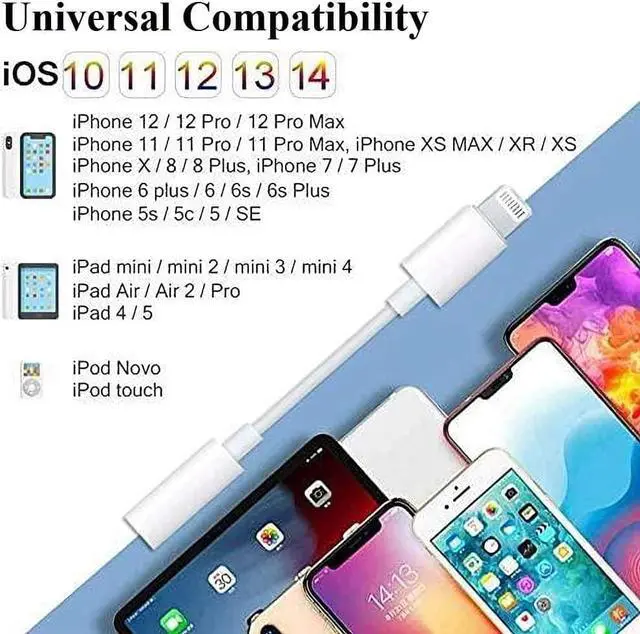
- This 3.5mm earphone Jack cable Perfect for iPhone 12/12 Pro/SE/11/11 Pro/11 Pro Max/XS/XS Max/XR/X/8 7 6 Plus, iPod touches 6th Generation, iPad Mini/iPad Air/ iPad Pro. support iOS 10~14.1 or higher.
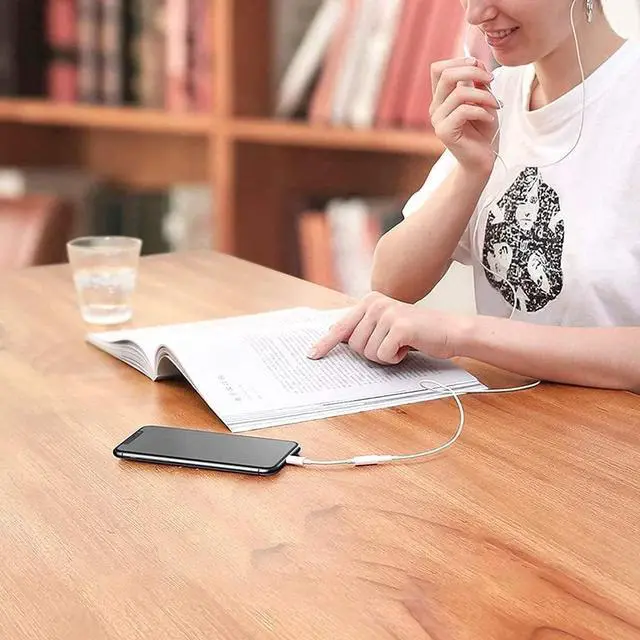
- This lightning 3.5mm Aux Audio Adapter allows you to Control Music (volume, previous/next), enable to enjoy your favorite music,Video or movies freely. Excellent FunctionsThis lightning 3.5mm Aux Audio Adapter allows you to Control Music (volume, previous/next), enable to enjoy your favorite music, Video or movies freely. NOT support calling function.
- The iPhone lightning music converter equipped with advanced noise reduction technology, supports up to 48 kHz, 26-bit audio output, enhancing the anti-interference ability, Fit most 3.5mm earphone, bring you a perfect sound experience.
- provides 12 months warranty. Any problems with this Lightning to 3.5 mm Headphone Jack Dongle, please feel free to contact us. We will offer a new replacement or a refund..
+
+
Overview
Specs
Reviews (1)
Any questions? Our AI beta will help you find out quickly.
Try me now
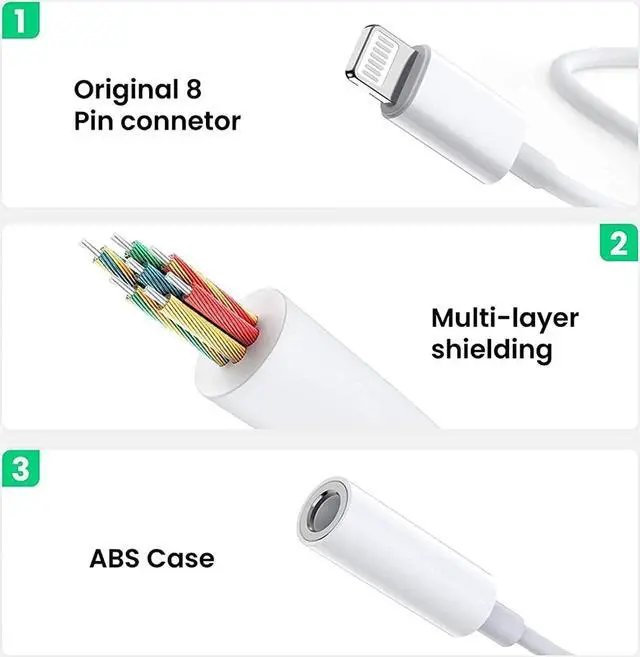
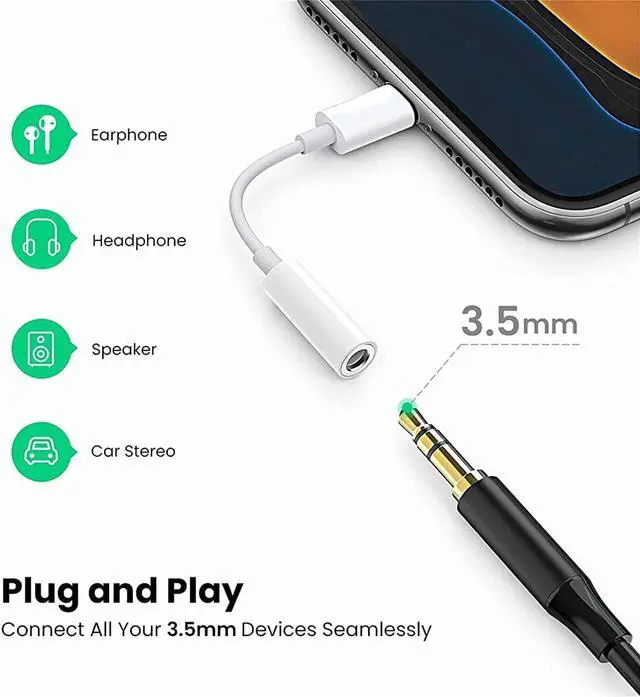
This lightning to 3.5 mm headphone jack adapter is specially designed for iPhone users to help them continue to use its 3.5 mm audio headphones on new iPhone devices.
How to use
1. Plug the dongle iPhone adapter into the 3.5 mm port headset or cable.
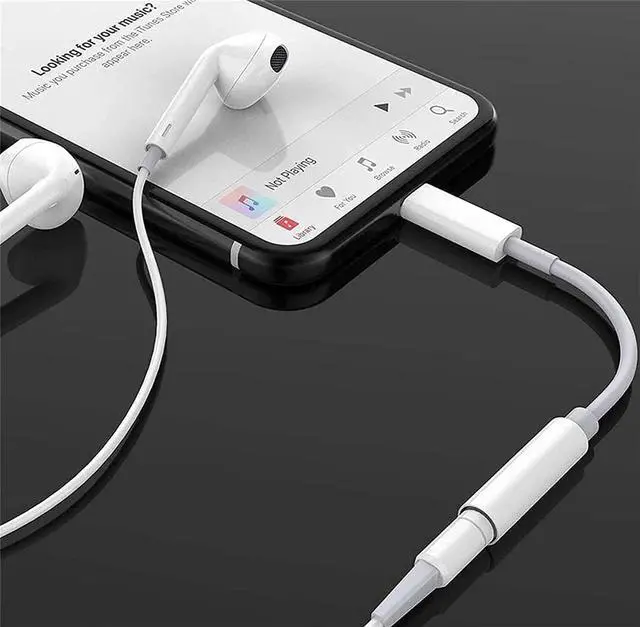
2. Connect the AUX adapter to the phone. iPod touch or iPad.
3. Wait for your device to recognize the adapter for 3 to 5 seconds before playing music.
Compatible Equipment
iPhone 14/14 Plus/14 Pro/14 Pro Max
iPhone 13 Mini / 13 / 13 Pro / 13 Pro Max
iPhone 12 Mini / 12 / 12 Pro / 12 Pro Max
iPhone 11/11 Pro / 11 Pro Max
iPhone XR / XS / XS / X
iPhone 8 8 Plus
iPhone 7 7 Plus
iPhone 6 6s
iPhone 5c / SE 2020
iPad, iPod, etc.
Compatible with more iOS systems, iOS 10.3 and above (including new iOS 16 or later).

How to use
1. Plug the dongle iPhone adapter into the 3.5 mm port headset or cable.
2. Connect the AUX adapter to the phone. iPod touch or iPad.
3. Wait for your device to recognize the adapter for 3 to 5 seconds before playing music.
Compatible Equipment
iPhone 14/14 Plus/14 Pro/14 Pro Max
iPhone 13 Mini / 13 / 13 Pro / 13 Pro Max
iPhone 12 Mini / 12 / 12 Pro / 12 Pro Max
iPhone 11/11 Pro / 11 Pro Max
iPhone XR / XS / XS / X
iPhone 8 8 Plus
iPhone 7 7 Plus
iPhone 6 6s
iPhone 5c / SE 2020
iPad, iPod, etc.
Compatible with more iOS systems, iOS 10.3 and above (including new iOS 16 or later).
Warranty & Returns
Warranty, Returns, And Additional Information
Warranty
- Please contact the Seller directly for warranty information. Warranty information may also be found on the Manufacturer's website.
- CONTACT
Return Policies
- Return for refund within: 30 days
- Return for replacement within: 30 days
- This item is covered by Happiness store Return Policy
Manufacturer Contact Info
- For a directory of all our manufacturers, please click below.
- Manufacturers Directory
LOADING...