

Your Browsing History
- Free 30-day Returns
$23.98
Ships from China.


Meet Your Seller


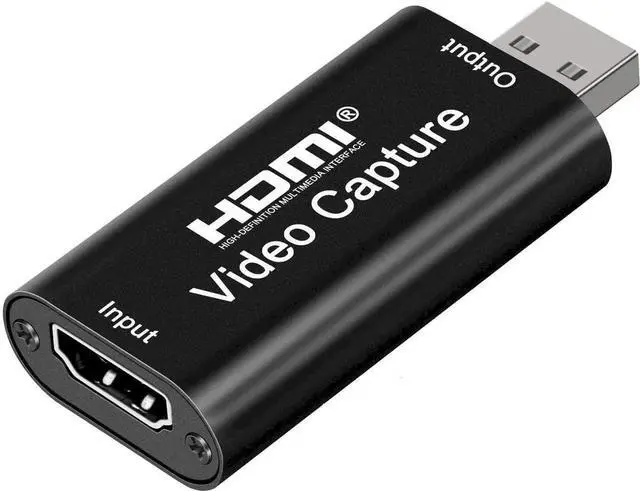
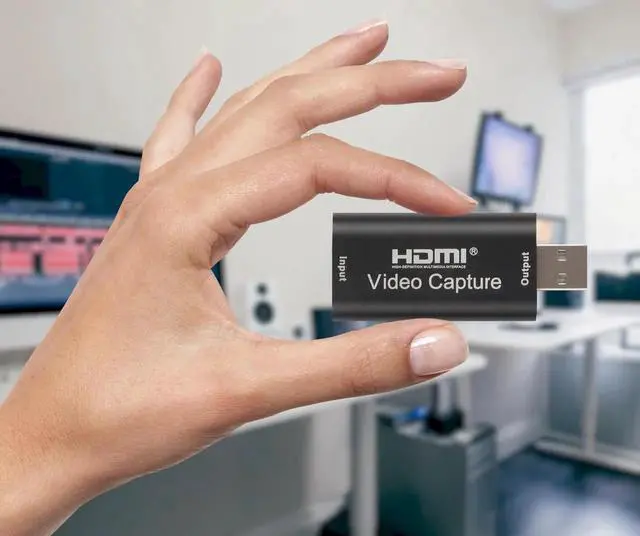


4K HDMI Video Capture Card, Cam Link Card Game Audio Adapter HDMI to USB 2.0 Record Capture Device for Streaming, Live Broadcasting, Video Conference, Teaching, Gaming
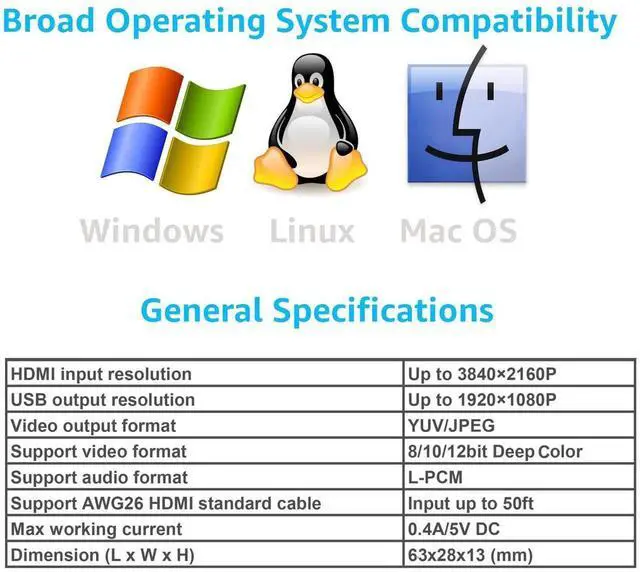
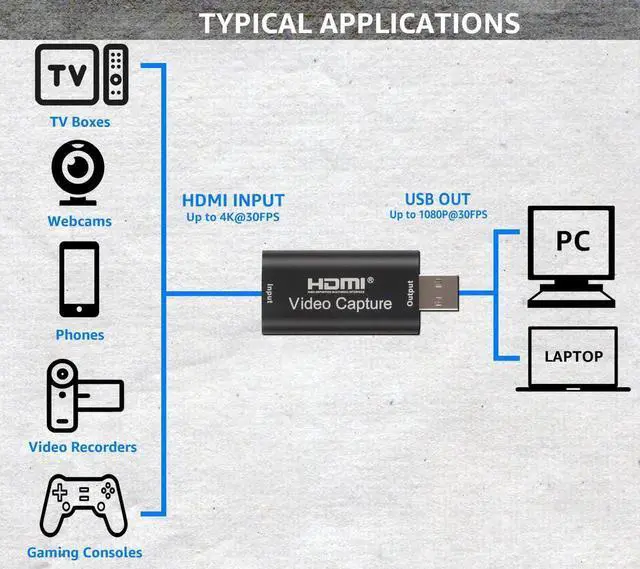
- [Enhanced 4K-1080P Video Capture Experience] Capture the Magic: Elevate your video recordings to new heights with our upgraded anti-static 1080P Video Capture Card. Immerse yourself in stunning visuals, supporting HDMI input at 4K 60FPS and USB output for capturing in 1080P, complete with rich stereo sound. Enjoy crystal-clear video recordings, dynamic gaming live streams, and professional conference broadcasts. Note: HDMI resolution: Max input can be 3840×2160@30Hz / Video output resolution: Max output can be 1920×1080@30Hz
- [Seamless Real-Time Preview] Stay in the Moment: Our advanced ultra-low latency technology ensures seamless real-time transmission of video streams. Experience instant, lag-free previews, allowing you to capture every detail precisely. Effortlessly record video directly to your hard disk, all without compromising on quality or introducing any delays.
+
+
Overview
Specs
Reviews

Any questions? Our AI mode will help you find out quickly.
Try me now
Capture & Record Moments
Effortlessly capture and record high-quality streaming with HDMI to USB 2.0 Capture Card.
Refer to the FAQ below for assistance or contact us directly anytime.
Connection & Operation:
1. Install Software: OBS or Potplayer.
2. HDMI Source Connection: Connect UHD source (e.g., DSLR) to HDMI input using cable.
3. USB Connection: Link capture card to computer's USB port.
4. Operating Steps (OBS):
- Select "Video Capture Device" as source.
- Configure image size.
- Opt for "Studio Mode".
- Click "Start Recording".
FAQ/TROUBLESHOOTING:
1. Frame Rate & Quality: Optimize settings for performance & video quality.
2. USB Port: Use USB 2.0 port to prevent drops.
3. Compatibility & Firmware: Check updates, verify console compatibility.
4. Fast Motion & Frame Drops: Reduce intensity, optimize settings.
5. Input Lag: Ensure capable computer, quality HDMI cables.
6. Capture Software: Configure settings for synchronization.
7. Other Factors: Test with different games & devices.
By addressing these factors, achieve optimal results with HDMI to USB 2.0 video capture card.
Specifications:
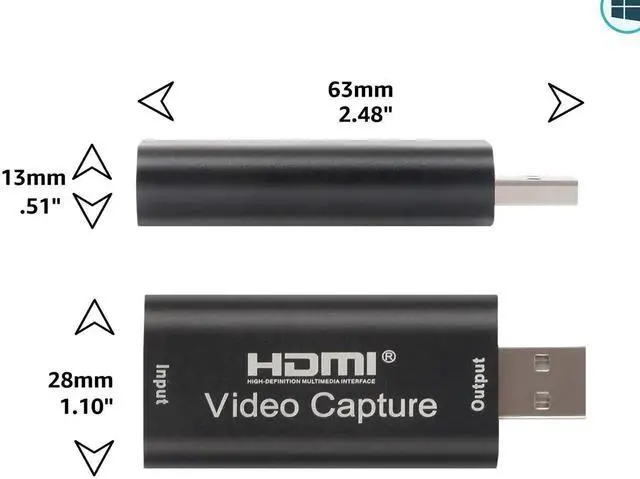
- Input Resolution (4K): 3840×2160@30Hz
- Output Resolution: 1920×1080@30Hz
- Interface: USB 2.0
- Video Output
Warranty & Returns
Warranty, Returns, And Additional Information
Warranty
- Please contact the Seller directly for warranty information. Warranty information may also be found on the Manufacturer's website.
- CONTACT
Return Policies
- Return for refund within: 30 days
- Return for replacement within: 30 days
- This item is covered by Chancelv Return Policy
Manufacturer Contact Info
- For a directory of all our manufacturers, please click below.
- Manufacturers Directory
LOADING...