
Your Browsing History





Any questions? Our AI beta will help you find out quickly.
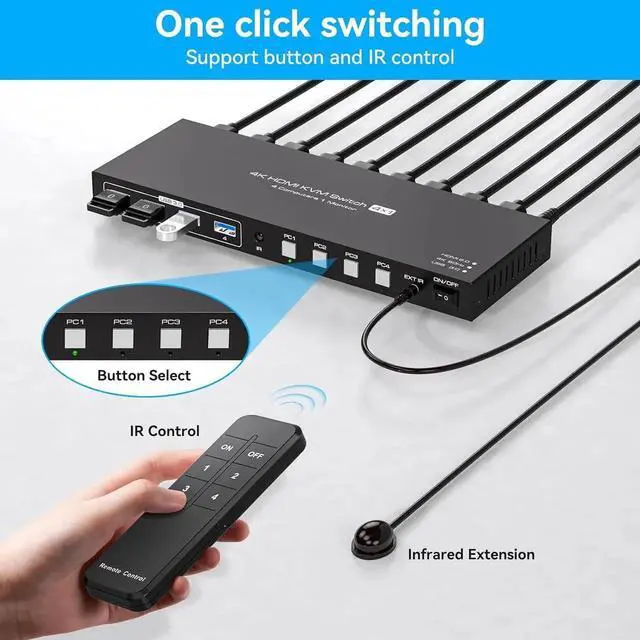
2 Switching Mode 1.
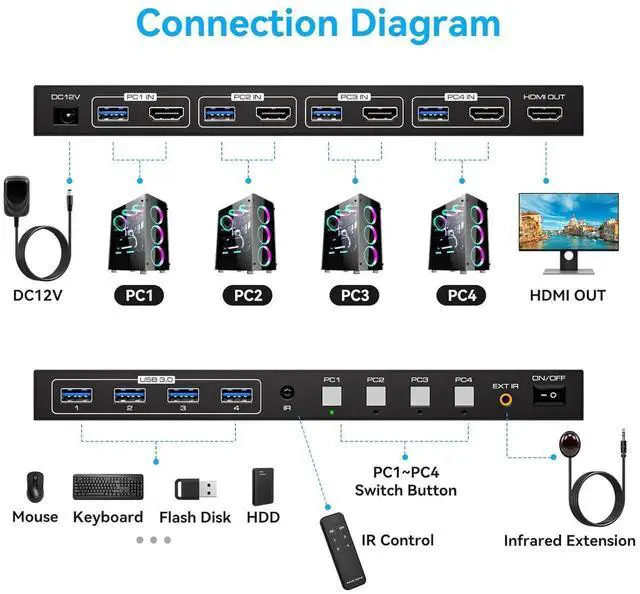
Remote Control Switching: Aim the remote control at the hdmi kvm switcher and press the button to easily switch between different computers; you can also place the KVM switcher outside of the workspace, connect the wired infrared device, aim the remote control at the infrared device, and press the button to switch. 2.
Pushbutton Switching: Simply press the white buttons from PC1 to PC4 to switch.
Note: Hotkey switching is not supported
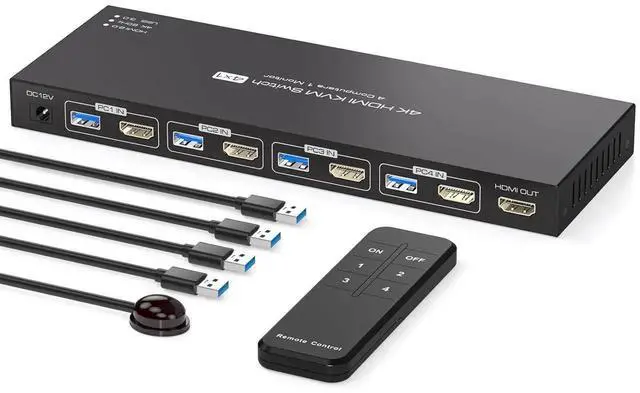
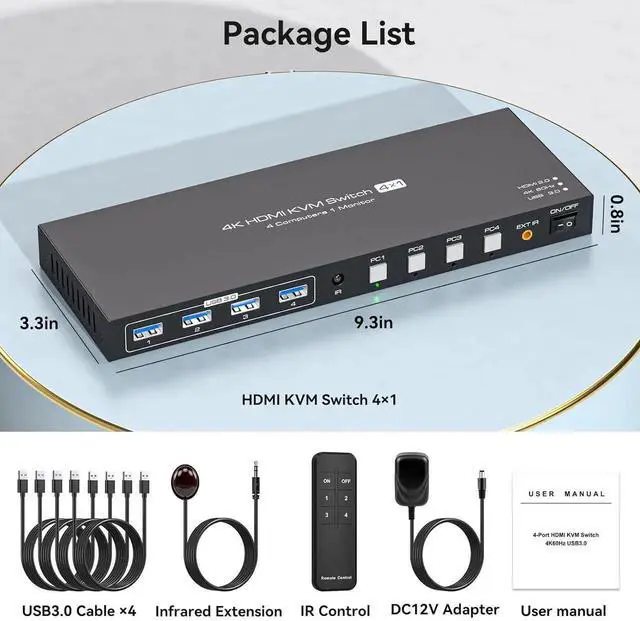
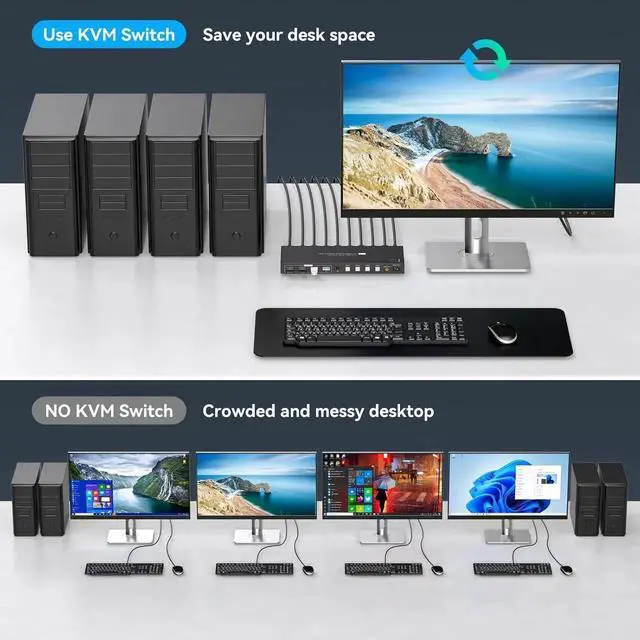
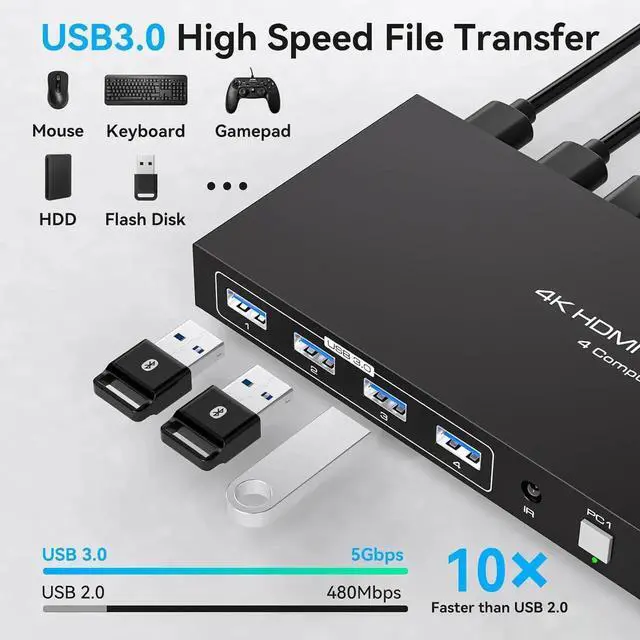
With 4 USB 3.0 PortsThe 4 port hdmi kvm switch comes with 4 high-speed USB 3.0 ports that can transfer data at a speed of up to 5Gbp/s, which is 10 times faster than USB 2.0. By being backwards compatible with USB 2.0 devices, the KVM switch can seamlessly share wired or wireless keyboards and mice, printers, scanners, and network cameras among 1 displays and 4 computers. Made with high-quality and durable metal materials, the KVM switch is reliable and long-lasting
Wide CompatibilityThe kvm switch 4 computers is plug-and-play and does not require software drivers. It is widely compatible with various systems such as Windows, Vista, XP, Mac OS, Linux, and Unix. It supports multiple input devices such as computers and laptops and can be used in environments such as offices, conference rooms, and multimedia classrooms. If you encounter any problems during use, please contact us and our professional technical team will provide solutions for you
hero-