
Your Browsing History




Any questions? Our AI beta will help you find out quickly.
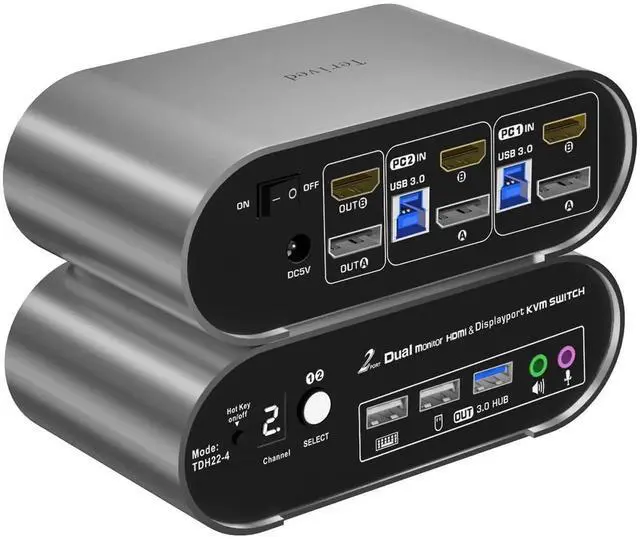
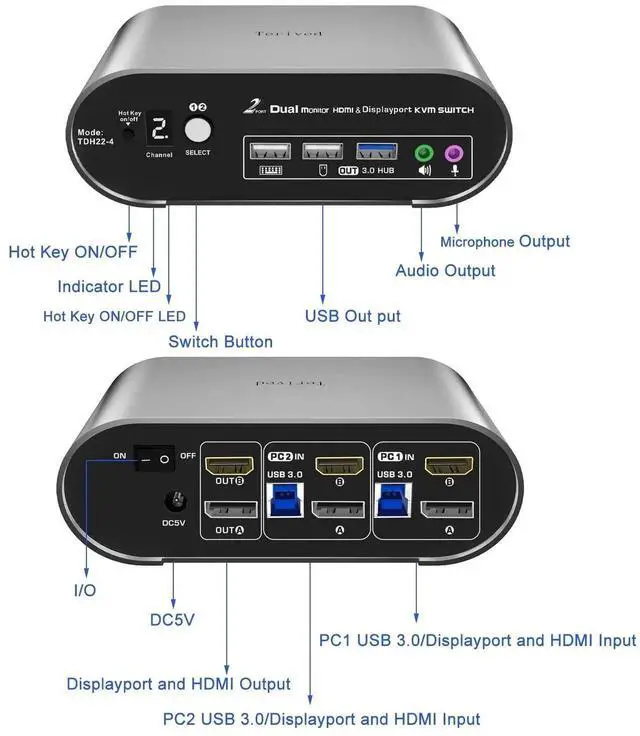
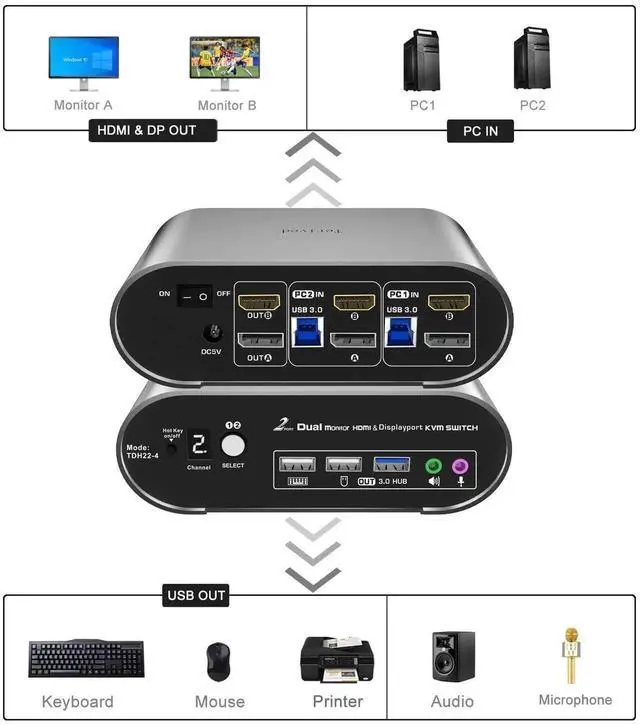
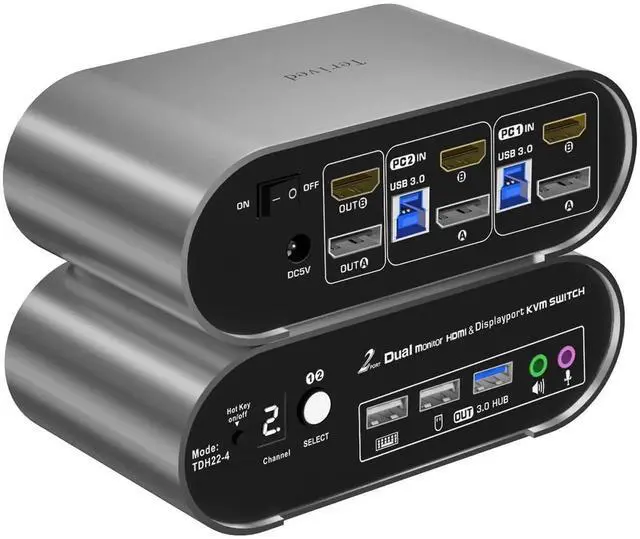
Two computers two monitors KVM Switch - Control two computers with HDMI and DP interfaces, along with other compatible devices, using a single keyboard and mouse. Connect one HDMI monitor and one DP monitor. Enjoy separate audio and microphone output, as well as a USB 3.0 HUB. If you need more USB port we suggest a self-power 5V 3A USB spliter.
HDMI + DP KVM Switch - Supported resolutions: 480i, 480p, 720p, 1080i, 1080p, 2K@165Hz, DP(4K@60Hz), 4K@144Hz (HDMI), RGB
4:4: 4 HDR10, HDMI 2.0 DP 1.2 compatible. Auto-Scan, auto-detection. Hot plug & play and HDCP.
Multi-platform: support Windows 11/10/7/2000/XP/Vista, Linux, and Mac
KVM switch with Automatic Switching: To enable the automatic switching feature of the KVM switch, press Right [CTRL] twice, then [S], and [Enter]. The default auto-switching time is 10 seconds. (To turn it off, simply press this shortcut combination again). You can adjust the auto-switching time by pressing Right [CTRL] twice, followed by [S], then [N], and [Enter], where 'N' represents the number of seconds for the switching time (ranging from 1 to 999 seconds).
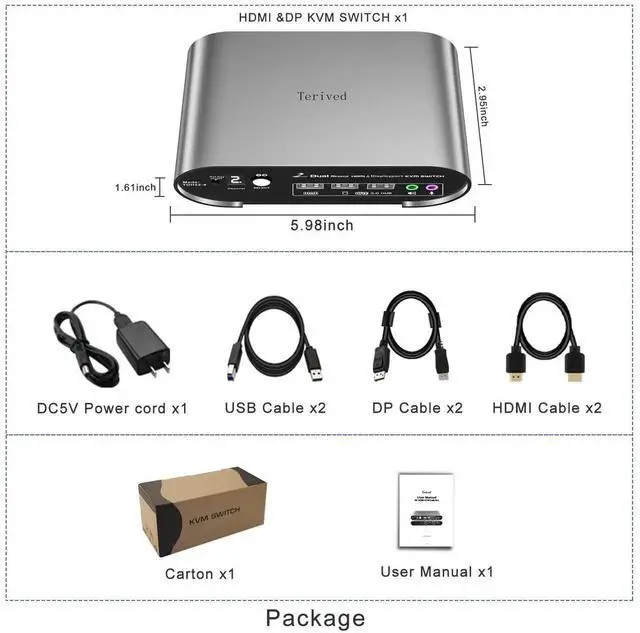
HDMI&DP Monitor KVM Switch 4K60Hz, audio microphone hotkey with cables