
Your Browsing History




Any questions? Our AI beta will help you find out quickly.
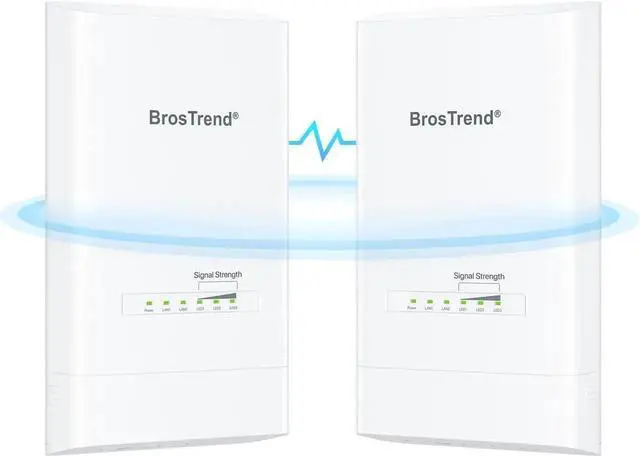
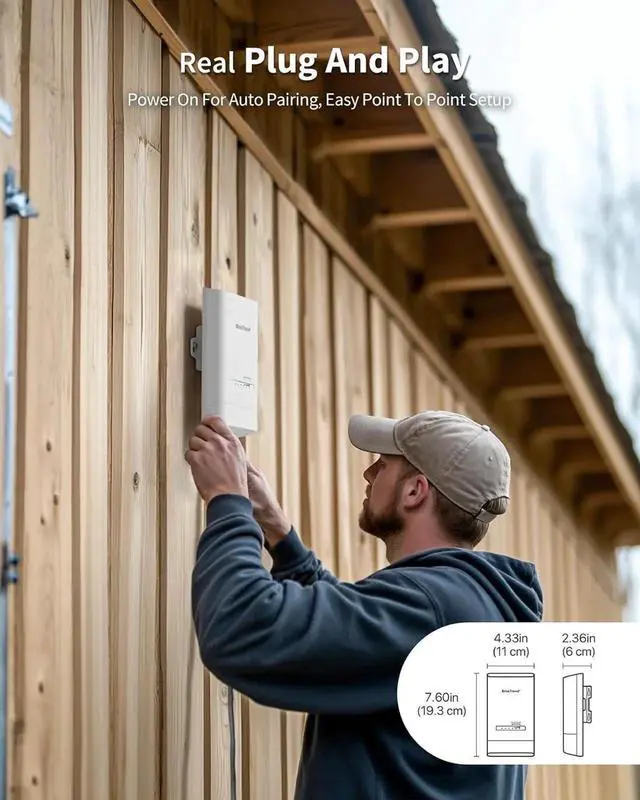
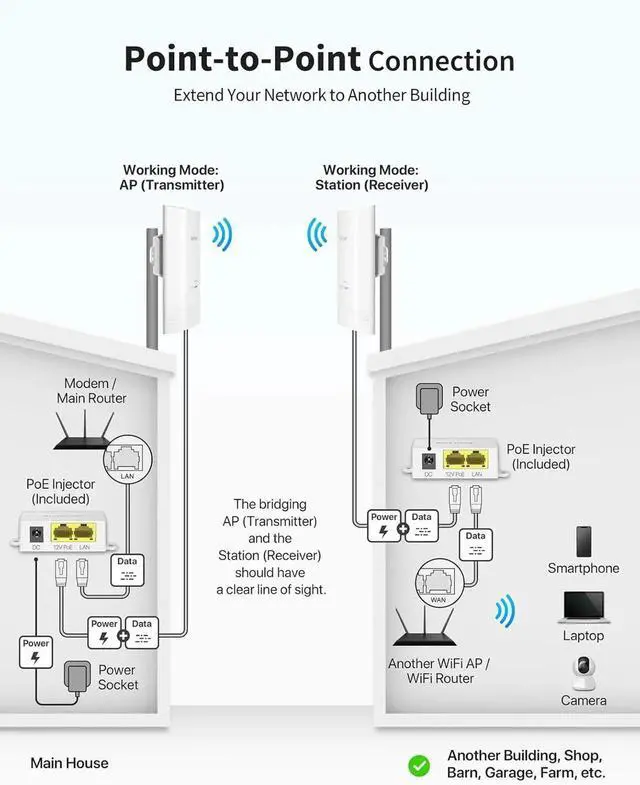
Plug-and-Play: The WiFi bridge comes pre-paired for a hassle-free setup. Simply power the AP and Station in the same room for automatic pairing in minutes. Supports both wall and pole-mounted installations for flexible deployment
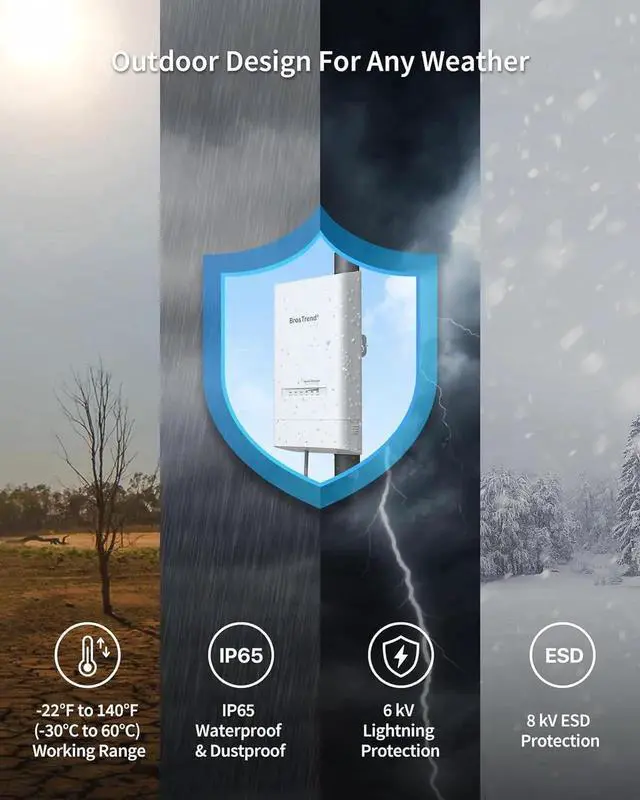
Outdoor Design for Any Weather: The WiFi bridge features IP65-rated enclosure with waterproof, dustproof, and 6kV lightning protection to withstand harsh weather conditions.
Note: PoE injectors are intended for indoor use only. For outdoor installations, we recommend using Cat5e or higher Ethernet cables that are shielded, UV-resistant, waterproof, and PoE-compatible
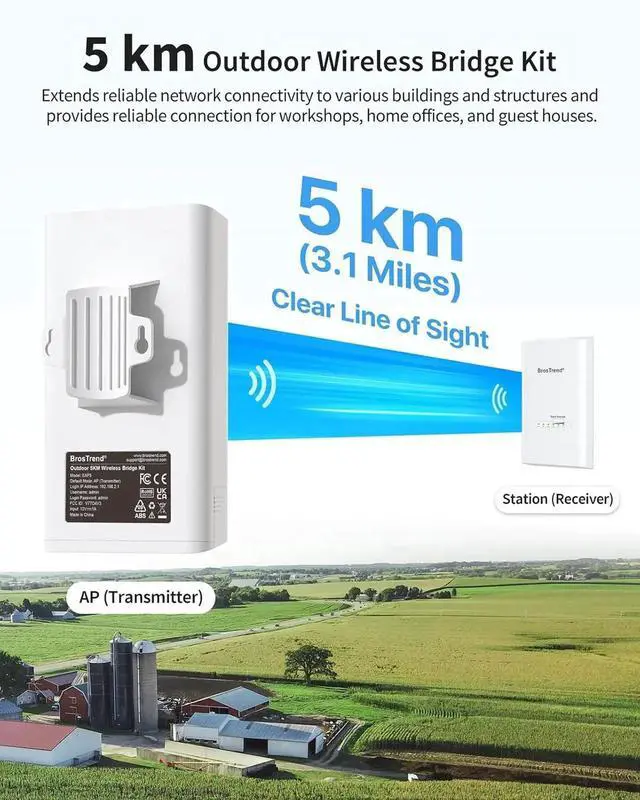
Installation Requirement: For optimal performance, a clear line of sight between the two CPEs is required. Obstacles like trees, buildings, and large steel structures can block the wireless signal
5 km Outdoor Wireless Bridge Kit Merchant Video
1
Large Properties
2
Versatile Spaces
3
RVs & Campgrounds
4
Surveillance
1
Comparison Chart
2
What's in the Box
3
Specification
4
FAQ
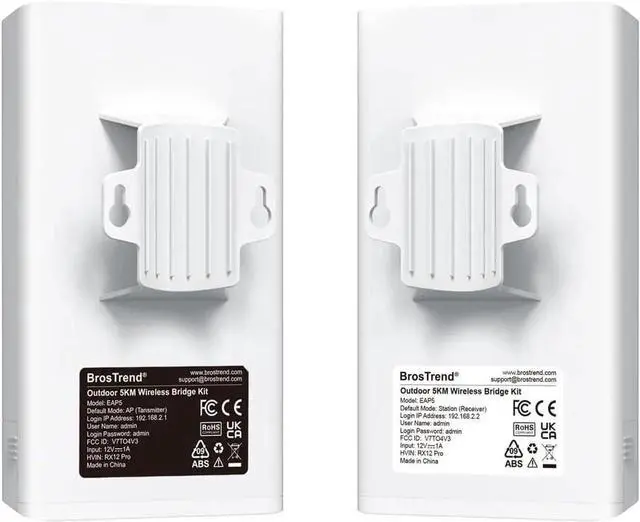
Easy SetupStep 1: Power the CPEs for Auto PairingPlace both CPE units in the same room and power them using the included PoE injectors, 802.3 af PoE Ethernet switch, or DC power adapters. The CPEs come pre-paired out of the box, with one as AP (Transmitter) and the other as Station (Receiver) in the factory default configuration. You can identify each unit with the labels on their backs.
Step 2: Confirm Successful Auto PairingWhen the Signal Strength indicators (LED1/LED2/LED3) on the AP (Transmitter) stay solid and those on the Station (Receiver) blink slowly, the automatic pairing is successful. To confirm, connect the main router to the AP (Transmitter) with an Ethernet cable, then connect the Station (Receiver) to a laptop using another Ethernet cable. If the laptop has Internet access, the pairing is complete.
Step 3: Install the CPEsMount the CPEs and ensure a clear line of sight between them. For optimal signal transmission, they should be fully face-to-face. In certain cases, ensure the Station is aligned vertically and horizontally with the front of the AP, both within a 30° angle range.