
Your Browsing History




Any questions? Our AI beta will help you find out quickly.
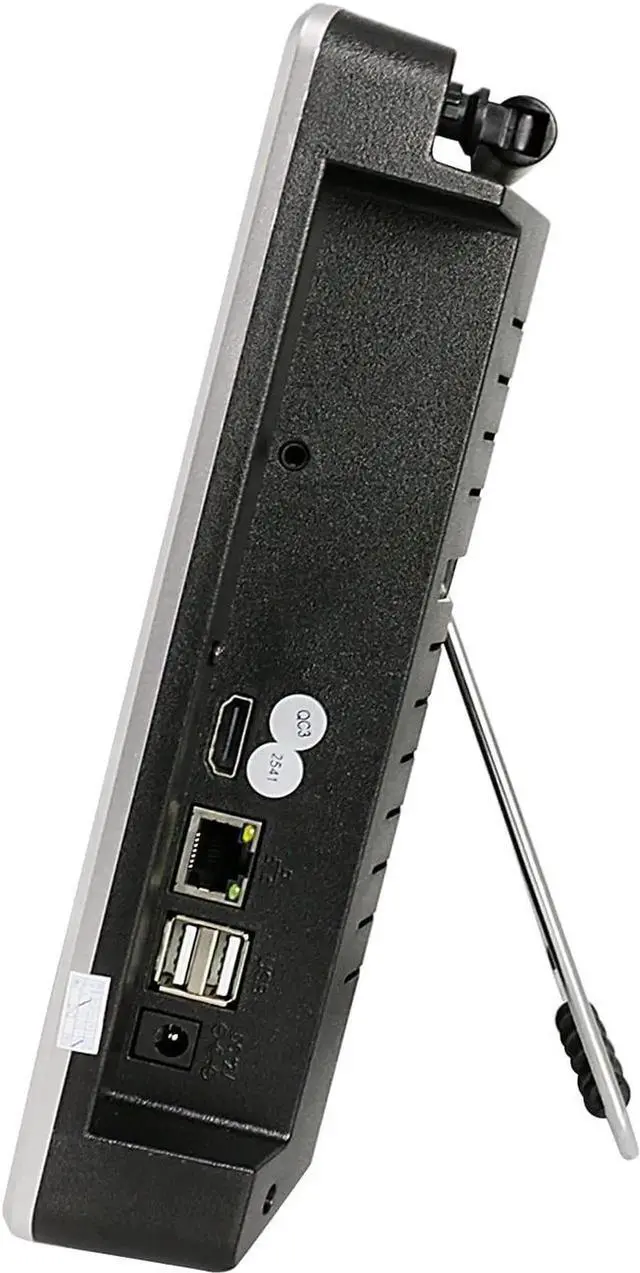
No hard drive: The package contains no hard disk, u need install hard drive (up to 6TB internal hard drive). NVR needs 12V voltage and 2A minimum current. If your power adapter does not reach this power, it will not be enough to drive NVR. 2.4G
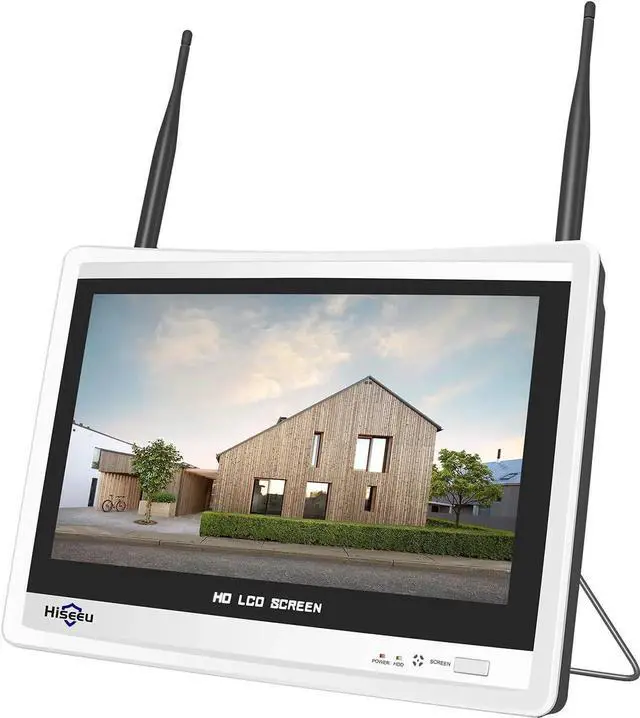
Wifi Connected for viewing remotely: Hiseeu wireless NVR only work with Hiseeu wifi cameras and app name should be EseeCloud, when u connect cam to NVR box, no need network, u need connect NVR to 2.4G Wifi if u want view cameras remotely. When you receive the new nvr box, there is no match between the new nvr box and the original cameras. You need to pair them. And you need to open the original NVR box, remove the hard drive from the old NVR box and install it into the new NVR box. 12Inch LCD Wireless WiFi NVR 10 Channels Network Video Recorder
- How to connect the camera to the new
NVR: New camera is not paired with your NVR, so please refer below steps to add the new camera to your NVR Please right click your NVR mouse choose camera-"+"-Press camera reset button about 10s, click Continue, wait for new IP address show up, then click Continue, if no IP address show up click Search again
- Built-in speaker: Hiseeu's wireless cameras support audio function. You can directly hear the sound from the camera on this NVR, but NVR is no microphone. If you buy a hiseeu camera that supports two way audio, you still need to use the function of two way audio through the Eseecloud App NVR without power adapter, use correct 12V2A or 12V3A power adapter to turn on the monitor, on the front cover there is on/off button, make sure turn on it.
- No hard drive: The package contains no hard disk, u need install hard drive (up to 6TB internal hard drive). NVR needs 12V voltage and 2A minimum current. If your power adapter does not reach this power, it will not be enough to drive NVR.
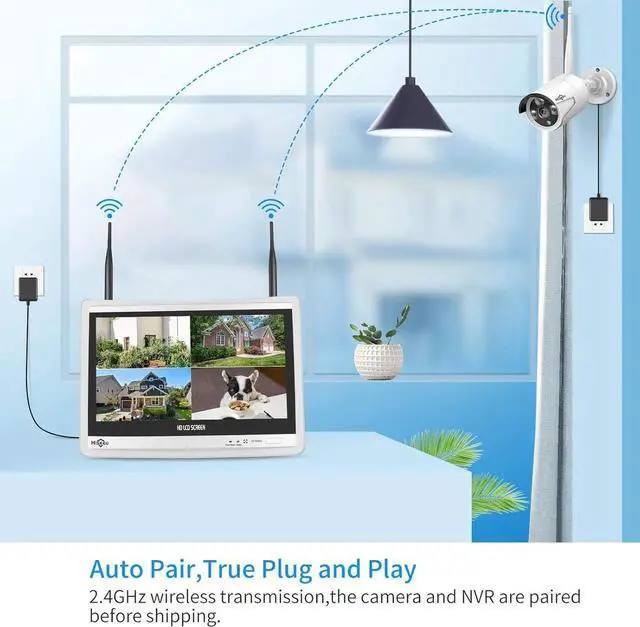
- 2.4G Wifi Connected for viewing remotely: Hiseeu wireless NVR only work with Hiseeu wifi cameras and app name should be EseeCloud, when u connect cam to NVR box, no need network, u need connect NVR to 2.4G Wifi if u want view cameras remotely.
- When you receive the new nvr box, there is no match between the new nvr box and the original cameras. You need to pair them. And you need to open the original NVR box, remove the hard drive from the old NVR box and install it into the new NVR box.
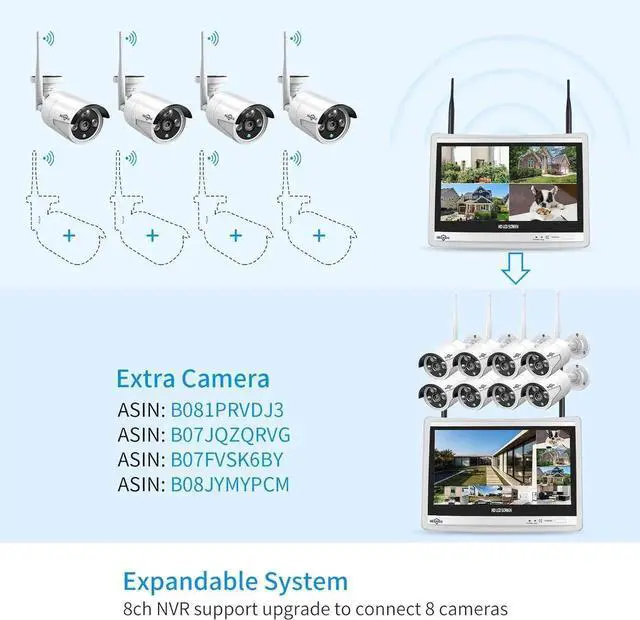
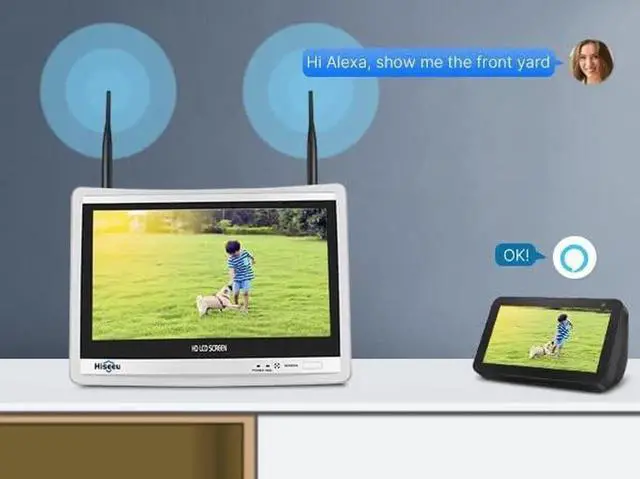
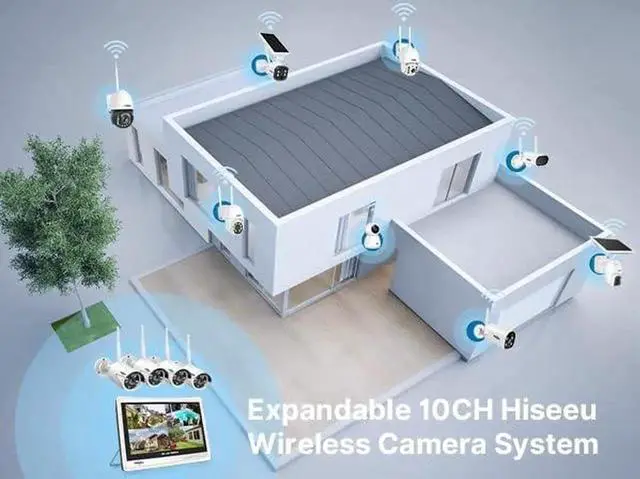
- Dual WiFi and 10 Channels: Hiseeu wireless NVR can support 10 channels at most,, 960P, 1080P, 3MP and 5MP wireless camera can all work with NVR. Comes with built-in Wi-Fi router - NVR (network video Recorder) is a recorder with built in router. It receives and records all cameras with its own bandwidth, consuming 0 bit from your home router. Internet connection is only needed when you want to view from elsewher