
Your Browsing History




Any questions? Our AI beta will help you find out quickly.
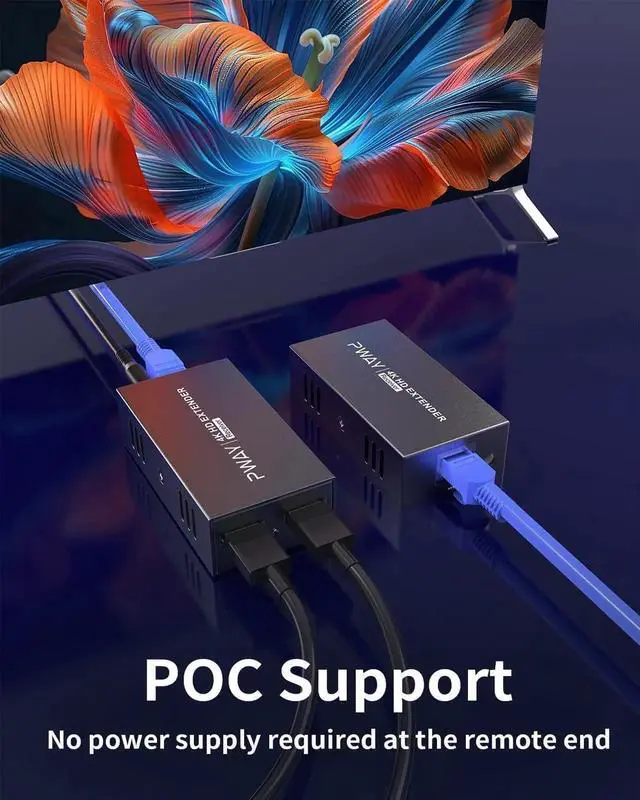
POC FunctionPower Over Cable technology requires only transmitter-side power - eliminates the need for power outlets at the display end, ideal for ceiling projectors and digital signage.
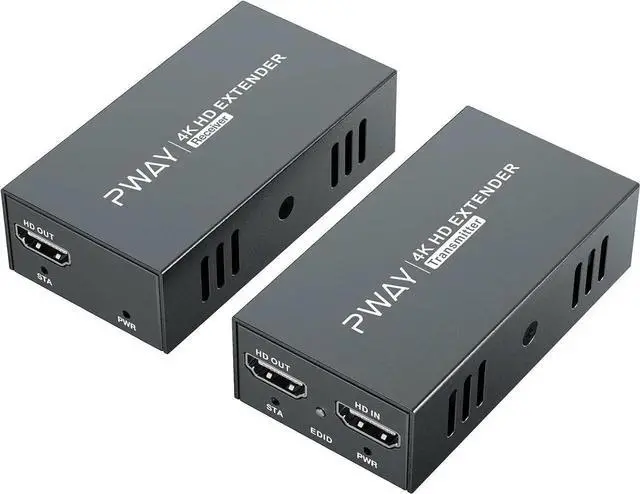
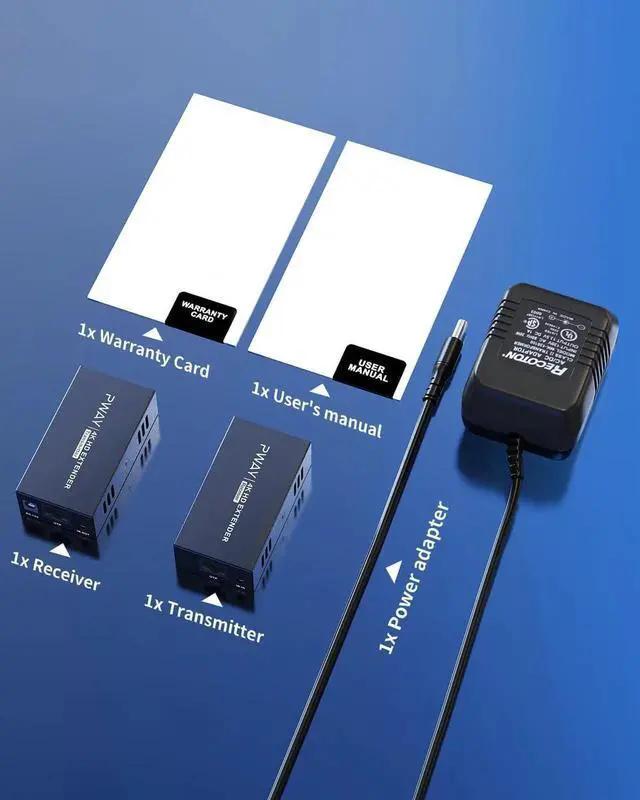
Includes1x HDMI Transmitter, 1x HDMI Receiver, 1x 12V1A DC Power Supply Adaptor, 1x Product Manual.
1
Compatibility
2
Ports
HDMI Version
Best HDMI 2.0, compatible with HDMI Cable 2.1 / 1.4 / 1.3
HDCP Version
Highest HDCP 2.2, compatible with HDCP 1.4 / 1.2
Resolution
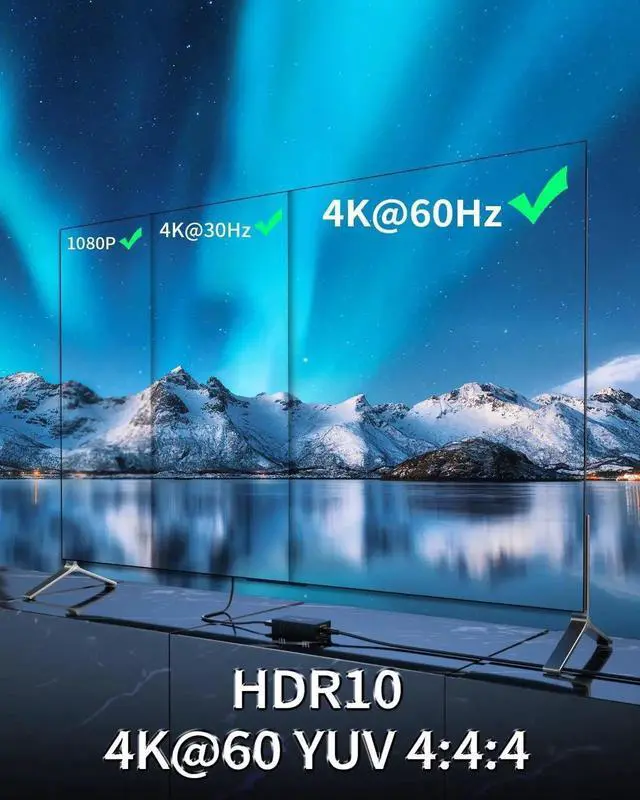
Highest 4K (3840x2160) @60Hz, compatible with 4K@30Hz, 1080p, 1080i, 720p, 3D signal
HDR
HDR 10
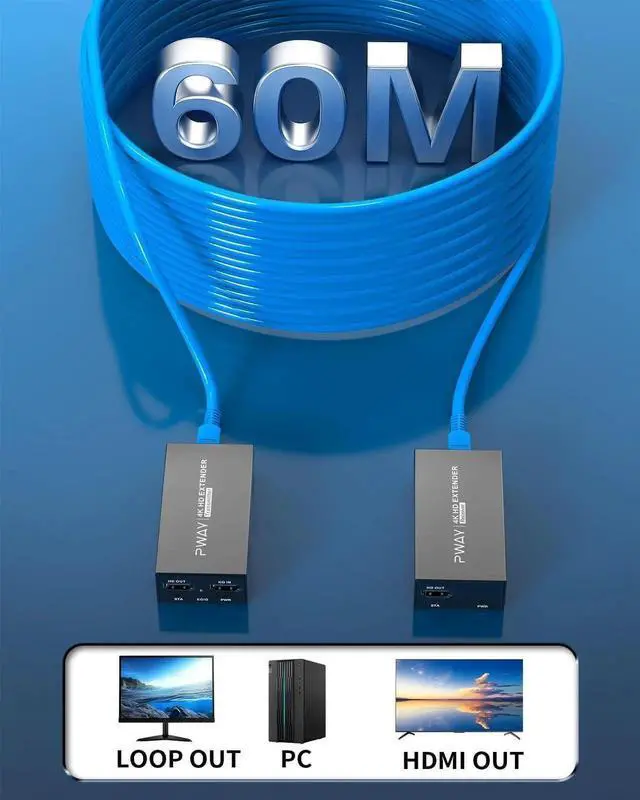
Transmission distance
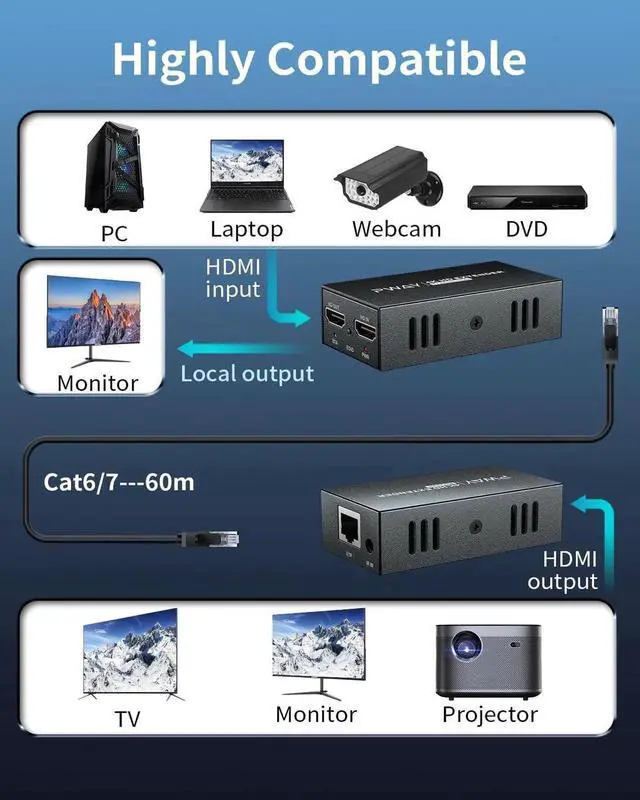
200ft via CAT5E, CAT6, CAT7; 164ft via CAT5
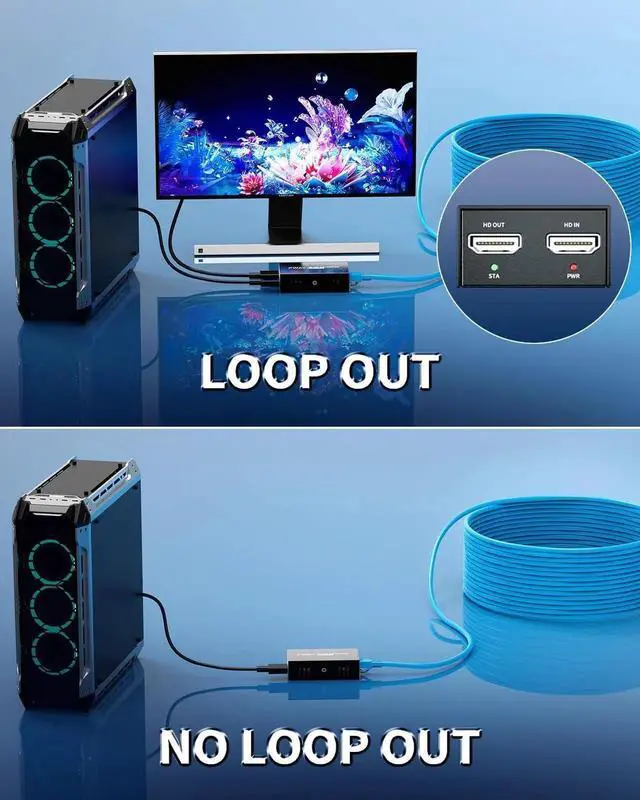
Loopout
HDMI loopout
Audio
All audio formats
Do I have to use an HDMI 2.0 cable? No, this model is also compatible with HDMI 1.4 / 1.3. These are the resolutions corresponding to the HDMI cable versions, HDMI 2.0 ---4K@60Hz, HDMI 1.4 ---4K@30Hz, HDMI 1.3 ---1080p@60Hz
I can't get remote video? Confirm that RJ45 complies with T568B. Perform a direct connection test on your device (Signal source --- HDMI --- Monitor) before connecting this extender
How to set EDID? This device automatically matches EDID. If it cannot recognize the TV, set
it up as follows: 1. Connect TV and transmitter HDMI IN with HDMI cable; 2. Connect power and turn on TV and transmitter; 3. Press EDID and release to complete the setup
Does it support ARC? No