
Your Browsing History





Any questions? Our AI beta will help you find out quickly.
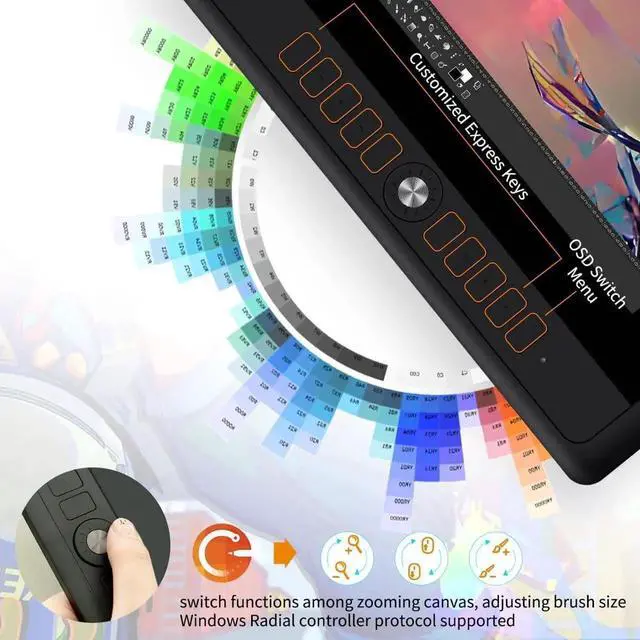
10 Shortcut Keys + Powerful Dial Key10 programmable express keys could be customized according to personal preferences. Dial Key conforms to Microsoft Radial protocol when using Windows 10 or above system. Function switching can be easily realized by simply turning the wheel. Supported functions depend on which program is being using.
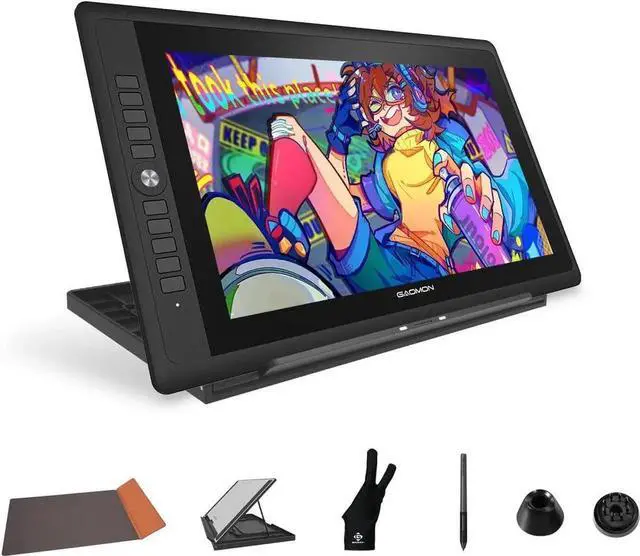
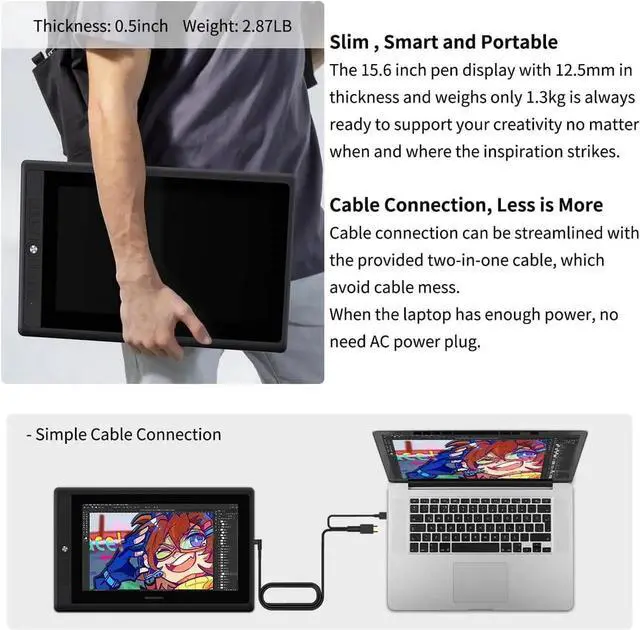
Single-cable ConnectionPD156Pro drawing monitor could be power by laptop directly with a single 3-in-1 cable. Lightweight & PortableTravel-friendly with 12mm in thickness and 2.87 lb( 1.3 kg) in weight. Fordable monitor stand provides multi-angle for drawing and typing. Also come with a Gifted Leather Case to help protect the drawing pad while carrying it around.
OS SUPPORT& PROGRAM COMPATIBILITYPD156Pro drawing monitor is a professional tool for Animation, Illustration, Sketch, Comics, Graphic Design, Digital Art, 3D Art, Online teaching, etc. Compatible with Windows 7/8/10 or later version, Mac 10.12 or later version. Works well with most major drawing software and office software. Such as Photoshop, SAI 2, Illustrator, Krita, Firealpaca, gimp, SketchBook Pro, MediBang, Microsoft series, Onenote, Zoom, etc.
How did we get our start? believes that digital creation should not be limited in specific areas or groups. is committed to producing quality and affordable products. PD156Pro Drawing Tablet with Screen Merchant Video
1
Powerful Compatibility
2
Clean Setup Advantage
3
Portable & Travel-Smart
4
Adjustable Foldable Stand
How to know if my laptop or computer is compatible with PD156Pro drawing tablet PD156Pro is compatible with Windows 7/8/10 or later version, Mac 10.12 or later version. Works well with most major drawing software and office software.
Do I need to connect the PD156Pro to a computer to make it work? Yes, PD156Pro drawing tablet is not a standalone tablet, it requires a connection to a computer or laptop to work.
How to connect the PD156Pro to a computer or a laptop? 1. Connect the display to your computer with 3-in-1 cable. 2. Connect the power adapter to the power cable. 3. Press the power button to power on the display.