
Your Browsing History




Any questions? Our AI beta will help you find out quickly.
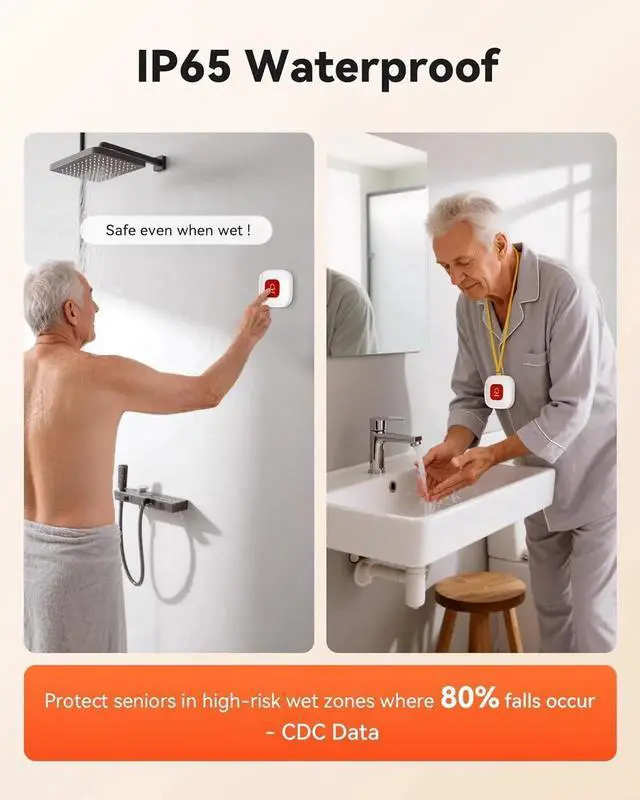
IP65 Waterproof Call Buttons: Neck-wear emergency alert buttons safely in showers. Wall buttons withstand spills/humidity. Protect seniors in high-risk wet zones where 80% falls occur
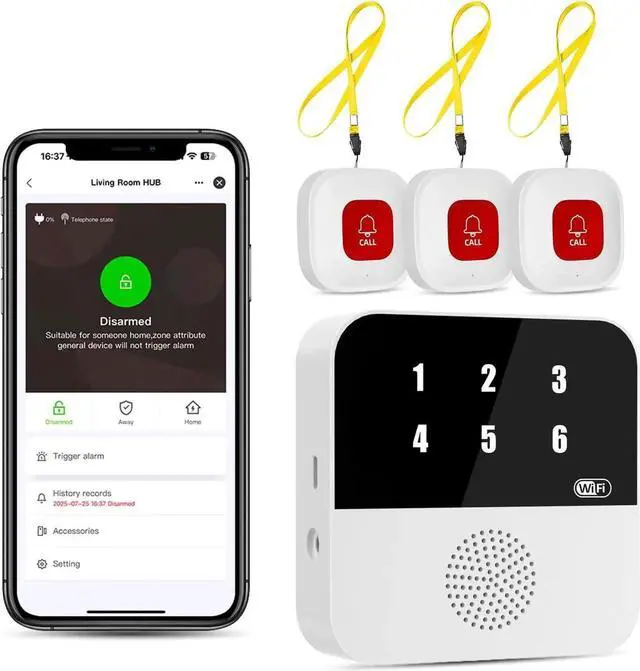
Pre-paired & Versatile: This medical alert systems for seniors come ready to use. 3 Alert buttons can be neck-worn, wall-mount, or table placement. Perfect for bedroom, clinics & dementia care
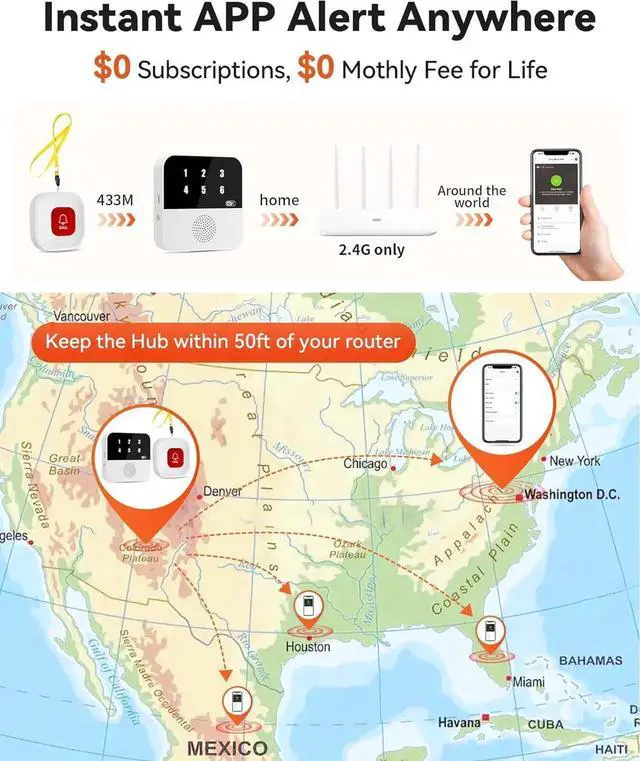
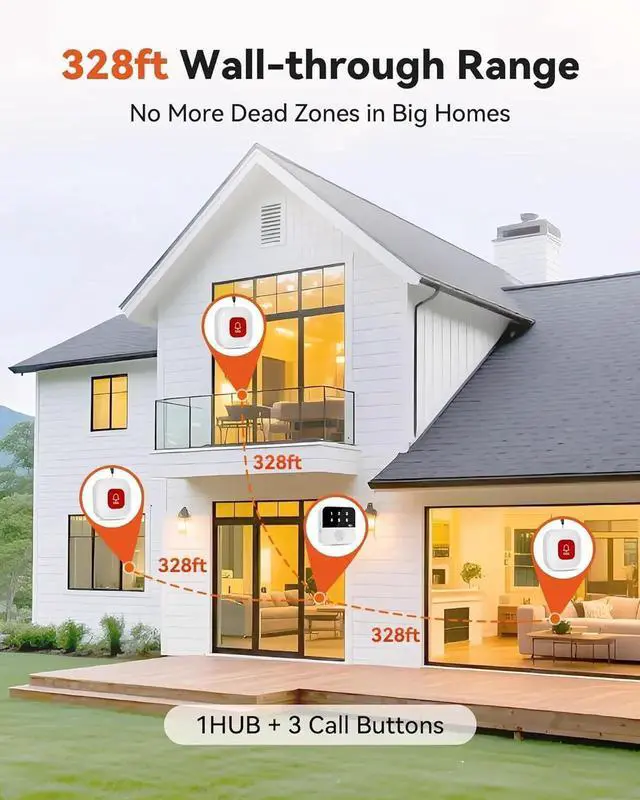
328ft Wall-through Range1 Hub+3 Buttons w/ 433MHz, penetrates walls, kills dead zones.
Whole-house safety made simple!
Instant APP Alert Anywhere 2.4G WiFi only,
APP alert anywhere - No subscriptions needed! SMS/call/email require optional plans.
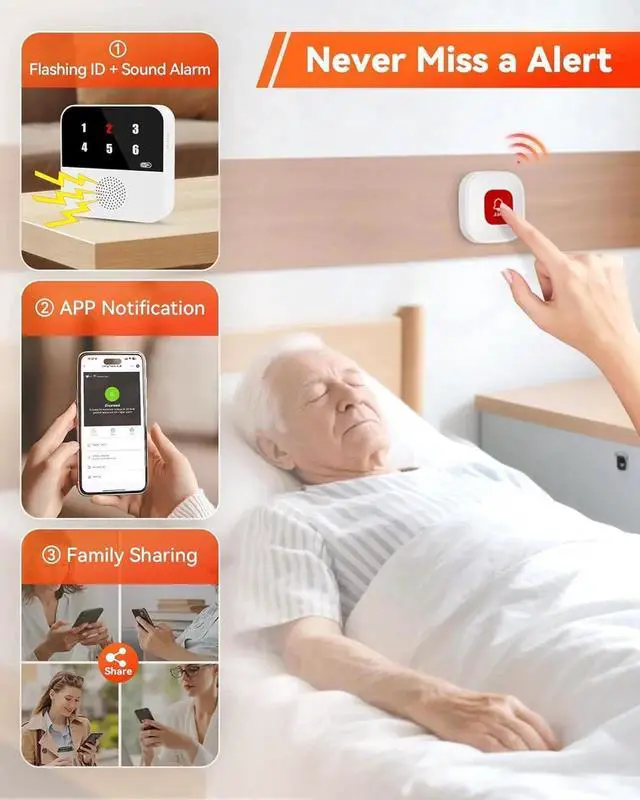
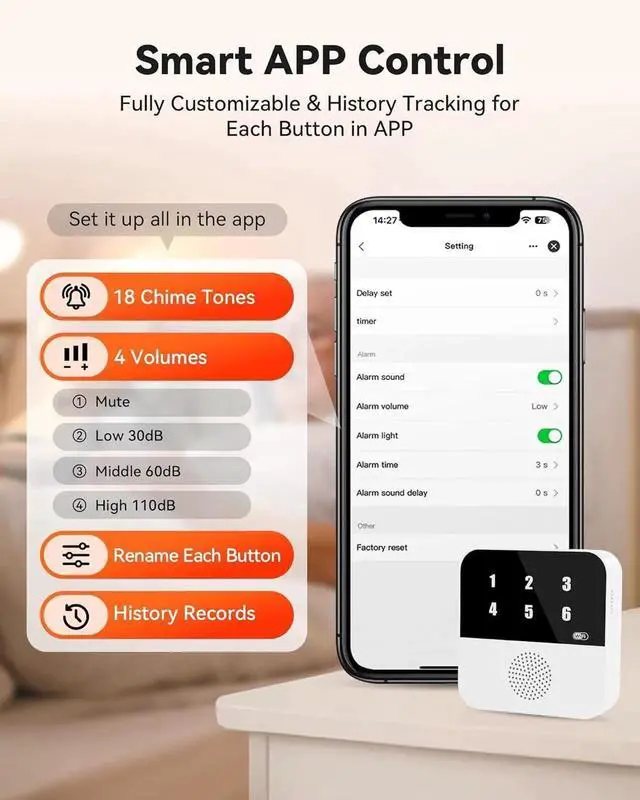
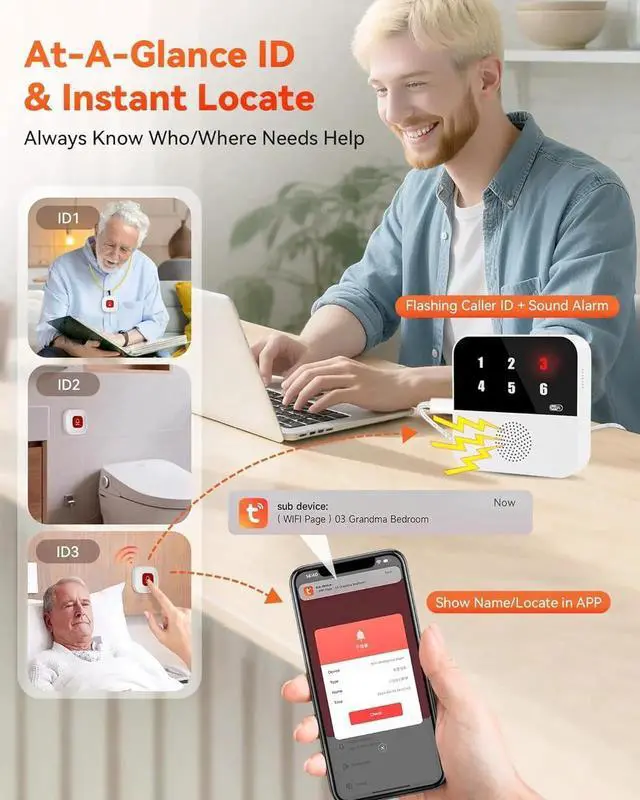
At-A-Glance ID & Instant LocatePress button Hub flashes call ID/alarm, APP shows Name/locate
. Know who/where in 3s no guesswork!
Hub Pairing Guide (433MHz) Button Not Pairing? Fix Now! call button pair the hub CF106 Merchant Video
Will multiple call buttons trigger confusion?
Never!
When pressed:
HUB flashes assigned number (e. g., "03")
APP shows custom name/location (e. g., "Bathroom Button")
Instant ID eliminates guesswork.
Do emergency alert buttons work in showers?
Absolutely!
IP65 waterproof rating:
Survives direct water jets (30 mins)
Resists 90% humidity
*Ideal for bathrooms/kitchenswhere 80% falls occur! *
Does it only work with 2.4G Wi-Fi? How to check my home Wi-Fi?
Yes, requires 2.4G Wi-Fi (not 5G).
login via browser (e. g., 192.168. 1.1 ) Find " 2.4G " label in wireless settings. Smart devices require 2.4GH z for setup!
Are there extra fees for using the medical alert systems for seniors?
ZERO monthly fees!
Free for:
APP alerts & updates
Button pairing
Family sharing
Only SMS/call alerts need paid plans (carrier fees apply). No hidden costs!
Why no APP alerts when alert button pressed?
Usually phone settings!
Fix in 1 min:
1. Allow notifications Phone Settings > Apps > TUYA > Notifications - "Allow"
2. Disable "Do Not Disturb" Swipe down - Turn off moon icon
3. Unmute app sounds App Settings > Alert Volume - Max