
Your Browsing History




Any questions? Our AI beta will help you find out quickly.
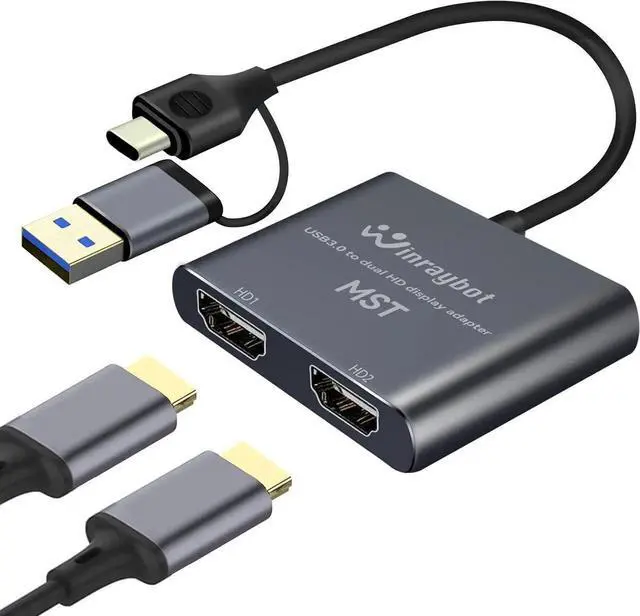
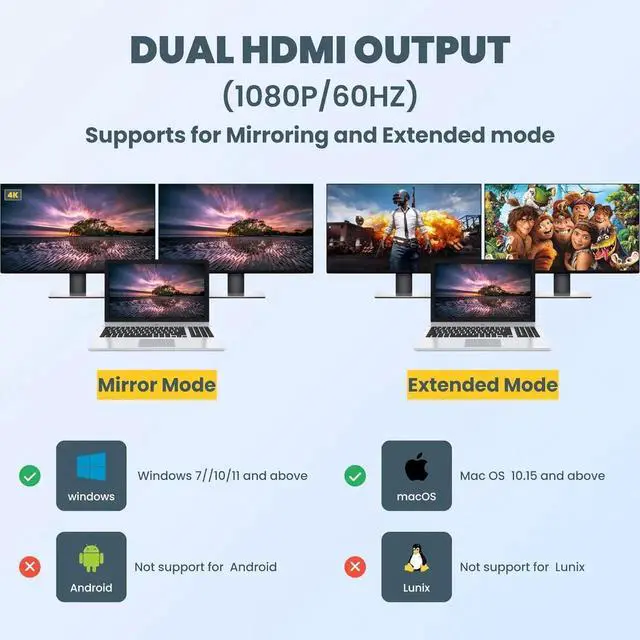
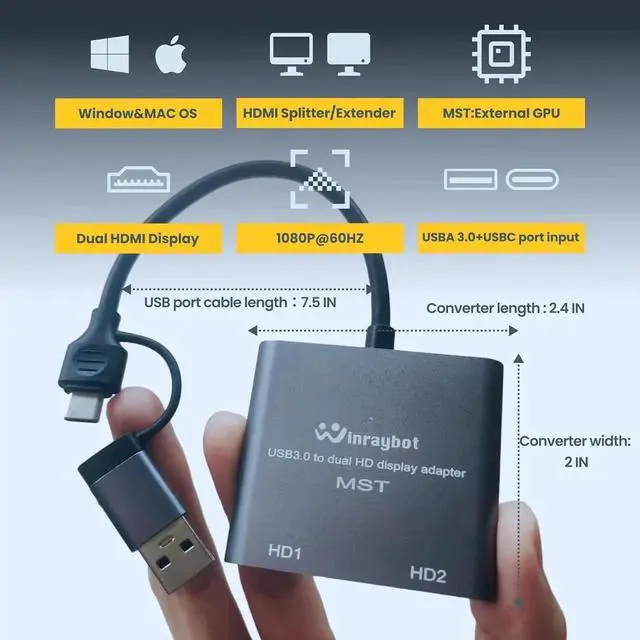
: The HDMI Splitter extended display is Widely compatible, For
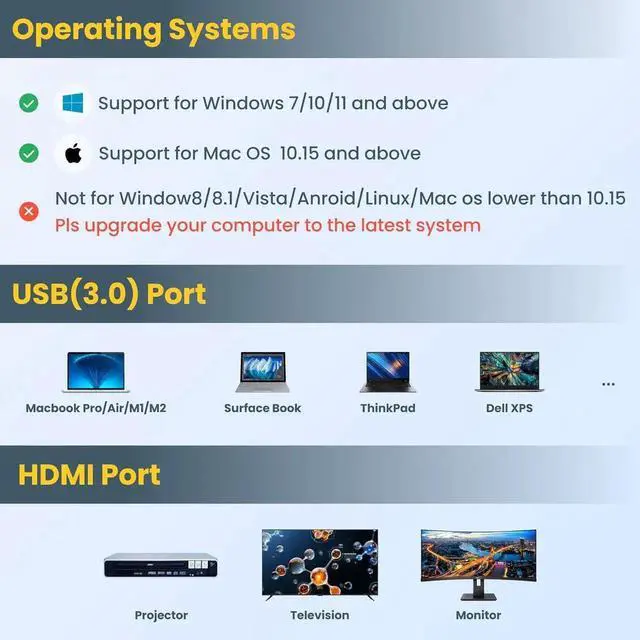
windows: compatible with Windows7, 10, 11 or higher, support AAB, ABA, ABC, ABB modes.
For MacOS: compatible with Mac OS 10.15 or higher. support AAA, ABB, ABA, ABC mode;: ChromeOS, Android, iOS, Linux, Unix or other systems are not supported
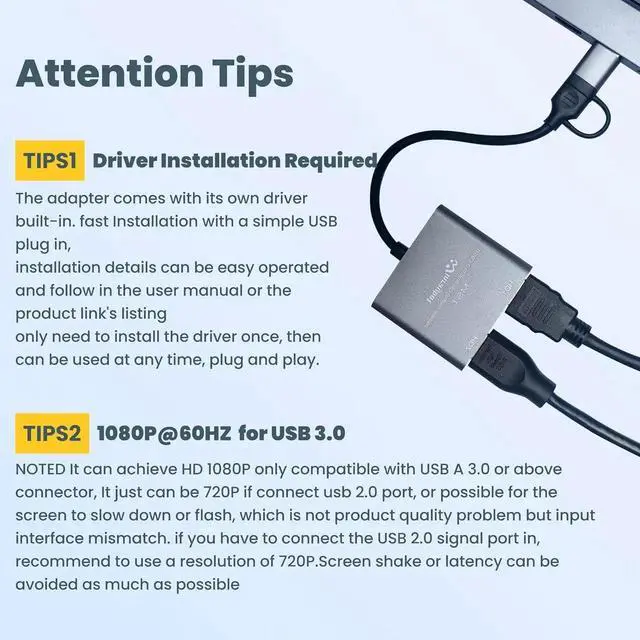
TIPS: Important but Simple Installation, The USB to HDMI adapter requires install the driver. The adapter comes with its own driver. connecting to the computer, open My Computer, find the drive and click to install it. only need to install the driver once, then the HDMI adapter can be used at any time, plug and play, support hot plug. installation details can be easy operated and follow in the user manual or the product link s listing
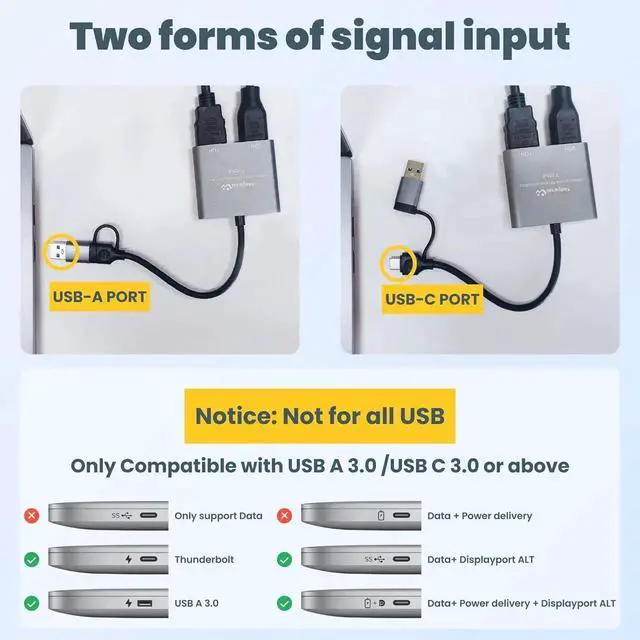
TIPS:.: The dual monitor adapter Supporting MAX 1080P@60HZ, deliver high-definition video sources, NOTED that Only USB 3.0 connector can achieve HTD 1080P, It just can be 720P if connect usb 2.0 port, or possible for the screen to slow down or flash, which is not product quality problem but an input interface mismatch. if you have to connect the USB 2.0 signal port in, recommend to use a resolution of 720P. Screen shake or latency can be avoided as much as possible,
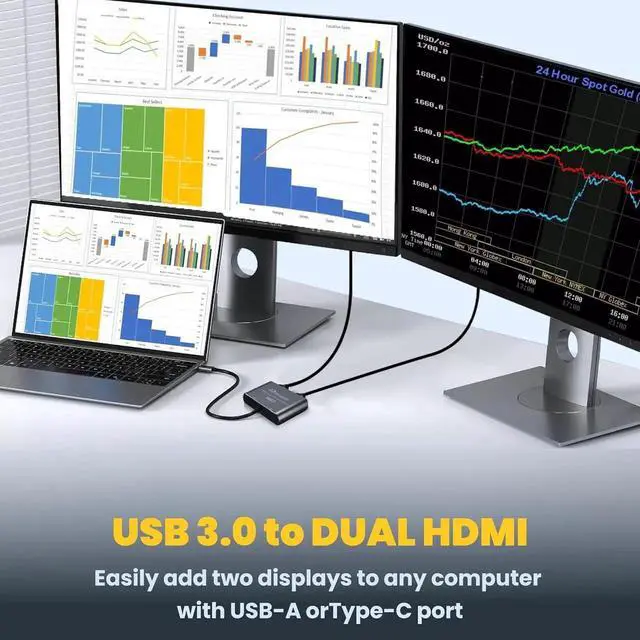
TIPS: The HDMI splitter extended display adapter transfers video signals from USB to HDMI, Add additional monitors for laptop, not from HDMI to USB, HDMI to USB adapter, If you are looking for hdmi to usb adapter for monitor (Capture card for video capture), please move to other links of our brand
TIPS: Ideal for office, entertainment, web and productivity software. Not recommended for gaming, graphics-intensive or design work. Doesn't support playback of HDCP-protected content on sites like Netflix, Hulu and YouTube.
About "Frequently returned ", We hope to inform the reasons and work to make the best choice for you:
1: The product need to install driver whe first use(product built-in program), and it will be plug and play after you complete the first installation. Simple to following in listing details and user
STEP1.
Insert the adapter into the USB/Type-C port of the PC/laptop, a dialog box will pop up As shown in the picture above
Note:
make sure your antivirus program does not block the installation. Computer needs to restart to complete the installation.
We use the WIIN system as a demonstration for installation