

Your Browsing History
- Free 30-day Returns
$13.99


Meet Your Seller


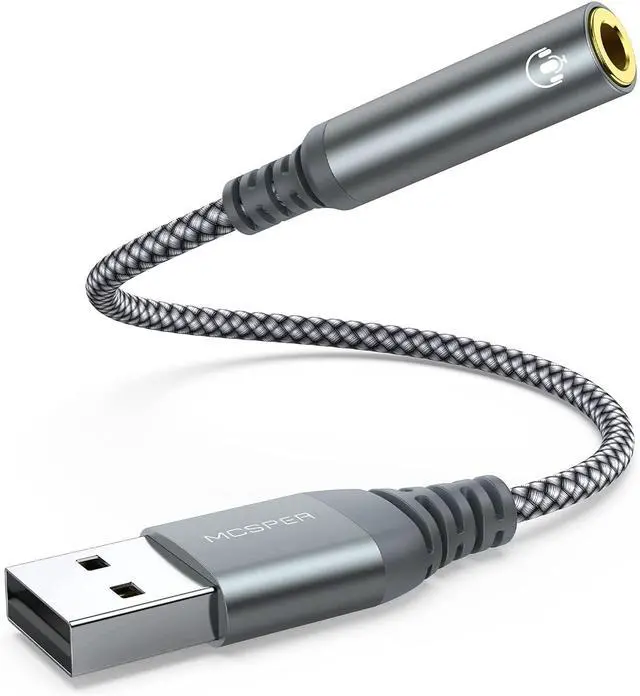
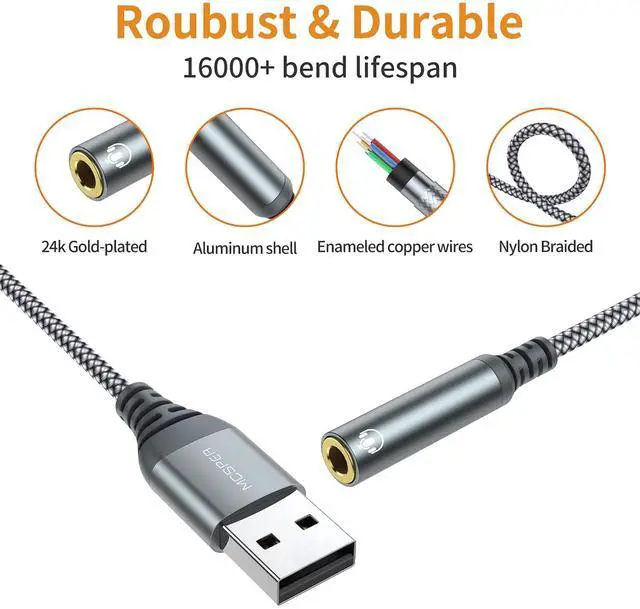


2-Pack USB to 3.5mm Jack Audio Adapter,External Sound Card USB-A to Audio Jack Adapter with Aux Stereo Converter Compatible with Headset, Desktops, PC Windows,Laptop Mac,Linux,and More Device
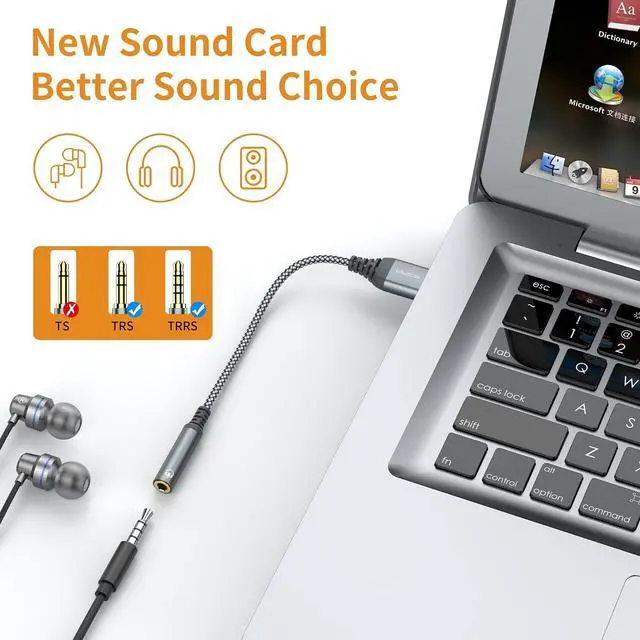
- Multifunctional Headphone AdapterUSB to audio jack adapter supports listening + speaking. Easily adds a 3.5mm TRRS 4-pole aux port (integrated microphone-in and audio out interface)
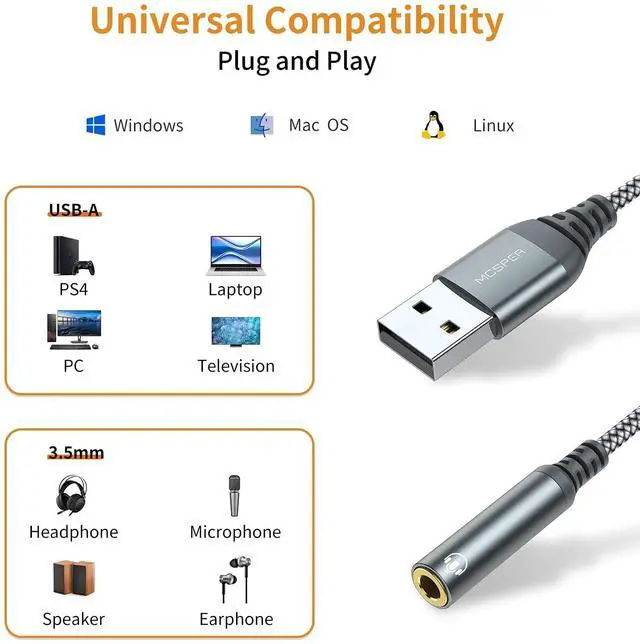
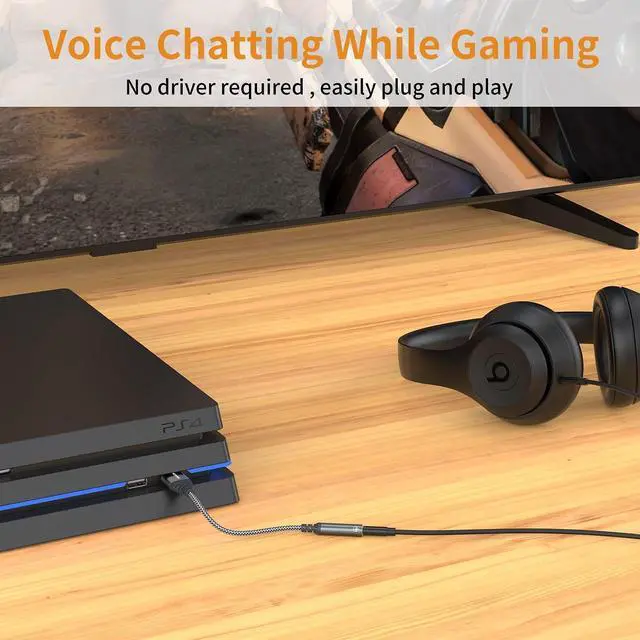
- Plug and PlayNo drivers download or apps required no external power required, just easily plug and play.The USB to 3.5mm port will be automatically recognized by system in seconds. . Easily be carried in a pocket to the office, conference room or at home.
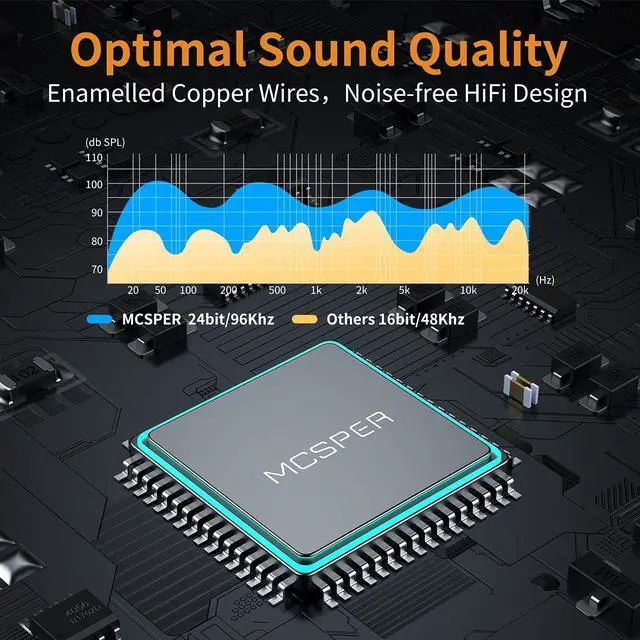
- Premium Audio Quality :This Usb-A to headphone adapter adopted an advance DAC Smart Chip, offer high-definition audio, powerful noise reduction, you can get higher fidelity sound from it.
- Wide Compatibility No standard restrictions. Support CTIA standards jack. No system restrictions. Support Android earphones. Support Windows 10/8.1/8/7/Vista/XP, Mac OS X, Linux, Google Chromebook, Windows Surface 3 pro, Raspberry Pi and PS4 etc. Note: The USB interface on PS3 does not carry audio signal, so this usb audio adapter does not work with PS3. (Unidirectional audio transmission: this USB port is output, not input. Audio can only transfer from USB port to 3.5mm port).
- What You Get: MCSPER Usb to microphone jack adapter with premium metal casing and durable braided cord, ensuring a much longer lasting life. Much more durable than other plastic casing USB adapters. Comes with a 18-month free warranty.
+
+
Overview
Specs
Reviews

Any questions? Our AI mode will help you find out quickly.
Try me now
System Requirements
* Windows 10/8.1/8/7/Vista/XP, Mac OS X 10.2 or above, Linux, and Google Chromebook, Windows Surface 3 pro, Raspberry Pi and PS4 etc.
* Mac OS 8.6 or above(For IOS System, the output sound for Left and Right chanel will possibly be Reversed )
* PS4 Important Note: For using with PS4, the output sound for Left and Right channel might be Reversed.
* PS3 Important Note: The USB interface on the PS3 does not transmit audio signals, so this USB audio adapter is not suitable for PS3
Configuration Instructions
Windows:
* Right-click on the sound icon in the taskbar;
* Select Playback or Recording devices;
* Adjust the volume on the computer and in the application.
Mac:
* Go to System Preferences > Sound > C-Media USB Headset > Output or Input > Volume
Warranty & Returns
Warranty, Returns, And Additional Information
Warranty
- Please contact the Seller directly for warranty information. Warranty information may also be found on the Manufacturer's website.
- CONTACT
Return Policies
- Return for refund within: 30 days
- Return for replacement within: 30 days
- This item is covered by Bisi Global Purchase Return Policy
Manufacturer Contact Info
- For a directory of all our manufacturers, please click below.
- Manufacturers Directory
LOADING...