




 here!
here!
I’m your shopping assistant for PC builds, upgrades, and everything tech.
Got questions? Ask away!
Start a conversation
here!
I’m your shopping assistant for PC builds, upgrades, and everything tech.
Got questions? Ask away!
Start a conversation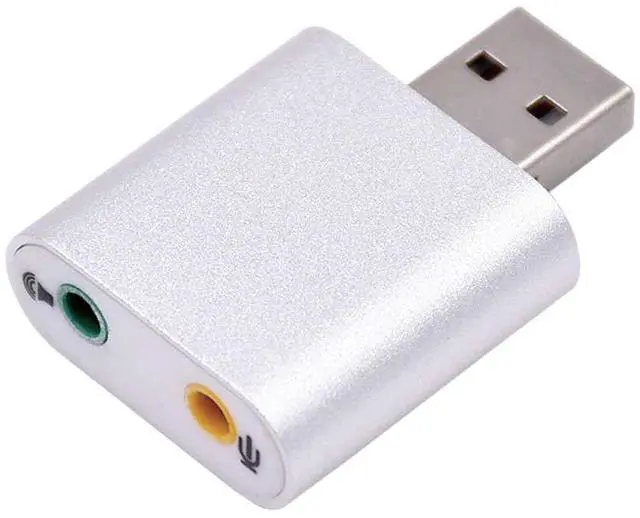



Any questions? Ask CelesteSM will help you find out quickly.
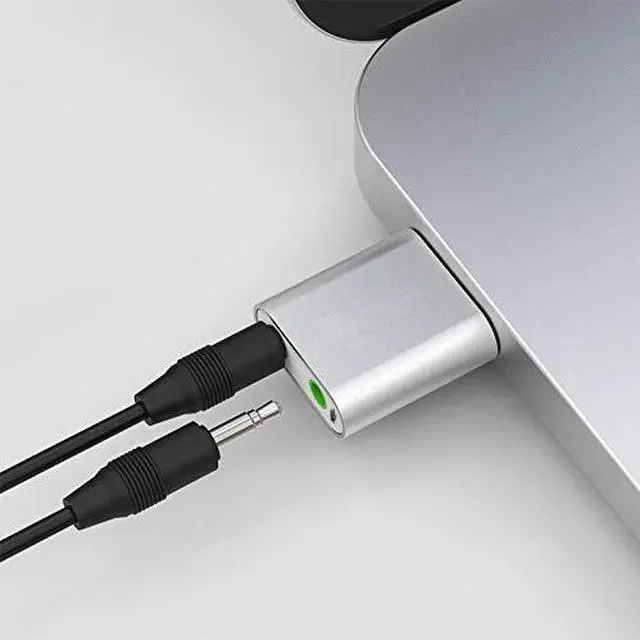
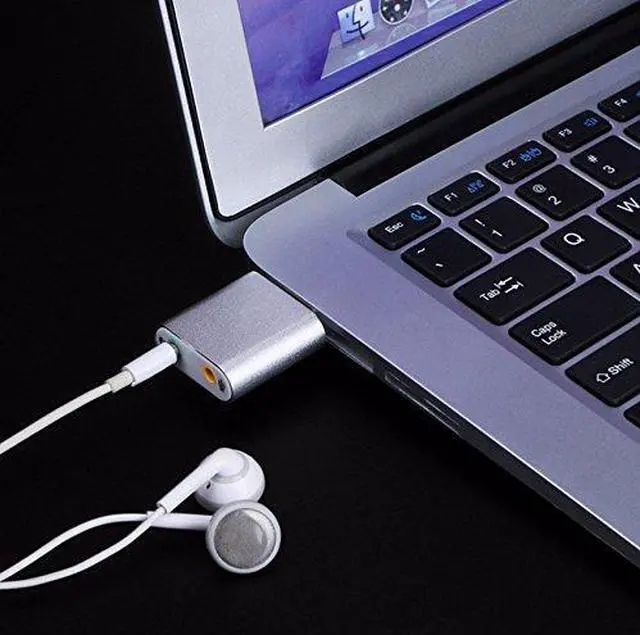
The Plugable USB-AUDIO is an easy way to instantly add a headphone and a microphone jack to almost any USB-enabled PC or laptop.
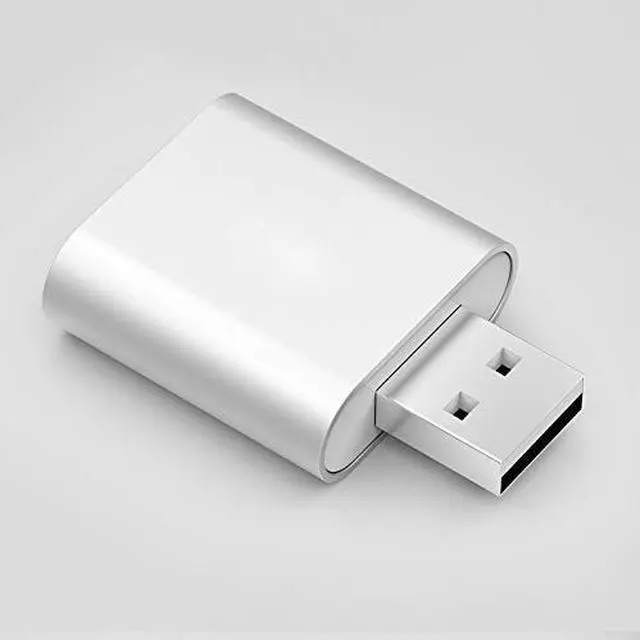
Featuring a silver aluminum shell with a clean, compact design, this USB audio adapter installs without needing to load any additional drivers.
It's as simple as setting this adapter as your default audio output and input device and off you go, listening to your favorite tunes and recording with ease. FAQ
I plug in the USB-AUDIO and I don't hear anything, what else can I do?
An extra step is needed. After plugging in the USB-AUDIO, also ensure the audio adapter is set to be your primary playback- and recording device in your control panel or system preferences.
Does the USB-AUDIO need drivers to work?
No additional drivers are necessary, they are already built-in to almost all modern operating systems. Simply go to your system settings and select the USB audio device as default input and output device.
Why doesnt my microphone seem to work or record?
Most microphones or headsets on the market today house a TRS (Tip Ring Sleeve) jack and the USB-AUDIO is designed to accommodate this. Mono or TS (Tip Sleeve) microphones will need a 3.5mm mono to stereo adapter installed in line in order to work (TS vs TRS reference) converting TS to TRS. XLR microphones (even if adapted to 3.5mm TRS) will also not work.
Can I use the USB-AUDIO output as well as the default output jack at the same time?
No. Most operating systems support multiple audio devices, but only allow a single one to be enabled at a time. So the manual step of selecting the preferred audio output from the operating systems built-in audio control panel is essential.



