





IMPORTANT NOTE:
- USB Audio Adapter Headphone Jack does work with microphone,the sound card version must reach at least 6.0.89 or 10.27.04.
- The USB interface on PS3 does not carry audio signal, so this usb audio adapter does not work with PS3.
- unidirectional audio transmission: this USB port is output, not input. Audio can only transfer from USB port to 3.5mm port.
- No Microphone input when connecting with Apple/Beats/Bose Headphones.
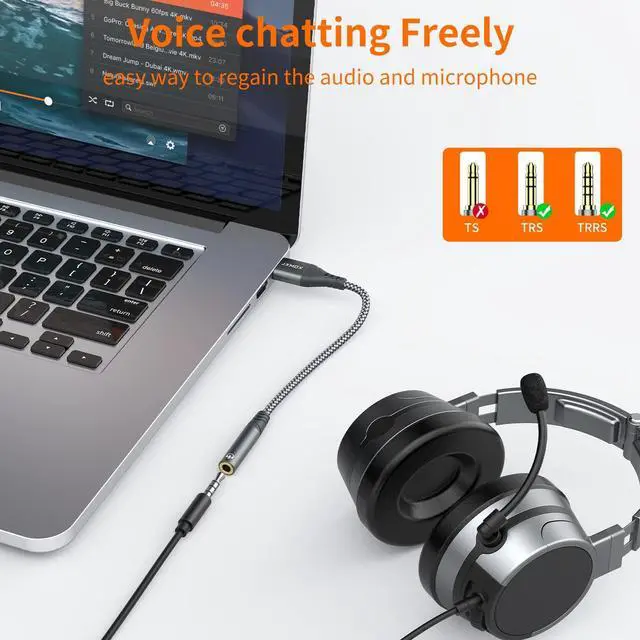
- Do not work with work with headset with separated headphone and microphone 3.5mm audio port.
- No in-line control, Do Not support Pause/Play/Volume - /Volume + etc.
- Do not work with TS or TRS microphones.
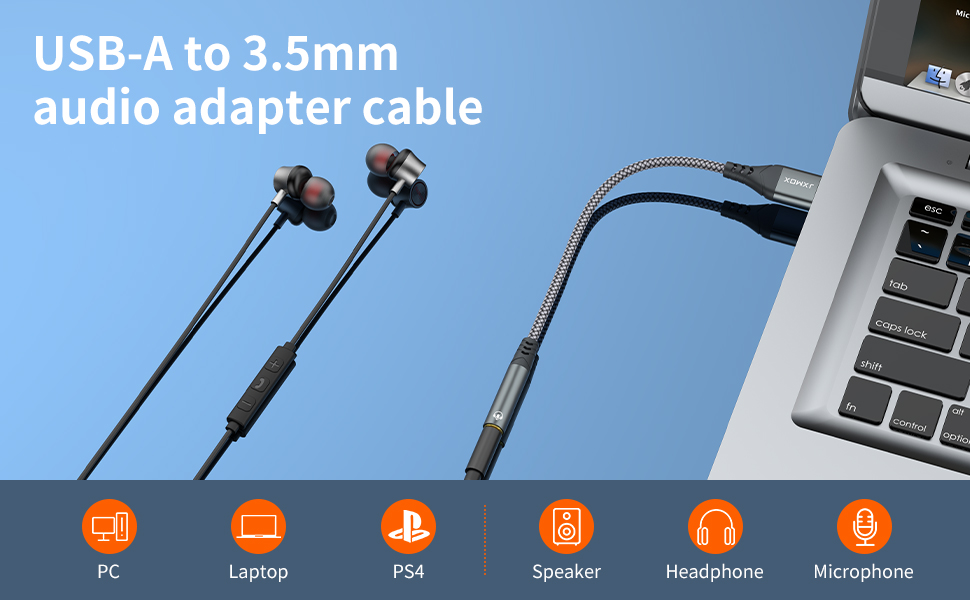
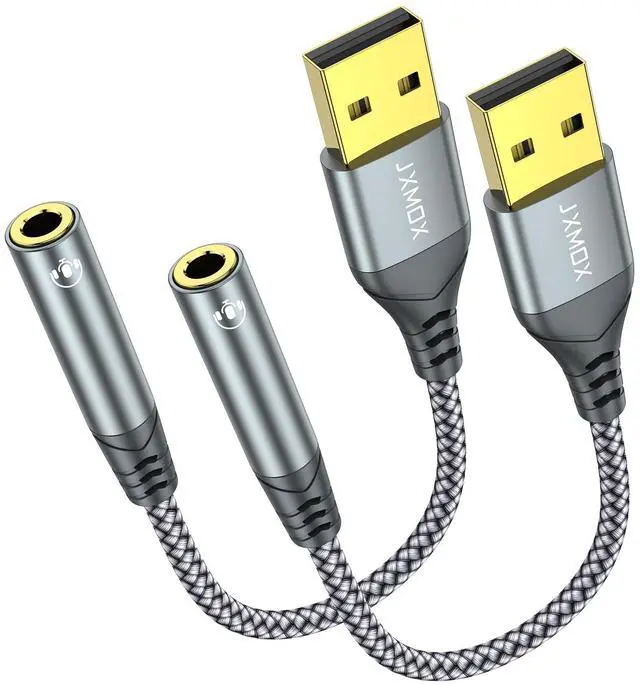
JXMOX USB to 3.5mm Audio Jack Adapter-External Sound Card
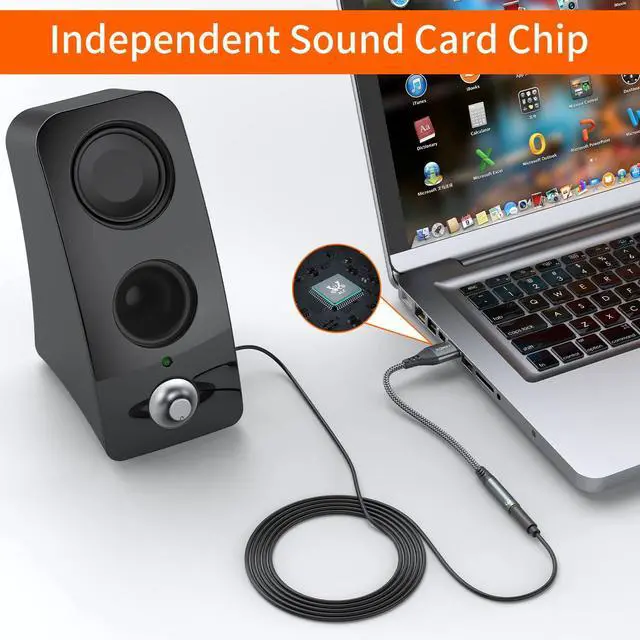
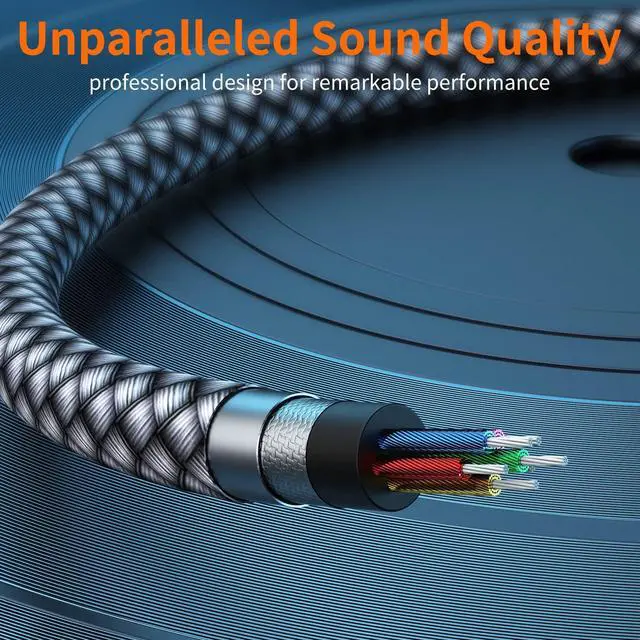
Exclusive Built-in Chip
The original analog signal is processed intelligently through the chip, presenting more details in sound, and bringing a perfect hearing feast.
The Premium Metal-Casing
Not only provide a stainless, touch and durable surface but also add more stylish to your lifestyle.
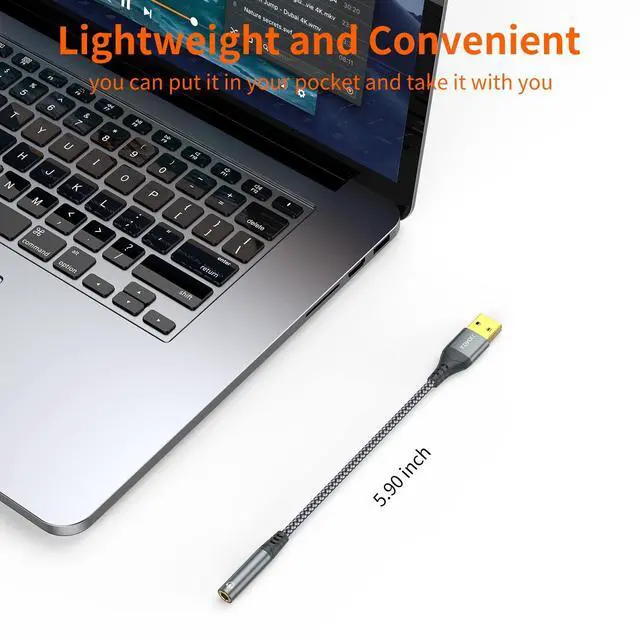
Compact and Portable Design
Everything is produced in a small form of unit. Its light and portability to make it become your essential everyday-use components for all of your smart devices.
Compatible with
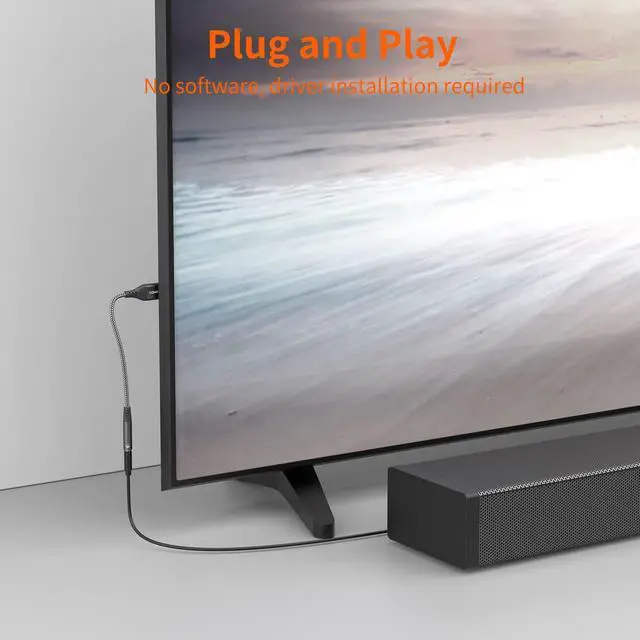
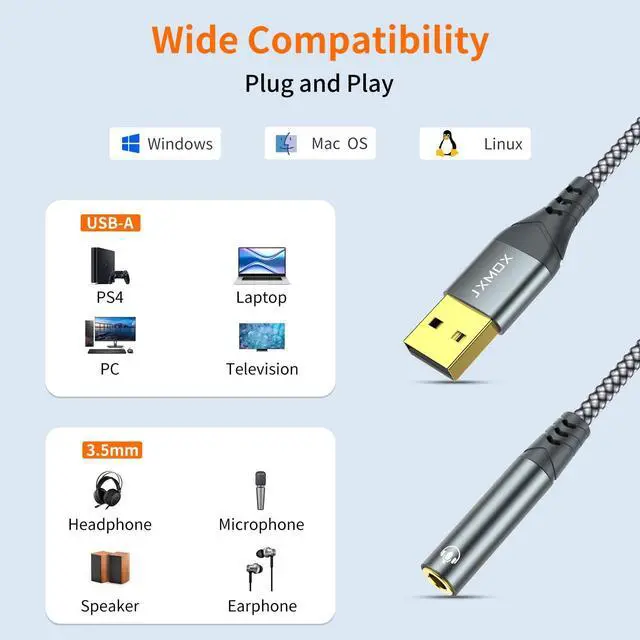
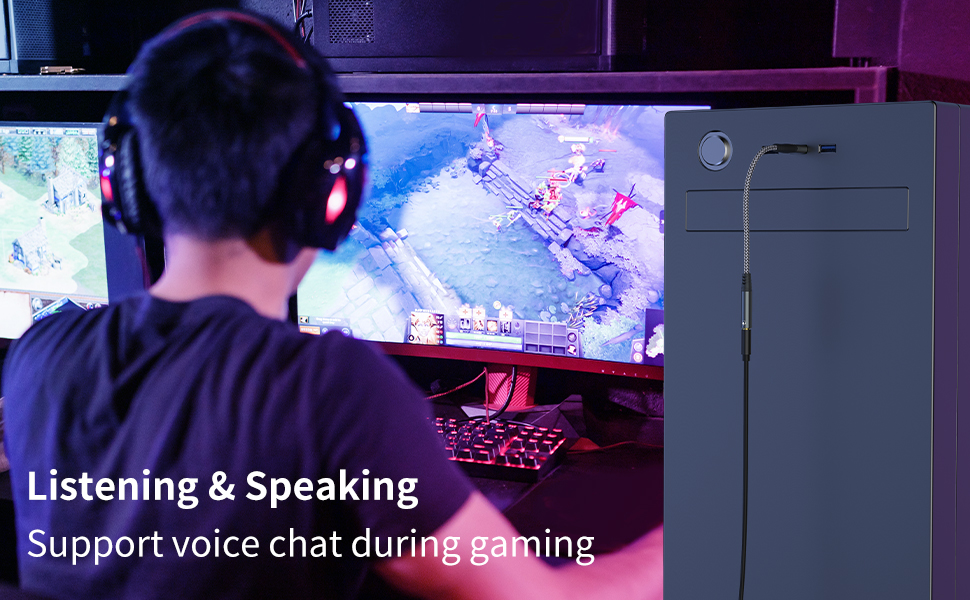
Windows 10/8.1/8/7/Vista/XP, Mac OS X 10.2 or above, Linux, and Google Chromebook, Windows Surface 3 pro, Raspberry Pi and PS4 etc.
System Requirements
- * Windows 10/8.1/8/7/Vista/XP
- * Mac OS 8.6 or above(For IOS System, the output sound for Left and Right chanel will possibly be Reversed )
- * PS4 Important Note: For using with PS4, the output sound for Left and Right channel might be Reversed.
Configuration Instructions
Windows:
- * Right-click on the sound icon in the taskbar;
- * Select Playback or Recording devices;
- * Adjust the volume on the computer and in the application.
Mac:
- * Go to System Preferences > Sound > C-Media USB Headset > Output or Input > Volume
Hi-Fi Sound
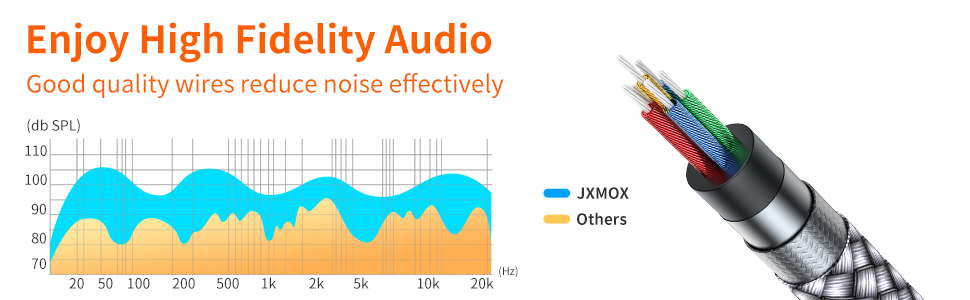
96KHZ@24bit (DAC Sampling Rate) maintaining the original sound quality, high-speed audio signal decoding.
IMPORTANT NOTE:
- USB Audio Adapter Headphone Jack does work with microphone,the sound card version must reach at least 6.0.89 or 10.27.04.
- The USB interface on PS3 does not carry audio signal, so this usb audio adapter does not work with PS3.
- unidirectional audio transmission: this USB port is output, not input. Audio can only transfer from USB port to 3.5mm port.
- No Microphone input when connecting with Apple/Beats/Bose Headphones.
- Do not work with work with headset with separated headphone and microphone 3.5mm audio port.
- No in-line control, Do Not support Pause/Play/Volume - /Volume + etc.
- Do not work with TS or TRS microphones.
JXMOX USB to 3.5mm Audio Jack Adapter-External Sound Card
Exclusive Built-in Chip
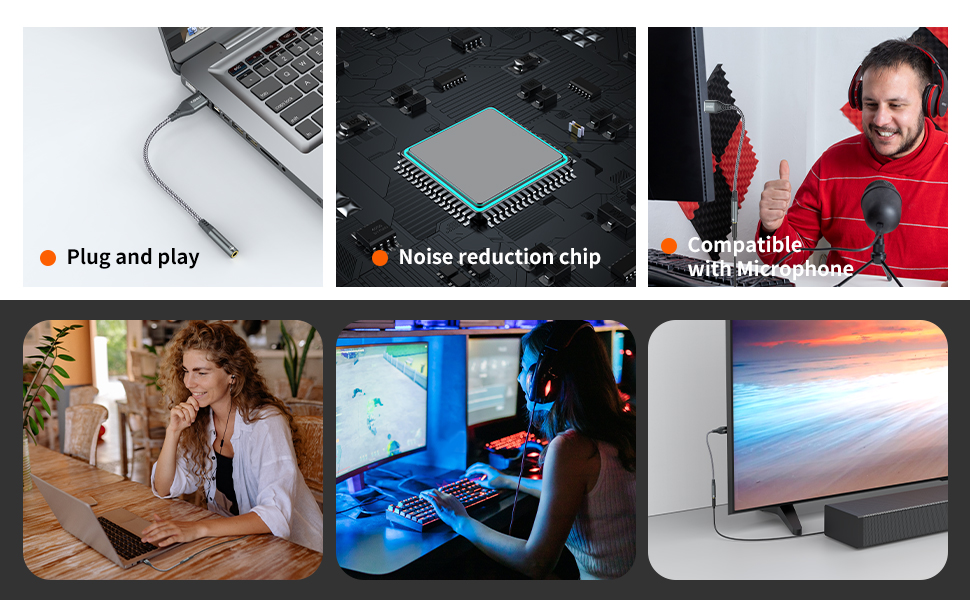
The original analog signal is processed intelligently through the chip, presenting more details in sound, and bringing a perfect hearing feast.
The Premium Metal-Casing
Not only provide a stainless, touch and durable surface but also add more stylish to your lifestyle.
Compact and Portable Design
Everything is produced in a small form of unit. Its light and portability to make it become your essential everyday-use components for all of your smart devices.
Compatible with
Windows 10/8.1/8/7/Vista/XP, Mac OS X 10.2 or above, Linux, and Google Chromebook, Windows Surface 3 pro, Raspberry Pi and PS4 etc.
System Requirements
- * Windows 10/8.1/8/7/Vista/XP
- * Mac OS 8.6 or above(For IOS System, the output sound for Left and Right chanel will possibly be Reversed )
- * PS4 Important Note: For using with PS4, the output sound for Left and Right channel might be Reversed.
Configuration Instructions
Windows:
- * Right-click on the sound icon in the taskbar;
- * Select Playback or Recording devices;
- * Adjust the volume on the computer and in the application.
Mac:
- * Go to System Preferences > Sound > C-Media USB Headset > Output or Input > Volume
Hi-Fi Sound
96KHZ@24bit (DAC Sampling Rate) maintaining the original sound quality, high-speed audio signal decoding.