

Your Browsing History
- Free 30-day Returns
$37.19
Ships from Hong Kong.


Meet Your Seller

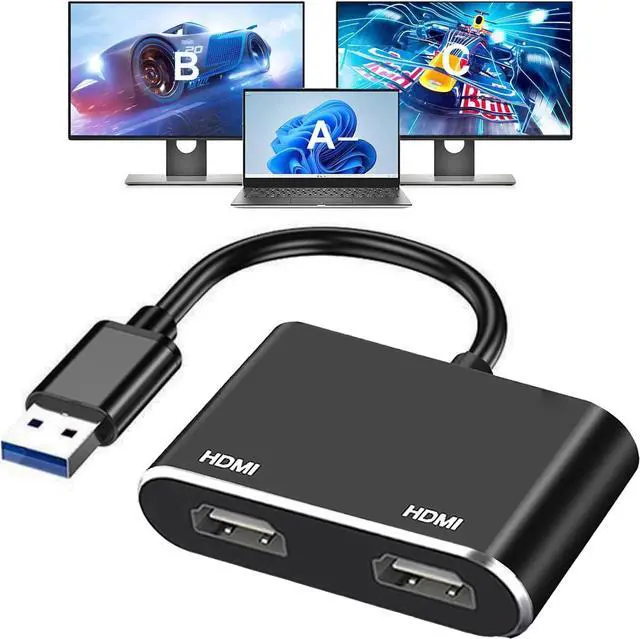


USB to HDMI Adapter for 2 Monitors USB 3.0 to Dual HDMI Adapter 1920 * 1080P@60HZ Full HD Audio Video Graphics Converter Cable Comaptible with Windows 7/8/8.1/10/11
- USB to HDMI Adapter for 2 Monitors USB 3.0 to Dual HDMI Adapter 1920 * 1080P@60HZ Full HD Audio Video Graphics Converter Cable Comaptible with Windows 7/8/8.1/10/11
+
+
Overview
Specs
Reviews

Any questions? Our AI mode will help you find out quickly.
Try me now
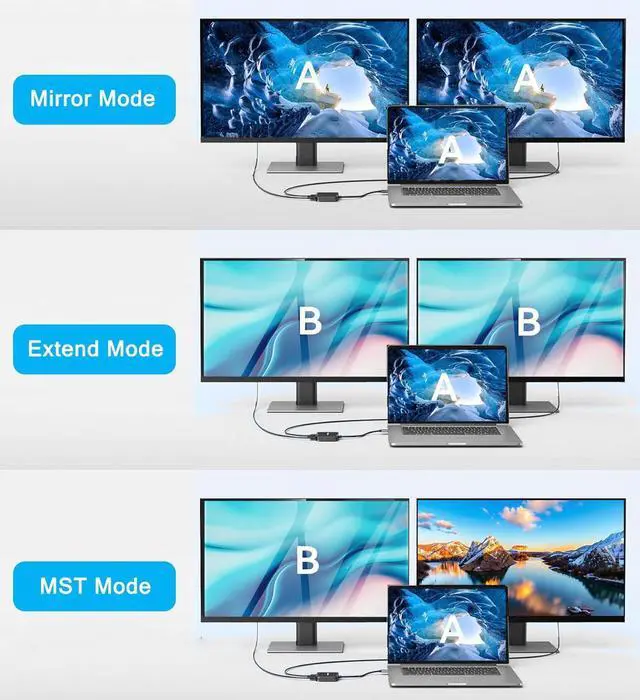
USB to 2 HDMI AdapterOur USB 3.0 to dual HDMI Adapter allows you to connect two external monitors at the same time via 2 HDMI port for extending or mirroring. 1080P
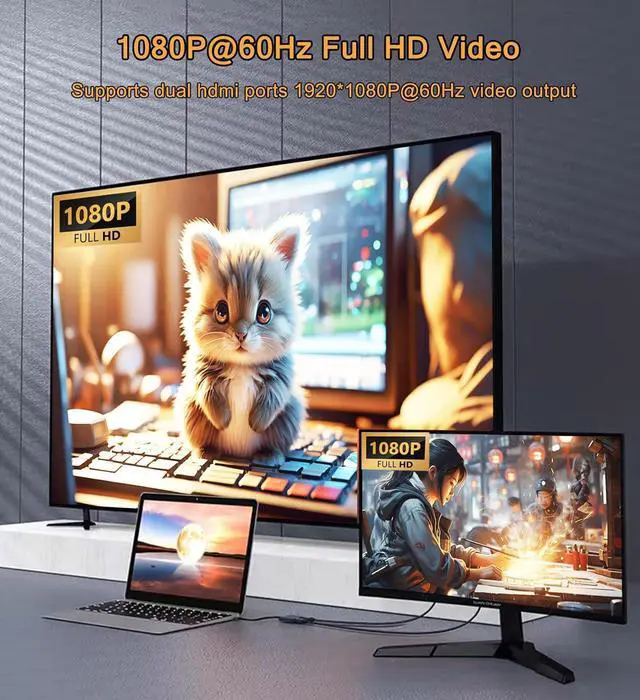
Full HD Visual Feast: Enjoy exceptional USB video performance with this USB to HDMI cable dongle; Audio & Video converter adapter support video resolutions up to 1080P@60HzOnly for
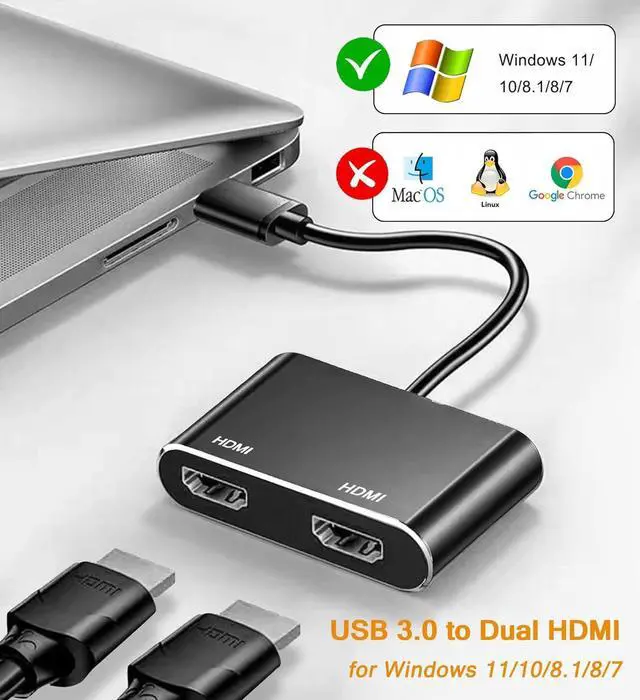
Windows: This USB to HDMI adapter supports Windows 10 Windows 8.1 Windows 8 Windows 7 Windows 8.1 Not for Others.
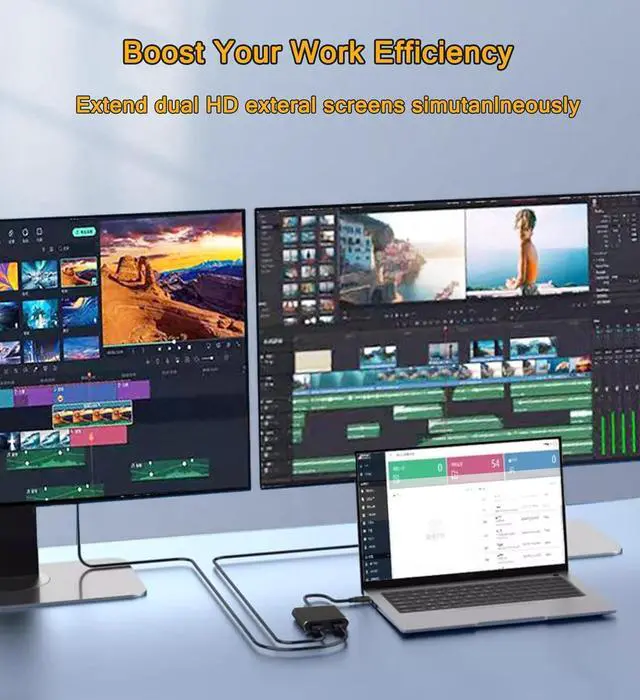
Mirorr Mode & Extend Mode: This USB to Dual HDMI Adapter support mirorr or extend the content of your computer to the monitors.
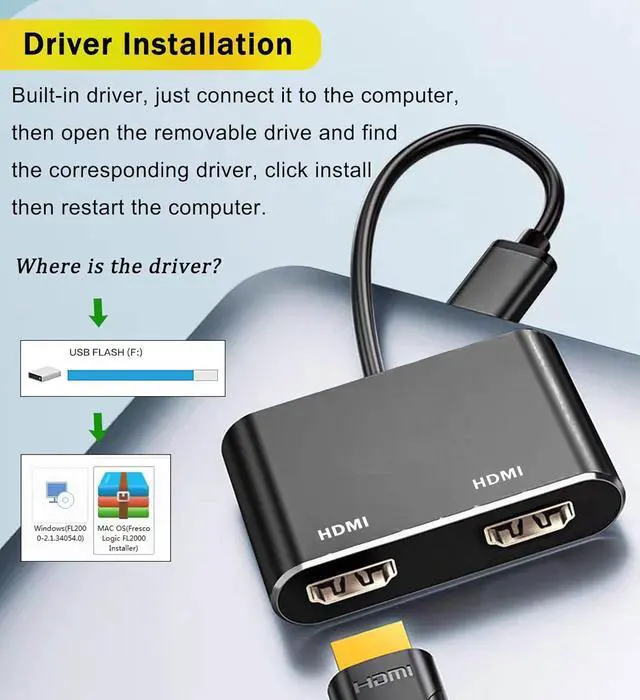
Install Driver: Not fully plug and play it needs to install the driver. Please don't worry Our product has a built-in driver there is a flash in the adapter with driver. Just connect the device to the computerthen go to my computer the adapter appear as a USB flash just like
C:
D: double click it the OS will manually install the driver and then restart the computer can be used.
(Note: Please close the anti-virus software before installing the driver. )
Full HD Visual Feast: Enjoy exceptional USB video performance with this USB to HDMI cable dongle; Audio & Video converter adapter support video resolutions up to 1080P@60HzOnly for
Windows: This USB to HDMI adapter supports Windows 10 Windows 8.1 Windows 8 Windows 7 Windows 8.1 Not for Others.
Mirorr Mode & Extend Mode: This USB to Dual HDMI Adapter support mirorr or extend the content of your computer to the monitors.
Install Driver: Not fully plug and play it needs to install the driver. Please don't worry Our product has a built-in driver there is a flash in the adapter with driver. Just connect the device to the computerthen go to my computer the adapter appear as a USB flash just like
C:
D: double click it the OS will manually install the driver and then restart the computer can be used.
(Note: Please close the anti-virus software before installing the driver. )
Warranty & Returns
Warranty, Returns, And Additional Information
Warranty
- Please contact the Seller directly for warranty information. Warranty information may also be found on the Manufacturer's website.
- CONTACT
Return Policies
- Return for refund within: 30 days
- Return for replacement within: non-replaceable
- This item is covered by Nexbyte Return Policy
Manufacturer Contact Info
- For a directory of all our manufacturers, please click below.
- Manufacturers Directory
LOADING...
LOADING...