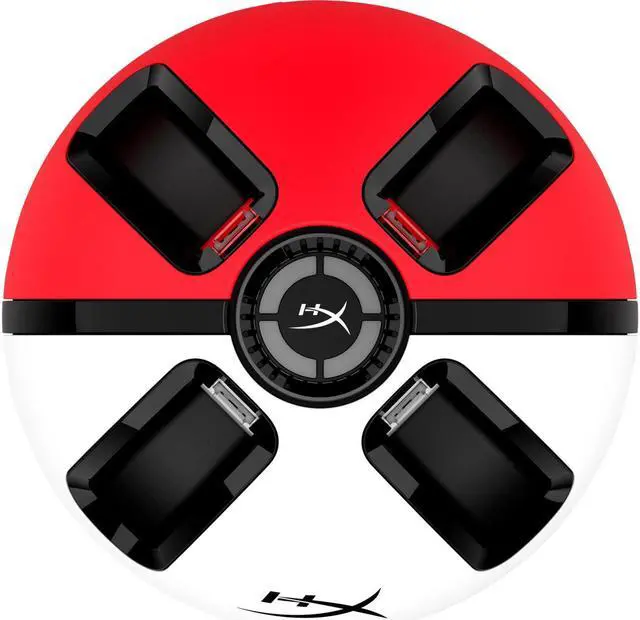
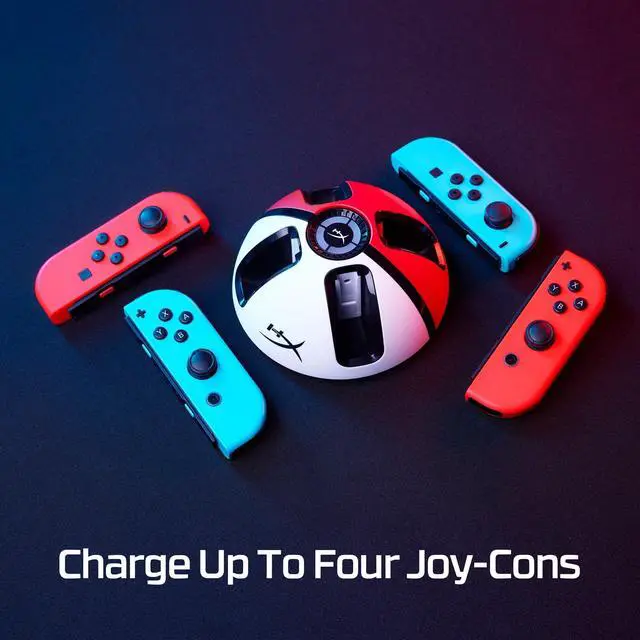
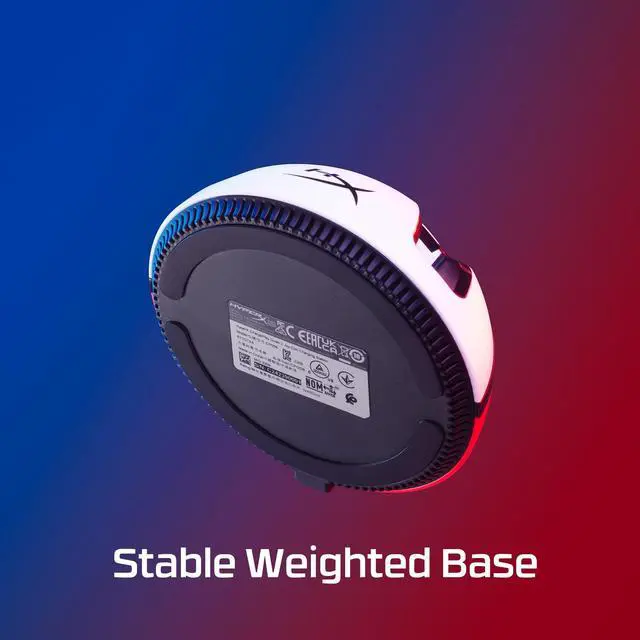
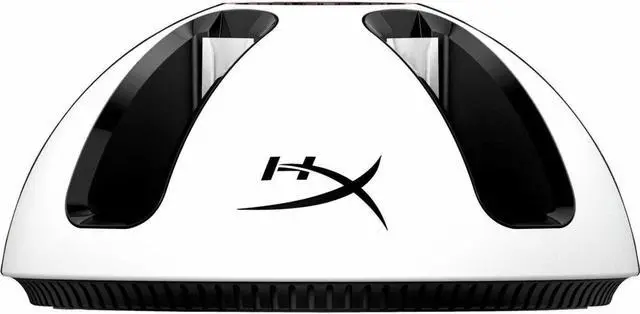
The HyperX ChargePlay Quad 2 is a docking station compatible with Nintendo Switch, suited to Switch owners looking for a dedicated console accessory.
Recommended For
- Nintendo Switch households that regularly play local multiplayer and want to recharge up to four Joy-Con controllers together between sessions.
- Players with spare Joy-Con controllers who want to swap in a charged pair and continue playing while the depleted controllers recharge.
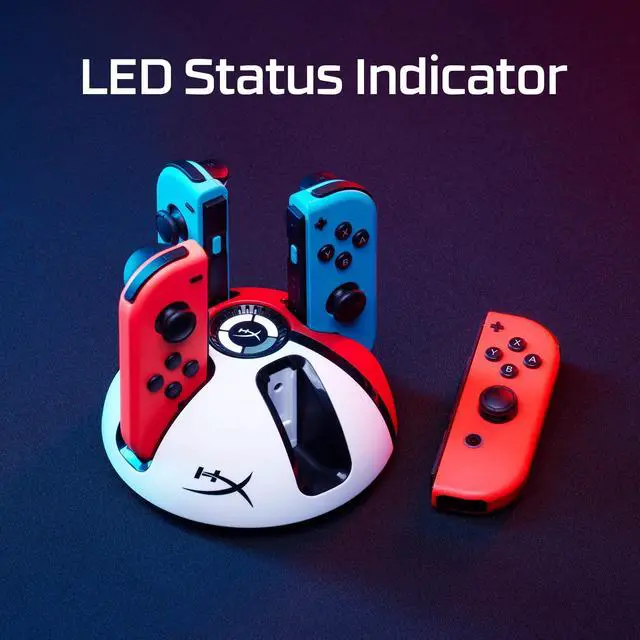
- Switch owners who keep their controllers in a dedicated home charging spot and want LED indicators to check charging status at a glance.
- Players who often finish long sessions with several Joy-Cons depleted and want them recharged together in about 3.5 hours.
Real-World Use Scenarios
- Before a local multiplayer game night, a household can dock up to four Joy-Con controllers to charge together, making two controller pairs easier to have ready for play.
- During a long solo session, a player can keep a charged Joy-Con pair on hand and swap it in when the pair in use runs low, then charge the used controllers on the station.
- After playing, users can return their Joy-Con controllers to one dedicated spot to recharge, reducing the chance that loose controllers are left scattered around the gaming area.
- Before starting a session, users can check the station’s charge indicators to see which docked controllers are ready, rather than guessing based on how long they have been charging.
- In a docked Switch setup, users can place the charging station near the console and power it from the Switch dock, keeping controller charging within the same play area.




 here!