
Your Browsing History




Any questions? Our AI beta will help you find out quickly.
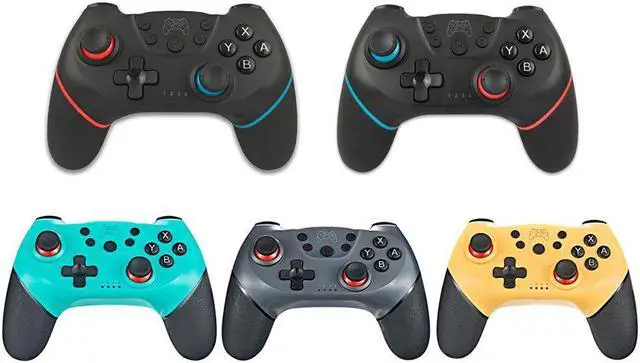
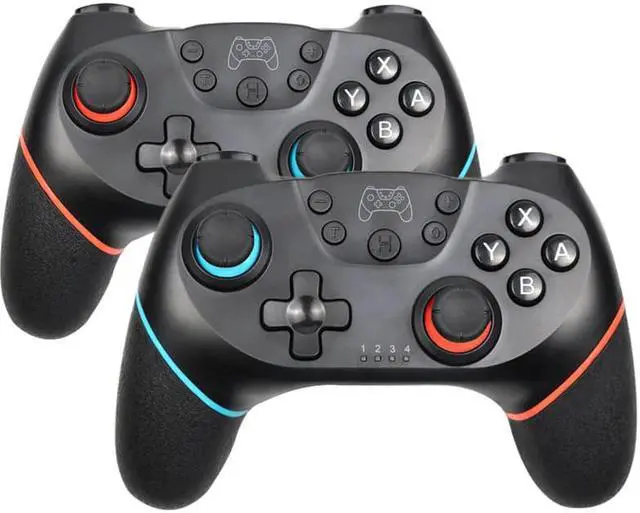
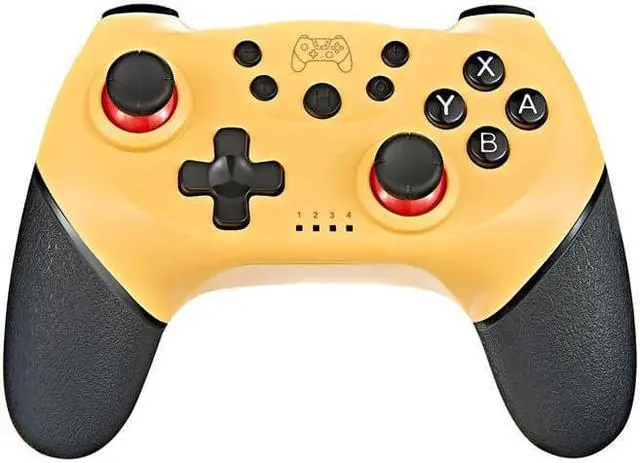
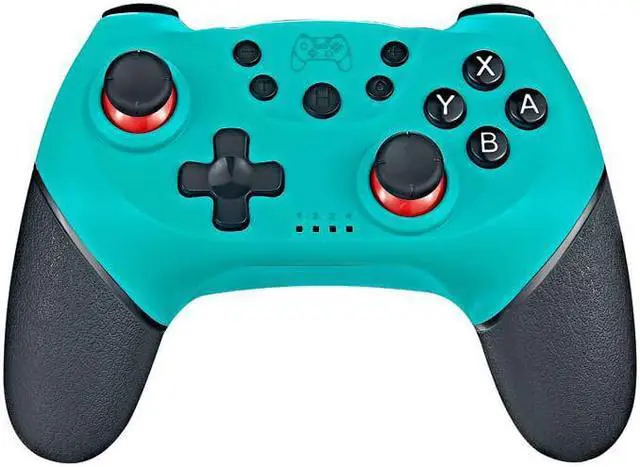
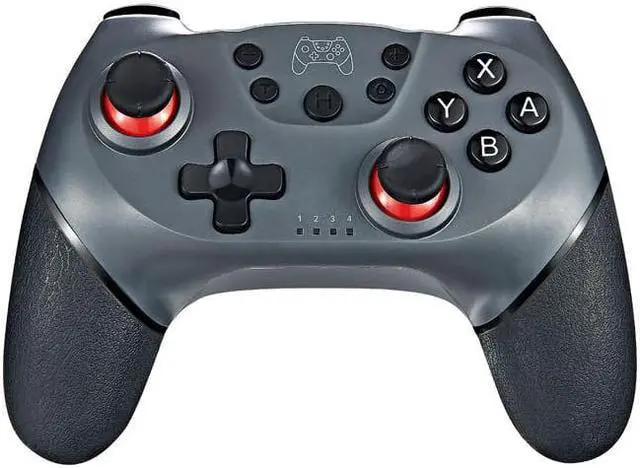
Wireless-Bluetooth Gamepad For Nintend Switch Pro NS-Switch Pro Game joystick Controller For Switch Console with 6-Axis Handle
Bluetooth Controller For NS
This game controller has superior automatic connection. The use of high-performance chips, the gamepad in the game has a better stability, high-precision 360° Rockers, the delay is almost zero, support all kinds of android devices. Support for Switch and PC. With the human body curve design, you won't feel tired even if you are addicted to the game for a long time.
Connection to Nintend Switch:
1. Power on Switch Console first.
2. In the menu page of Switch Console, press "Controllers""Change Grip/order" enter the Console pair interface "Press L + R on the controller".
3. Long press "Y + HOME" Buttons up to 5 seconds, and 4 buttons of HOME will flash quickly and circularly. Whe of four LED light frash long time,it means that the controller is paired successfully with Switch Console.
Connection to Windows PC:
a.Need to download and install X-360 driver to Windows PC at first;
b.Connect the controller to the PC via a USB cable;
c.After the drivers is installed to the PC successfully, and LED1 and LED4 flash slowly on the controller.
Note: The controller support for X-360 mode games.Please find to download the X-360 driver on the network.
Vibration Function
We have designed 2 vibration motors for this gamepad, so that you can experience the joy of the game better! Strong vibration feedback for a personalized gaming experience, Let the player feels like they are on the battlefield.
Powering Saving
Ergonomic Design
The gamepad is designed with 3D rocker, 360° high precision .