

Your Browsing History
- Free 30-day Returns
$96.18
Ships from China.

Meet Your Seller




Visit Hetai Store
FOLLOW
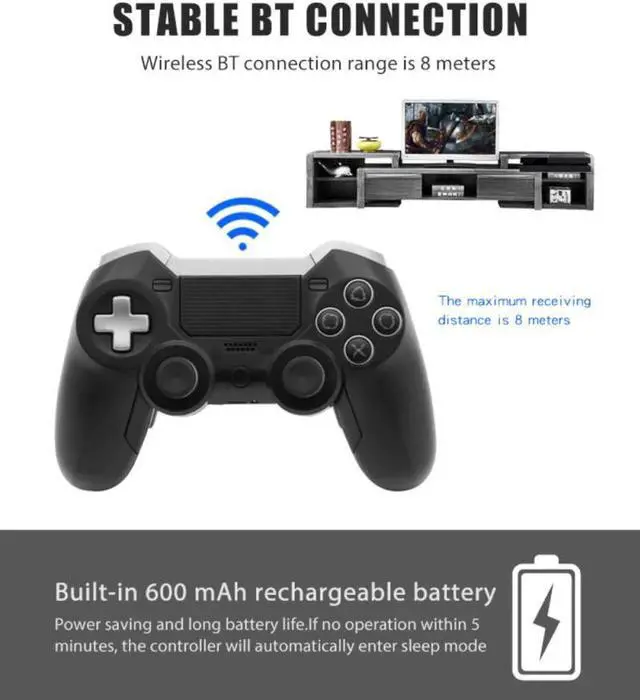
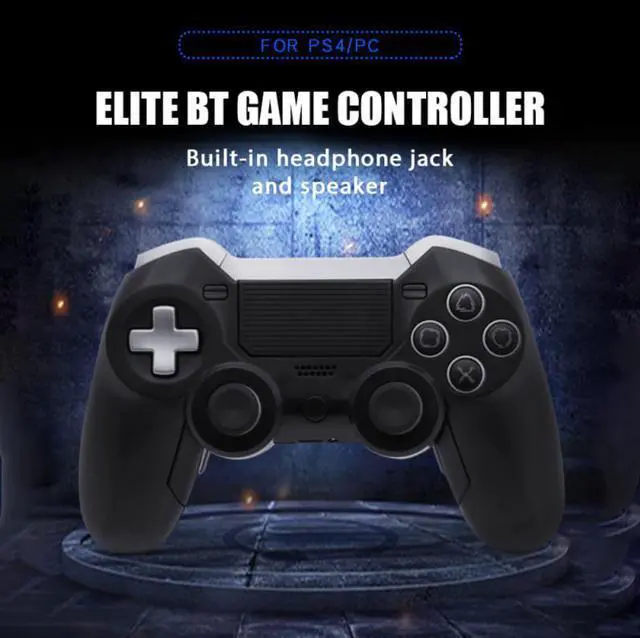
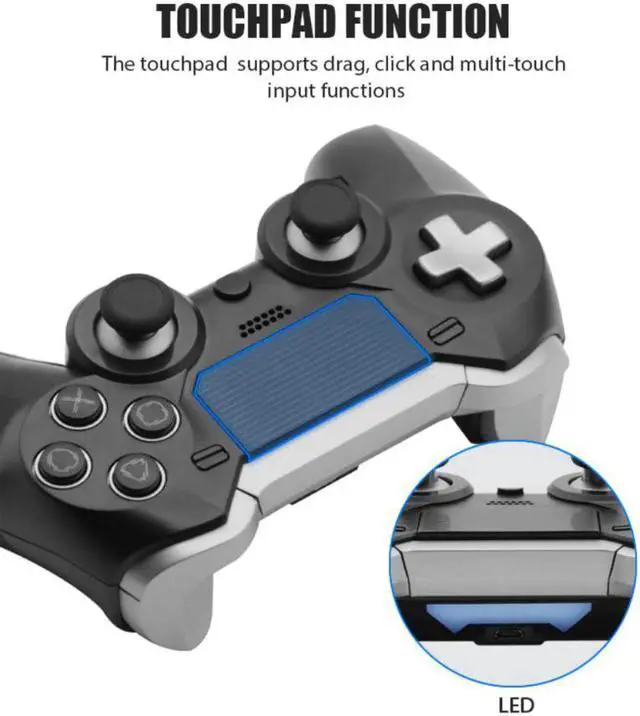
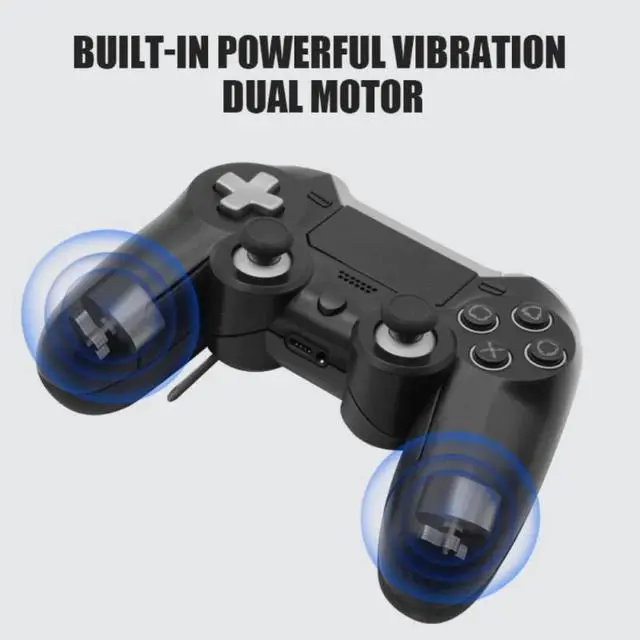
Wireless game Controller bluetooth Gamepad Dual Vibration Elite Joystick For PS4/slim/pro/PC With somatosensory headset jack
- Good Quality
+
+
Overview
Specs
Reviews

Any questions? Our AI beta will help you find out quickly.
Try me now
Description:1. Connection instructions
PS4 host connection: When the handle is in sleep mode, use the Micro-USB cable to connect to the host to complete the pairing. After completion, press the PS button to connect wirelessly, and unplug the cable to control wirelessly.
PC computer connection: When the handle is in sleep mode, use the Micro-USB cable to connect to the host to complete the pairing and use it (the PC does not support vibration).
2. Reconnect mode
For controllers that have been paired with the console, press the PS button for 1 second to wake up the controller when the controller is in sleep mode. After being woken up, it will automatically connect to the paired console. (When the PS4 console is in sleep mode, press the PS button on the controller to wake up the console)
3. Instructions for Macro and Remap functions:
Mn key=M1, M2, M3, M4 key (M1 default key, M default × key, M3 default key, M4 default key)
You can set the buttons of Macro or Remap: , , , , , , , X, LB, RB, LT, RT, L3, R3.
You can set Mn key Macro, Remap function, multiple key function output
Macro function setting:
Step 1: Press the Mn key + OPTION key and release it to enter the setting mode
Step 2: Press the button you want to set, then press the Mn button to complete the setting action and save the record
Remap function settings:
Step 1: Press the Mn key + SHARE key and release it to enter the setting mode
Step 2: Press the button you want to set, then press the Mn button to complete the setting action and save the record
4. Handle low battery prompt and charging
Handle shutdown: long press the PS button for 10 seconds
Vibration method: vibration
Warranty & Returns
Warranty, Returns, And Additional Information
Warranty
- Please contact the Seller directly for warranty information. Warranty information may also be found on the Manufacturer's website.
- CONTACT
Return Policies
- Return for refund within: 30 days
- Return for replacement within: 30 days
- This item is covered by Hetai Return Policy
Manufacturer Contact Info
- For a directory of all our manufacturers, please click below.
- Manufacturers Directory
LOADING...