

Your Browsing History

Meet Your Seller


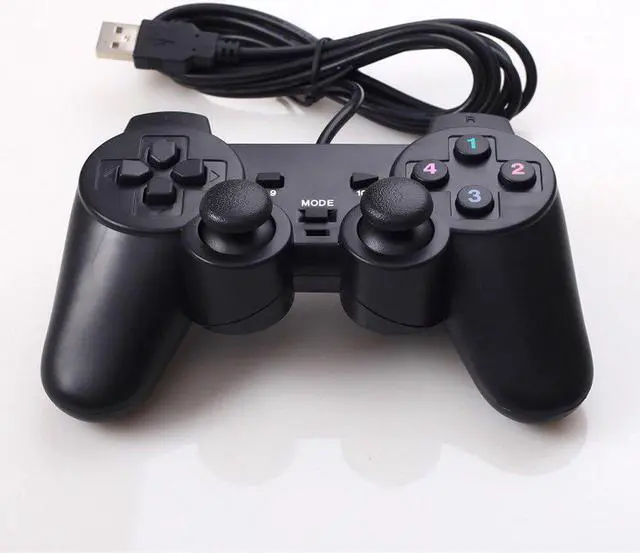
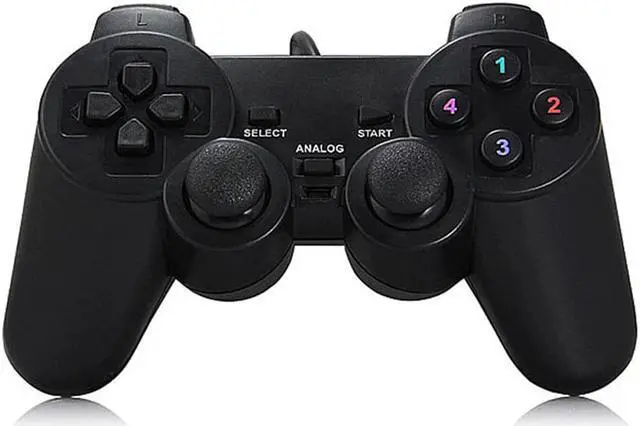
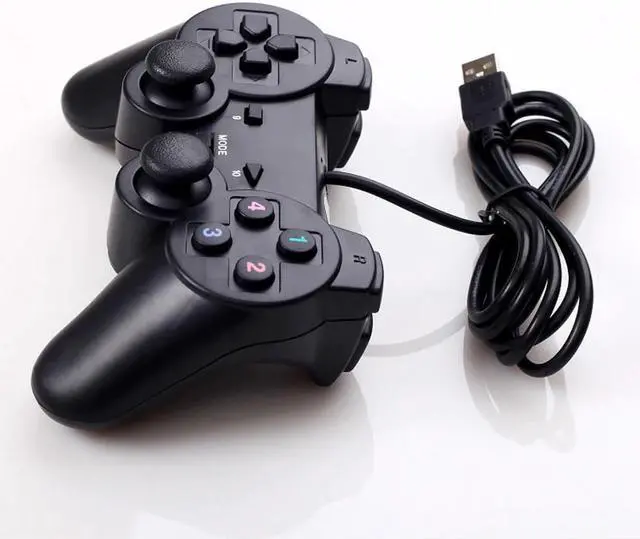
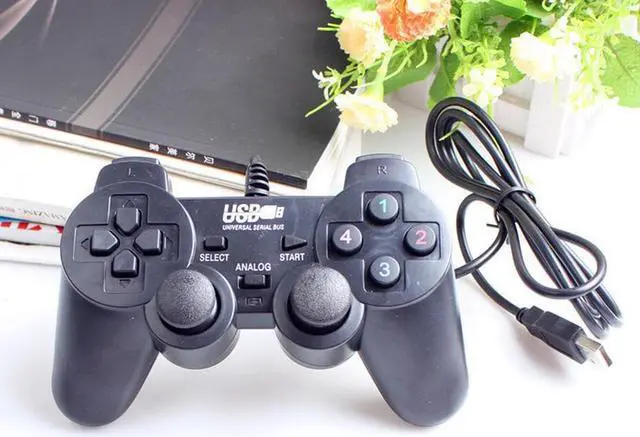
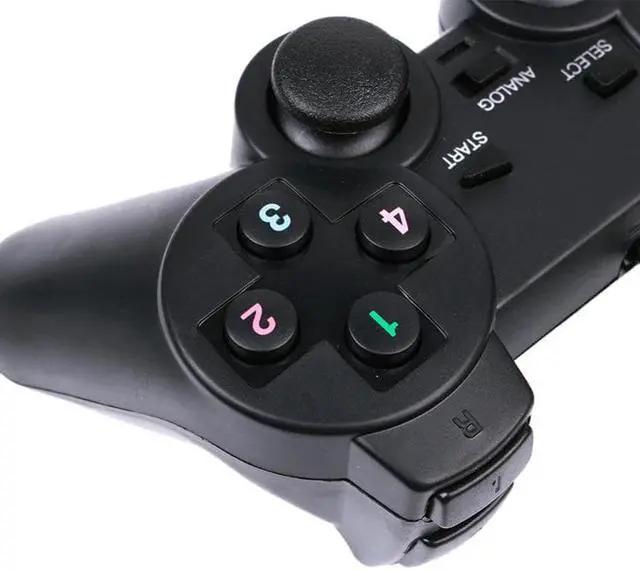


Game Controller Usb Wired Controller Game Controller Game Console Accessories For Pc Computer/windows
- Good Quality
+
+
Overview
Specs
Reviews

Any questions? Our AI mode will help you find out quickly.
Try me now
Specifications:
Commodity type: Brand new
Type: Game console handle
Interface type: USB
Vibration mode: Vibration
Applicable products: PC
Color: Black
Material: Plastic
Product size: 15.6*9*5.2cm
Line length: 1.5 meters
Product weight: 190g
Applicable number: 1
Compatible: PC, WinXP, Win7, Win8, Win10 and other games\nHandle instructions:
1. The game control keys in keyboard mode are 1234, up, down, left, and right direction keys, and left joystick.
2. The game control keys in mouse mode are the side keys L1L2, R1R2, and the right joystick.
3. SELECT is the mode selection button, STAR button is the start pause button, and ANALOG is the power indicator and function switching button.
4. Some games can only be used in the game. Find the setting options in the game controller in the game and define the keys according to your needs.
5. Play online games with the controller. Open the game controller to enter the handle test interface, click the keyboard and mouse settings, and enter the keyboard key mapping.
Package Included: 1 * Gamepad
Warm Tips:
The size is measured manually, and the error of 1-3cm is normal
Due to shooting lights and other reasons, the color of the picture and product may be slightly different
Commodity type: Brand new
Type: Game console handle
Interface type: USB
Vibration mode: Vibration
Applicable products: PC
Color: Black
Material: Plastic
Product size: 15.6*9*5.2cm
Line length: 1.5 meters
Product weight: 190g
Applicable number: 1
Compatible: PC, WinXP, Win7, Win8, Win10 and other games\nHandle instructions:
1. The game control keys in keyboard mode are 1234, up, down, left, and right direction keys, and left joystick.
2. The game control keys in mouse mode are the side keys L1L2, R1R2, and the right joystick.
3. SELECT is the mode selection button, STAR button is the start pause button, and ANALOG is the power indicator and function switching button.
4. Some games can only be used in the game. Find the setting options in the game controller in the game and define the keys according to your needs.
5. Play online games with the controller. Open the game controller to enter the handle test interface, click the keyboard and mouse settings, and enter the keyboard key mapping.
Package Included: 1 * Gamepad
Warm Tips:
The size is measured manually, and the error of 1-3cm is normal
Due to shooting lights and other reasons, the color of the picture and product may be slightly different
Warranty & Returns
Warranty, Returns, And Additional Information
Warranty
- Please contact the Seller directly for warranty information. Warranty information may also be found on the Manufacturer's website.
- CONTACT
Return Policies
- Return for refund within: 30 days
- Return for replacement within: non-replaceable
- This item is covered by Leionhernut Return Policy
Manufacturer Contact Info
- For a directory of all our manufacturers, please click below.
- Manufacturers Directory
LOADING...