



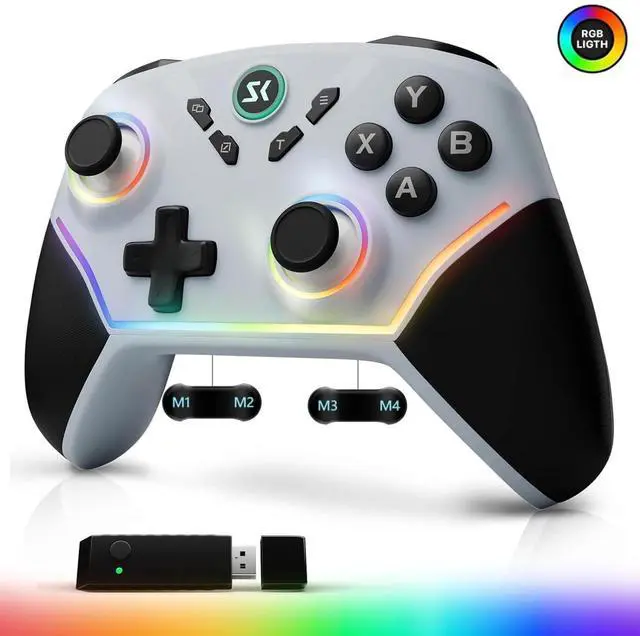
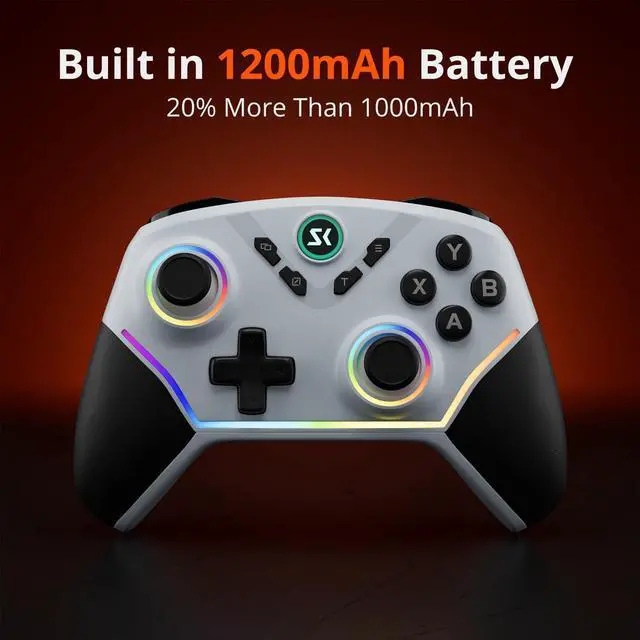
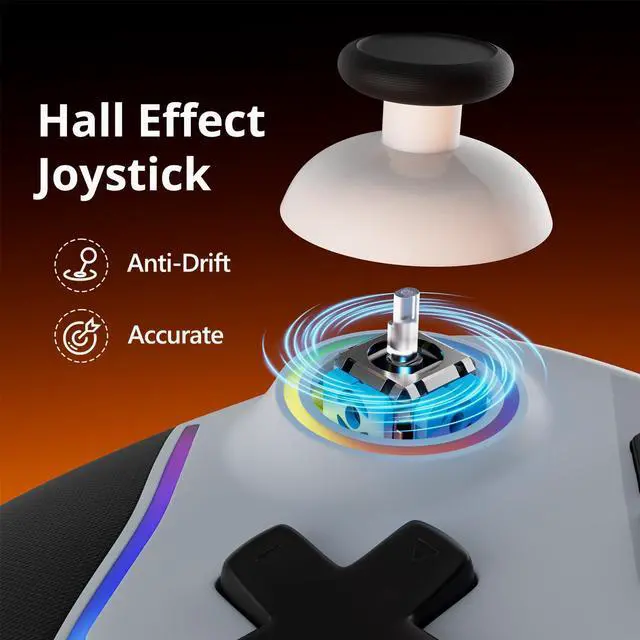
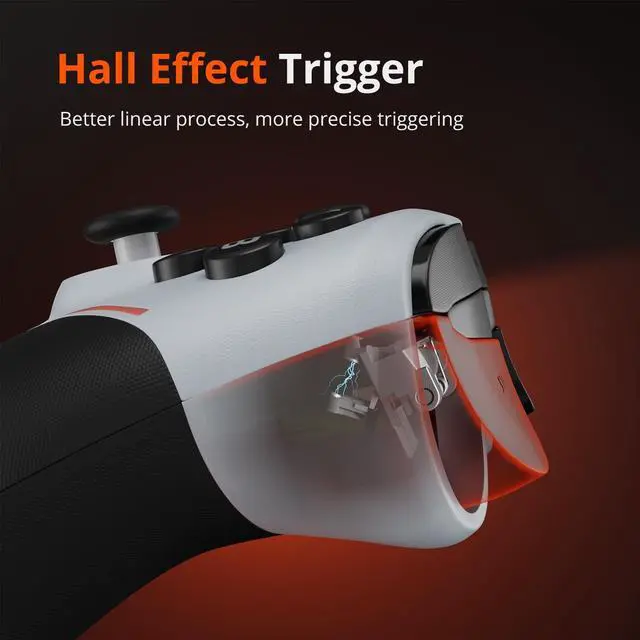
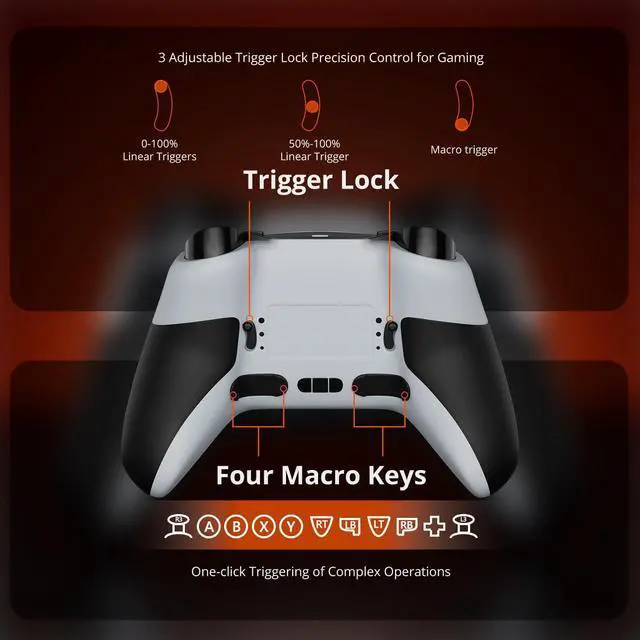
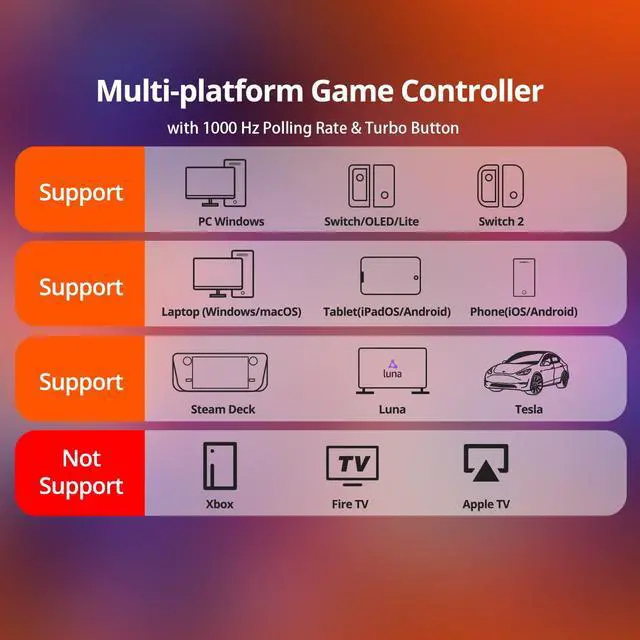
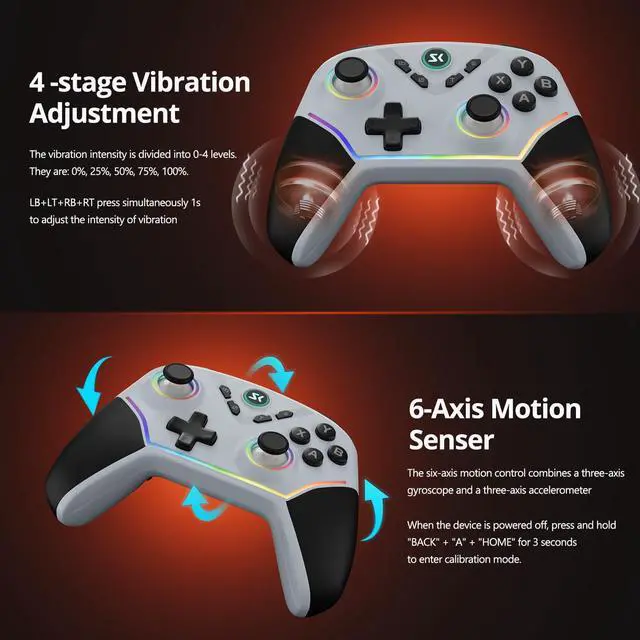


steam controller wireless
Merchant Video


Why does this receiver require higher operating power compared to standard ones?
Our receiver features two key upgrades—1000Hz polling rate (for smoother, more responsive gameplay) and the ability to pair two controllers simultaneously. These enhancements demand higher operating power to perform optimally.
Why do some reviewers mention experiencing high latency with this controller?
High latency typically stems from insufficient USB power. Thanks to its 1000Hz polling rate and dual-controller pairing, the receiver needs adequate power to perform optimally. When it doesn’t reach required operating levels, latency may occur.
How to avoid insufficient power for the USB receiver?
The solution is simple: For PC users, plug directly into motherboard-mounted USB ports (usually at the PC’s back)—front-panel ports may lack power. Avoid unpowered USB hubs/docks, as they can’t supply enough power, leading to latency.
Will this controller cause the Switch console to black out?
Absolutely not. This is simply a peripheral—similar to how a keyboard connects to a computer. Just as an external keyboard won’t make a PC black out, this controller won’t affect your Switch’s display in any way.
How can I get help if I encounter any issues with the controller?
Don’t hesitate to reach out anytime you run into problems! We have a professional technical and after-sales support team ready to assist you promptly.


CHENGDAO is a company specializing in third-party gaming hardware, dedicated to crafting every controller with care and quality.
CHENGDAO was born from a gamer’s dream: to fuse professional-grade tech with real-world gameplay needs. Its goal is to produce a range of practical yet stylish game controllers at affordable prices.
A wide range of controllers are available at CHENGDAO's store.
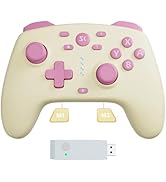
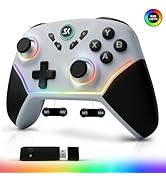
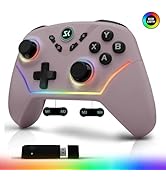
Multi-platform Controller
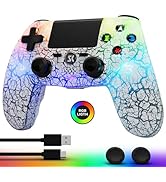
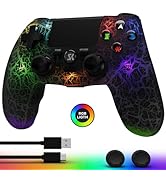
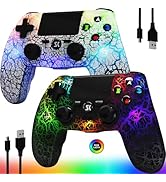
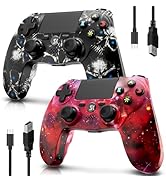
Wireless Controller for PS4
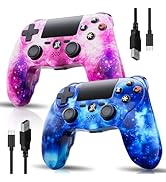
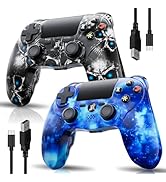
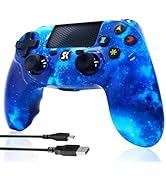
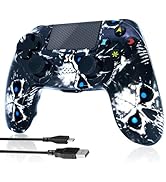
Wireless Controller for PS4
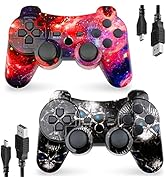
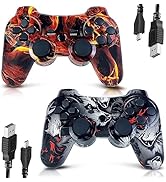
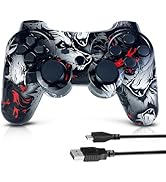
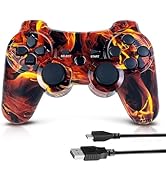
Wireless Controller for PS3
CHENGDAO is a company specializing in third-party gaming hardware, dedicated to crafting every controller with care and quality.
CHENGDAO was born from a gamer’s dream: to fuse professional-grade tech with real-world gameplay needs. Its goal is to produce a range of practical yet stylish game controllers at affordable prices.
A wide range of controllers are available at CHENGDAO's store.
Multi-platform Controller
Wireless Controller for PS4
Wireless Controller for PS4
Wireless Controller for PS3
steam controller wireless
Merchant Video


Why does this receiver require higher operating power compared to standard ones?
Our receiver features two key upgrades—1000Hz polling rate (for smoother, more responsive gameplay) and the ability to pair two controllers simultaneously. These enhancements demand higher operating power to perform optimally.
Why do some reviewers mention experiencing high latency with this controller?
High latency typically stems from insufficient USB power. Thanks to its 1000Hz polling rate and dual-controller pairing, the receiver needs adequate power to perform optimally. When it doesn’t reach required operating levels, latency may occur.
How to avoid insufficient power for the USB receiver?
The solution is simple: For PC users, plug directly into motherboard-mounted USB ports (usually at the PC’s back)—front-panel ports may lack power. Avoid unpowered USB hubs/docks, as they can’t supply enough power, leading to latency.
Will this controller cause the Switch console to black out?
Absolutely not. This is simply a peripheral—similar to how a keyboard connects to a computer. Just as an external keyboard won’t make a PC black out, this controller won’t affect your Switch’s display in any way.
How can I get help if I encounter any issues with the controller?
Don’t hesitate to reach out anytime you run into problems! We have a professional technical and after-sales support team ready to assist you promptly.