



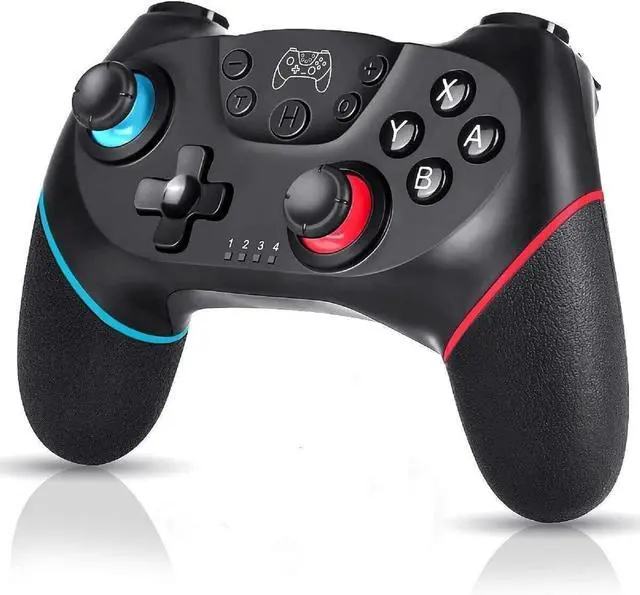
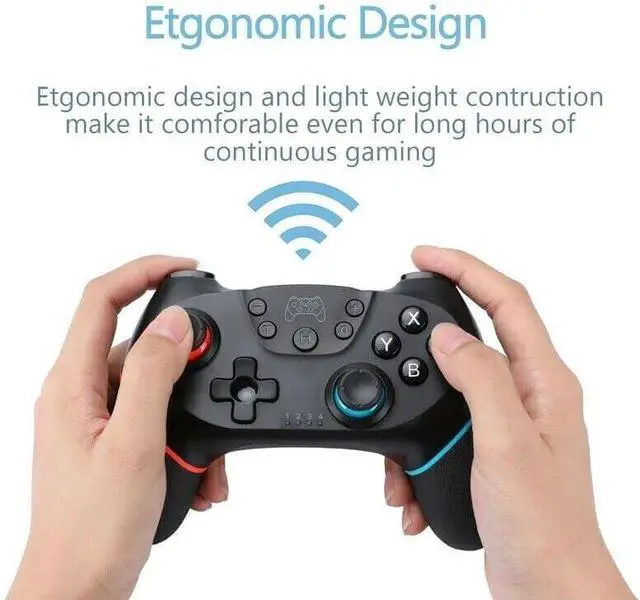


Durable quality and outstanding performance controllers
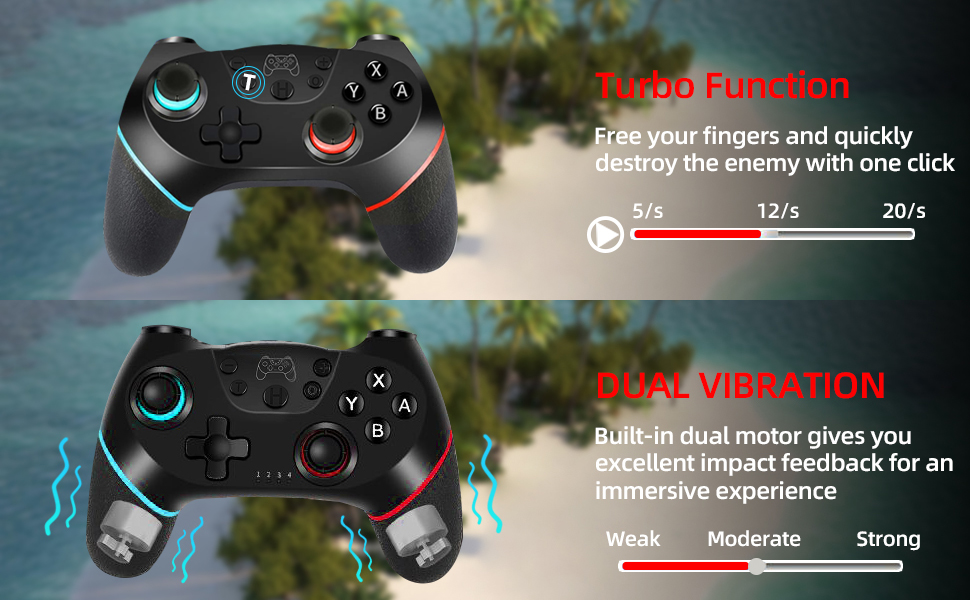
Turbo Features: 1.Press and hold one action button, then press the turbo button, turbo feature will be valid. For an example, press and hold A, then press T, action order of A will keep going. 2.Based on Above 1 state, press T to stop turbo function.
Charging Indication: 1. 4 LED indicators blink slowly during charging under unconnected state with console 2. Matched LED indicator blinks slowly during charging under connected state with console Notes:Matched LED indicator blinks slowly at low voltage under connected state with console.
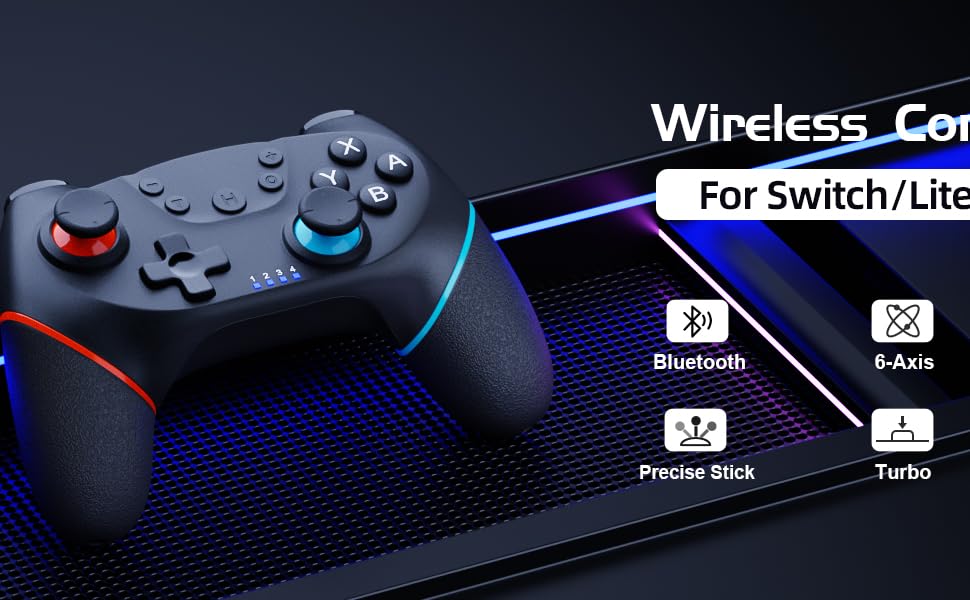
Pairing Steps: 1. 1st time to connect: Press and hold the HOME button 5 seconds on "Change Grip/Order" page, and 4 indicators blinks fast.Matched LED indicator keeps on after successful pairing. 2. 2nd time to connect: Press the HOME button on any page, and 4 indicators blinks slowly if unsuccessful pairing.
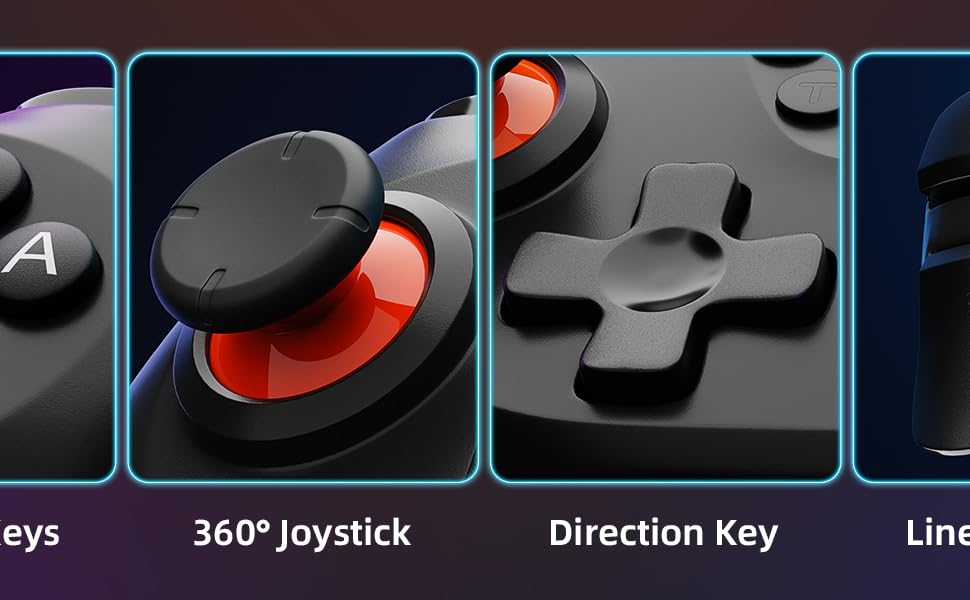
Durable quality and outstanding performance controllers
Turbo Features: 1.Press and hold one action button, then press the turbo button, turbo feature will be valid. For an example, press and hold A, then press T, action order of A will keep going. 2.Based on Above 1 state, press T to stop turbo function.
Charging Indication: 1. 4 LED indicators blink slowly during charging under unconnected state with console 2. Matched LED indicator blinks slowly during charging under connected state with console Notes:Matched LED indicator blinks slowly at low voltage under connected state with console.
Pairing Steps: 1. 1st time to connect: Press and hold the HOME button 5 seconds on "Change Grip/Order" page, and 4 indicators blinks fast.Matched LED indicator keeps on after successful pairing. 2. 2nd time to connect: Press the HOME button on any page, and 4 indicators blinks slowly if unsuccessful pairing.