


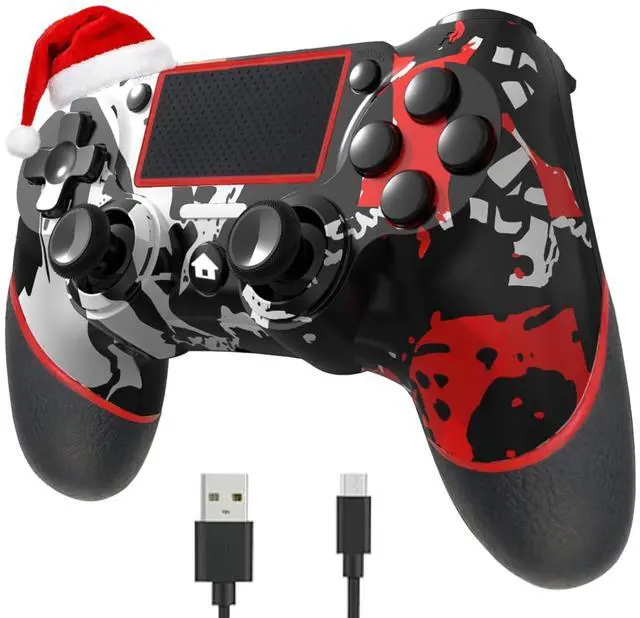
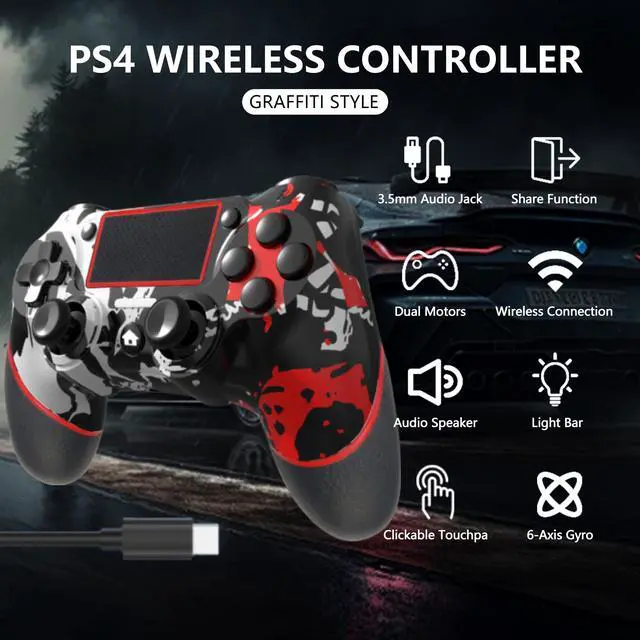
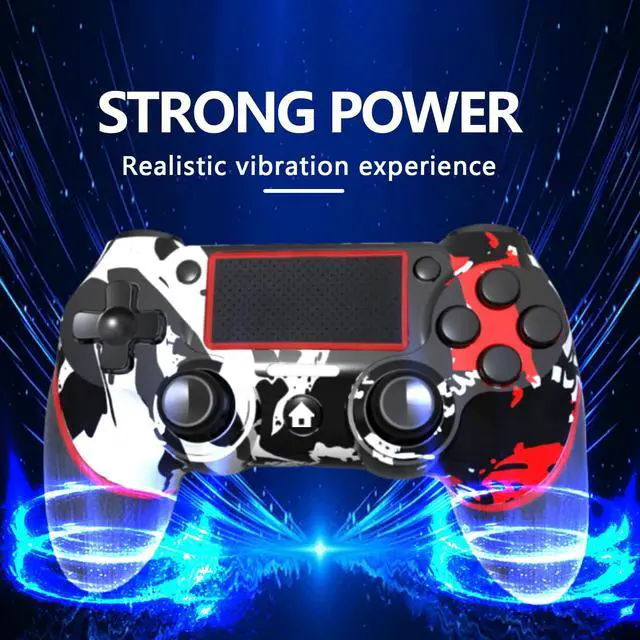
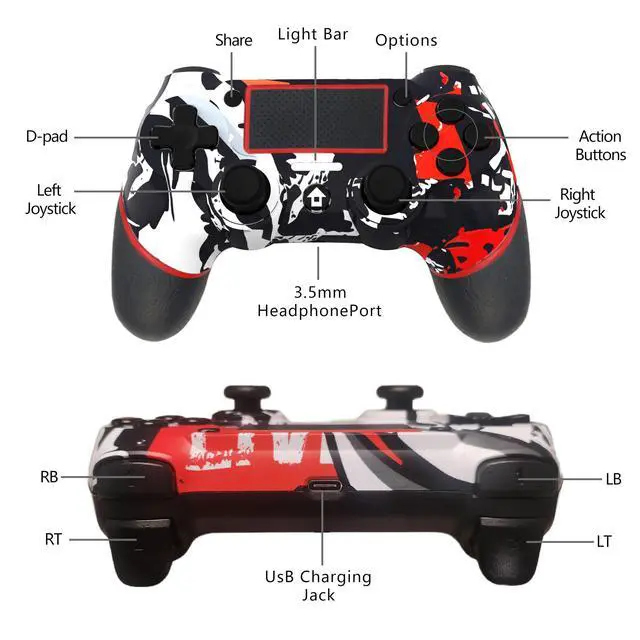
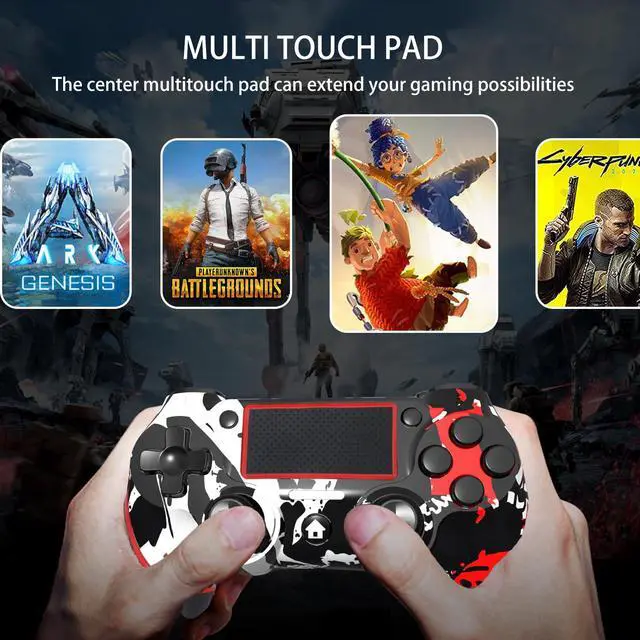

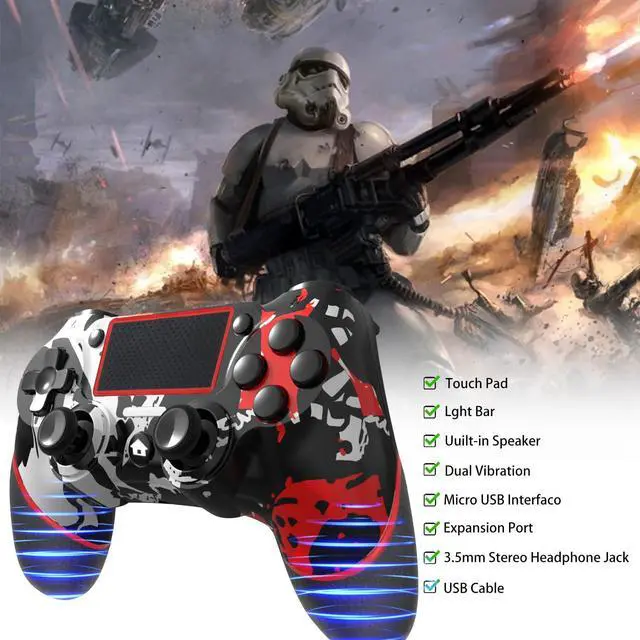


Wireless Controller for Ps4 Romote Compatible with Ps4/Slim/Pro/Windows PC


Compatible with gaming platforms
PC:Devil May Cry 5 , Apex,WoLong,Fortnite,Resident Evil,Uncharted 4:A third's end,Marvel's Spider-Man: Miles Morales,Sons of the Forest,Like a Dragon: Ishin!, Hogwarts Legacy,ONE PIECE ODYSSEY
IOS/Android: Asphalt 9: Legend, Minecraft, Terraria, Cellule Morte, Impato Genshin (iOS only), Call of Mission Mobile, Sky: Son of Light (iOS only needs games that support MFI protocol)
All games can be played on the P-s4 console
Connection method
Console Ps-4: First connection. Connect the handle to the Ps-4 console with a data cable. Wait for the host to recognize the Controller. Disconnect the data cable. Hold down the P key and share at the same time. Wait for the white light on the top of the handle to flash twice. Release the key. Wait for the Bluetooth Controller to match. The blue light on the top of the controller is always on after pairing is successful.
Computer: Wired connection. Connect the handle to the USB interface of your computer with a data cable. Wait for the computer to recognize the handle. You can view the device called wireless controller in your computer's device manager, which means that the connection was successful.
Bluetooth connection: Hold down the P button and share on the handle, wait for the white light on the top of the handle to flash twice, then release the button. The computer's Bluetooth interface opens Bluetooth - add device - find the device "wireless controller" and click to connect. After the connection is successful, the blue light on the top of the handle is always on, which means the connection is successful
If the game is played on the Steam platform, you must check the P-s handle configuration support in Settings - Controller - General Controller - in the upper left corner of Steam, exit the setup interface after the application and then start the game
Mobile phone: hold down the P key at the same time and share on the handle, wait for the white light on the top to flash twice, then release the key. Your phone opens Settings - Bluetooth - search for the device "wireless controller" and click Connect. After the connection is successful, the blue light on the top of the handle is always on and the connection is successful P-s4

Our values is customer first
Our task is to produce the best controller and provide the best service
How did we get our start?
Our company was established in 2005, started to study the game industry in 2008,we began to enter the United States In 2021, hoping to bring our good products to our friends in the United States, and hope that you will like our products.
What makes our products unique?
We spend a long time on the market research report which data analysis of the most favorite style of the young people
Why do we love what we do?
We spent about 3 months improving the product moud with over 100 times fall tests, just providing the customers with better products.
Our values is customer first
Our task is to produce the best controller and provide the best service
How did we get our start?
Our company was established in 2005, started to study the game industry in 2008,we began to enter the United States In 2021, hoping to bring our good products to our friends in the United States, and hope that you will like our products.
What makes our products unique?
We spend a long time on the market research report which data analysis of the most favorite style of the young people
Why do we love what we do?
We spent about 3 months improving the product moud with over 100 times fall tests, just providing the customers with better products.
Wireless Controller for Ps4 Romote Compatible with Ps4/Slim/Pro/Windows PC


Compatible with gaming platforms
PC:Devil May Cry 5 , Apex,WoLong,Fortnite,Resident Evil,Uncharted 4:A third's end,Marvel's Spider-Man: Miles Morales,Sons of the Forest,Like a Dragon: Ishin!, Hogwarts Legacy,ONE PIECE ODYSSEY
IOS/Android: Asphalt 9: Legend, Minecraft, Terraria, Cellule Morte, Impato Genshin (iOS only), Call of Mission Mobile, Sky: Son of Light (iOS only needs games that support MFI protocol)
All games can be played on the P-s4 console
Connection method
Console Ps-4: First connection. Connect the handle to the Ps-4 console with a data cable. Wait for the host to recognize the Controller. Disconnect the data cable. Hold down the P key and share at the same time. Wait for the white light on the top of the handle to flash twice. Release the key. Wait for the Bluetooth Controller to match. The blue light on the top of the controller is always on after pairing is successful.
Computer: Wired connection. Connect the handle to the USB interface of your computer with a data cable. Wait for the computer to recognize the handle. You can view the device called wireless controller in your computer's device manager, which means that the connection was successful.
Bluetooth connection: Hold down the P button and share on the handle, wait for the white light on the top of the handle to flash twice, then release the button. The computer's Bluetooth interface opens Bluetooth - add device - find the device "wireless controller" and click to connect. After the connection is successful, the blue light on the top of the handle is always on, which means the connection is successful
If the game is played on the Steam platform, you must check the P-s handle configuration support in Settings - Controller - General Controller - in the upper left corner of Steam, exit the setup interface after the application and then start the game
Mobile phone: hold down the P key at the same time and share on the handle, wait for the white light on the top to flash twice, then release the key. Your phone opens Settings - Bluetooth - search for the device "wireless controller" and click Connect. After the connection is successful, the blue light on the top of the handle is always on and the connection is successful P-s4