

• $66.99
  • Price alert

    Shipped by WeiErSieJiaFang

    Shop it at NeweggBusiness.

    Meet Your Seller

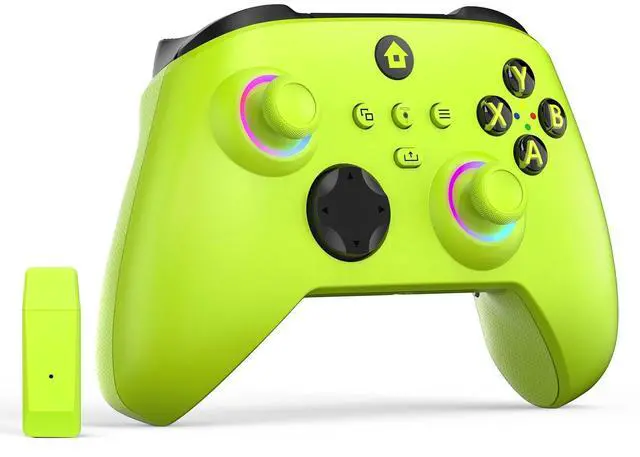
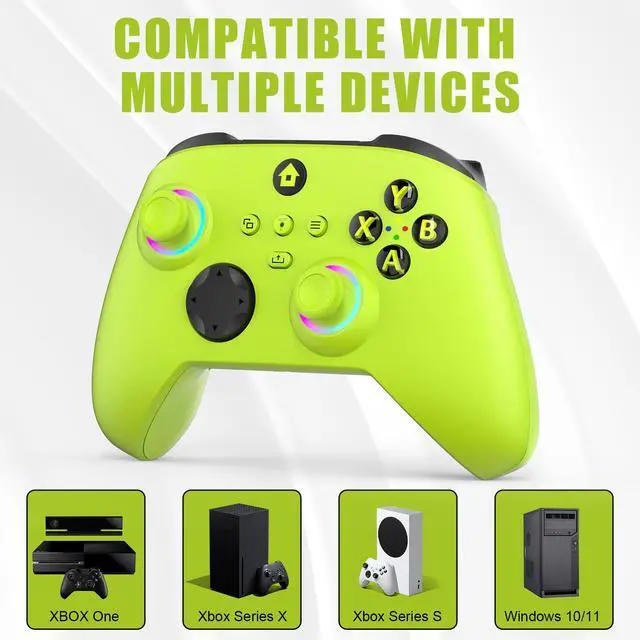
    Wireless Controller for With Xbox One, Xbox Series X/S, Xbox One X/S, PC, With RGB LED Light, Mappable Buttons, With 2.4GHZ Wireless Adapter Gamepad (Electric Volt)

    • NOTE: If an unauthorized blocking pop-up appears, don't worry and ignore it. When the controller does not work on the blocking date, please activate it with the black bootloader included in the package and it will work properly. (Please check the instruction manual for activation details)
    • Wireless Freedom Experience: The 2.4GHz wireless adapter allows you to indulge in your favorite games within a range of 30 feet. Powerful anti-interference technology ensures that other wireless devices won't affect your gaming, providing a seamless experience every time! Enjoy a consistently stable gaming experience!
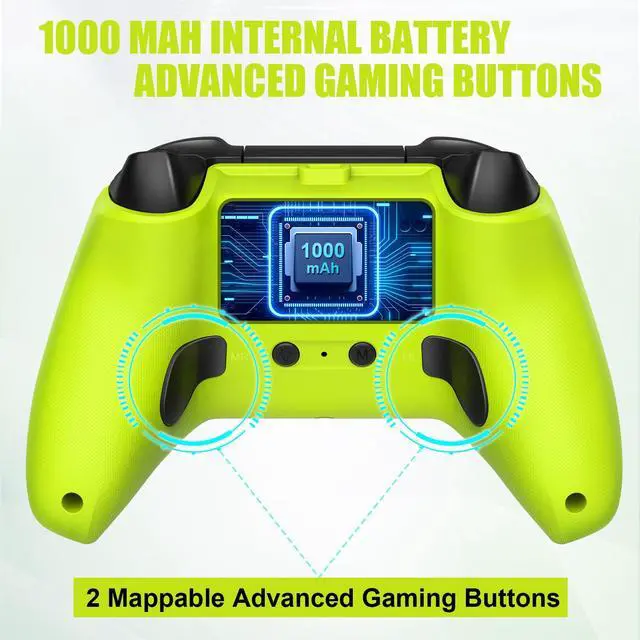
    • Built-in Battery: Built-in 1000mAh large battery, providing up to 12 hours of gaming time in RGB LED lighting mode, you can enjoy longer gaming time without interruption.
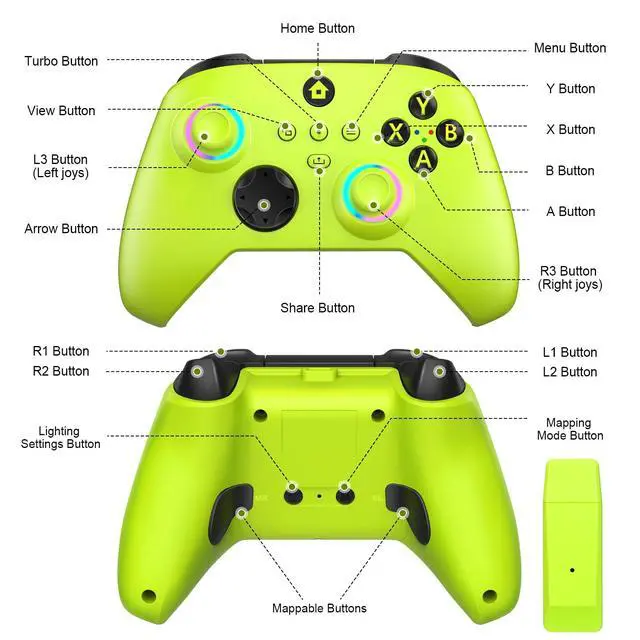
    • Advanced Gaming Buttons: Enhance your gaming experience with two mappable buttons on the back to take your game to the next level.
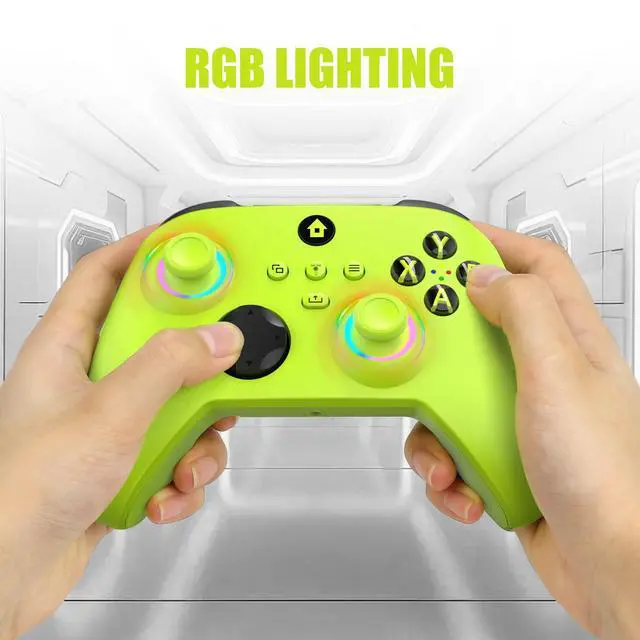
    • RGB Lighting: Customize your controller with RGB LED lighting technology, 3 lighting modes, several color combinations.
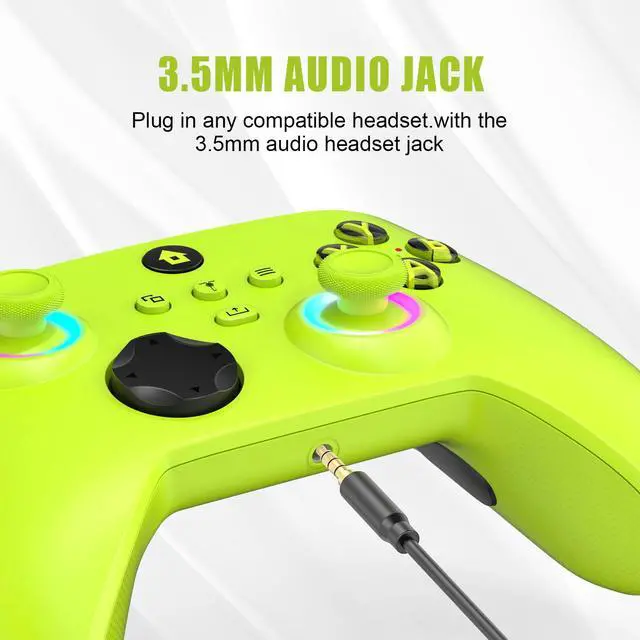
    • 3.5mm headphone jack: The 3.5mm stereo jack can connect headphones and microphones. Provides crystal-like audio, making communication in the game a breeze.
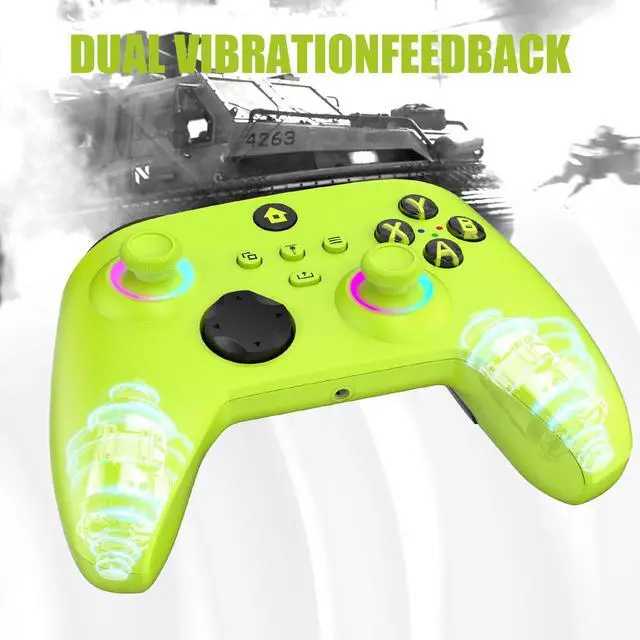
    • Immersive Gaming Experience: With Impulse Triggers, the controller will provide precise feedback through the vibration motors in the triggers, bringing your games to life with the slightest touch. From weapons to crashes, every action will be felt!
    +
    +
    Overview
    Specs
    Reviews
    avatar

    Any questions? Our AI beta will help you find out quickly.

    Activation Guide

    Insert the boot device into the host console (as shown in the figure above). Connect the “Official Genuine Xbox One Controller” to the boot device using the data cable. When the LED on the boot device changes from slow flashing to steady illumination, it indicates successful booting.

    After successful booting, disconnect the data cable from the boot device. Insert the receiver requiring controller activation into the boot device, then power on the controller. When the LED indicators on both the controller and receiver transition from rapid flashing to steady illumination, it signifies a successful connection. The controller and receiver are now ready for normal use.

    xbox one controller
    xbox one controller wireless
    xbox controller
    wireless xbox one controller

    Activation Guide

    Insert the boot device into the host console (as shown in the figure above). Connect the “Official Genuine Xbox One Controller” to the boot device using the data cable. When the LED on the boot device changes from slow flashing to steady illumination, it indicates successful booting.

    After successful booting, disconnect the data cable from the boot device. Insert the receiver requiring controller activation into the boot device, then power on the controller. When the LED indicators on both the controller and receiver transition from rapid flashing to steady illumination, it signifies a successful connection. The controller and receiver are now ready for normal use.

    xbox one controller
    xbox one controller wireless
    xbox controller
    wireless xbox one controller
    Wireless Controller for With Xbox One, Xbox Series X/S, Xbox One X/S, PC, With RGB LED Light, Mappable Buttons, With 2.4GHZ Wireless Adapter Gamepad (Electric Volt)

    Warranty & Returns

    Warranty, Returns, And Additional Information

    Warranty

    • Please contact the Seller directly for warranty information. Warranty information may also be found on the Manufacturer's website.
    • CONTACT

    Return Policies

    Manufacturer Contact Info

    LOADING...