

• $74.99
  • Price alert

    Shipped by WeiErSieJiaFang

    Shop it at NeweggBusiness.

    Meet Your Seller

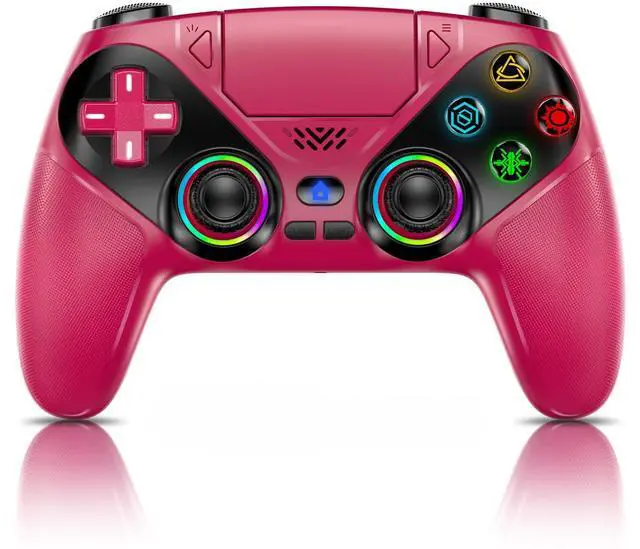
    LED for PS5 Controller, for PS5 Slim/Pro/PC, Wireless Controller with 9 Colors RGB Light/Dual Vibration/Turbo/3.5mm Audio Jack/Speaker/Programmable for Playstation 5 Controller

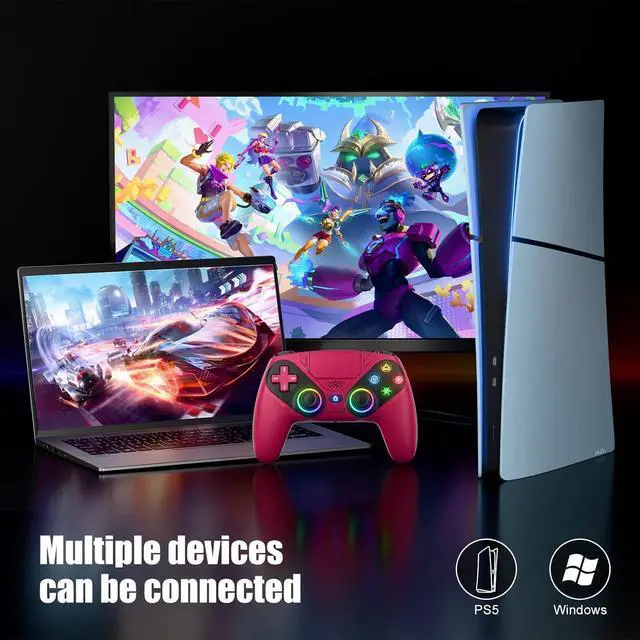
    • Quick Connect: Plug & play on PS5press HOME for instant pairing (USB-C cable for first-time setup). Works on Windows PCs too! No drivers, no hassleswitch from God of War on PS5 to Valorant on PC in seconds. Perfect for multi-device gamers.
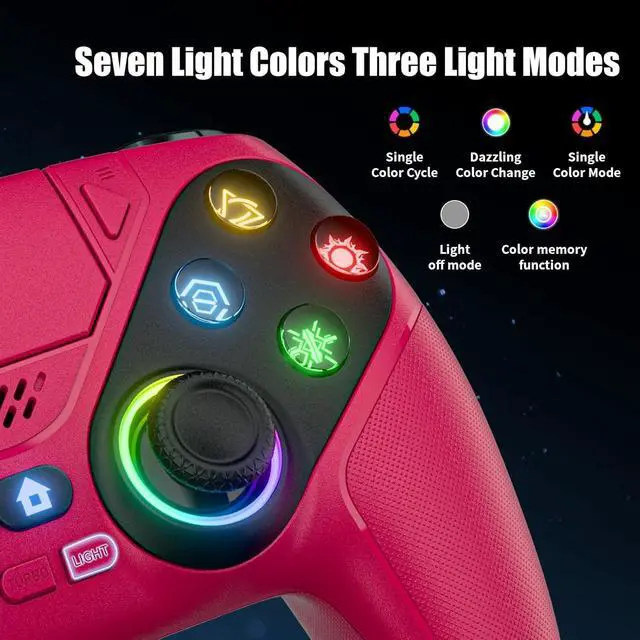
    • 9 RGB Light Modes: Cycle through 9 vibrant lighting effects (breathing, strobe, static) with a single button press. Auto-saves your last color/modeno resetting every time! Match your setup to games like Fortnites neon worlds or Demons Souls dark realms.
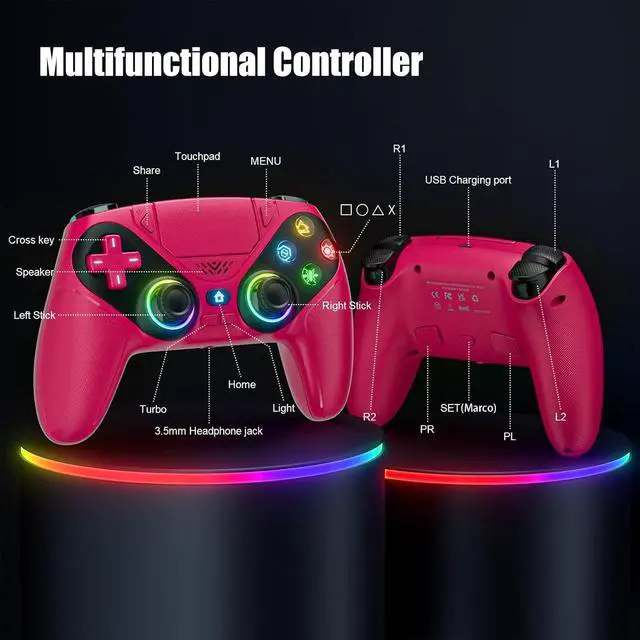
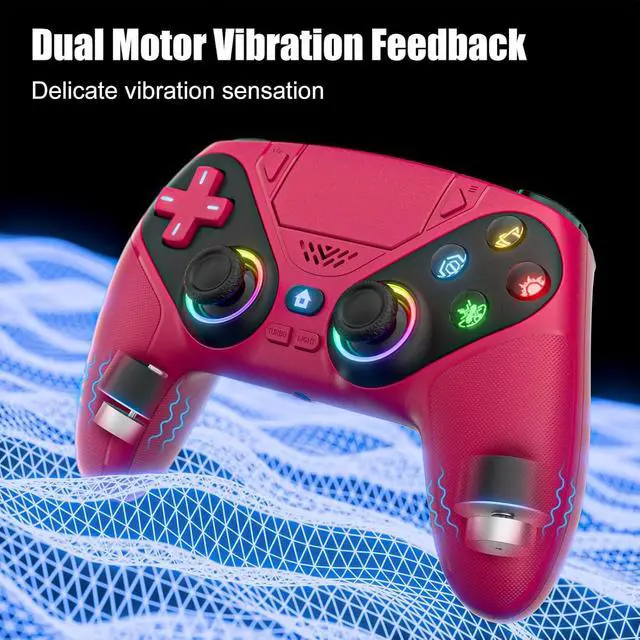
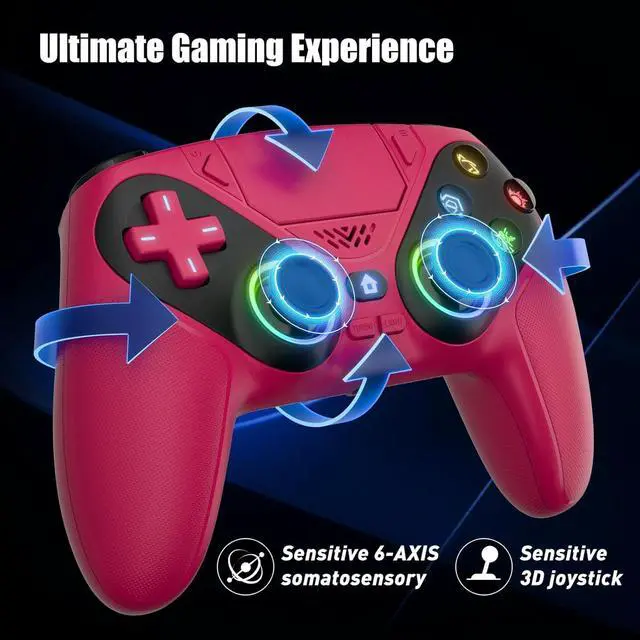
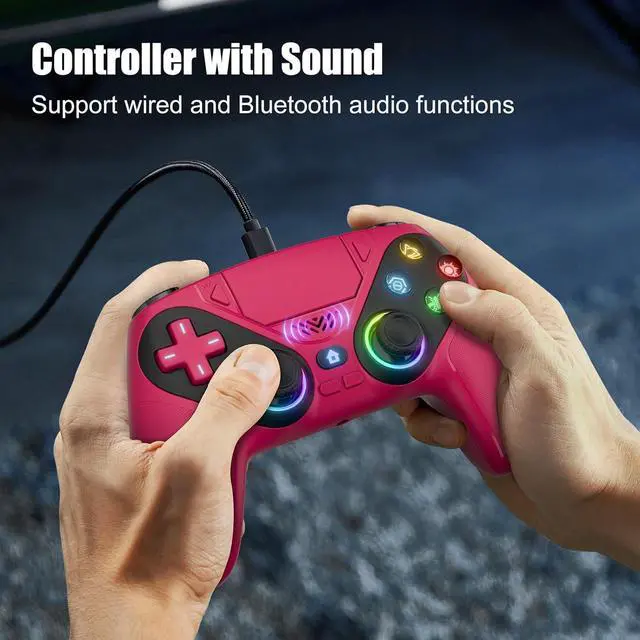
    • Immersive Dual Vibe + 6-Axis Gyro: Feel every explosion with dual haptic motors & aim like a pro using the 6-axis gyro. Built-in 3.5mm jack + speakers let you hear footsteps/weapon reloads up close. Ideal for FPS (Apex/COD) or story-driven gamesgift it to level up any gamers setup!
    • Macro Programming + Turbo Mode: Program complex combos (e.g., R2+Triangle+L3) to a single button for easy noob combos in Street Fighter 6. Turbo mode turns single taps into auto-firedominate Elden Rings bosses with infinite arrows. Hardcore features, beginner-friendly!
    • High - Precision Joysticks: No more stick drift! Hall sensor tech eliminates physical wearjoysticks stay precise after 100k+ moves. 40% wider dead zone reduction vs. standard controllers. Built to outlast even the longest PS5 sessionstrust it for years of gaming.
    +
    +
    Overview
    Specs
    Reviews
    avatar

    Any questions? Our AI beta will help you find out quickly.

    • 1. Enter Calibration Mode: Power off the controller, hold SHARE + OPTIONS, press Home. Wait for rapid Home button flashing.

      2. Calibrate: Press triggers 3-5 times, rotate joysticks 3-5 circles, confirm with X. Done.

    • When connecting PS5 for the first time, you need to connect via cable, after the cable is successfully connected, you can connect PS5 wirelessly.

    for ps5 controller
    for ps5 controller
    for ps5 controller
    for ps5 controller
    for ps5 controller
    for ps5 controller
    • 1. Enter Calibration Mode: Power off the controller, hold SHARE + OPTIONS, press Home. Wait for rapid Home button flashing.

      2. Calibrate: Press triggers 3-5 times, rotate joysticks 3-5 circles, confirm with X. Done.

    • When connecting PS5 for the first time, you need to connect via cable, after the cable is successfully connected, you can connect PS5 wirelessly.

    for ps5 controller
    for ps5 controller
    for ps5 controller
    for ps5 controller
    for ps5 controller
    for ps5 controller
    LED for PS5 Controller, for PS5 Slim/Pro/PC, Wireless Controller with 9 Colors RGB Light/Dual Vibration/Turbo/ 3.5 mm Audio Jack/Speaker/Programmable for Playstation 5 Controller

    Warranty & Returns

    Warranty, Returns, And Additional Information

    Warranty

    • Please contact the Seller directly for warranty information. Warranty information may also be found on the Manufacturer's website.
    • CONTACT

    Return Policies

    Manufacturer Contact Info

    LOADING...