

• $58.99
  • Price alert
    Shop it at NeweggBusiness.

    Meet Your Seller

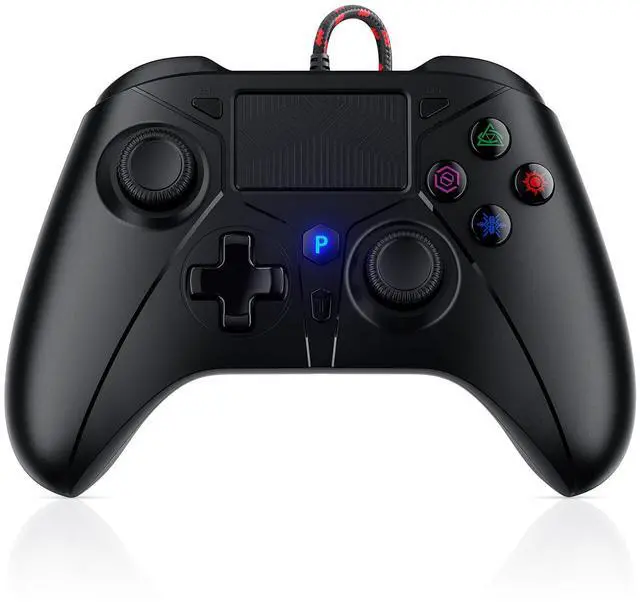
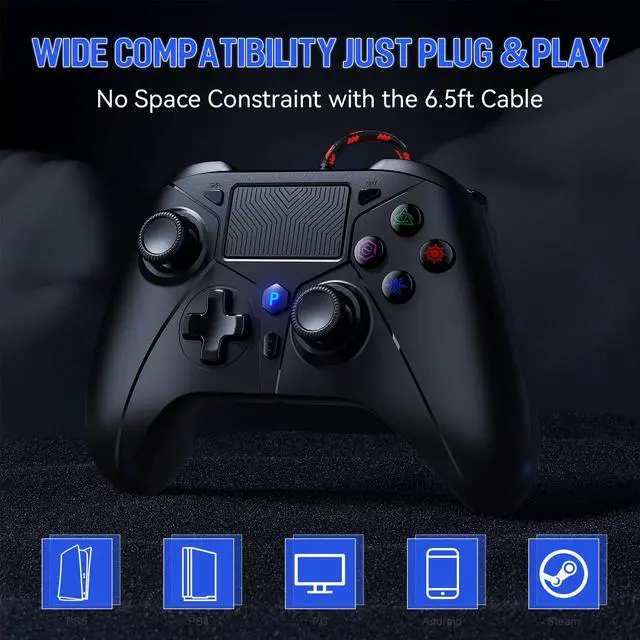
    Wired Controller for PS5 Controller, Gaming Controller for PlayStation 5 / PS5, PS4, PC, Support Turbo, Marco, 3.5mm Audio Jack - Black

    • How to connect to a PS5? ::: Enter the PS5 system settings > Accessories > Controller (General) > Communication Metho > Use USB Cable >After the setup is complete, insert our PS5 wired controller on the PS5 console>Pairing and connection
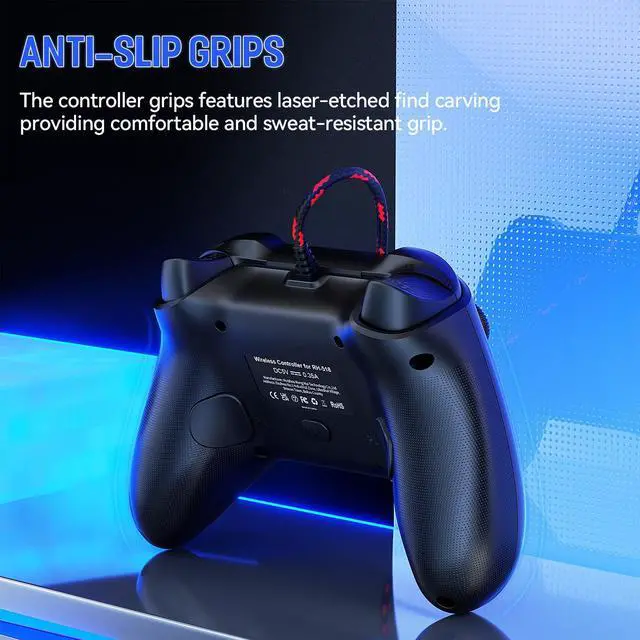
    • Gaming controller for PS5, PS4 and PC and up to 15 hours of battery powered gaming. Wired playstation 5 controller with 10ft 3-meter USB cable connects stably and quickly.
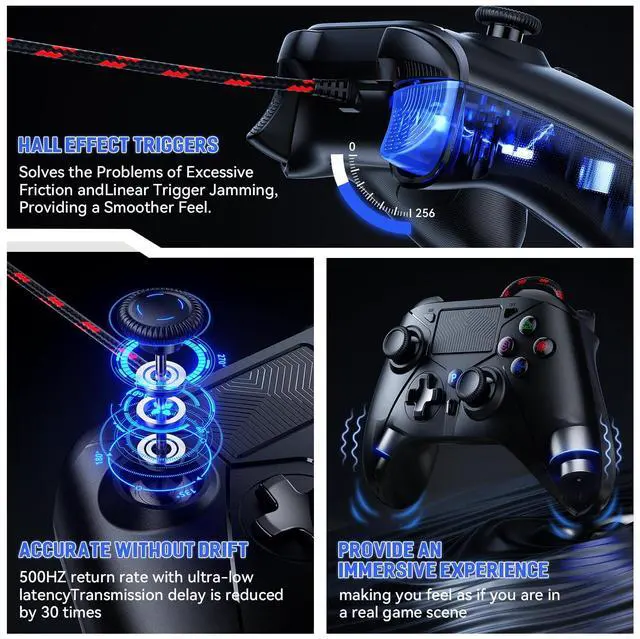
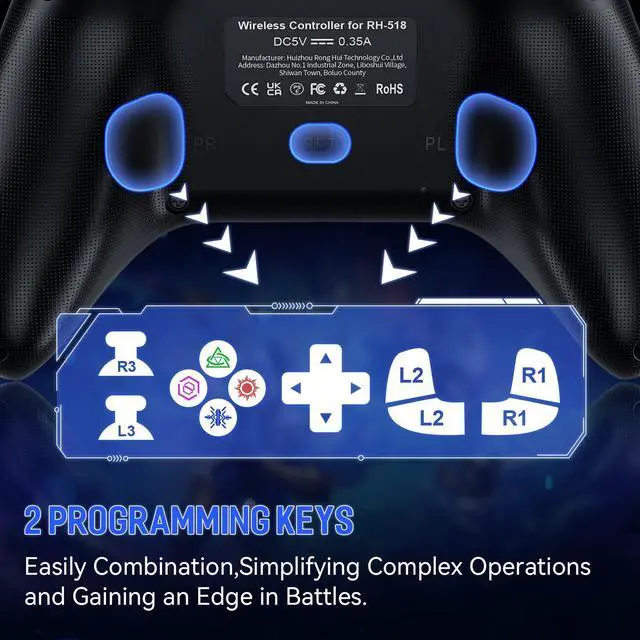
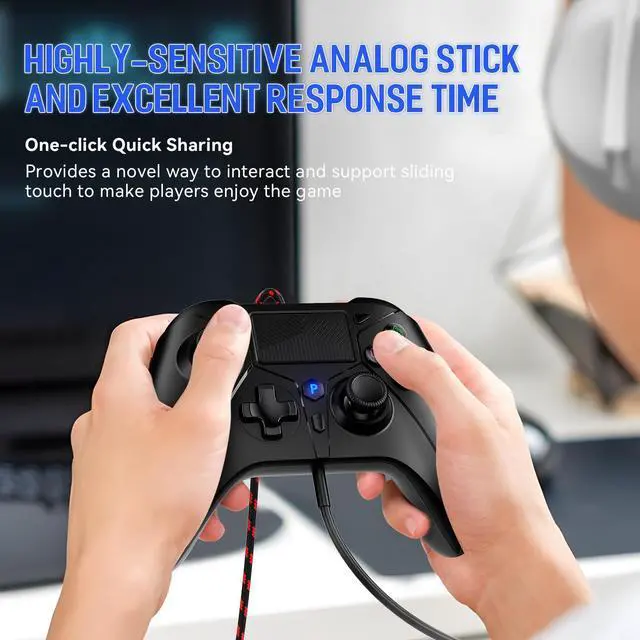
    • The ps5 controller has multiple functions, supports Turbo bursts, mappable buttons, 3.5mm TRRS stereo audio jack and microphone. In addition, new functions have been added, including a pressable dual-point inductive touchpad and dual vibration function.3.5mm headphone jack is not suitable for Apple wired headphones
    • After the ps5 controller pro is connected to the console, the LED light displays a color and remains on for a long time. After different gamepad are connected to the console, the LED light displays different colors, and the seven colors are used to distinguish different users.
    • Our custom ps5 controller is also equipped with a light bar that can display various colors. Different colors can be used to represent different players and can be used as a reminder of important messages (such as the reduction of the life value of the game character, etc.)
    +
    +
    Overview
    Specs
    Reviews
    avatar

    Any questions? Our AI beta will help you find out quickly.

    • You need to enter the for PS5 system settings: Settings > Accessories > Controller (General) > Communication Method > Use USB Cable

    • After the system setup is complete, if there is still a connection problem, please unplug the USB cable and then plug it back into the console.

    • To ensure that there is no connection problem, please disconnect other controllers and prioritize connecting our controller to the PS5 console.

    1
    2
    4
    5
    3
    6
    • You need to enter the for PS5 system settings: Settings > Accessories > Controller (General) > Communication Method > Use USB Cable

    • After the system setup is complete, if there is still a connection problem, please unplug the USB cable and then plug it back into the console.

    • To ensure that there is no connection problem, please disconnect other controllers and prioritize connecting our controller to the PS5 console.

    1
    2
    4
    5
    3
    6
    Wired Controller for PS5 Controller, Gaming Controller for PlayStation 5 / PS5, PS4, PC, Support Turbo, Marco, 3.5 mm Audio Jack - Black

    Warranty & Returns

    Warranty, Returns, And Additional Information

    Warranty

    • Please contact the Seller directly for warranty information. Warranty information may also be found on the Manufacturer's website.
    • CONTACT

    Return Policies

    Manufacturer Contact Info

    LOADING...