• $39.99
  • Price alert
    Shop it at NeweggBusiness.

    Meet Your Seller

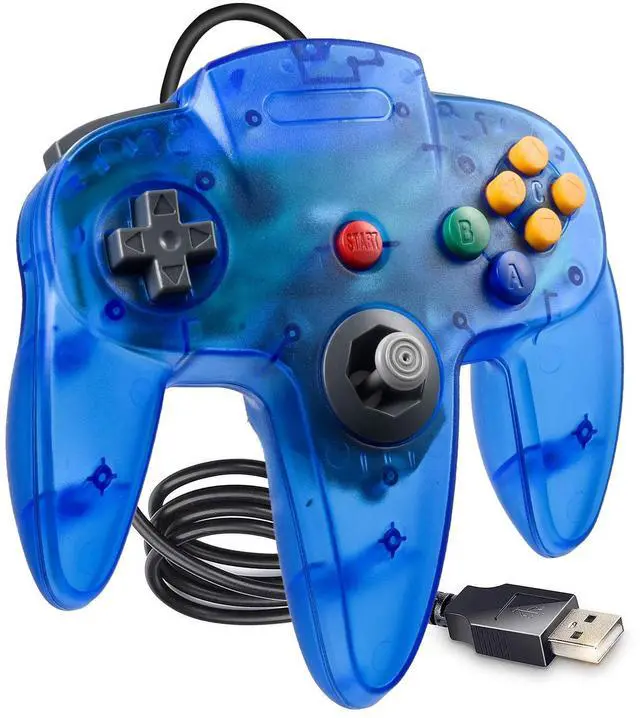
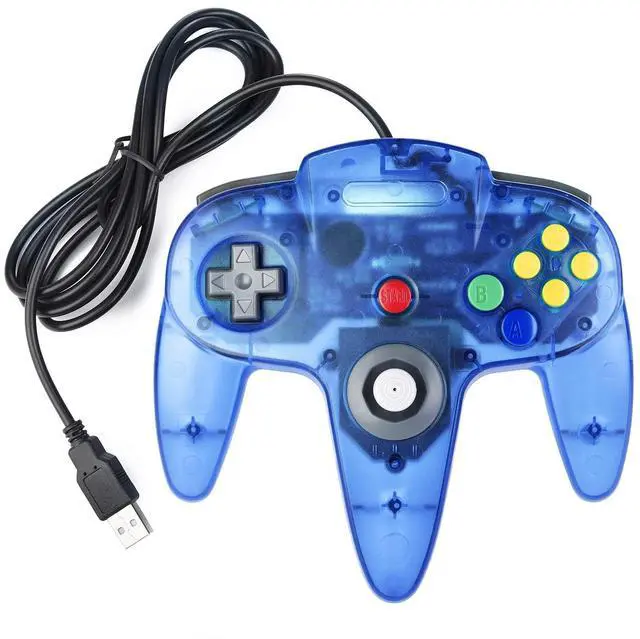
    Classic N64 USB Controller for PC, Retro N64 Wired Remote Game Pad Joypad Controller for Windows XP 7 8 11 & MAC & Raspberry Pi

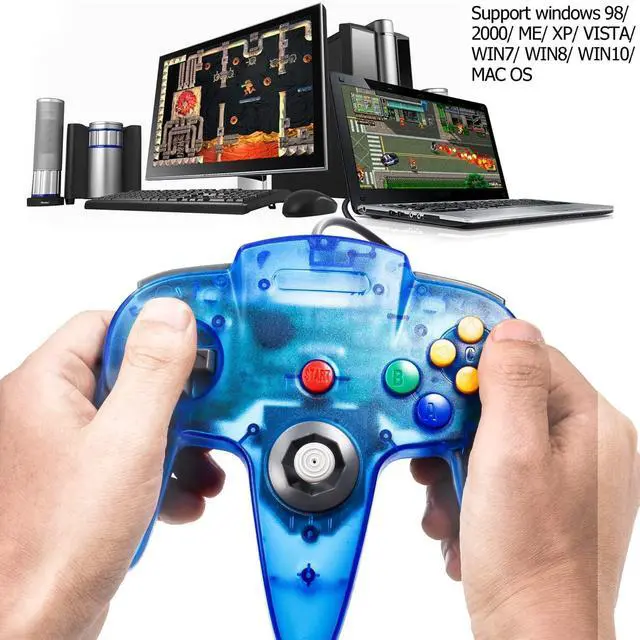
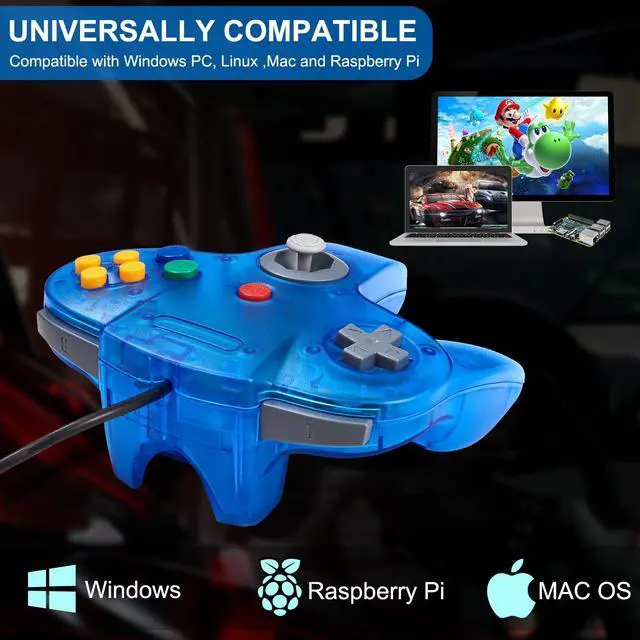
    • Wired Controller for PC & MACWorks for Windows PC, Linux ,Mac and Raspberry Pi(Wired USB version) . Specifically designed for playing classic N64 Emulator games on computer or laptop. If the controller can't successfully recognized on your device, please turn off the firewall on the computer
    • Compatible with Raspberry PiWork with Raspberry Pi 3+ and Retro pie, but you need to build raspberry pi into a retro gaming system. You must manually set the buttons and directionals within the emulator you're using, and the controller not automatically assigns buttons/directional axes.
    • Supported Operating systemWindows 98/2000/ ME/XP/Vista/Win 7/8/8.1/10 or later,or Mac running OS X,Mac OS X and macOS(Not for MAC mini). Notice: please download the emulator first before start the games, you can download the emulator Project64 on PC and OpenEmuon MAC.
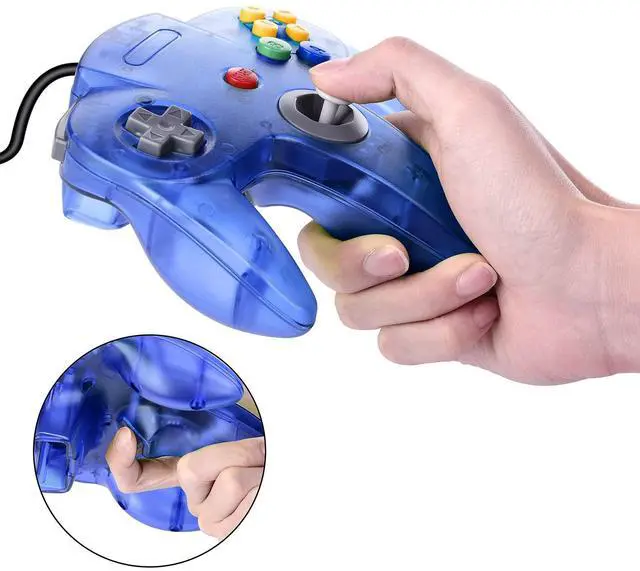
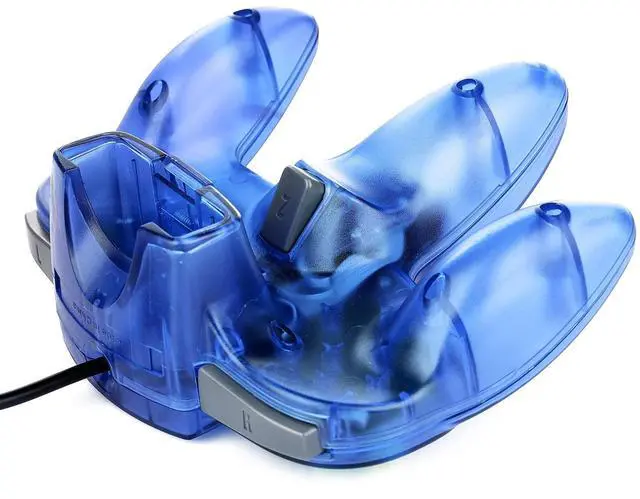
    • High performance Tight and accurate analog control,the controller features 10 function buttons (including Left and Right shoulder functions and Z-trigger). The cord is approx. 1.7 meters (6ft), standard USB 2.0 port, not support type C connection.
    +
    +
    Overview
    Specs
    Reviews
    avatar

    Any questions? Our AI beta will help you find out quickly.

    Supported game device with usb port:

    PC Computer, Notebook/Laptop Computer

    Raspberry Pi ,Raspberry Pi 1 Model B, Model A, Raspberry Pi 1 Model B+, Raspberry Pi 2,Raspberry Pi OS, Raspberry Pi 3 Model B+, Raspberry Pi 3, Raspberry Pi Zero.

    Support game Emulator:

    Project 64,OpenEmu,MegaN64,Mupen64,Mupen64Plus FZ,RetroArch,ClassicBoy and SixtyForce etc.

    1)Mupen64Plus FZ is one of the newer N64 emulators.

    2)RetroArch is one of the better N64 emulators

    3)SixtyForce is the best option for emulating the N64 console natively in Mac OS X.

    How to use the controller?

    Connecting Controller (Controller Testing)

    Please plug the controller to the USB interface of the computer. And then the computer will indentify the controller in seconds.

    Fit For Win System: Download the "Project 64" emulator, then define the Buttons for the N64 games

    Fit For Mac OS System: Download the "OpenEmu" emulator, then define the Buttons for the N64 games

    Specification:

    Connection: USB port

    8-Way directional Pad,precise 3D analog stick

    Compatible with all versions Windows and Mac OS X system

    Approximately 6ft. cable

    NOT Compatible with Android Box and Steam games

    Package included:

    1* N64 USB controller

    Note: If your controller can't successfully recognized in the front USB port on your device, please insert it into USB port located at the back of the computer.

    Warranty & Returns

    Warranty, Returns, And Additional Information

    Warranty

    • Please contact the Seller directly for warranty information. Warranty information may also be found on the Manufacturer's website.
    • CONTACT

    Return Policies

    Manufacturer Contact Info

    LOADING...