


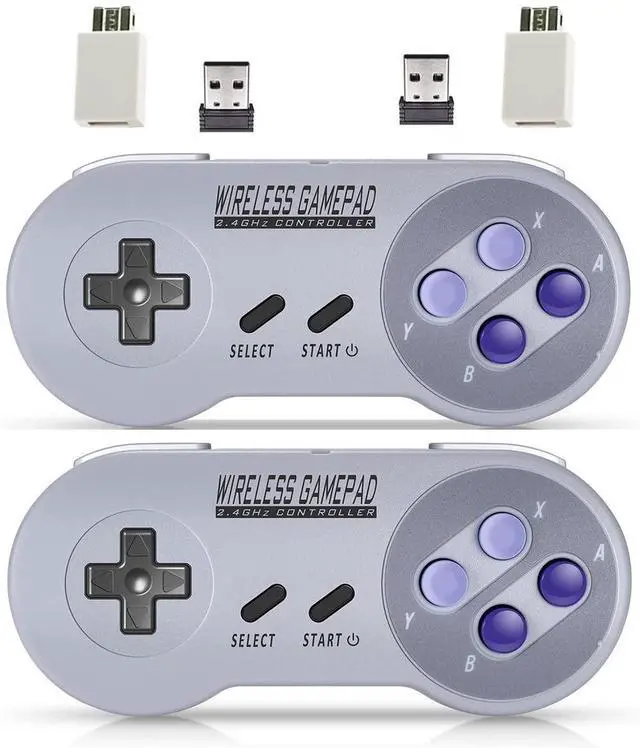
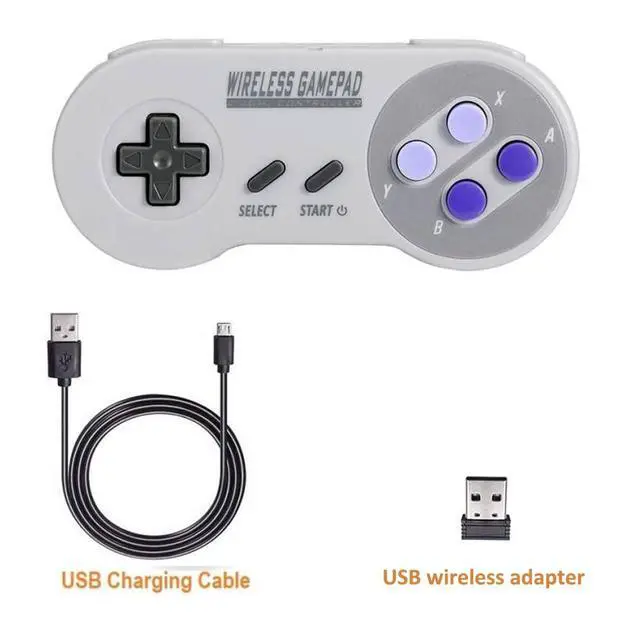


wireless controller come with wireless receivers:
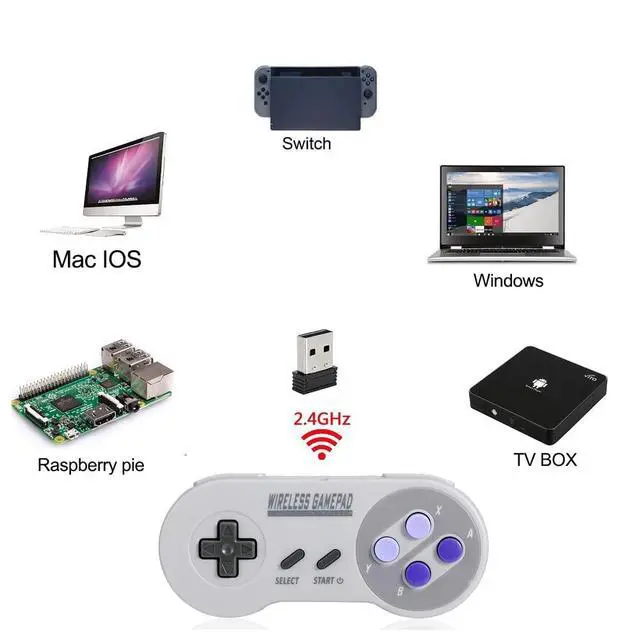
USB Wireless Receiver for Game Emulator on PC , Android Devices, Raspberry Pi, also compatible for Nintendo switch
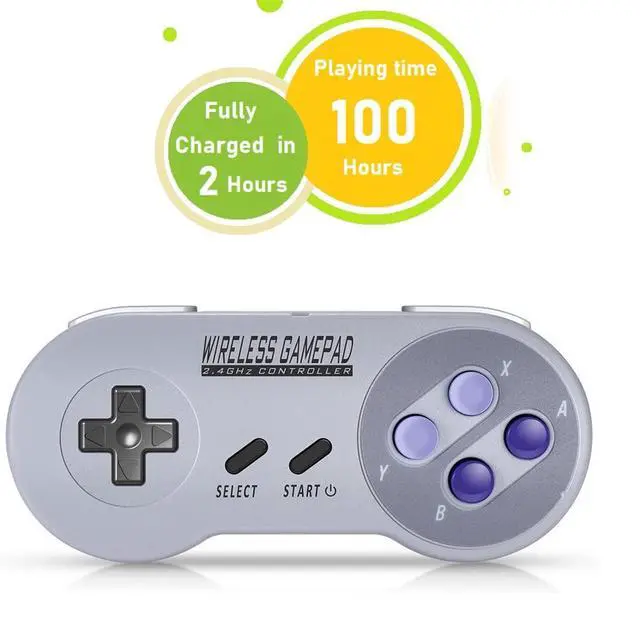
wireless controller has smart battery solution. One charge last long play time. Let you enjoy your game without worry battery .
We design press "Select"+"Start" button to help you get back main menu on Raspberry game. Save time and trouble when you need to switch games.

USB wireless adapter
USB wireless adapter allow you to play many games on multiple platforms, Such as Raspberry Pi, PC, MACBOOK, Android TV BOX.
For using the USB wireless adapter, Please download software like" joystick mapper" configure keys with the software. then you can play on your Macs, Window Gadget
For the USB mode. the controller support X input and D input. The default setting of the controller for USB mode is Xinput. This mode compatible with Windows (pc),Linux (Raspberry Pi) ,Android (Cell phone & PAD). But for MAC, You need to Switch to Dinput. By press key: “Select” + “L” + “Y” synchronously.
Please take reference from our Manual.
The controller has turbo function : you can set (A/B/X/Y) as Turbo key in the USB mode by press and hold "select"+(A/B/X/Y) to turn on/off

UP to 24 feets remote distance
You can Play two wireless controllers at the same time with your game. The wireless range reach Up to 24 feets, no more cords, Allow you sit on the cozy sofa to enjoy your retro games.
wireless controller come with wireless receivers:
USB Wireless Receiver for Game Emulator on PC , Android Devices, Raspberry Pi, also compatible for Nintendo switch
wireless controller has smart battery solution. One charge last long play time. Let you enjoy your game without worry battery .
We design press "Select"+"Start" button to help you get back main menu on Raspberry game. Save time and trouble when you need to switch games.
USB wireless adapter
USB wireless adapter allow you to play many games on multiple platforms, Such as Raspberry Pi, PC, MACBOOK, Android TV BOX.
For using the USB wireless adapter, Please download software like" joystick mapper" configure keys with the software. then you can play on your Macs, Window Gadget
For the USB mode. the controller support X input and D input. The default setting of the controller for USB mode is Xinput. This mode compatible with Windows (pc),Linux (Raspberry Pi) ,Android (Cell phone & PAD). But for MAC, You need to Switch to Dinput. By press key: “Select” + “L” + “Y” synchronously.
Please take reference from our Manual.
The controller has turbo function : you can set (A/B/X/Y) as Turbo key in the USB mode by press and hold "select"+(A/B/X/Y) to turn on/off
UP to 24 feets remote distance
You can Play two wireless controllers at the same time with your game. The wireless range reach Up to 24 feets, no more cords, Allow you sit on the cozy sofa to enjoy your retro games.