




Troubleshooting Tip: Reset Your PS4 Controller
If your controller is unresponsive or not connecting, try resetting it:
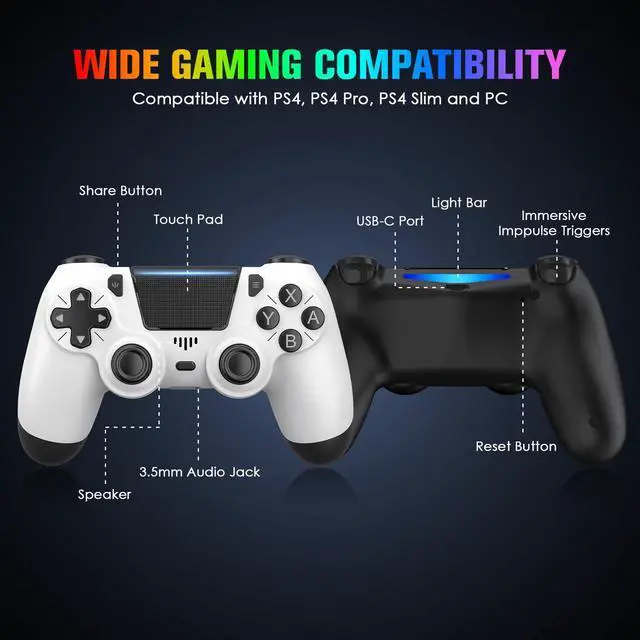
1. Locate the small reset button on the back of the controller near the L2 shoulder button.
2. Use a thin, unfolded paperclip or similar tool to press and hold the button for 3-5 seconds.
3. Reconnect the controller to your PS4 console via USB cable and press the PS button to re-pair.


Troubleshooting Tip: Reset Your PS4 Controller
If your controller is unresponsive or not connecting, try resetting it:
1. Locate the small reset button on the back of the controller near the L2 shoulder button.
2. Use a thin, unfolded paperclip or similar tool to press and hold the button for 3-5 seconds.
3. Reconnect the controller to your PS4 console via USB cable and press the PS button to re-pair.