




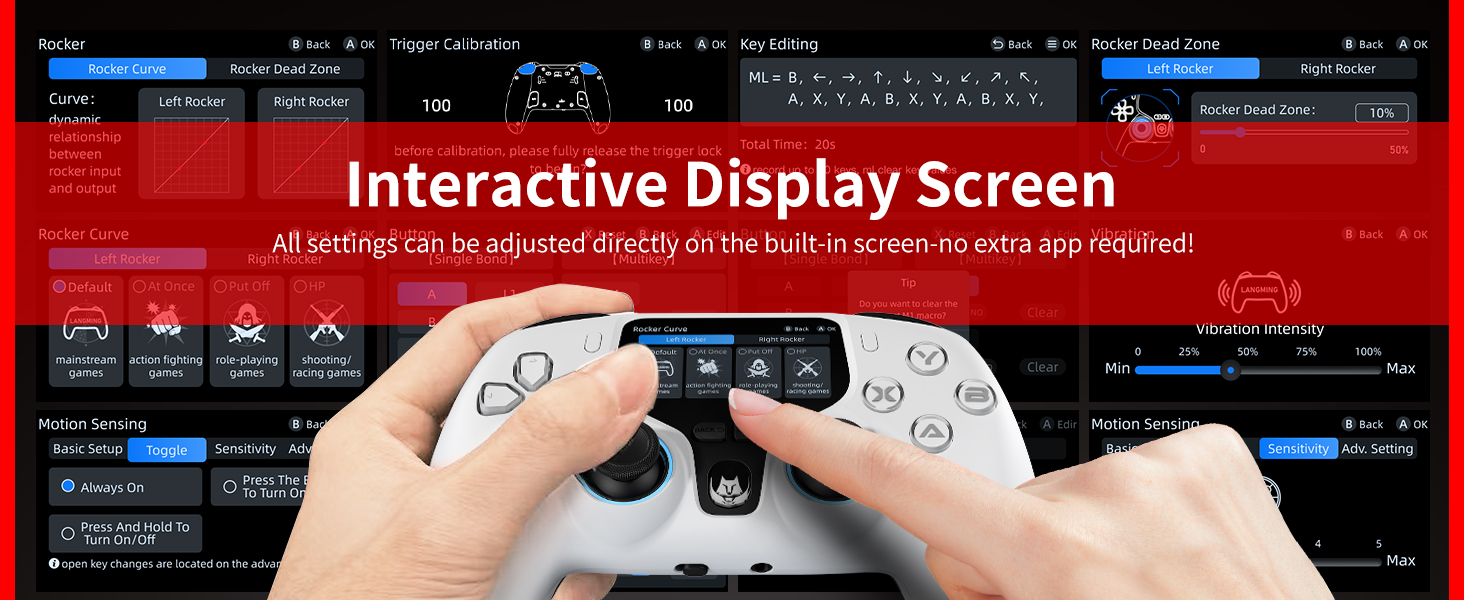



What are the benefits of interactive screens for controllers?
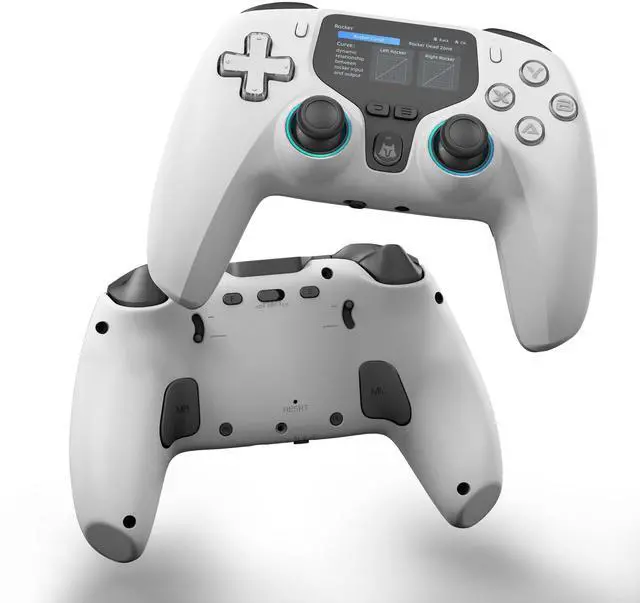
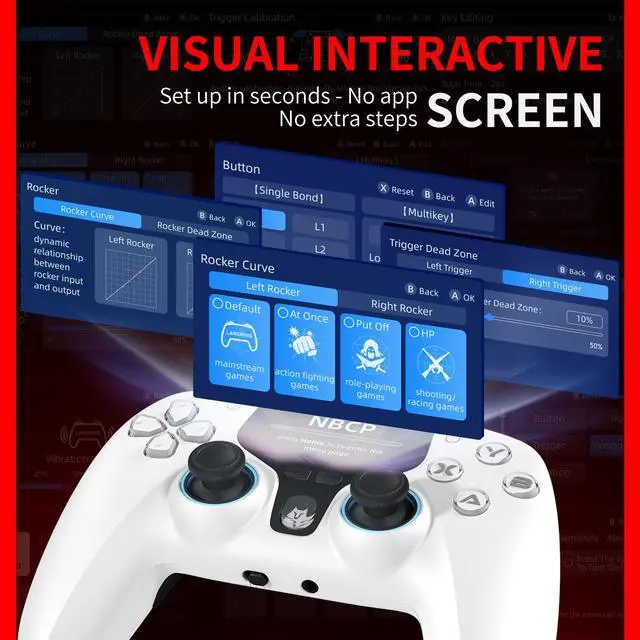
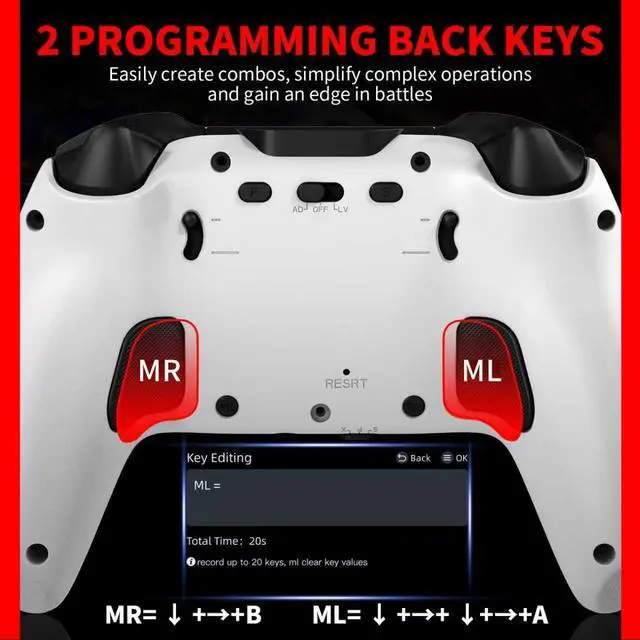
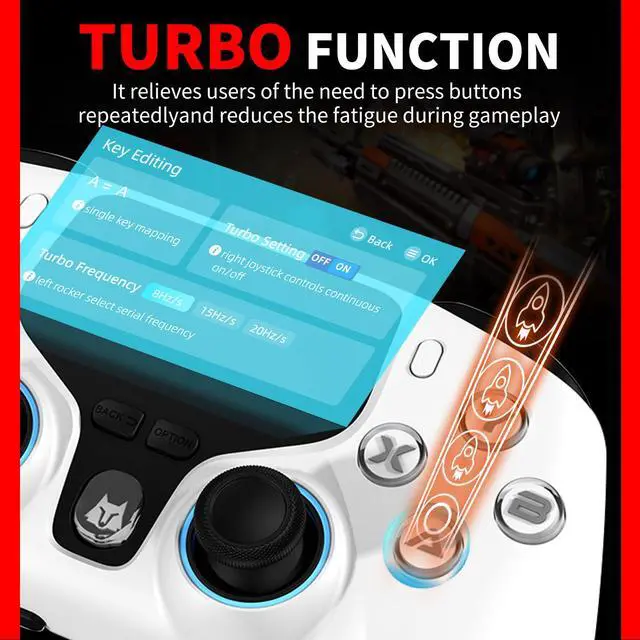
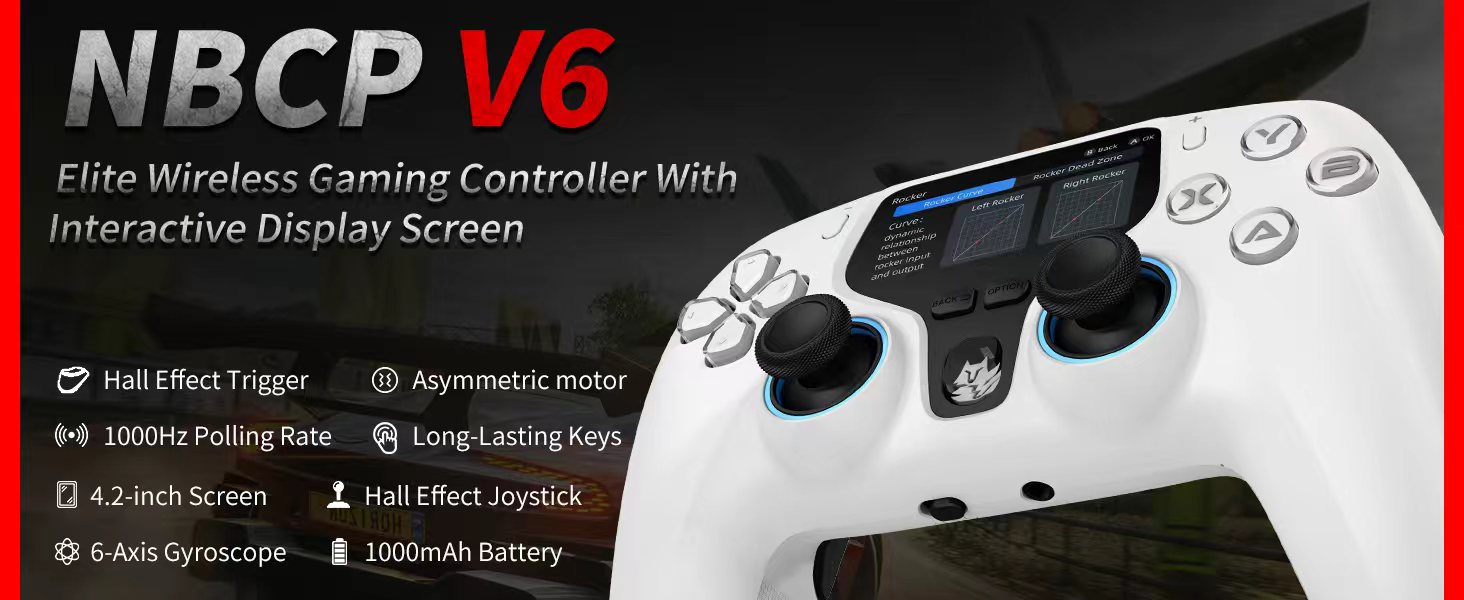
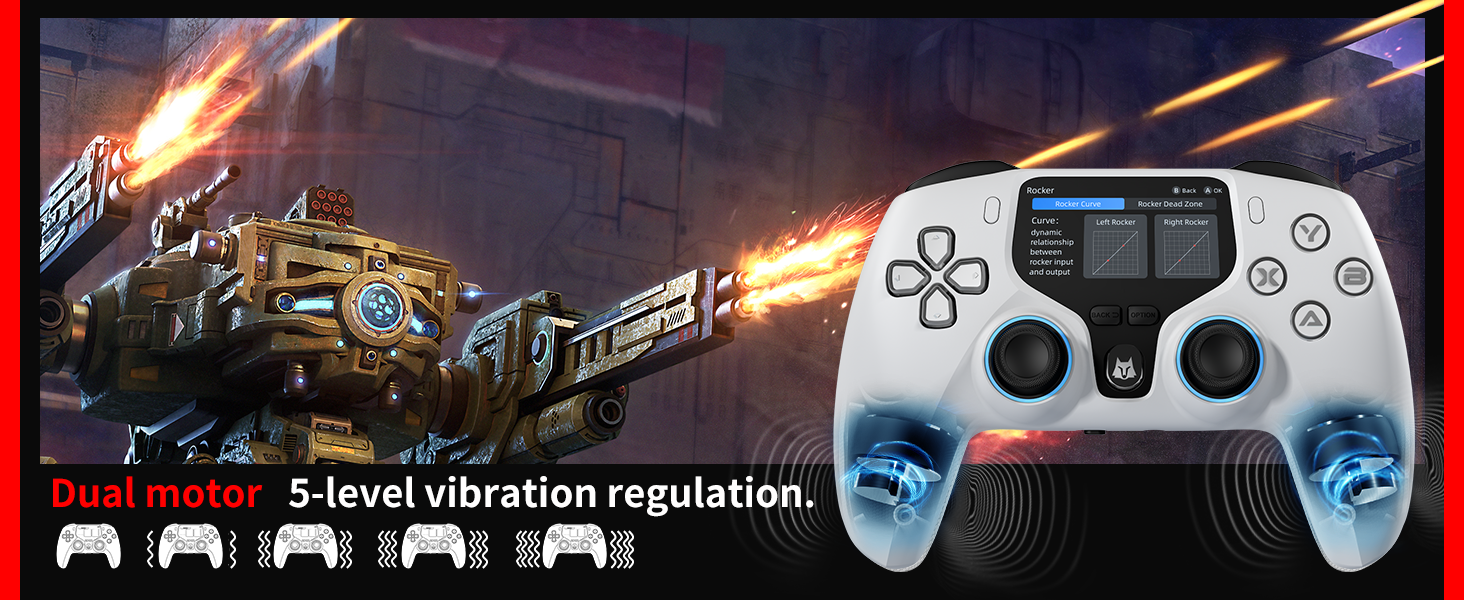
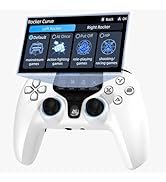
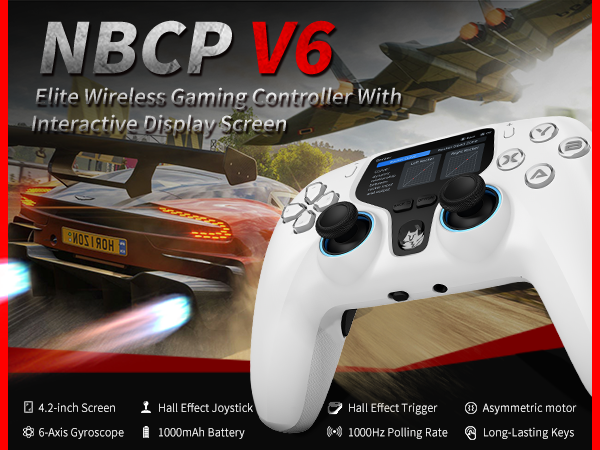
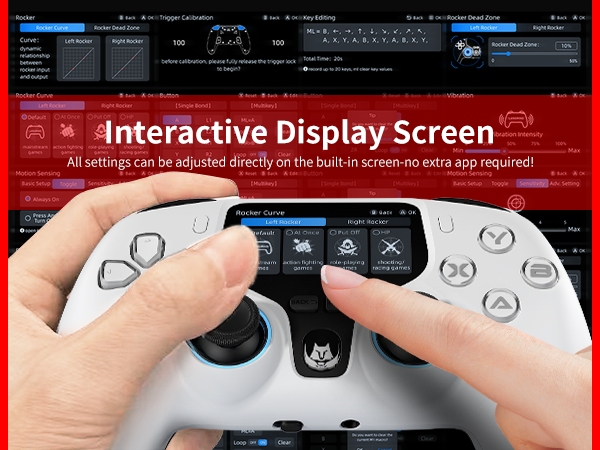
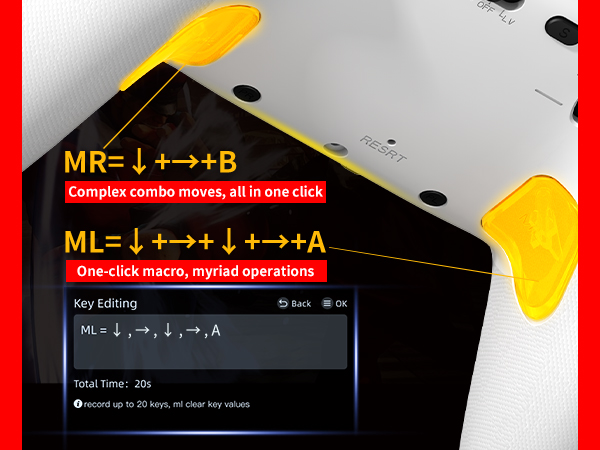
This screen-enabled controller lets you visually customize vibrations, buttons, joysticks, and lights without complex combos or software. Save 4 profiles for different games. Two programmable back buttons support macros for one-click ultimate moves.
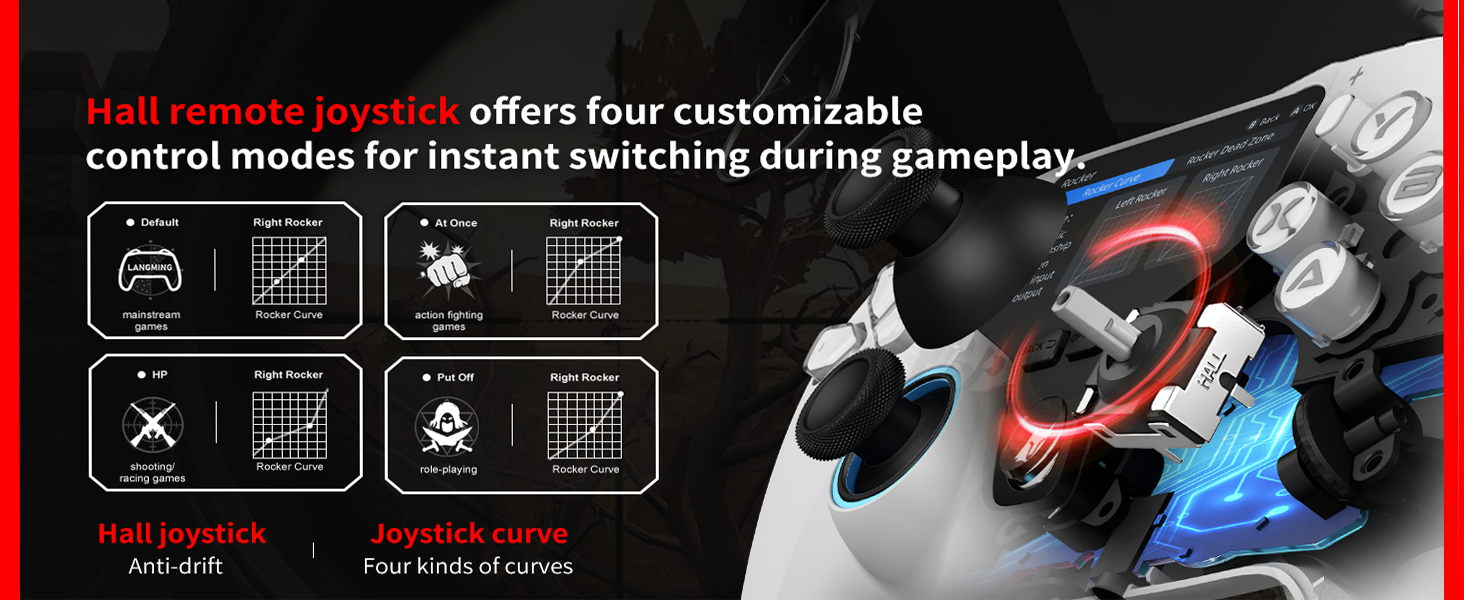
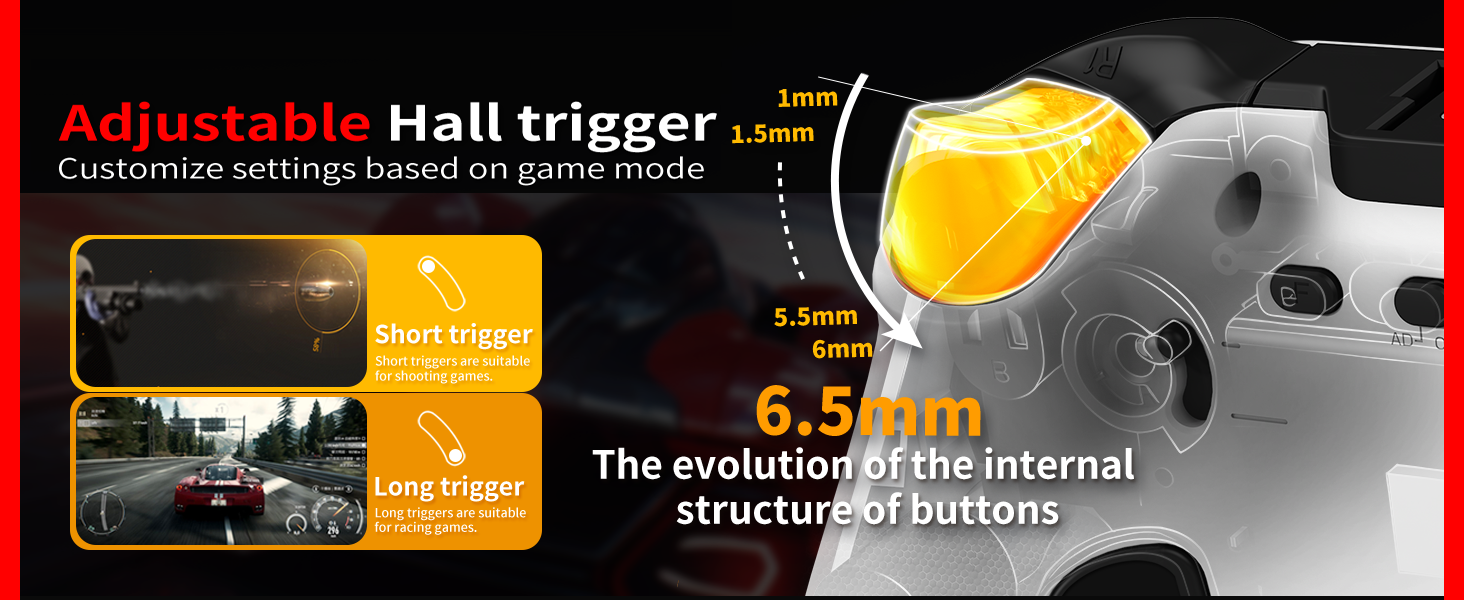
Does the controller use Hall technology?
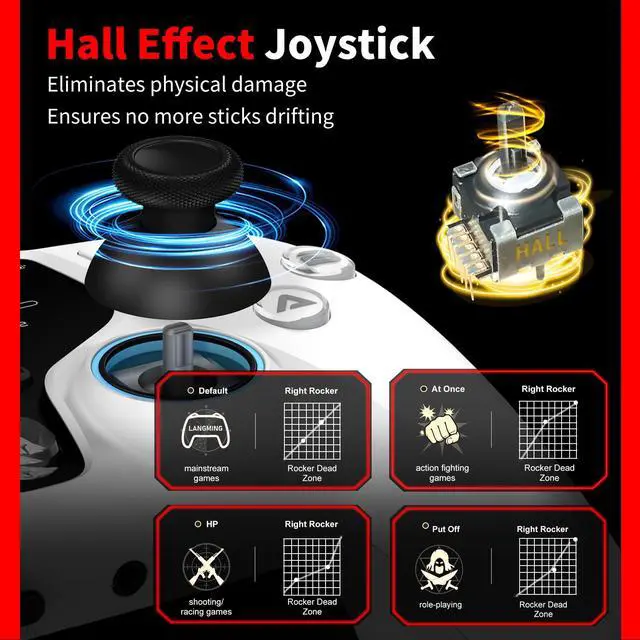
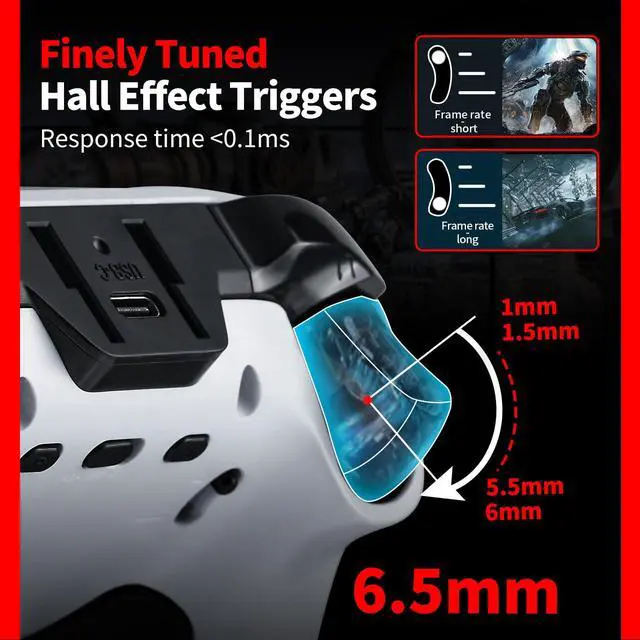
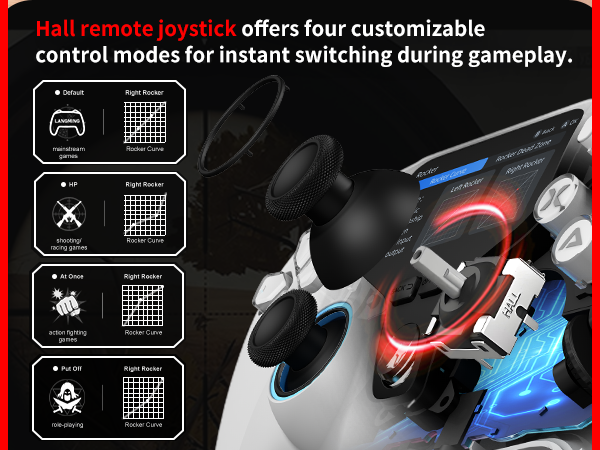
For a much higher level of accuracy, our controller comes with Hall effect triggers and joysticks.
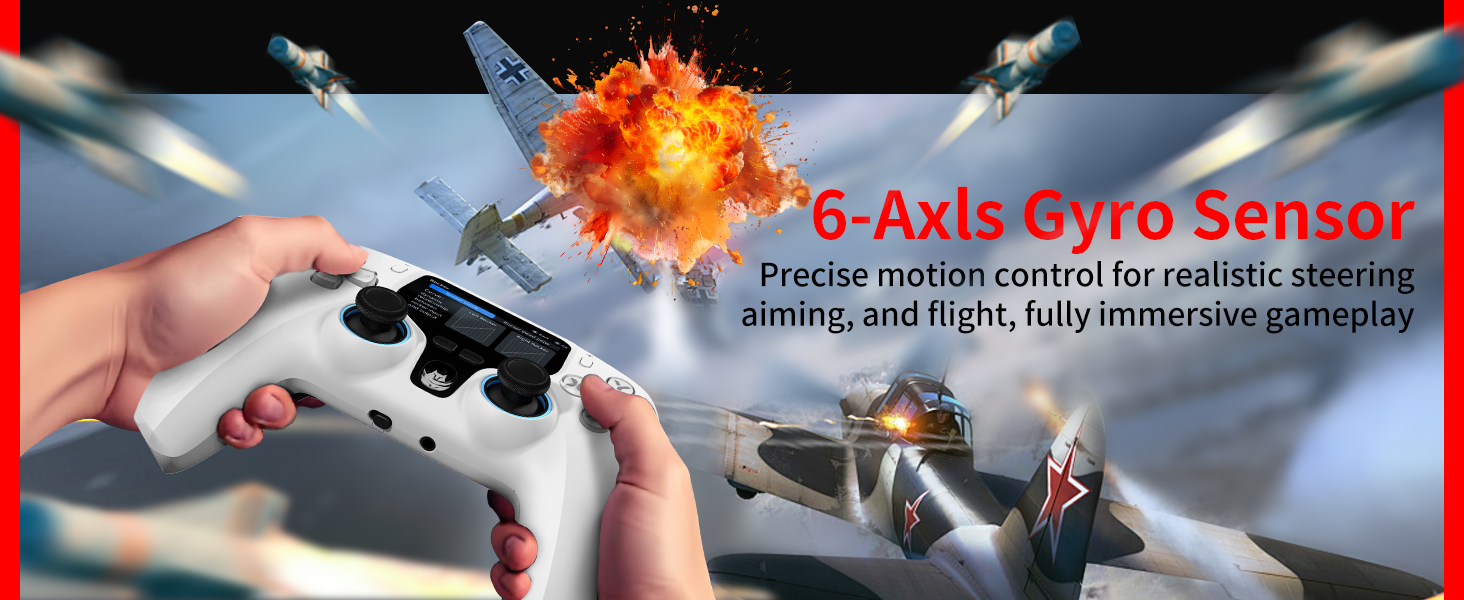
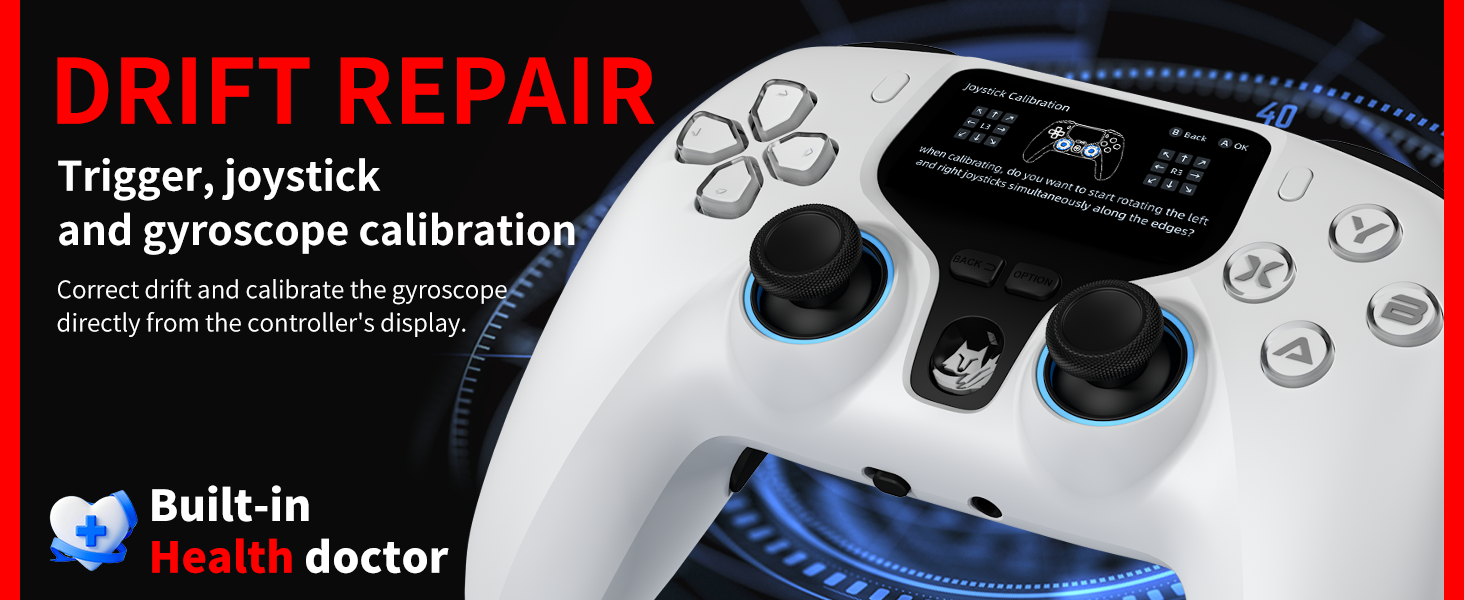
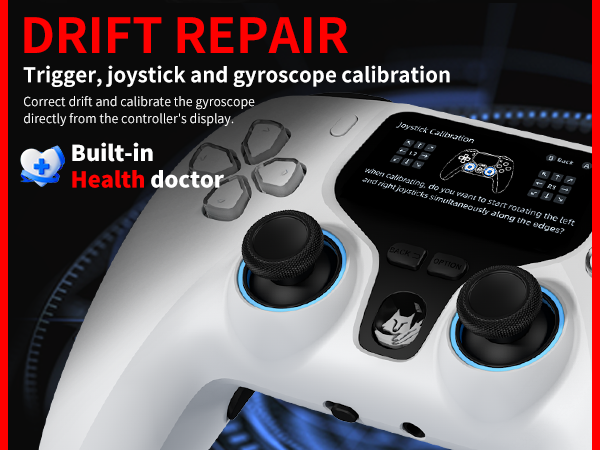
How to calibrate joystick, trigger, and gyroscope - to solve joystick, trigger drift, and gyroscope inaccuracy!
Use the "CAL" option on the interactive screen to calibrate the joystick, triggers, and gyroscope, fixing drift and inaccuracy.
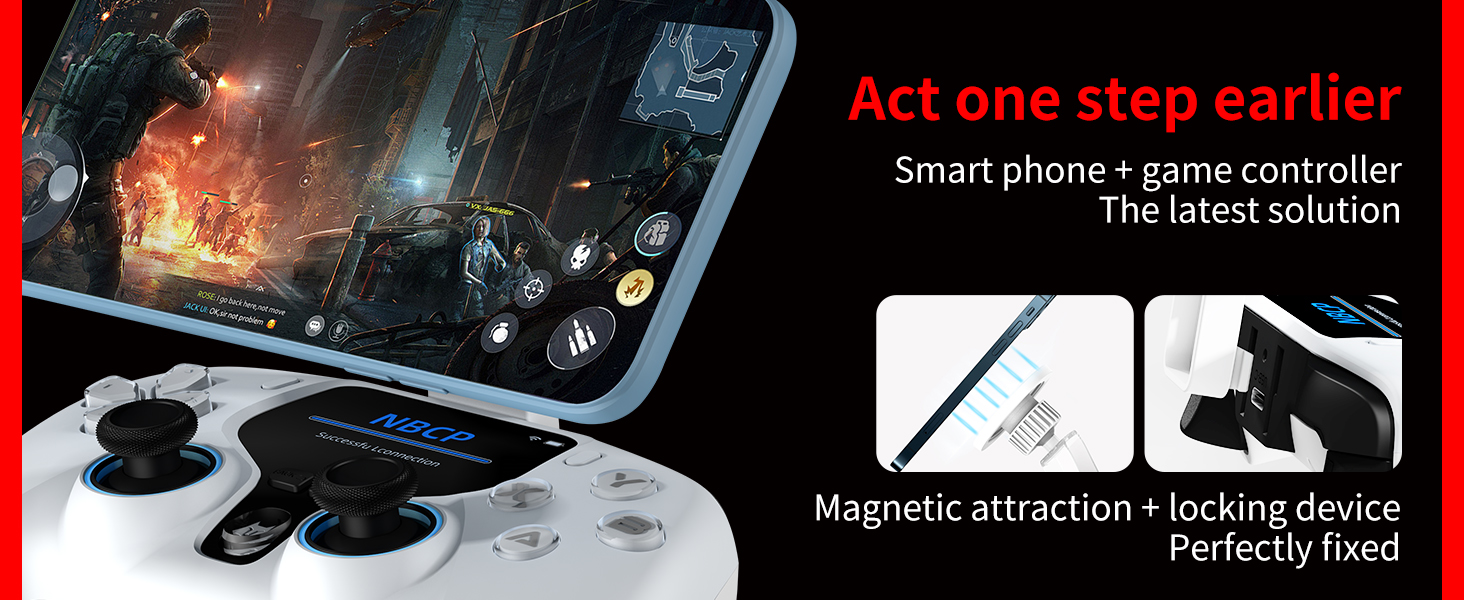
Can a game controller connect to a mobile phone or tablet? How do you do it?
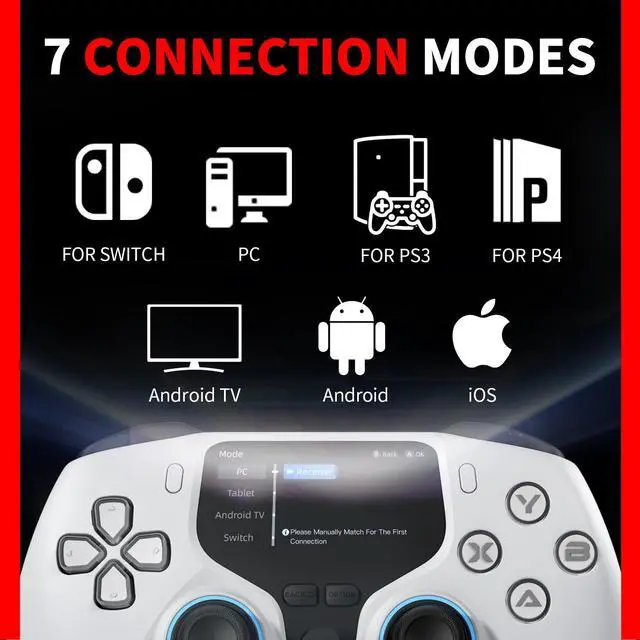
The controller supports linking to IOS/Android tablets or phones: On the interactive screen, select "MODE" ? "Tablet" ? Bluetooth. Go back, choose "Match", and select "Xbox Wireless Controller" from your phone's Bluetooth list.
How to connect a controller to a PS3, and can two controllers operate the game menu simultaneously on the PS3?
For PS3:? Plug the dongle into the PS3. On the controller's screen, go to Mode? PC? Reciver. Back out, select Match, and wait for connection. With two controllers, only the main one can navigate menus; the second player joins after the game starts.
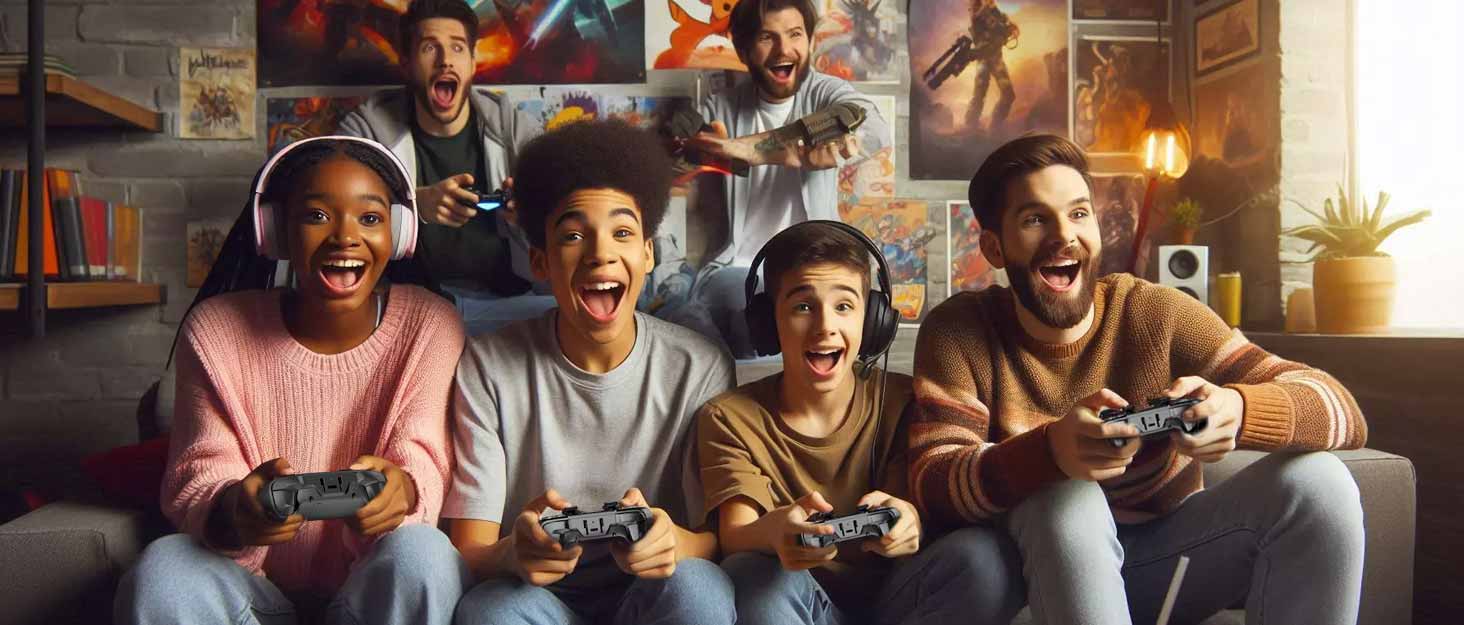

Professional game controller
At NBCP, we're passionate about creating high-quality, innovative consoles that bring players closer to the action. Leveraging years of design and manufacturing experience, we focus on ergonomic comfort, reliable performance, and stylish details to enhance every gaming experience. From casual to competitive gaming, our controllers are built to last, helping players connect with their games, compete, and create unforgettable memories.
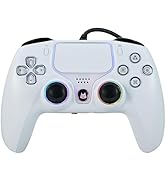
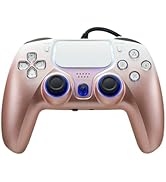
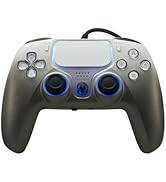
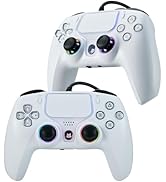
PS Gamepad
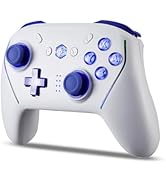
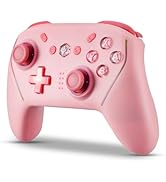
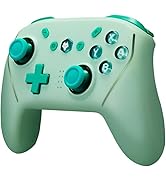
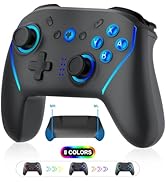
Switch Gamepad
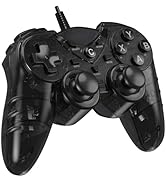
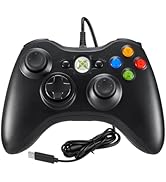
PC Gamepad
What sets NBCP controllers apart from other products?
We prioritize ergonomic design, premium materials, and reliable performance to ensure comfortable, durable, and precise gaming every time.
Are your products quality-tested?
Yes. Every controller undergoes rigorous functionality, durability, and safety testing before delivery.
Is your after-sales support reliable?
Of course. We'll provide a satisfactory response within 24 hours to
Professional game controller
At NBCP, we're passionate about creating high-quality, innovative consoles that bring players closer to the action. Leveraging years of design and manufacturing experience, we focus on ergonomic comfort, reliable performance, and stylish details to enhance every gaming experience. From casual to competitive gaming, our controllers are built to last, helping players connect with their games, compete, and create unforgettable memories.
PS Gamepad
Switch Gamepad
PC Gamepad
What sets NBCP controllers apart from other products?
We prioritize ergonomic design, premium materials, and reliable performance to ensure comfortable, durable, and precise gaming every time.
Are your products quality-tested?
Yes. Every controller undergoes rigorous functionality, durability, and safety testing before delivery.
Is your after-sales support reliable?
Of course. We'll provide a satisfactory response within 24 hours to




What are the benefits of interactive screens for controllers?
This screen-enabled controller lets you visually customize vibrations, buttons, joysticks, and lights without complex combos or software. Save 4 profiles for different games. Two programmable back buttons support macros for one-click ultimate moves.
Does the controller use Hall technology?
For a much higher level of accuracy, our controller comes with Hall effect triggers and joysticks.
How to calibrate joystick, trigger, and gyroscope - to solve joystick, trigger drift, and gyroscope inaccuracy!
Use the "CAL" option on the interactive screen to calibrate the joystick, triggers, and gyroscope, fixing drift and inaccuracy.
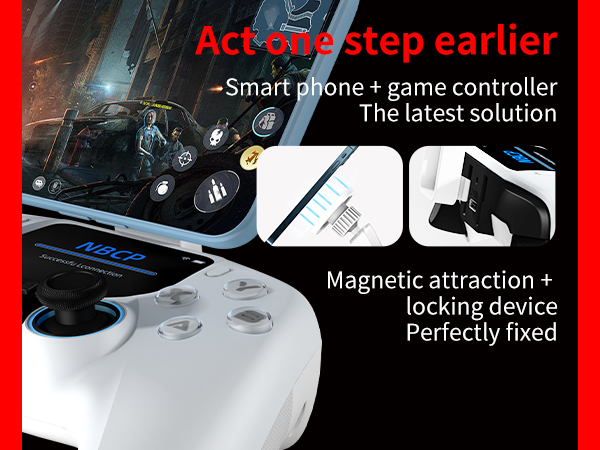
Can a game controller connect to a mobile phone or tablet? How do you do it?
The controller supports linking to IOS/Android tablets or phones: On the interactive screen, select "MODE" ? "Tablet" ? Bluetooth. Go back, choose "Match", and select "Xbox Wireless Controller" from your phone's Bluetooth list.
How to connect a controller to a PS3, and can two controllers operate the game menu simultaneously on the PS3?
For PS3:? Plug the dongle into the PS3. On the controller's screen, go to Mode? PC? Reciver. Back out, select Match, and wait for connection. With two controllers, only the main one can navigate menus; the second player joins after the game starts.