




Step07 Joystick Calibration
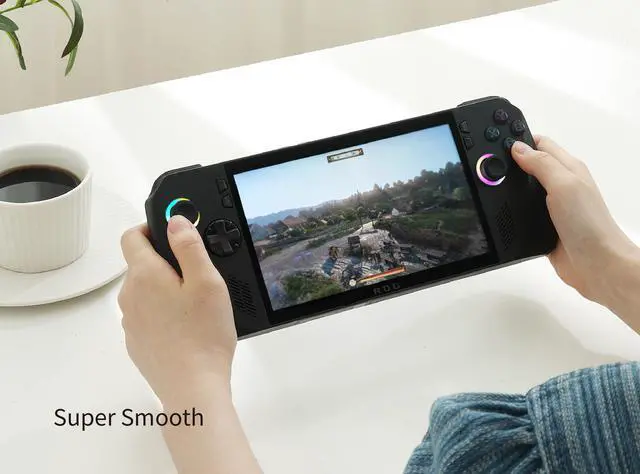
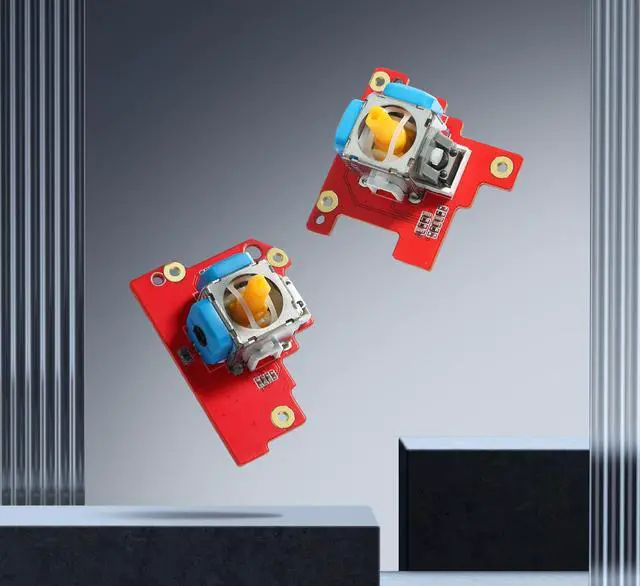
New joysticks require calibration to work as expected to calibrate new thumbsticks, follow the calibration guide below.
A. Enter the ally x armoury crate - settings - calibration
B. Select the left joystick or right joystick and perform the calibration according to the prompts
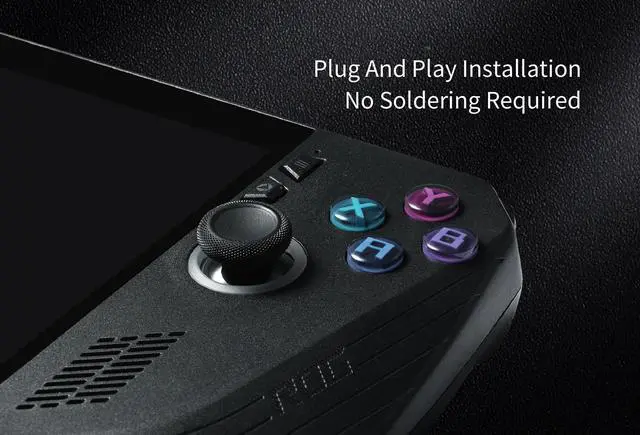
C. Now you can reassemble the back case to your Ally x and install the screws to finish the replacement work.
Warm tips:Because of the physical structure, the Gulikit electromagnetic joystick has very high precision within ?2 degrees. In the no-dead zone state, the joystick may not return to the center (0,0) exactly. This is a normal phenomenon, and will not affect the game experience. please use with no worries.
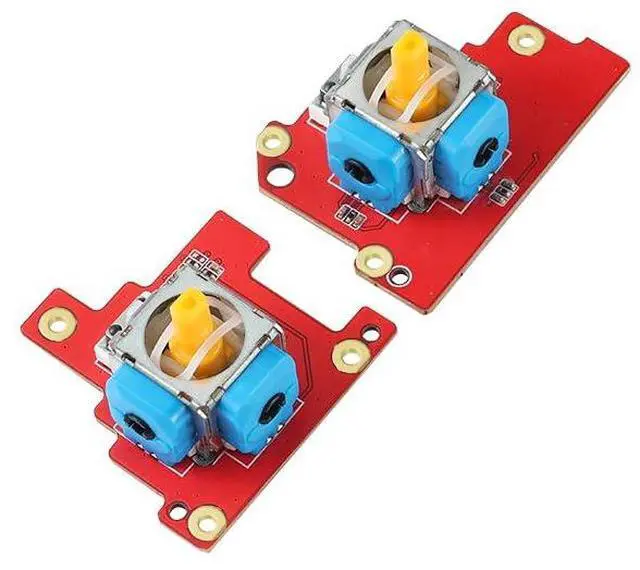
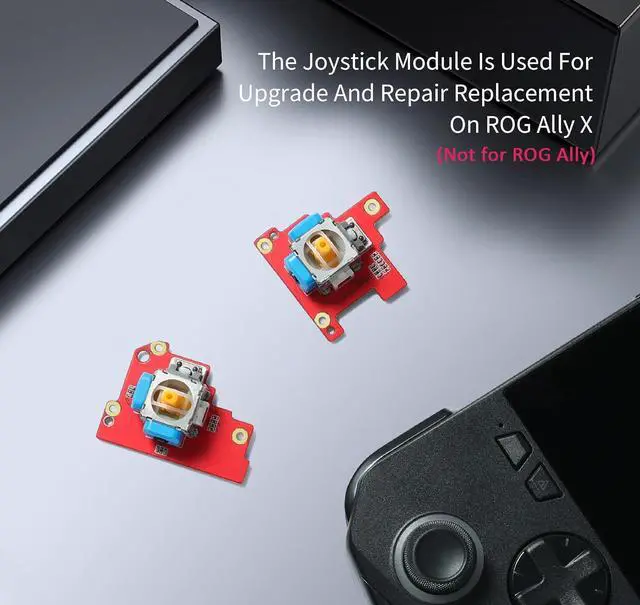
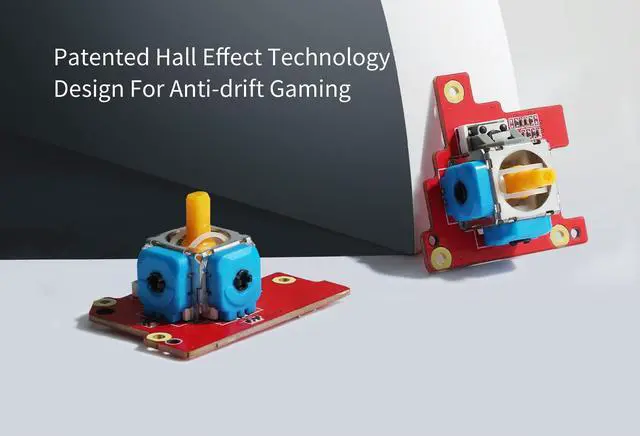
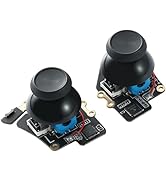
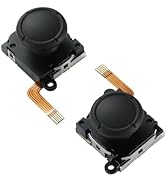
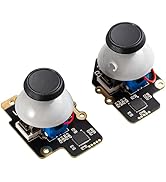
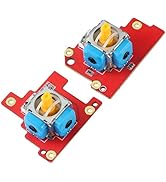
 GuliKit Hall Effect Joystick Module For ROG Ally X, Anti Drift Electromagneti... |  GuliKit Hall Effect Joystick Module For Steam Deck OLED, Electromagnetic Thum... |  GuliKit Analog Joystick For Steam Deck LCD (Type A&B), Hall Effect No Drift E... | |
|---|---|---|---|
| Customer Reviews | — | — | — |
| Price | — | — | — |
| Joystick | Hall Effect Anti-drift | Hall Effect Anti-drift | Hall Effect Anti-drift |
| Fit for | ROG Ally X | Steam Deck OLED | Steam Deck LCD |
| No Soldering | ? | ? | ? |
| Touch Sense Stick Cap | / | ? | ? |
| Calibration Button | / | ? | ? |

GuliKit
Enjoy game easier
About Us
GuliKit is a design-driven brand of game accessories.
Everything we do is for breakthroughs and innovations. We firmly believe in thinking differently and we strive to make gaming easier and more fun.
The way we challenge the status quo is to design our products very beautiful, simple to use and user-friendly.
GuliKit,Enjoy Gaming Easier!
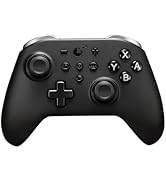
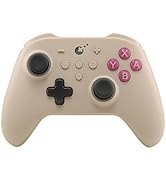
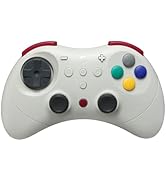
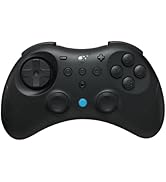
GuliKit Controllers
GuliKit Joysticks Replacement

GuliKit
Enjoy game easier
About Us
GuliKit is a design-driven brand of game accessories.
Everything we do is for breakthroughs and innovations. We firmly believe in thinking differently and we strive to make gaming easier and more fun.
The way we challenge the status quo is to design our products very beautiful, simple to use and user-friendly.
GuliKit,Enjoy Gaming Easier!
GuliKit Controllers
GuliKit Joysticks Replacement
Step07 Joystick Calibration
New joysticks require calibration to work as expected to calibrate new thumbsticks, follow the calibration guide below.
A. Enter the ally x armoury crate - settings - calibration
B. Select the left joystick or right joystick and perform the calibration according to the prompts
C. Now you can reassemble the back case to your Ally x and install the screws to finish the replacement work.
Warm tips:Because of the physical structure, the Gulikit electromagnetic joystick has very high precision within ?2 degrees. In the no-dead zone state, the joystick may not return to the center (0,0) exactly. This is a normal phenomenon, and will not affect the game experience. please use with no worries.
GuliKit Hall Effect Joystick Module For ROG Ally X, Anti Drift Electromagneti... | GuliKit Hall Effect Joystick Module For Steam Deck OLED, Electromagnetic Thum... | GuliKit Analog Joystick For Steam Deck LCD (Type A&B), Hall Effect No Drift E... | |
|---|---|---|---|
| Customer Reviews | — | — | — |
| Price | — | — | — |
| Joystick | Hall Effect Anti-drift | Hall Effect Anti-drift | Hall Effect Anti-drift |
| Fit for | ROG Ally X | Steam Deck OLED | Steam Deck LCD |
| No Soldering | ? | ? | ? |
| Touch Sense Stick Cap | / | ? | ? |
| Calibration Button | / | ? | ? |