PC Joystick, USB Gaming Flight Simulator Game Controller with Vibration Function and Throttle Control,for PC/Computer(Windows Only, Not for Apple Devices/PS4/PS5/Xbox One/Switch)
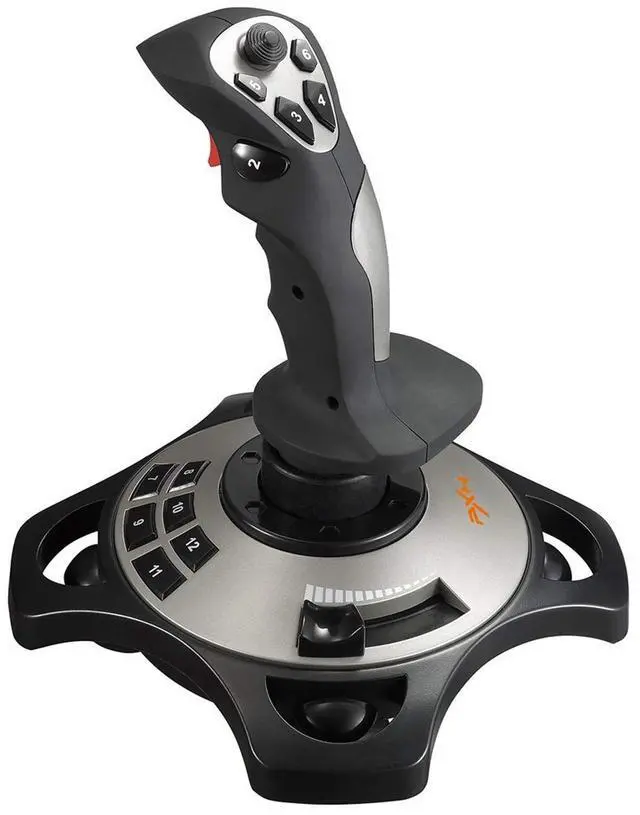
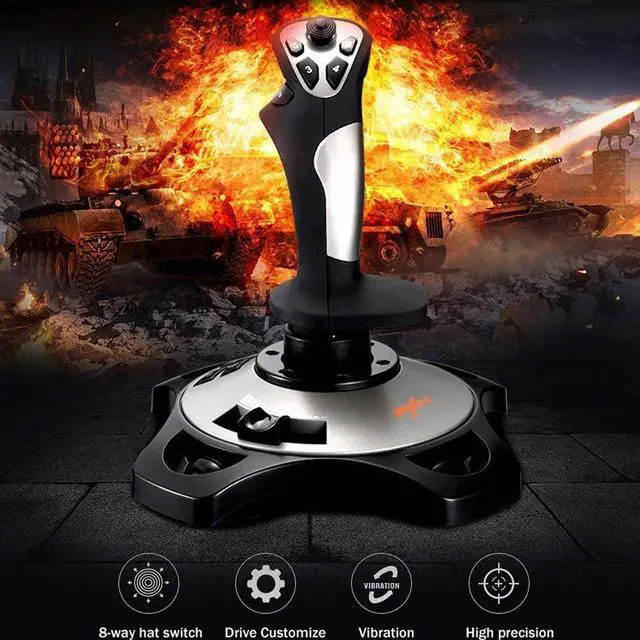
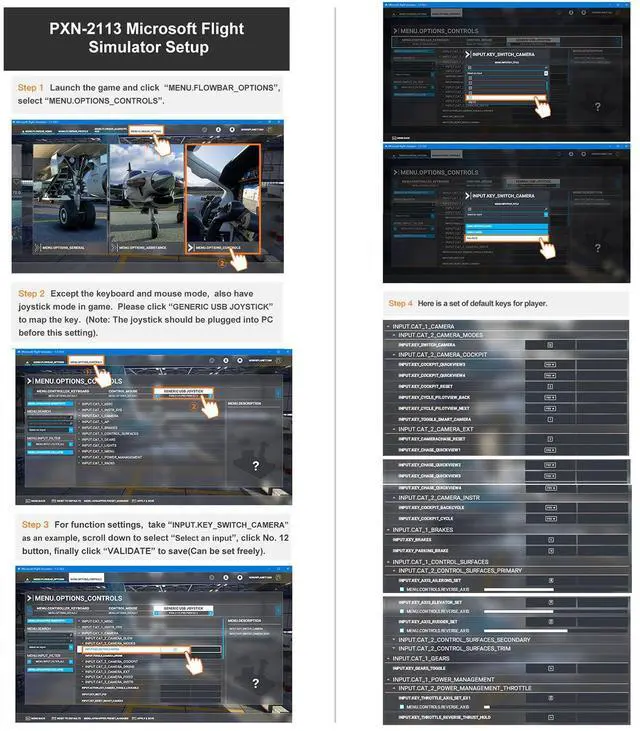
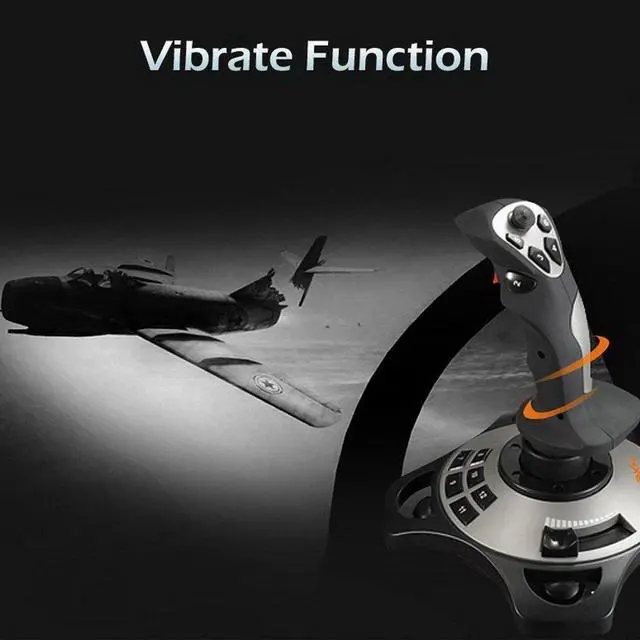
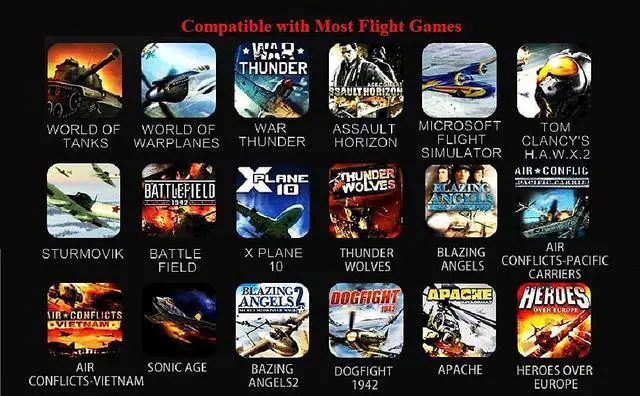
With Vibration FunctionThis flight stick is ONLY for PC/Computer and ONLY compatible with Windows 7/8/10/11 (Mac/Apple computers/Apple devices/PS3/PS4/PS5/Xbox One/Switch not supported).PXN2113 PRO gaming joystick for pc will never let you down with realistic fly experience. Compatible with many flight joystick pc games: World of Tanks,World of Warplanes,War Thunder,Assault Horizon,Microsoft Flight Simulator,X Plane 10,etc. Vibration Switch is at the bottom,please switch toON.If less than 20%,you will almost not feel the vibration.Please set the vibration strength in the driver to 50% or higher for this joystick pc flight simulator.
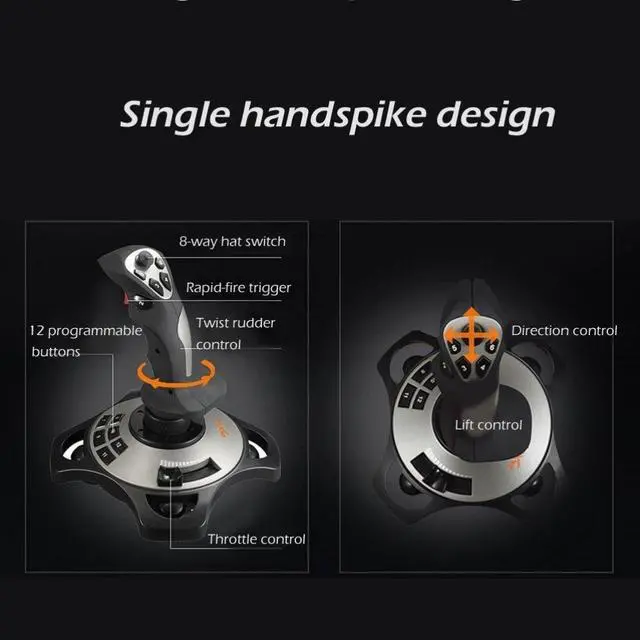
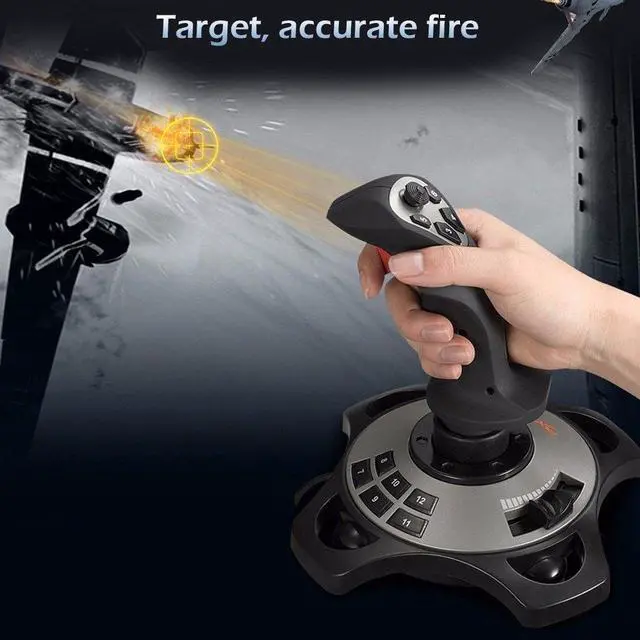
Immersive Fly Experience for Your Flying DreamYou can make the right moves with rapid fire trigger,4 axis controlling,8-Way hat switch and 12 programmable buttons of this computer joystick for gaming pc flight.Advanced software,Support various custom adjustment and keyboard mapping,enjoy exciting joystick flight simulator controls for pc games now! Not only a game, but also a dream of flying!
+
+
Overview
Specs
Reviews
Any questions? Our AI beta will help you find out quickly.
Try me now
Updated PXN 2113 PRO Gaming Joystick with Vibration Function - Professional Flight Stick
For PC Computer Laptop
Compatible with Windows 7/8/10
Specifications:
1. Size: 18.5 x18.5 x22.5 CM
2. Unit Weight: 495g
3. Charging Power: DC 5V
4. Interface: Wired USB
Note:
1. Please turn on your PC first and then connect with the joystick.If plug in joystick before starting PC, some computers may not identify this joystick.
2. Vibration Switch is at the bottom,please switch to “ON”.Please set the vibration strength in the driver to 50% or higher.
3. The game must have vibration function and signal transmission of vibration.If no vibration signal,please try another game with vibration function or tell us the name of your game,we will check for you soon.
4. Test the joystick’s vibration function:install the driver,and then please see "Vibration function" in the manual and follow the "Vibration test" to check.
5. No need to install the driver and can play games directly.If you need driver, please contact Fengying(Contact Seller). Also you can find the download link in "Installation" section of the manual, please check the English manual in colour box.
Updated PXN 2113 PRO Gaming Joystick with Vibration Function - Professional Flight Stick
For PC Computer Laptop
Compatible with Windows 7/8/10
Specifications:
1. Size: 18.5 x18.5 x22.5 CM
2. Unit Weight: 495g
3. Charging Power: DC 5V
4. Interface: Wired USB
Note:
1. Please turn on your PC first and then connect with the joystick.If plug in joystick before starting PC, some computers may not identify this joystick.
2. Vibration Switch is at the bottom,please switch to “ON”.Please set the vibration strength in the driver to 50% or higher.
3. The game must have vibration function and signal transmission of vibration.If no vibration signal,please try another game with vibration function or tell us the name of your game,we will check for you soon.
4. Test the joystick’s vibration function:install the driver,and then please see "Vibration function" in the manual and follow the "Vibration test" to check.
5. No need to install the driver and can play games directly.If you need driver, please contact Fengying(Contact Seller). Also you can find the download link in "Installation" section of the manual, please check the English manual in colour box.
PC Joystick, USB Gaming Flight Simulator Game Controller with Vibration Function and Throttle Control, for PC/Computer(Windows Only, Not for Apple Devices/PS4/PS5/Xbox One/Switch)
Learn more about the Detailed Specifications
Additional Information
First Listed on Newegg
April 01, 2026
There are no reviews yet.
Do you own this product?
Warranty & Returns
Warranty, Returns, And Additional Information
Warranty
Please contact the Seller directly for warranty information. Warranty information may also be found on the Manufacturer's website.