







Excellent Design
Unique D-Pad
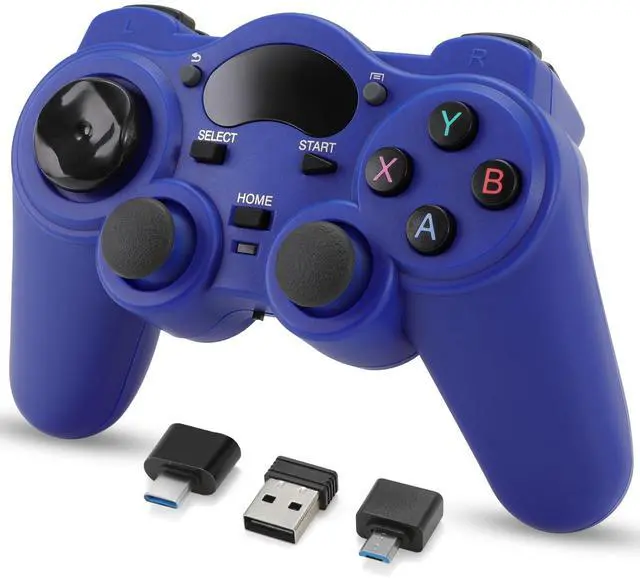
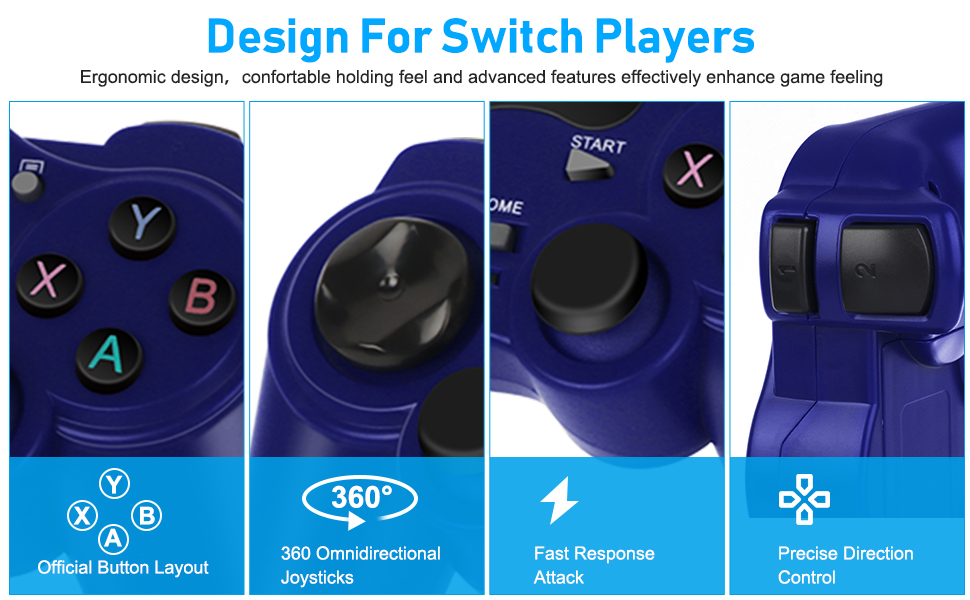
The PC game controller features brief and smooth streamline, it feels firmly and comfortable in your palm with the texturing on the surface. The layout of the buttons is so humanized as to operate fluently and efficiently. controller adopts a unique design of polyhedral circular D-pad. The ergonomic central concave naturally fits your thumb, which is more conducive to controlling direction. The eight-direction polyhedral design is more powerful than the traditional cross pad.
Professional Action Buttons
The sizes and distances of action buttons are reasonable, suitable for combined action.
Full-Featured
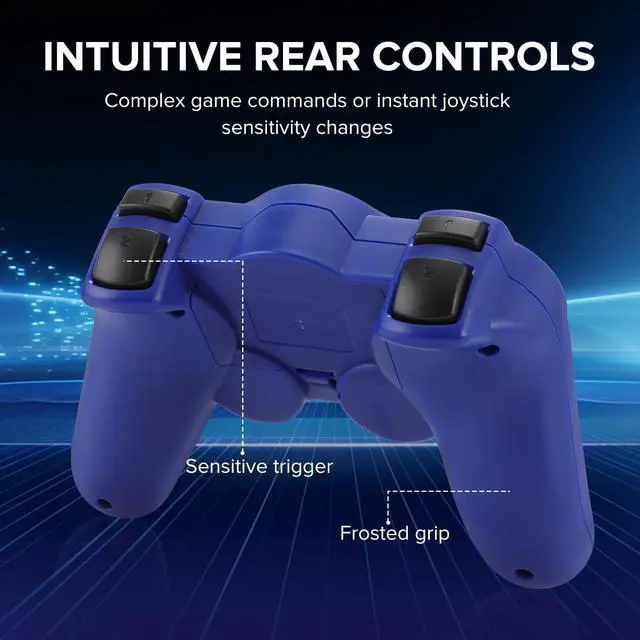
Advanced dual analog sticks, four shoulder buttons, additional menu and back buttons, the wireless PC controller provides you flawless smooth movements and full features.
Sensitive Control
The buttons of the gamepad for PC are sensitive and rebound rapidly, leading to your quick moves and high performance in games.
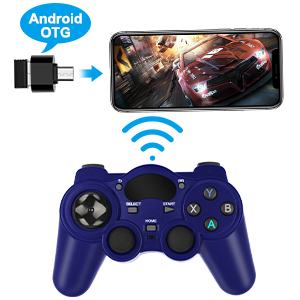
OTG Support
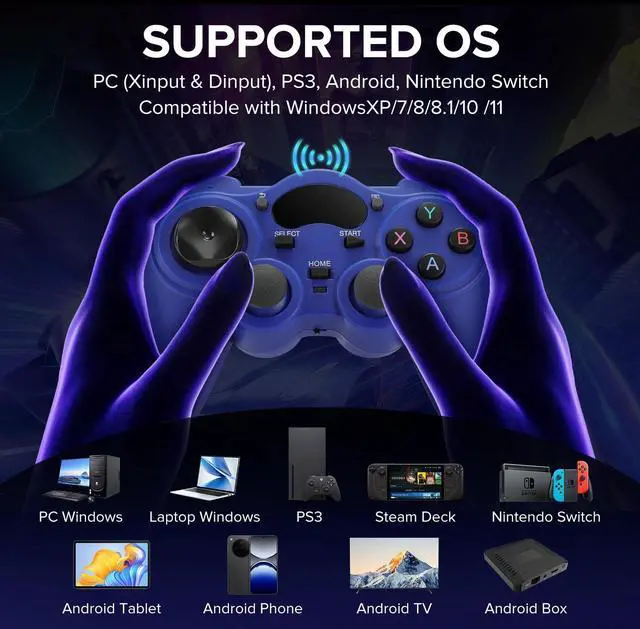
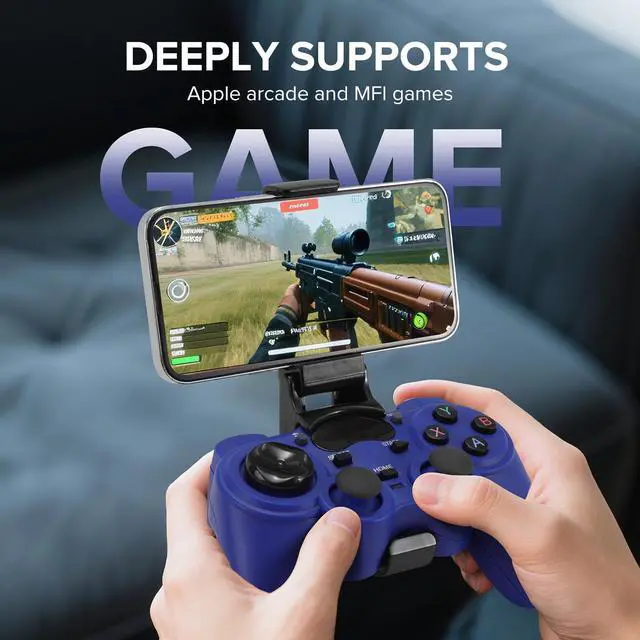
This wireless controller supports OTG. Now you can also connect your wireless game controller not only with Windows but also with Androids and Tablets.
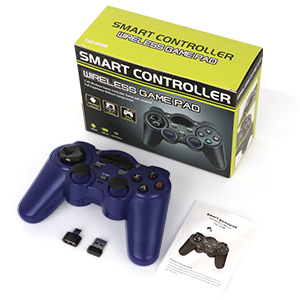
Package Include
1x Packaging Box
1x Wireless Game Controller
1x User Manual
1x Receiver
1x Androids OTG
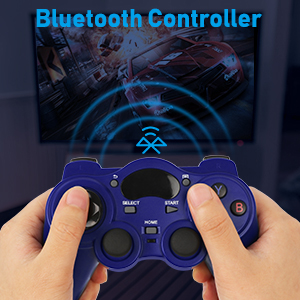
2.4G Long-range Wireless
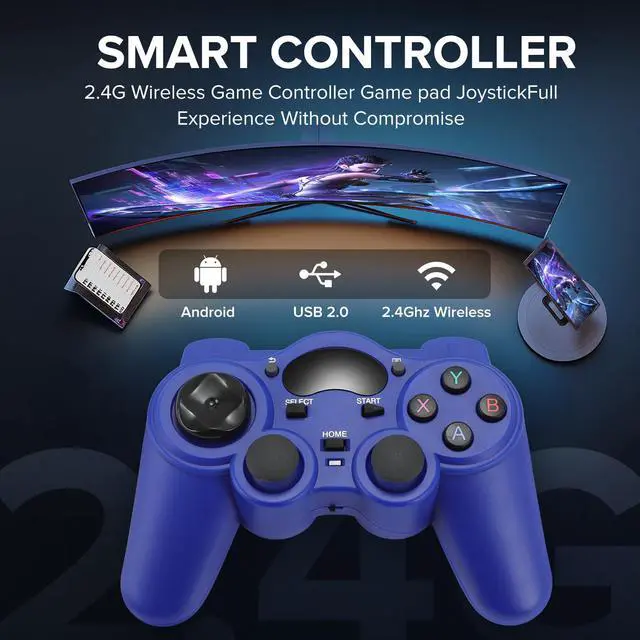
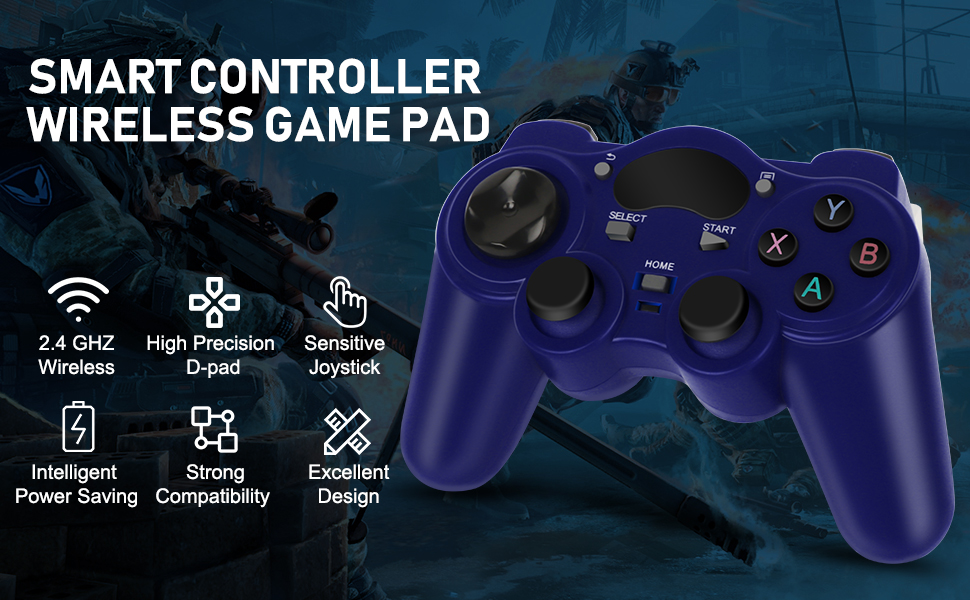
The upgraded 2.4G wireless function wireless range can cover more than 30ft. Let you enjoy the game anywhere in your home and say goodbye to the annoying cable.
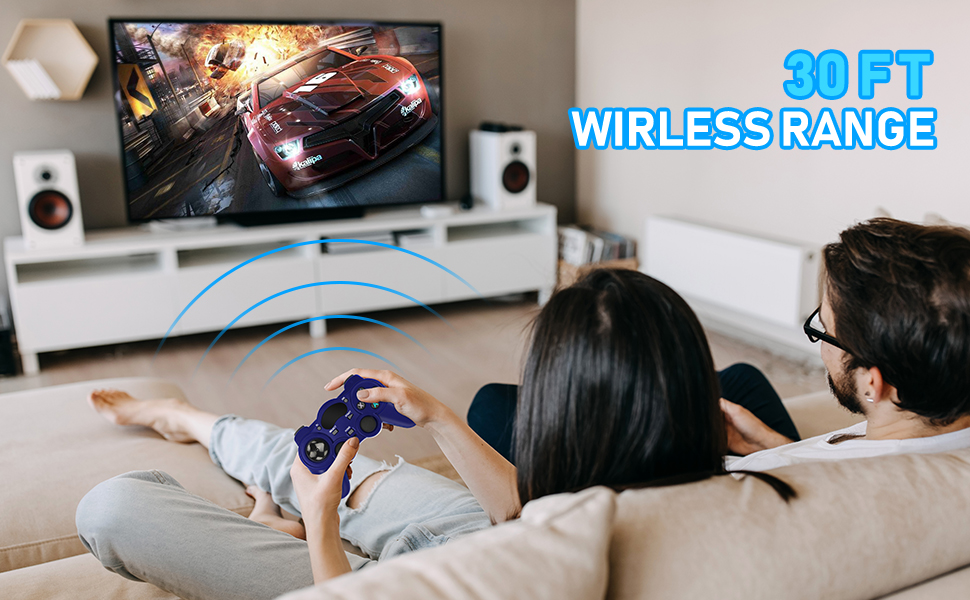
USB Wireless Gaming Controller Gamepad for PC/Laptop Computer(Windows XP/7/8/10) & PS3 & Android & Steam
Tips:
1. The receiver of our product is the default “Xbox 360”mode. When you experience the game on the PC, you can plug in and use it. If you experience it on the smart phone device (press the "home" button for 7 seconds, you can freely switch the mode. "PS3 / PC experience" / "Xbox 360" 2 modes are interchangeable).
2. If the red light is not on, the power supply is insufficient or the receiver is not installed correctly, please reinstall it.
3. If there is an abnormal connection, keep away from the interference source.
Note: our product is the default PC, you must switch mode to connect smart phone device.USB receivers are easy to connect, plug in the USB receivers, turn on the controller and the "red light" lights up to represent the success of the connection. Enter the game and you can experience the game.
Excellent Design
Unique D-Pad
The PC game controller features brief and smooth streamline, it feels firmly and comfortable in your palm with the texturing on the surface. The layout of the buttons is so humanized as to operate fluently and efficiently. controller adopts a unique design of polyhedral circular D-pad. The ergonomic central concave naturally fits your thumb, which is more conducive to controlling direction. The eight-direction polyhedral design is more powerful than the traditional cross pad.
Professional Action Buttons
The sizes and distances of action buttons are reasonable, suitable for combined action.
Full-Featured
Advanced dual analog sticks, four shoulder buttons, additional menu and back buttons, the wireless PC controller provides you flawless smooth movements and full features.
Sensitive Control
The buttons of the gamepad for PC are sensitive and rebound rapidly, leading to your quick moves and high performance in games.
OTG Support
This wireless controller supports OTG. Now you can also connect your wireless game controller not only with Windows but also with Androids and Tablets.
Package Include
1x Packaging Box
1x Wireless Game Controller
1x User Manual
1x Receiver
1x Androids OTG
2.4G Long-range Wireless
The upgraded 2.4G wireless function wireless range can cover more than 30ft. Let you enjoy the game anywhere in your home and say goodbye to the annoying cable.
USB Wireless Gaming Controller Gamepad for PC/Laptop Computer(Windows XP/7/8/10) & PS3 & Android & Steam
Tips:
1. The receiver of our product is the default “Xbox 360”mode. When you experience the game on the PC, you can plug in and use it. If you experience it on the smart phone device (press the "home" button for 7 seconds, you can freely switch the mode. "PS3 / PC experience" / "Xbox 360" 2 modes are interchangeable).
2. If the red light is not on, the power supply is insufficient or the receiver is not installed correctly, please reinstall it.
3. If there is an abnormal connection, keep away from the interference source.
Note: our product is the default PC, you must switch mode to connect smart phone device.USB receivers are easy to connect, plug in the USB receivers, turn on the controller and the "red light" lights up to represent the success of the connection. Enter the game and you can experience the game.