




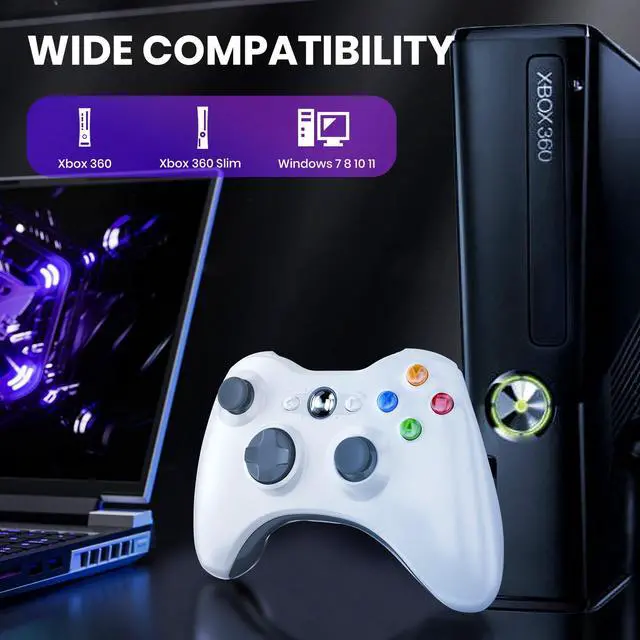


2.4 G Wireless Controller for X-box 360/Xbox Slim/Windows XP/7/8/10/11


How to connect to your XBOX 360 or PC
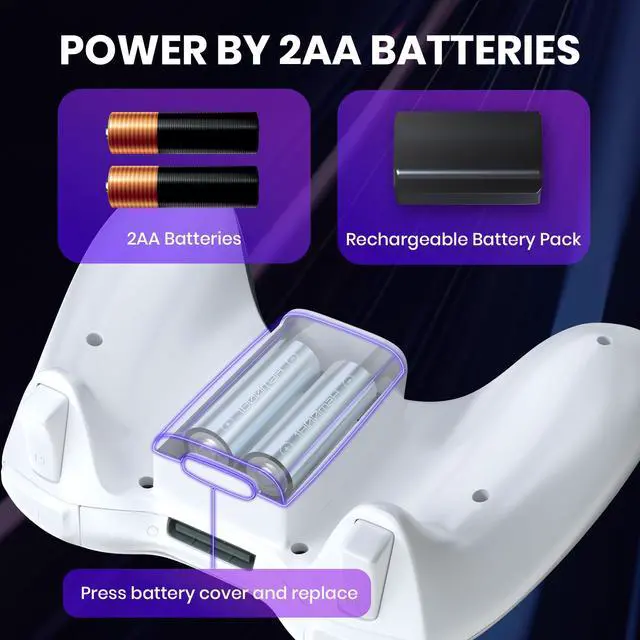
1.Install the 2 AA batteries or battery pack on the battery case of the controller.
2.Insert the receiver into the USB port of XBOX 360 console or PC and wait for the LED on the receiver to start flashing.
3.Press the" SYNC“ button on the receiver once, and its LED will flash rapidly, entering pairing mode.
4 Press the"X"button to power on the controller. The ”4LED"lights on the controller will start flashing slowly.
5. Press and hold the "SYNC" button on the controller until the "4 LED" lights start alternating flashing.
6. Wait for one of the "4 LED" on the controller and the receiver LED to remain illuminated at the same time, indicating the Controller successful pairing.

2.4G Upgraded Wireless Xbox 360 Controller
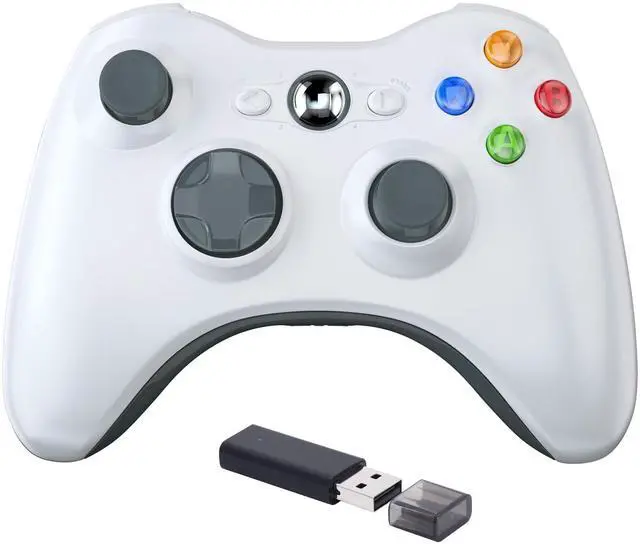
- New and improved ergonomic design for original controller for xbox 360 games
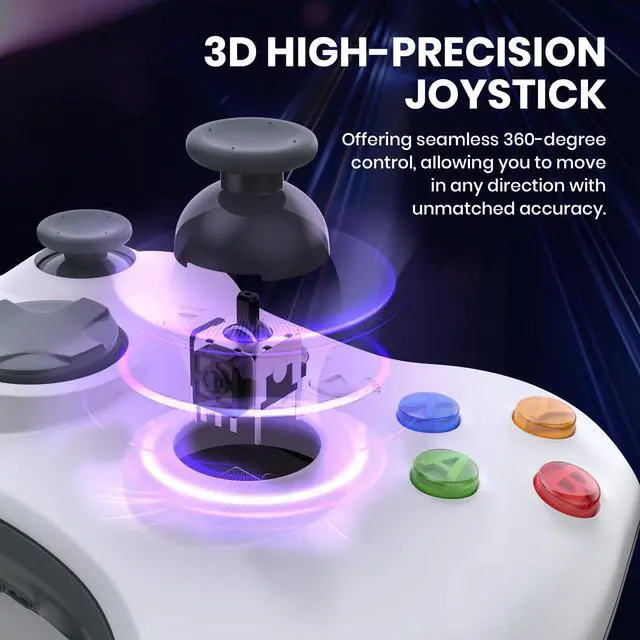
- Two analog joystick is very sensitive and precise
- 2.4GHz wireless technology up to 30 feet control range
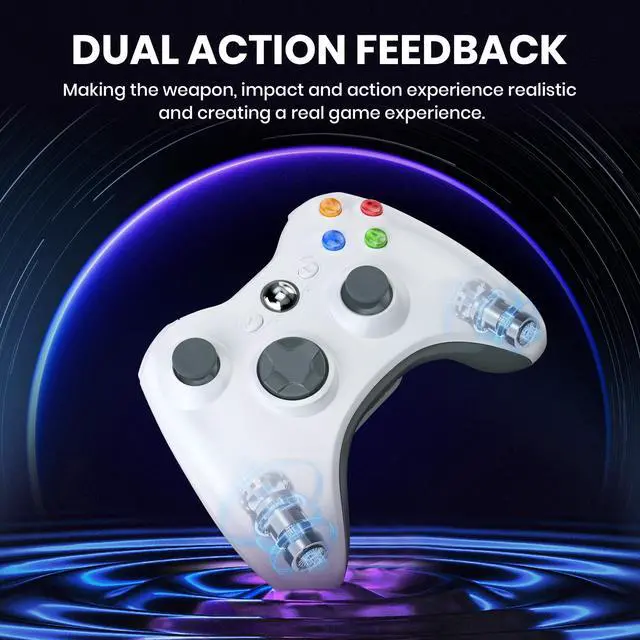
- Built-in two vibration feedback motors are more durable and provide better rumble experience

2.4G Wireless USB connection
- Works on both PC and Xbox 360 through a USB 2.4GHz adapter
- The receiver is inserted into the USB interface of the PC device or XBOX 360
- 2.4GHZ Wireless Controller for Xbox 360 offers convenience and compatibility, it enhances the gaming experience
Package content:
- 1x wireless controller
- 1x USB Adapter Receiver
- 1x instruction book

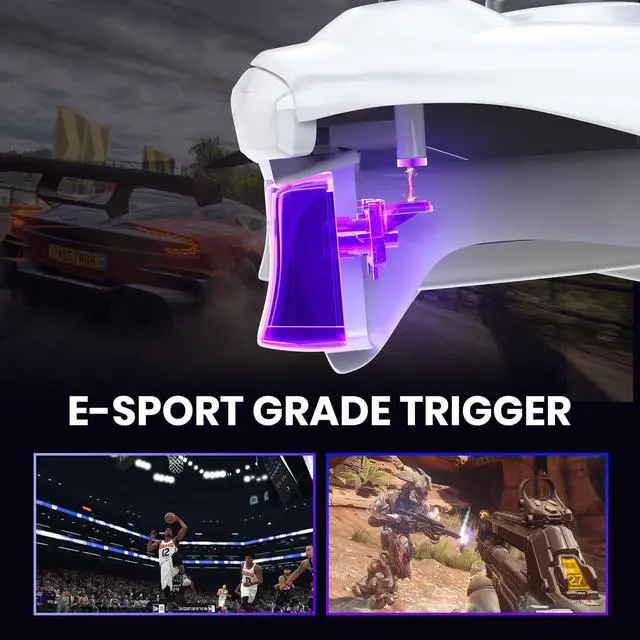
Precise D-Pad and Triggers
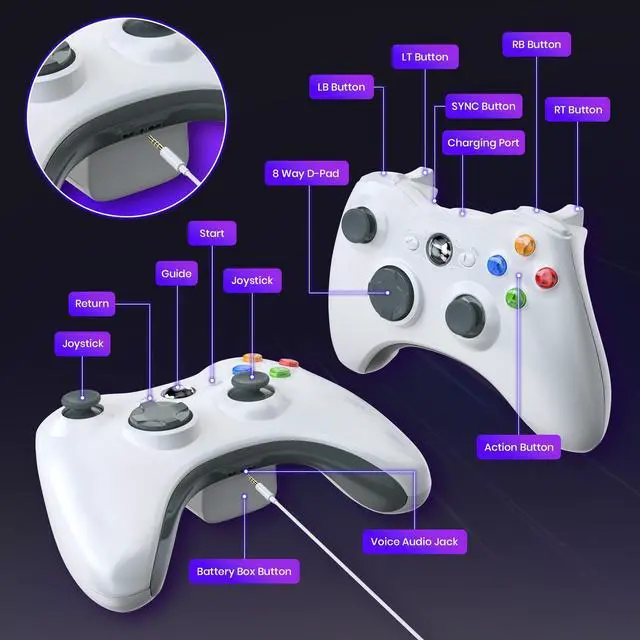
High quality 8-way directional pad and two analog pressure-point triggers allow for more precise position control

Effect Joysticks
360° joystick control, you can achieve highly accurate positioning

Ergonomic Design
Optimized shape enhances your grip experience, this made the game feel so much better experience.

2.4 G Wireless Controller for X-box 360/Xbox Slim/Windows XP/7/8/10/11
How to connect to your XBOX 360 or PC
1.Install the 2 AA batteries or battery pack on the battery case of the controller.
2.Insert the receiver into the USB port of XBOX 360 console or PC and wait for the LED on the receiver to start flashing.
3.Press the" SYNC“ button on the receiver once, and its LED will flash rapidly, entering pairing mode.
4 Press the"X"button to power on the controller. The ”4LED"lights on the controller will start flashing slowly.
5. Press and hold the "SYNC" button on the controller until the "4 LED" lights start alternating flashing.
6. Wait for one of the "4 LED" on the controller and the receiver LED to remain illuminated at the same time, indicating the Controller successful pairing.
2.4G Upgraded Wireless Xbox 360 Controller
- New and improved ergonomic design for original controller for xbox 360 games
- Two analog joystick is very sensitive and precise
- 2.4GHz wireless technology up to 30 feet control range
- Built-in two vibration feedback motors are more durable and provide better rumble experience
2.4G Wireless USB connection
- Works on both PC and Xbox 360 through a USB 2.4GHz adapter
- The receiver is inserted into the USB interface of the PC device or XBOX 360
- 2.4GHZ Wireless Controller for Xbox 360 offers convenience and compatibility, it enhances the gaming experience
Package content:
- 1x wireless controller
- 1x USB Adapter Receiver
- 1x instruction book
Precise D-Pad and Triggers
High quality 8-way directional pad and two analog pressure-point triggers allow for more precise position control
Effect Joysticks
360° joystick control, you can achieve highly accurate positioning
Ergonomic Design
Optimized shape enhances your grip experience, this made the game feel so much better experience.