




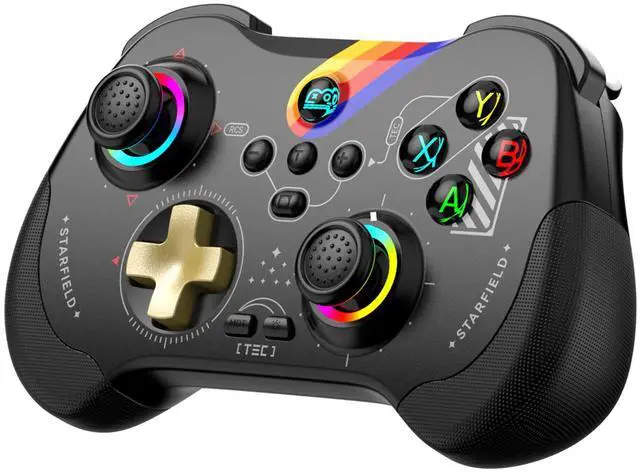
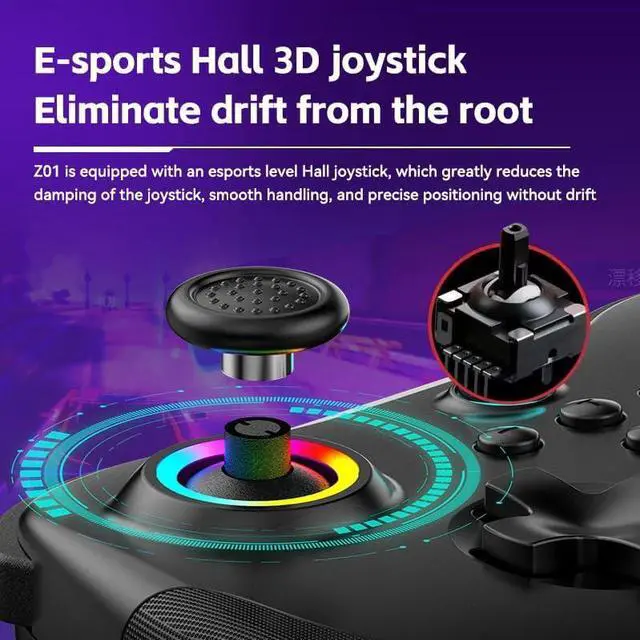


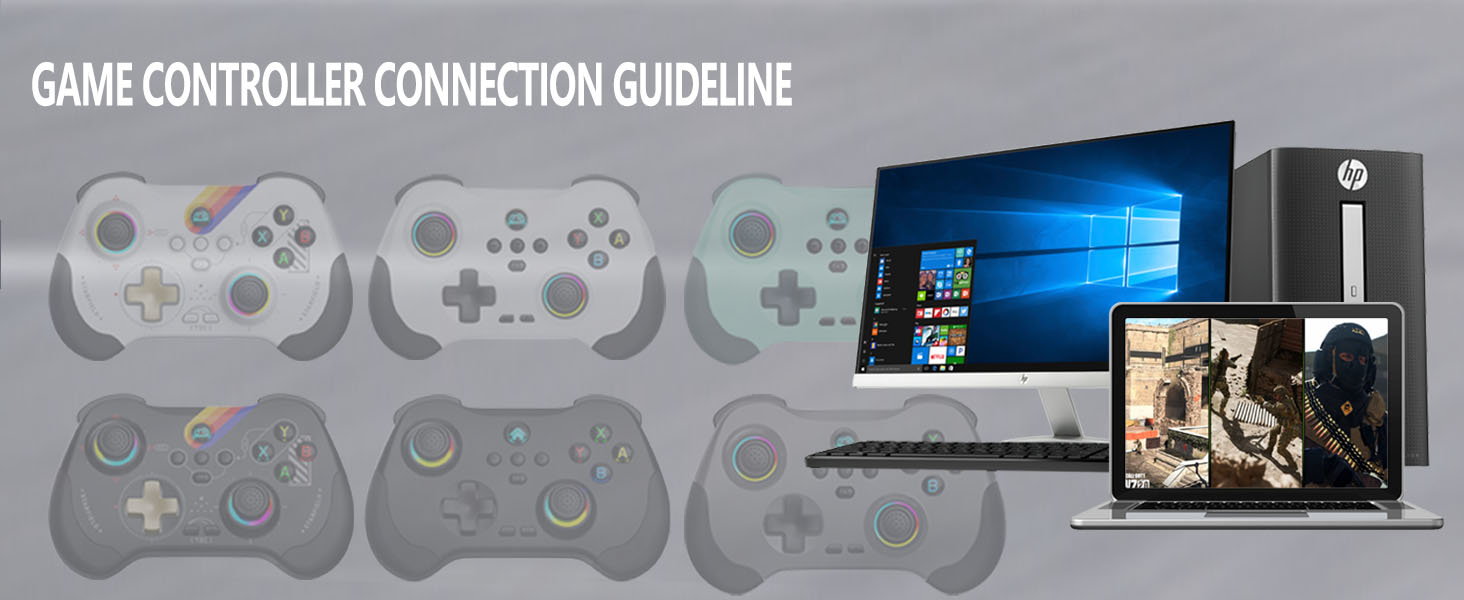
Wireless PC Game Controller
- Make sure controller is off, hold down ‘R’ key, then press 'Home’ key for 2 sec to boot controller
- Searh and select Connect Bluetooth 'Xbox Wireless Controller'
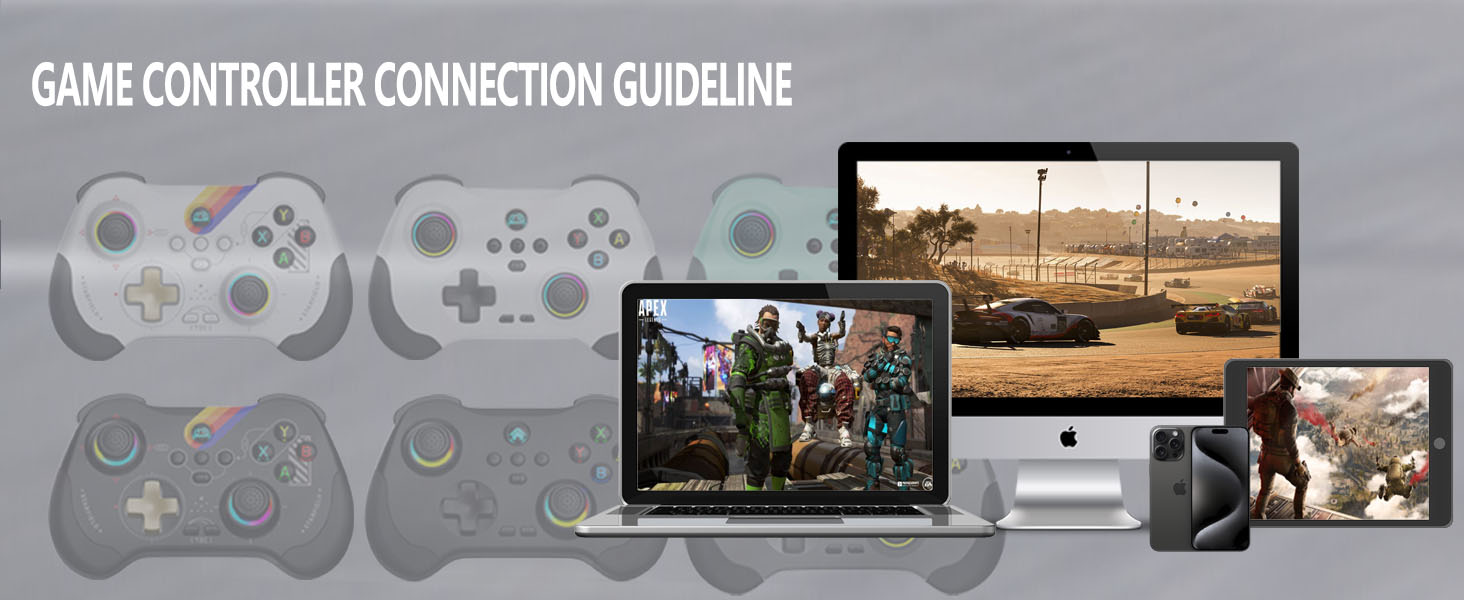
Play Directly on your iPhone
- Make sure controller is off, hold down ‘R’ key, then press 'Home’ key for 2 sec to boot controller'
- Searh and select Connect Bluetooth 'Xbox Wireless Controller'
- Android users boot mode 2: 'Y+HOME'
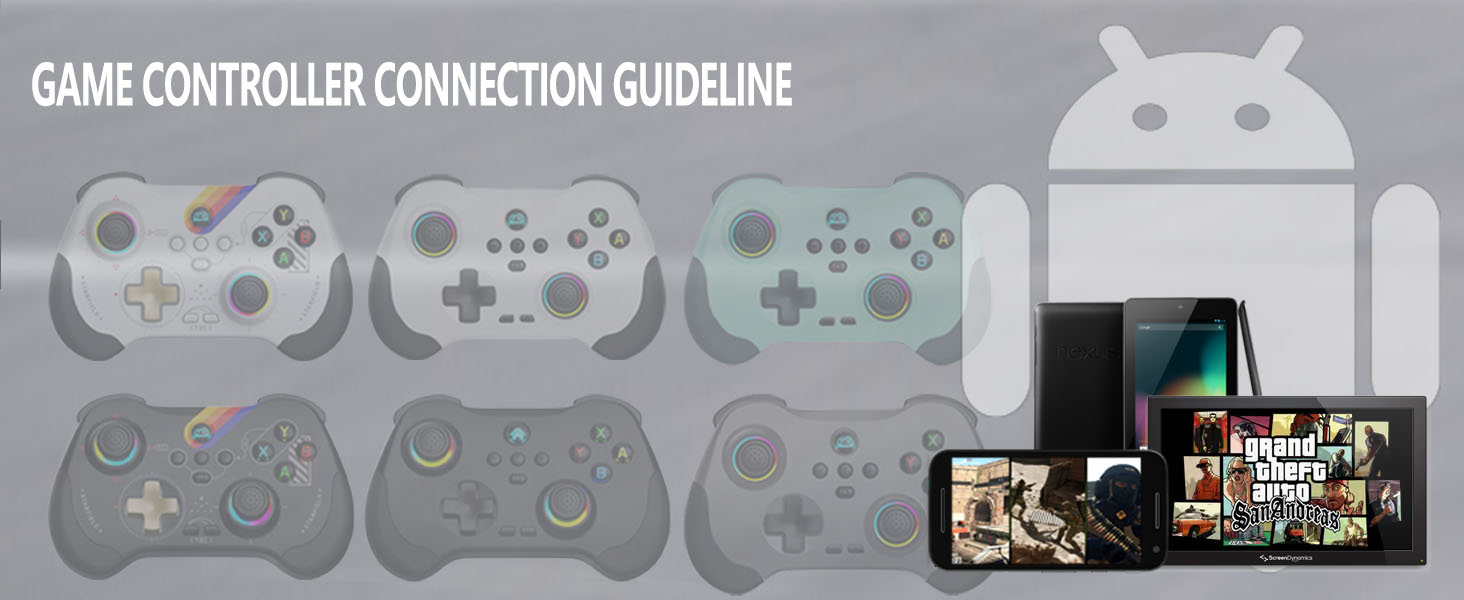
Play Directly on your Android phone
- Make sure controller is off, hold down ‘R’ key, then press 'Home’ key for 2 sec to boot controller'
- Searh and select Connect Bluetooth 'Xbox Wireless Controller'
- Android users boot mode 2: 'Y+HOME'
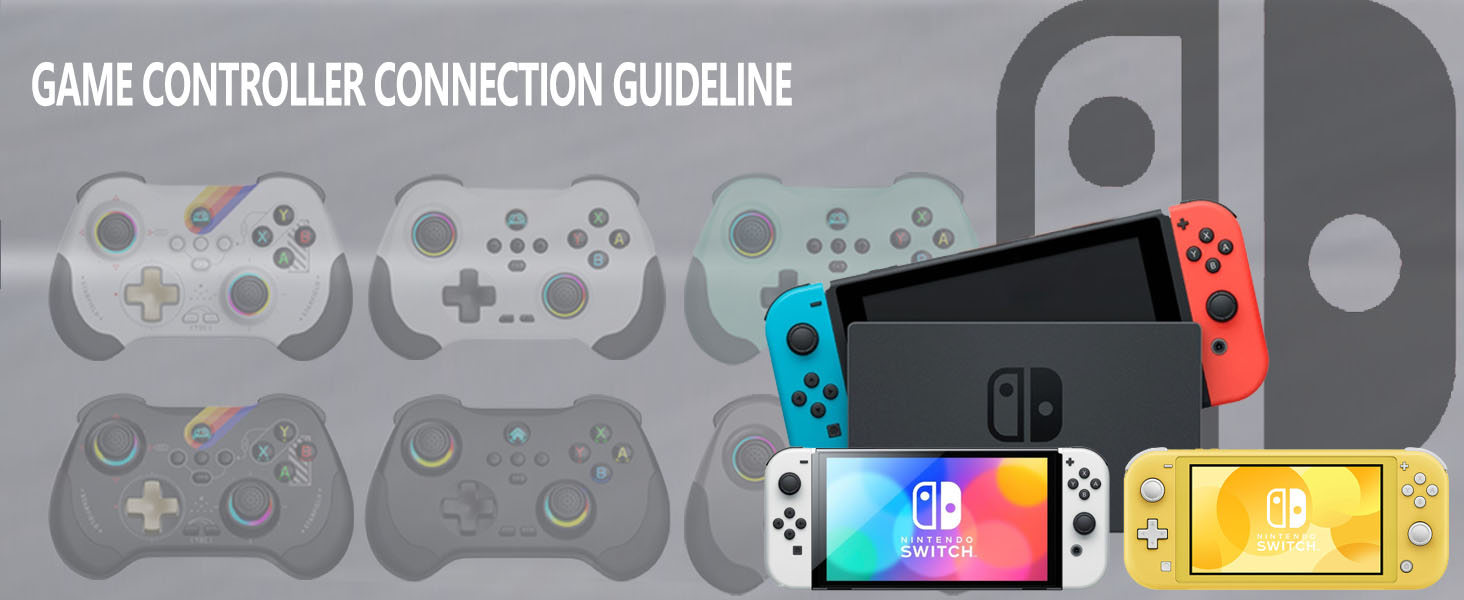
Wireless Nintendo Switch Game Controller
- Make sure controller is off, hold down ‘ZR’ key, then press 'Home' key for 2 sec to boot controller'
- The controller will automatically connect to the console
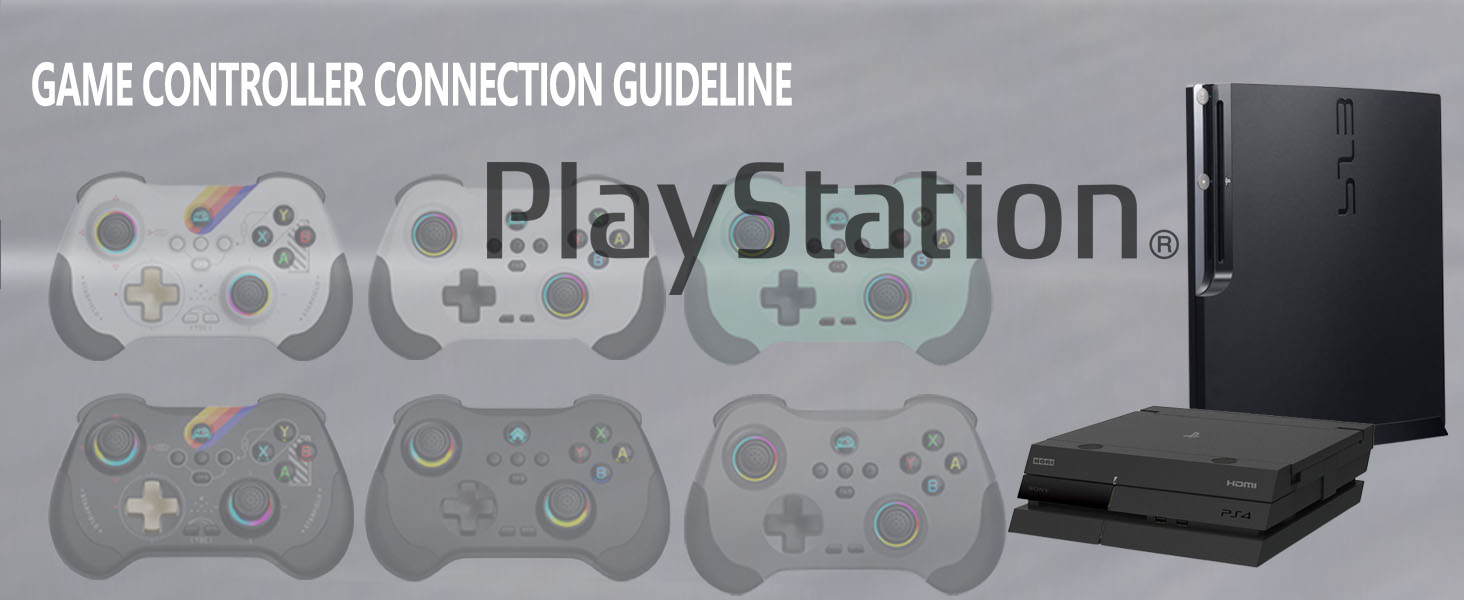
Wireless PS4/PS3 Game Controller
- Make sure controller is off, connect the controller to the PS3/PS4 console with Type-C cable
- Press ‘Home’ key , the controller will automatically connect to the console

Why controller doesn’t work after connection
Please remove and delete Bluetooth connection then recon nect it again, or reset the controller.
Can’t power on the controller after charging overnight
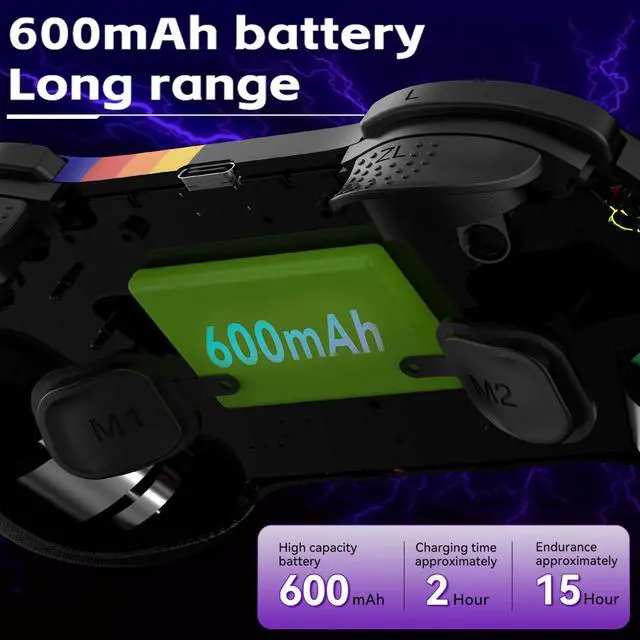
While charging, the charging led light stays on, but still cant power on the controller. Then, you need to press the RESET key to reboot the controller.
Why does the button flip /fail to connect after connection?
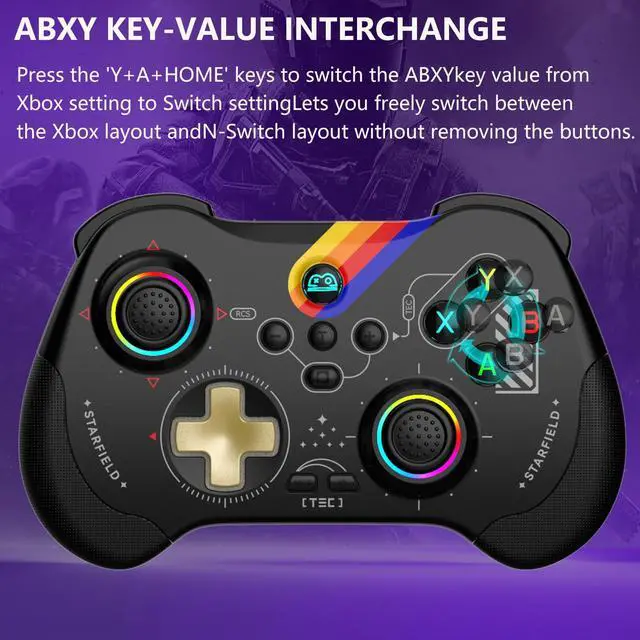
The graffiti version requires pressing "home+A+Y" to press the button in the Bluetooth mode of the" Xbox wireless controller".
The regular version requires pressing "Home+b+x " to switch between buttons.
Why I can’t turn on the new Gamepad?
Please recharge the Gamepad before you use it at the first time or use it again after a long period.
How to reset default setting for the gamepad?
There is a ‘Reset’ hole on the back of the gamepad. When gamepad is turned on, press the reset button, LED light will turn off after reset.
Product Description


Wireless PC Game Controller
Play Directly on your iPhone
Play Directly on your Android phone
Wireless Nintendo Switch Game Controller
Wireless PS4/PS3 Game Controller


- Make sure controller is off, hold down ‘R’ key, then press 'Home’ key for 2 sec to boot controller
- Searh and select Connect Bluetooth 'Xbox Wireless Controller'
- Make sure controller is off, hold down ‘R’ key, then press 'Home’ key for 2 sec to boot controller'
- Searh and select Connect Bluetooth 'Xbox Wireless Controller'
- Android users boot mode 2: 'Y+HOME'
- Make sure controller is off, hold down ‘R’ key, then press 'Home’ key for 2 sec to boot controller'
- Searh and select Connect Bluetooth 'Xbox Wireless Controller'
- Android users boot mode 2: 'Y+HOME'
- Make sure controller is off, hold down ‘ZR’ key, then press 'Home' key for 2 sec to boot controller'
- The controller will automatically connect to the console
- Make sure controller is off, connect the controller to the PS3/PS4 console with Type-C cable
- Press ‘Home’ key , the controller will automatically connect to the console

Why controller doesn’t work after connection
Please remove and delete Bluetooth connection then recon nect it again, or reset the controller.
Can’t power on the controller after charging overnight
While charging, the charging led light stays on, but still cant power on the controller. Then, you need to press the RESET key to reboot the controller.
Why does the button flip /fail to connect after connection?
The graffiti version requires pressing "home+A+Y" to press the button in the Bluetooth mode of the" Xbox wireless controller".
The regular version requires pressing "Home+b+x " to switch between buttons.
Why I can’t turn on the new Gamepad?
Please recharge the Gamepad before you use it at the first time or use it again after a long period.
How to reset default setting for the gamepad?
There is a ‘Reset’ hole on the back of the gamepad. When gamepad is turned on, press the reset button, LED light will turn off after reset.
Product Description
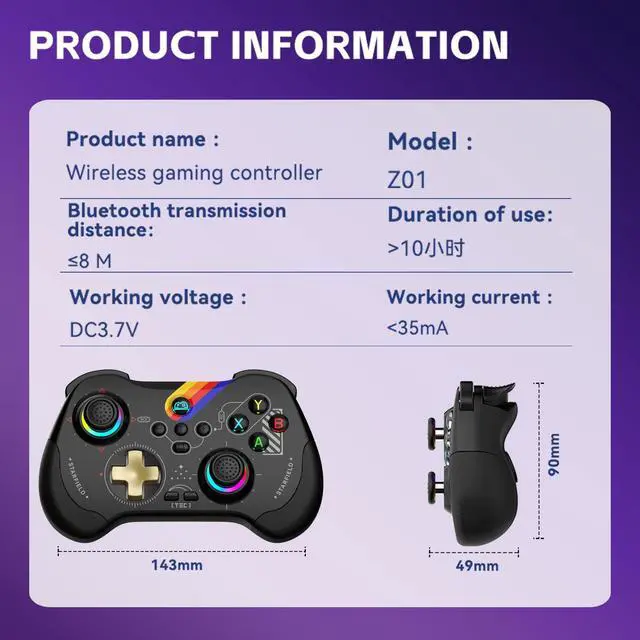
| Name | Wireless Controller for Android/iOS/PC/Switch/PS4/PS3 |
|---|---|
| Size | Small Size (14cm*9cm*4cm/5.51*3.54*1.57in, 173g/0.38Ib.) |
| Product List | 1x Wireless Gamepad; 1x Type C Charging Cable; 1x User Manual |
| Support iOS 13.0+ | Phone game controller for iPhone 15/iPhone 15 Plus/iPhone 15 Pro/iPhone 15 Pro Max/iPhone 14/14 Plus/14 Pro /14 Pro Max/ iPhone 13/13 mini/13 Pro/13 Pro Max/iPhone 12/12 mini/12 Pro/12 Pro Max/iPhone 11/11 Pro/11 Pro Max/iPhone X/XR/XS/XS Max/iPhone 8 Plus/7 Plus/6 Plus; for iPad controller: iPad/iPad Mini/iPad Pro/iPad Air(Not for Apple TV&iPod, Fire TV/TV Box) |
| Support Android 6.0+ | Phone controller compatible with Samsung Galaxy S23, Galaxy S23 Ultra, Galaxy S23+, Galaxy S22, Galaxy S22 Ultra, Galaxy S22+, Galaxy S21, Galaxy S21 Ultra, Galaxy S21+, Galaxy S20, Galaxy S9, S9 + , S10, S10+, oppo, vivo, LG, X-iaomi, O-nePlus, M-otorola, TCL and more Android phones. Tablet controller compatible with Samsung Galaxy Tab S, Galaxy Tab A, Lenovo Legion Y700 etc. |
| Support PC | PC wireless controller for MacBook, PC, Notebook, Laptop (If your PC does not have its own Bluetooth function, then you need to buy another Bluetooth receiver(Bluetooth Receiver Hardware Required: Bluetooth 4.2 +) |
| Support Switch | Pro controller for Nintendo Switch, Switch OLED, Switch Lite |
| Support PlayStation | Wireless controller for PS3, PS4, PS4 Pro, PS4 slim (only supports playing PS4 games on PS5 consoles; No support for playing PS5 games) |
| Support Cloud Gaming | Support cloud gaming on iOS/Android mobile or tablet: Nvidia GeForce Now, xbox game pass, Luna, Google Stadia, Rainway, Moonlight, Arcade |
| Tips for the Controller | Please fully charge the controller before first use. (2)Ensure that the controller is turned off before Bluetooth pairing connection. |